Match photo grid
-
I've seen most of the better videos on match photo and seems pretty easy so when I actually wanted to use it for a remodel of an old building I don't get any grid spacing even though it is tick marked it dialogue box and photo was original was not cropped/
Frustrating to say the least was when I played with photo match before I would get a grid.
Thanks for the help
-
Hi Walt,
I opened your file and the Match Photo dialog and got a grid. Could you post a screen shot of your Match Photo dialog bog for the model?
-
@dave r said:
Hi Walt,
I opened your file and the Match Photo dialog and got a grid. Could you post a screen shot of your Match Photo dialog bog for the model?
Maybe I'm going blind I don'y see it?
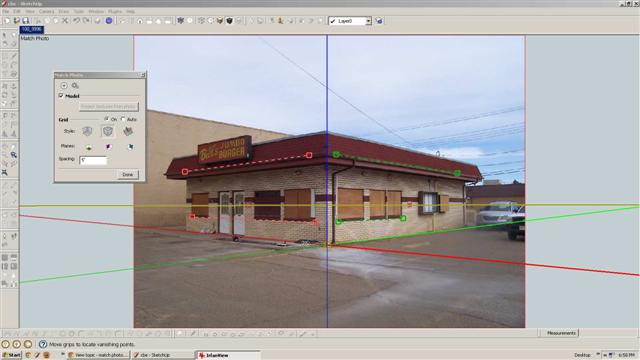
-
I can't see what you have selected for Planes. Do you have a bigger view?
-
Sure
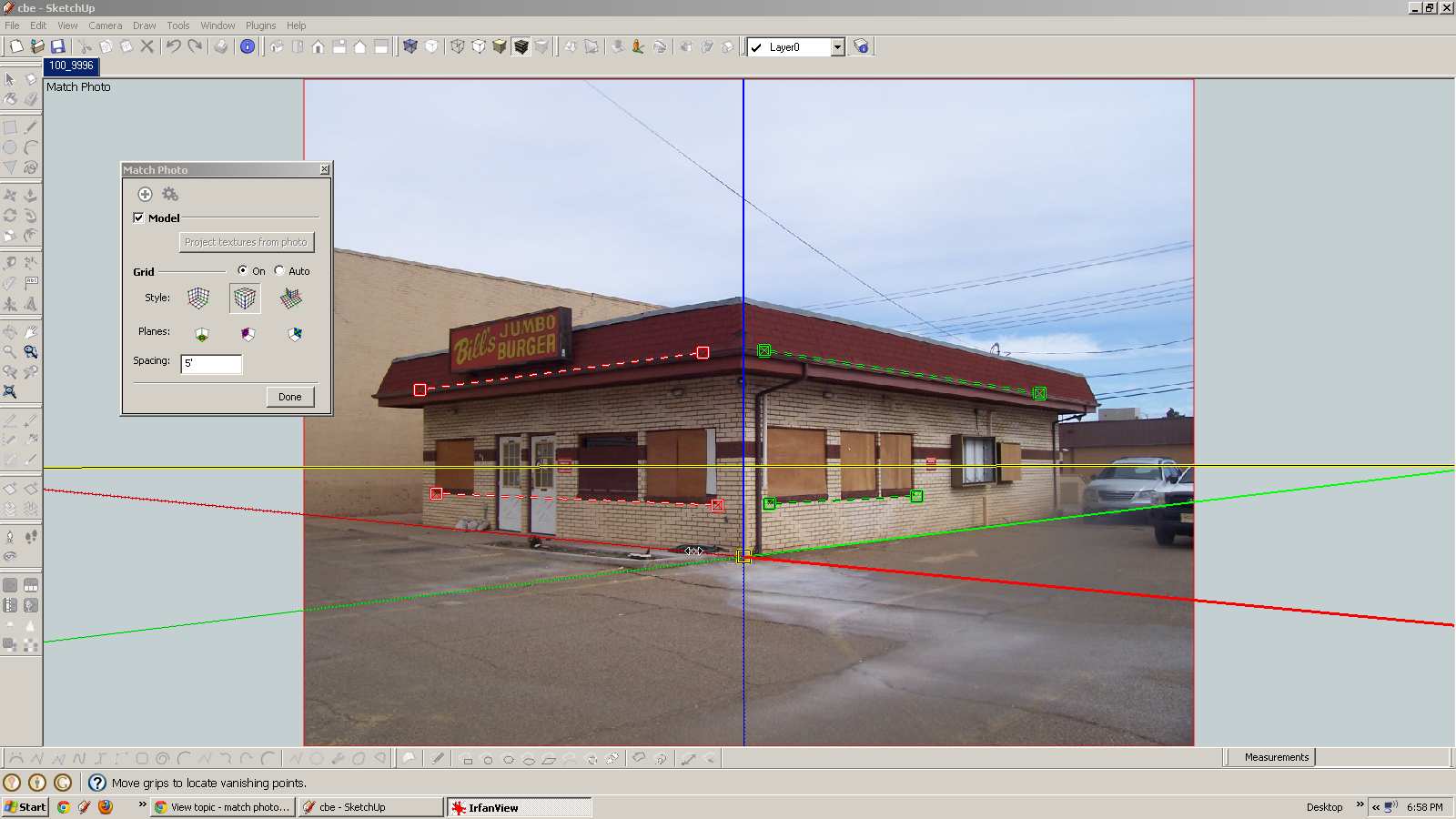
-
Thanks. So click on one or more of the icons to the right of the word Planes and see what happens.
-
Well that was an easy solution Thanks Dave you da Man

-
Thank you.
I'm glad that worked.

Hello! It looks like you're interested in this conversation, but you don't have an account yet.
Getting fed up of having to scroll through the same posts each visit? When you register for an account, you'll always come back to exactly where you were before, and choose to be notified of new replies (either via email, or push notification). You'll also be able to save bookmarks and upvote posts to show your appreciation to other community members.
With your input, this post could be even better 💗
Register Login


Advertisement