Help With a Grid Beam Dynamic Component
-
Hey all! Love the board and want to help the community with all I figure out.
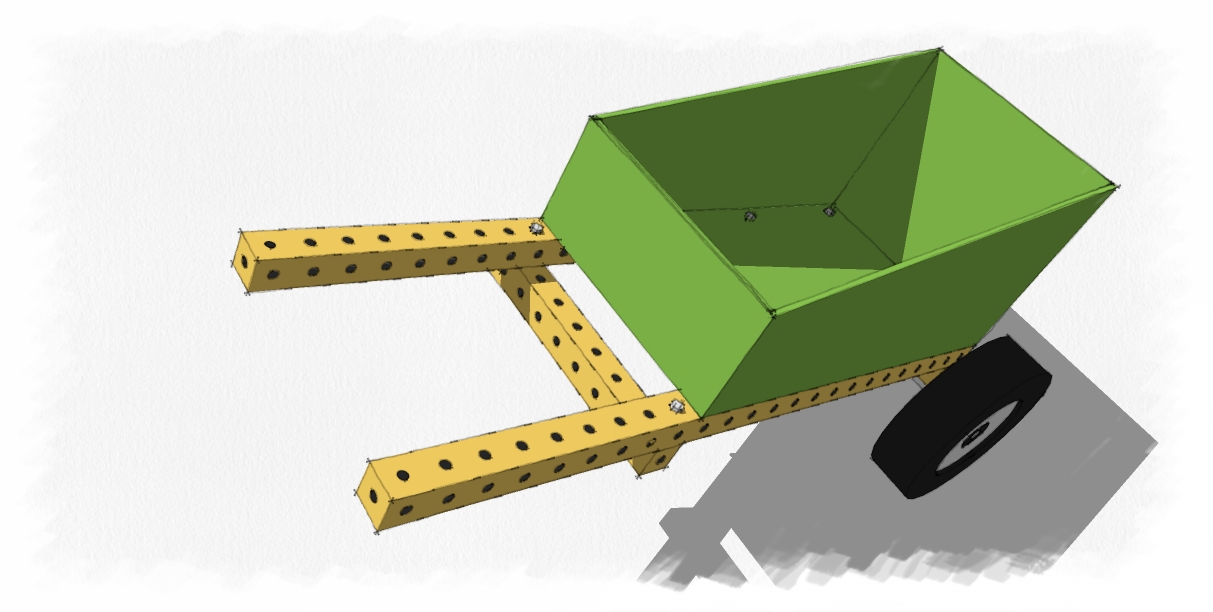
To that end, I have an issue. I want to build using the Grid Beam building system and have done a few models using a 1.5 square inch kit of components that a dude on the Warehouse uploaded. But now I want to build a new set using 2 inch extruded sign post. I'll attach the files later so people can see what I mean.
How can I a component in Sketchup that will expand as I grow the piece from a simple 2 inch block to how ever many feet I need it to be with the ends staying intact?
-
the way i approach this is to create 2 end caps and a middle component. then i can calculate the length of the gridbeam constrained to the block size and count the number of middle components to copy. see attached.
to use a different size you could adjust the size value noting that the holes will scale accordingly. or re-size each component manual and adjust the holes and positions etc. if the size of each is not a cube, you might need another attribute to handle the different dimension. e.g. if the sign post is 3x3 but the height is 2, the calculation needs to know the height of 2... in my model it assumes all 3 dimensions are the same.
to neaten it up i hide the edges on the ends and middle which face each other. i took out the inner geometry as it will overload quickly when lot's of these are used in a model.

Hello! It looks like you're interested in this conversation, but you don't have an account yet.
Getting fed up of having to scroll through the same posts each visit? When you register for an account, you'll always come back to exactly where you were before, and choose to be notified of new replies (either via email, or push notification). You'll also be able to save bookmarks and upvote posts to show your appreciation to other community members.
With your input, this post could be even better 💗
Register Login


Advertisement