Script clips for SketchUp
-
I am starting a series of posts on my blog that explore how one can script SketchUp without having to develop (or download) a full plugin. Creating scripted geometry or automating tasks is actually pretty easy once one grasps the basics of Ruby, SketchUp's scripting language.
This series of posts is not necessarily written for "coders" and all examples will work fine even without any code writing experience. You can just copy, paste and run them and then modify them to suit your own needs.
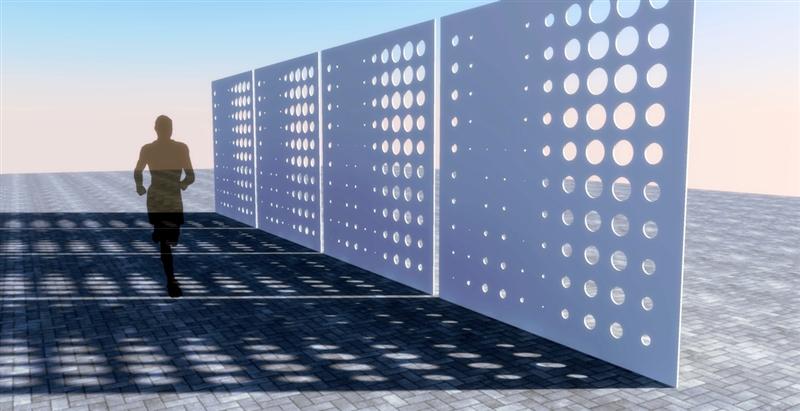
In case you're interested, here are the links so far:
http://www.alexschreyer.net/cad/sketchup-script-clips-1-setup-and-basic-ideas/
http://www.alexschreyer.net/cad/sketchup-script-clips-2-creating-geometryMore posts will follow soon.
Cheers,
Alex

Hello! It looks like you're interested in this conversation, but you don't have an account yet.
Getting fed up of having to scroll through the same posts each visit? When you register for an account, you'll always come back to exactly where you were before, and choose to be notified of new replies (either via email, or push notification). You'll also be able to save bookmarks and upvote posts to show your appreciation to other community members.
With your input, this post could be even better 💗
Register Login


Advertisement