Transferring from SketchUp 7 Pro to Photoshop CS3 Extended
-
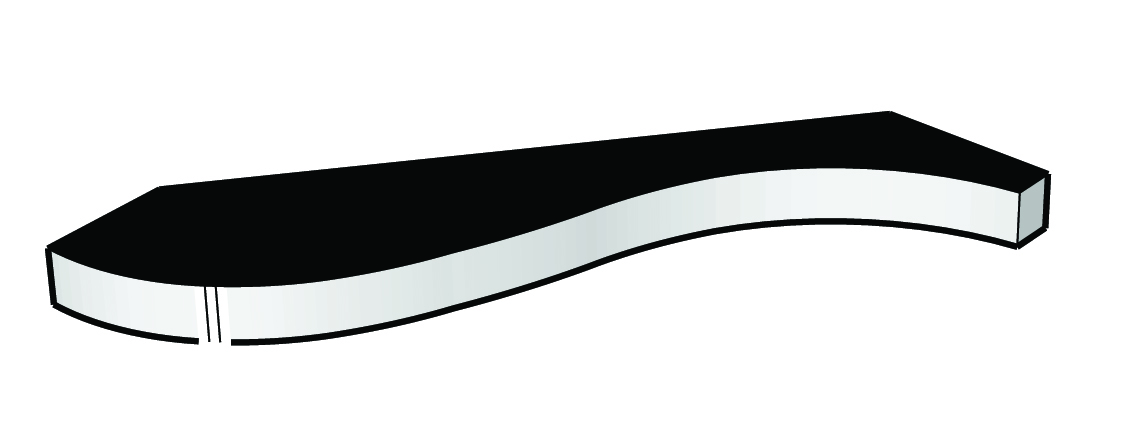
I imported the image into Photoshop but a piece of the image is missing. See attached.
-
-
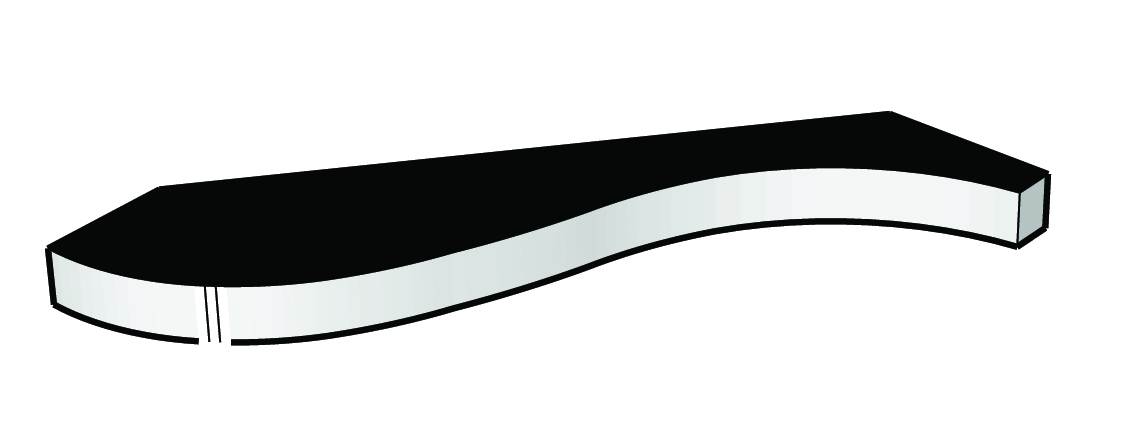
The attachment was a eps file, didn't realize that couldn't be uploaded? Jpg is attached. I think?
-
In SU, are you using any of those "sketchy" styles?
-
No, I am importing a dwg file from auto cad then.
-
And what are those extremely thick lines? Can you share the skp file?
-
SketchUp file attached. I think those lines are kinda think too. Maybe you can advise me on how I can thin them out?
-
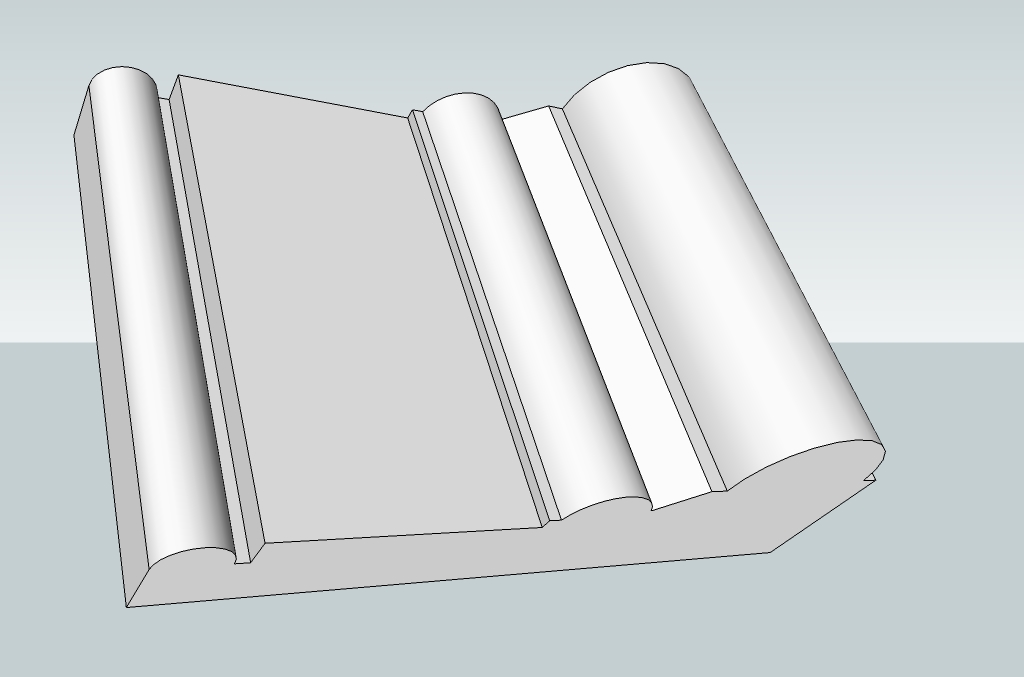
Hm... I don't have any problems like that with it. I turned off profiles however. But the whole shape looks different from what you posted!
-
That looks perfect! How do you turn off profiles? Did you do anything else that I should do to make my file look like yours?
-
It's at Window (at least on the PC) > Styles > In model (the little house icon) > Edit > Edge settings. But profiles are just set o 3 pixels so it shouldn't explain that huge difference!

Hello! It looks like you're interested in this conversation, but you don't have an account yet.
Getting fed up of having to scroll through the same posts each visit? When you register for an account, you'll always come back to exactly where you were before, and choose to be notified of new replies (either via email, or push notification). You'll also be able to save bookmarks and upvote posts to show your appreciation to other community members.
With your input, this post could be even better 💗
Register Login


Advertisement