Using a Q6600 at 2.4GhZ, 4GB DDR2 RAM, and a GTX 295:
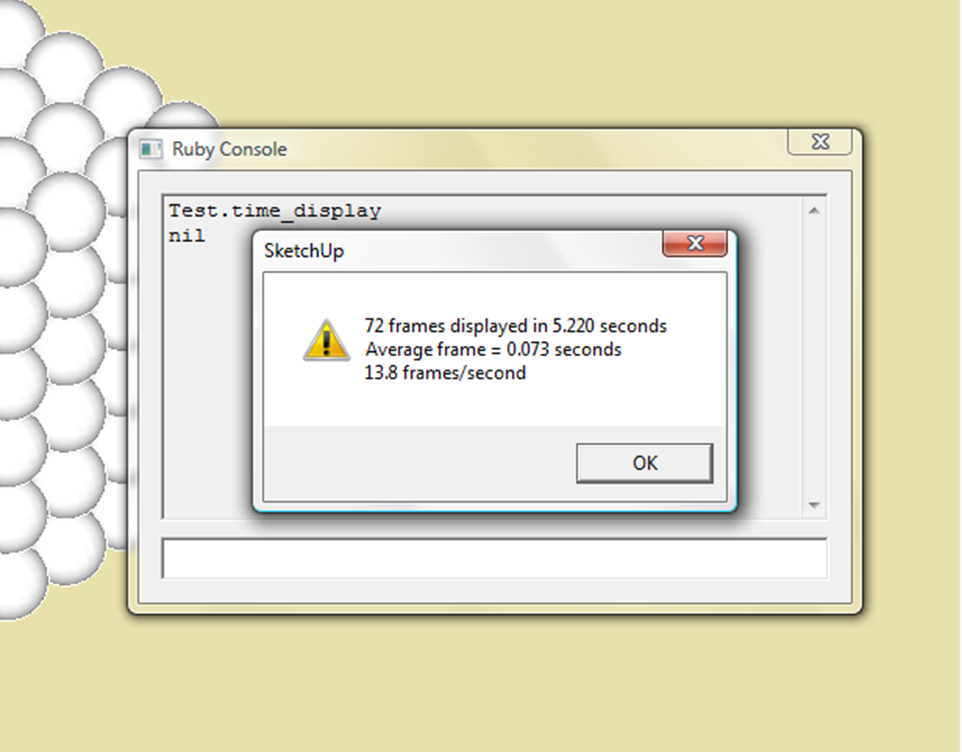
I reckon I'm let down by my CPU clock. I get 2.5 FPS with shadows... and up to 15 FPS by making my SU window insanely small ^_^
Using a Q6600 at 2.4GhZ, 4GB DDR2 RAM, and a GTX 295:
I reckon I'm let down by my CPU clock. I get 2.5 FPS with shadows... and up to 15 FPS by making my SU window insanely small ^_^
Uh... Chris... the Joystick commands don't work. I know you said it's all completely new, but that seems like a step backwards 
You can bridge the gap using global variables, but that's the only way I can find... here's a demo:
Got cloth smoothing working, and made it easier to change the scripting (everything's in the floor). Chris, it seems if there's a script error in onend, objects fail to move back to their starting positions... and it can't be undone Try sticking jargon in onend, and see for yourself.
Anyway, the updated cloth!
That's because the follow object is called 'follow', and the track object is called 'track'. That's pretty normal practice for that camera technique... a few things you might be missing:
-Position the camera dead-center within the follow object, hide the object, then update the scene
-You may want to keep another 'edit' scene, with the camera objects visible for edditing.
-To get the camera to follow a vehicle, use joints. Attach the track object to the main body (using joints), and have the follow object positioned wherever you want the camera to be. You can then attach this using any joint... try a spring with a high-ish damp, this will smooth the ride without beng too bouncy. My rig uses a combination of joints; the actual follow object is attached to a controlled springy slider, which is attached to a controlled servo. This means the view can be changed during the sim!
I'm on a roll...
Turns out you CAN reset the simulation from within the script. Use this little chunk of code:
@@bPause=true
SketchyPhysicsClient;;physicsReset()
MSketchyPhysics3;;closeControlPanel()
freeDirectInput()
In the scripted field.
I found this near the bottom of SketchyPhysicsTool.rb, it seems to work totally normally for me, but if there's a problem, there's not much I can do about it 
Took quite a while to code this right, and I can't get the faces to smooth, but here it is! Seamless cloth!!
Thanks for the tips Chris. Here's some movable, breakable objects (Kinda laggy, but fun )
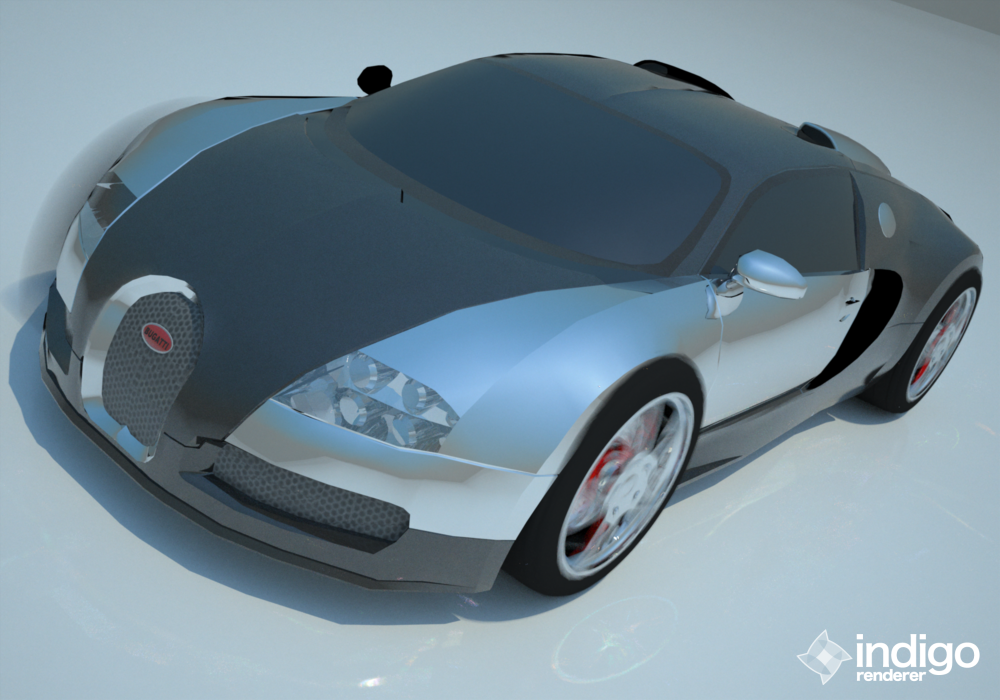
Veyron's finished and uploaded! Get it at:
http://sketchup.google.com/3dwarehouse/details?mid=3f3fa0fb5b12e5c6cd8ad826e9017b8
Looks pretty good! But do the wheel arches curve inwards that much?
That's wierd, but it should be fixed now.
It's only half-SP related, but how do you move the ends of a script-created line using script? I've given up trying to replace existing lines on-the-fly, I figure it'd be easier to make them at the beginning of the simulation (or, if possible, before it), then move them every frame. They'd just be there to hold the faces for cloth, and something else I've got planned
EDIT: Figured it out! Took alot of searching around, the API documentation isn't all that helpful 
I'm SURE this one's overcomplicated, but it's the only way I could find.
EDIT: Hopefully, I've fixed the problem
This is a relatively low-poly model, but we could probably add details in bits where it really matters. And yeah, just the wheels are left
Thanks guys! One thing I'm finding with the cloth is it tends to collide with itself. That seriously slows stuff down, and it's not really neccessary for a semi-realistic simulation. Can we have object-specific collision detection? So, give the choice to either collide with everything, collide with everything except '...', or collide with nothing but '...'. Keep it pretty intuitive, so using a string finds objects of that name, a var for specific objects, and let us put them into an array if needed.
So, on the cloth, I'd name all the bars the same, and tell them to collide with everything except each other. You might also be able to make a crude fluid flow effect by creating spheres that only collide with the static mesh.
Chris, how DO you freeze objects in script? Has that been added yet? I've tried frozen=true and frozen(1), but no luck.
Lol, I probably shoulda stopped at 1 hour. But it was still a little grainy
I could've done it in under 20 mins at a lower res, but it's just not the same... the time doesn't really bother me anyway, there are other things I can be getting on with. And Indigo's images are so perfect O_O
We were using Indigo, an unbiased render. It simulates light almost perfectly, and continually refines the image, starting out poor quality, which then gradually increases. Mr Planet's render is quite complex, and would've taken ages to refine. Mine are lower res, but grainy because I'm impatient