nEVEn - SketchUp Model Scanner for Stability & Performance
-
Hello everyone,
I built nEVEn (read like uneven) to help diagnose and reduce SketchUp slowdowns, crashes, and viewport lag in large production models.
A Real World Example.
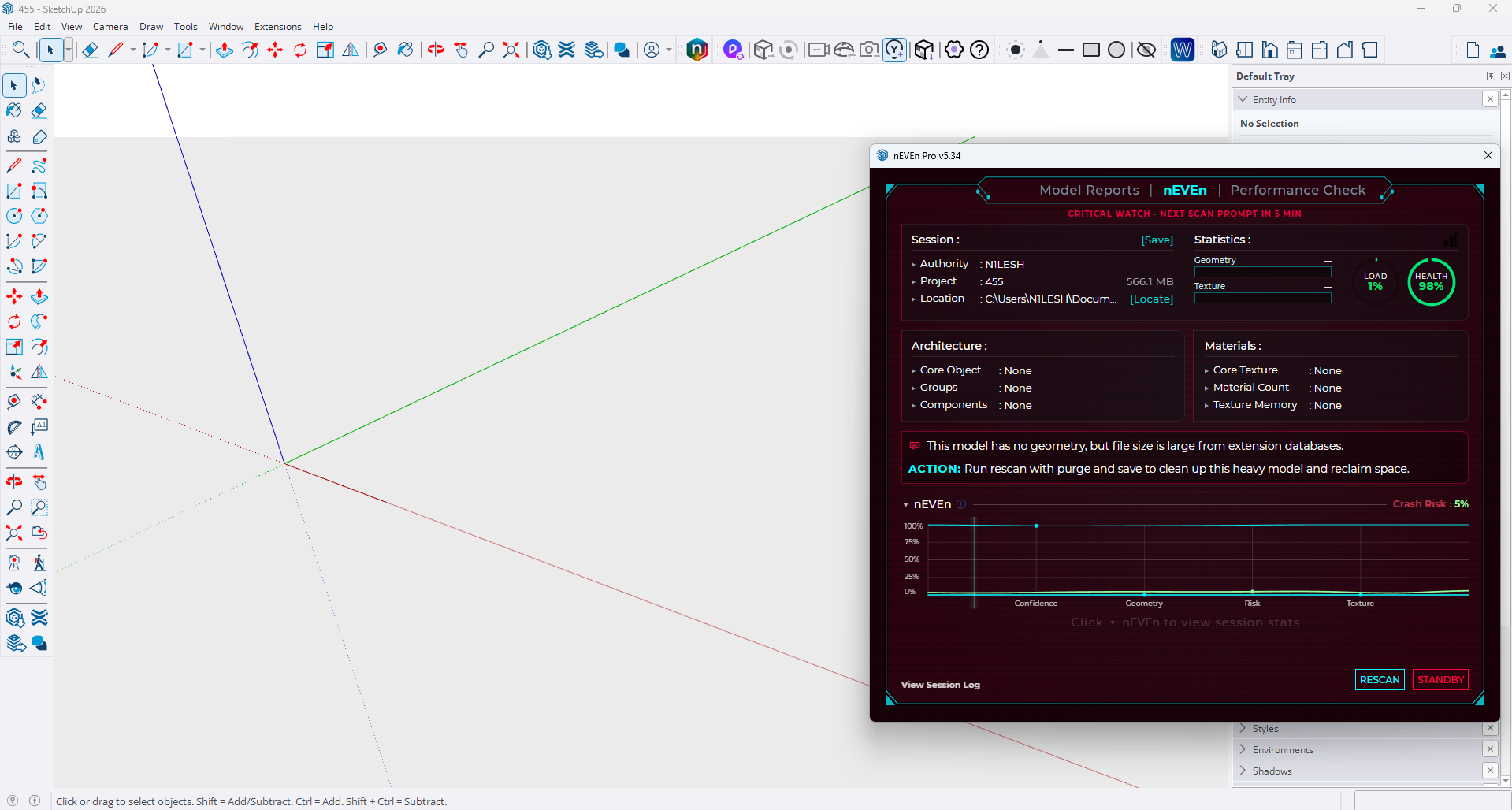
An almost empty SketchUp model was still 566 MB, despite containing almost no geometry or materials.
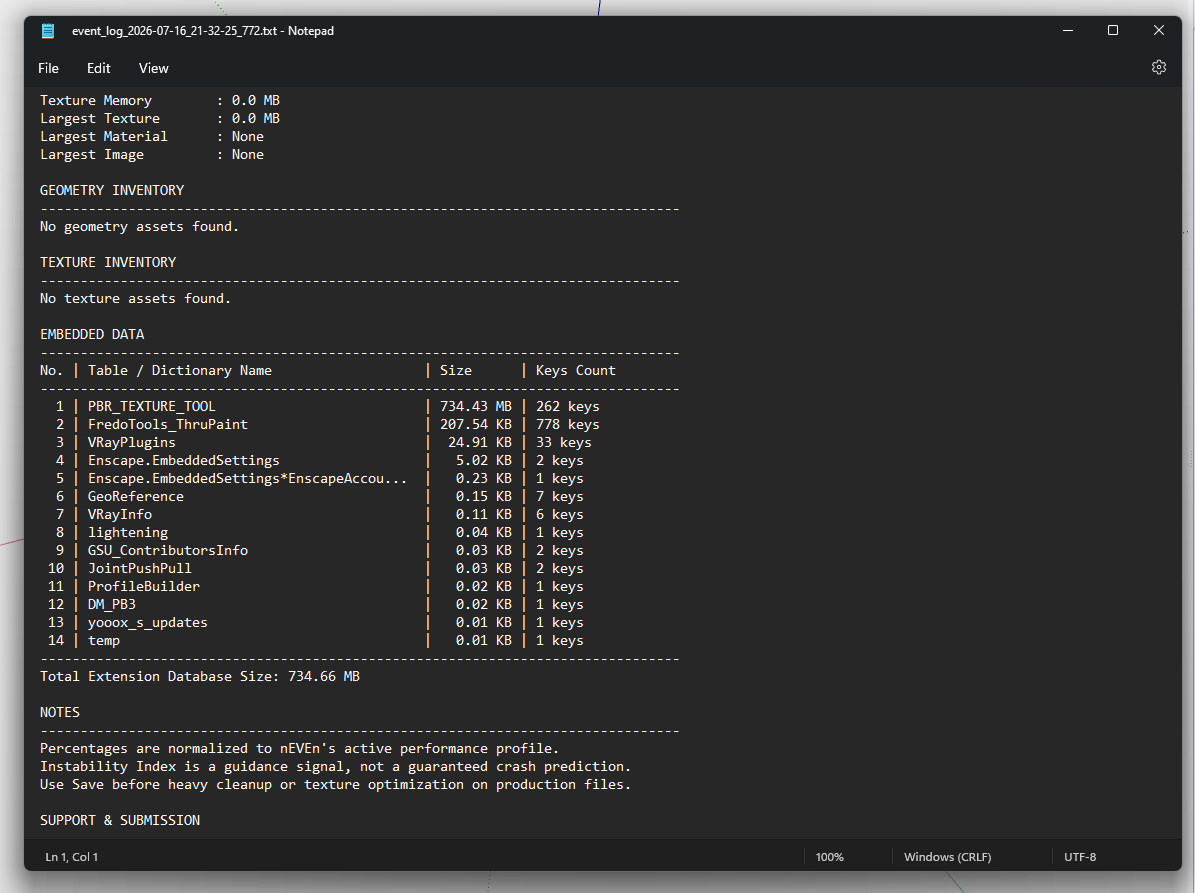
The Session Log
The geometry and texture inventories were empty, but the Session Log showed a large amount of Embedded Data stored inside the model.
The Scan uncovered issues that were caused by hidden data stored inside the SketchUp model.
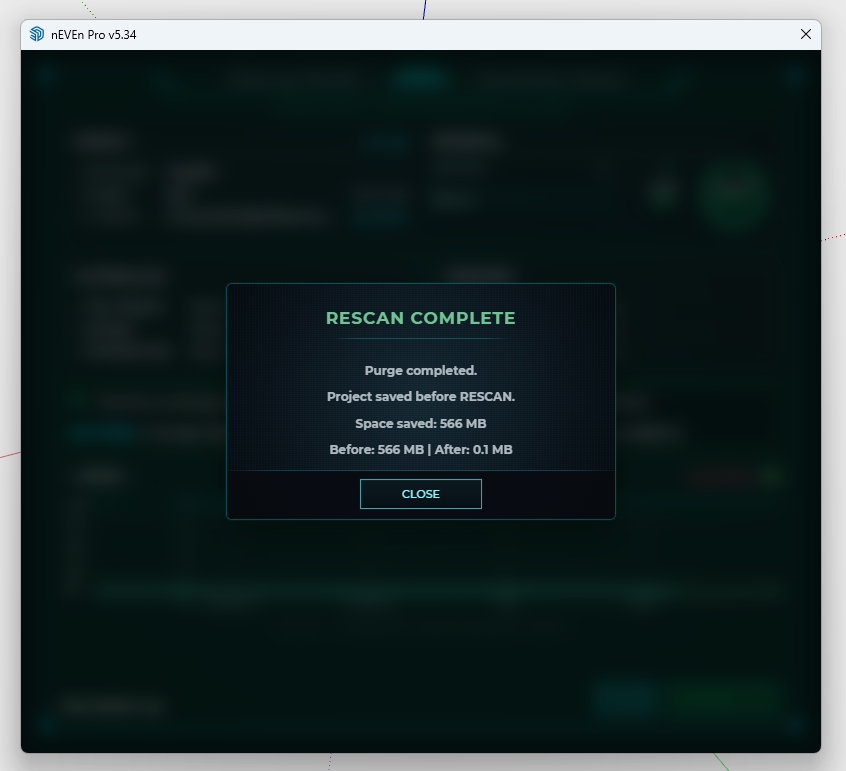
RESCAN
Ran with nEVEn Purge + Save workflow.
The model was reduced from 566 MB to 0.1 MB and returned to a clean state.
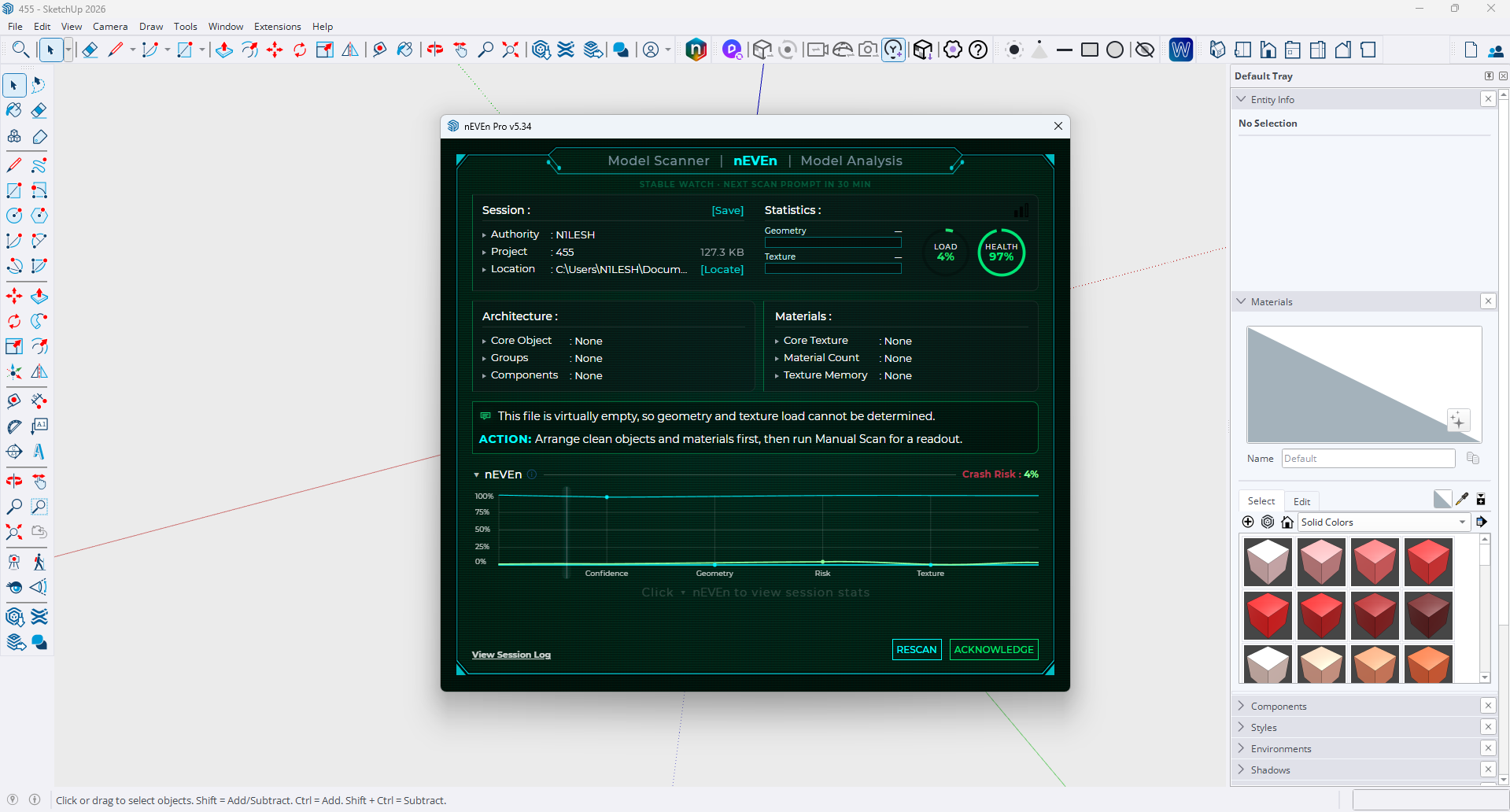
This model came from a recent SketchUp Community discussion.

關於檔案大小的異常,以及刪除後空白檔案依然占有大量容量。
我建立了一個很小的室內設計檔案,但檔案內容卻異常的大,於是我清除了檔案內的所有物件,結果檔案依舊還是有560mb,這讓我很疑惑,究竟還有什麼東西是我還沒有發現的嗎? 請求各位的幫忙,謝謝。 以下是檔案內容。

SketchUp Community (forums.sketchup.com)
A question for the community.
Cases like this show that not every SketchUp problem is caused by geometry or textures.Where should nEVEn go next?
Should development continue focusing on optimization and model cleanup, or move further into helping explain the parts of SketchUp that aren’t normally visible?
What problems should nEVEn solve next?
Real-world examples are always welcome.
nEVEn v5.34 is now available with SketchUp Native White theme.
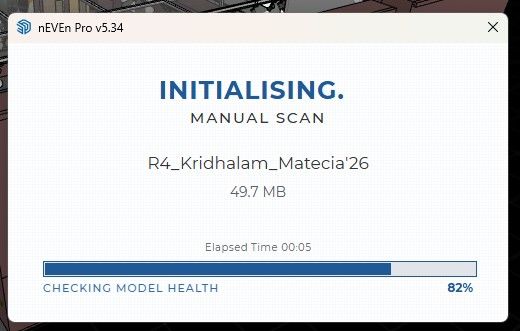
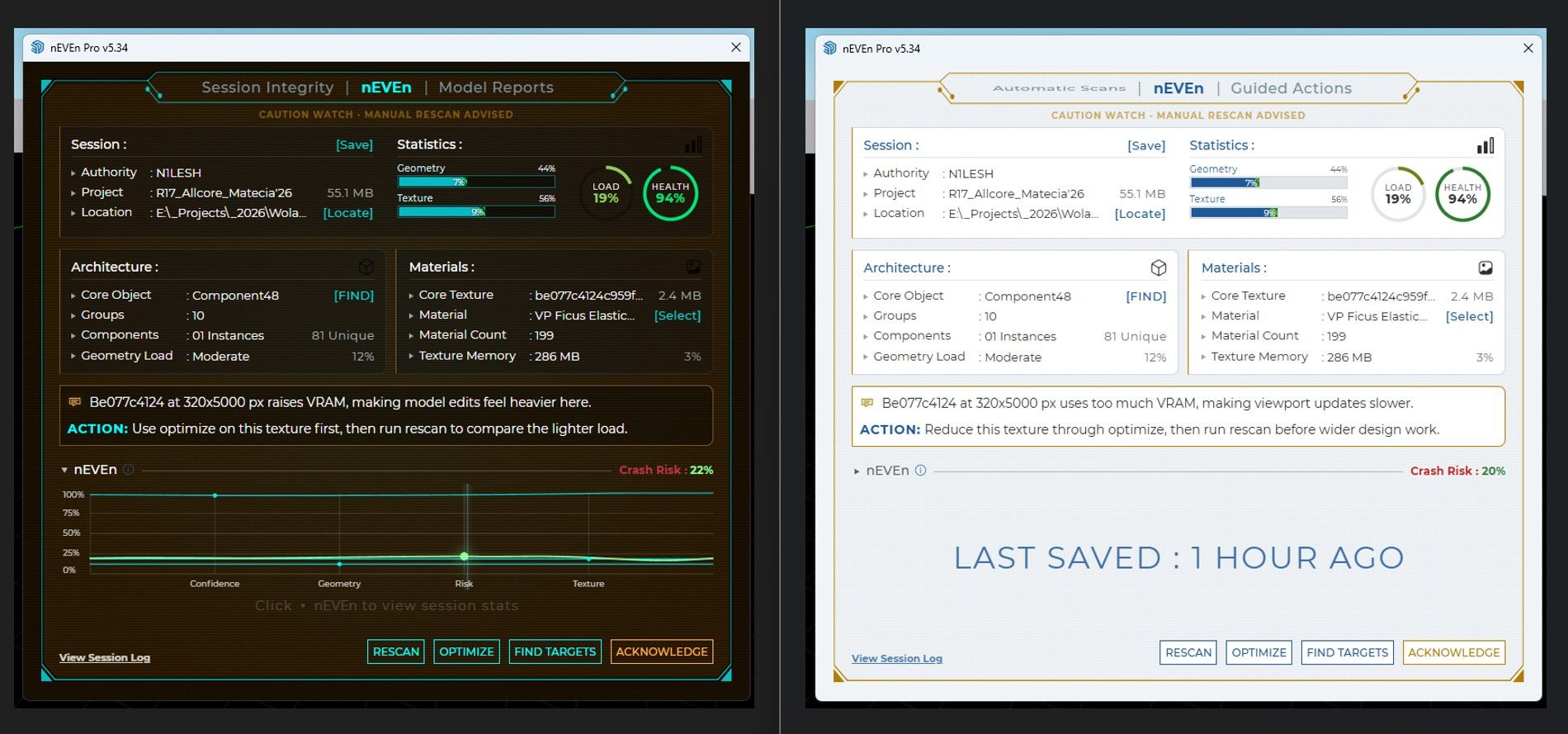
Download : n1leshtools.com
No signup. No account required. Just install and use.
Hello! It looks like you're interested in this conversation, but you don't have an account yet.
Getting fed up of having to scroll through the same posts each visit? When you register for an account, you'll always come back to exactly where you were before, and choose to be notified of new replies (either via email, or push notification). You'll also be able to save bookmarks and upvote posts to show your appreciation to other community members.
With your input, this post could be even better 💗
Register Login


Advertisement