[Plugin] FredoSection - v1.5b - 26 Jan 26




-
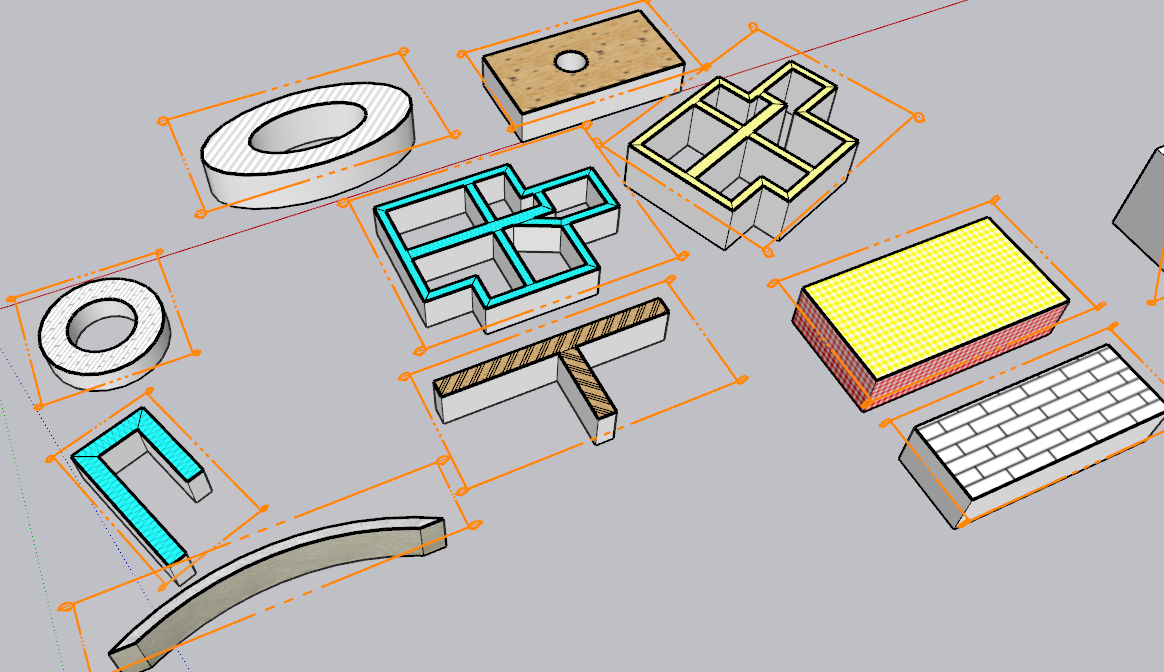
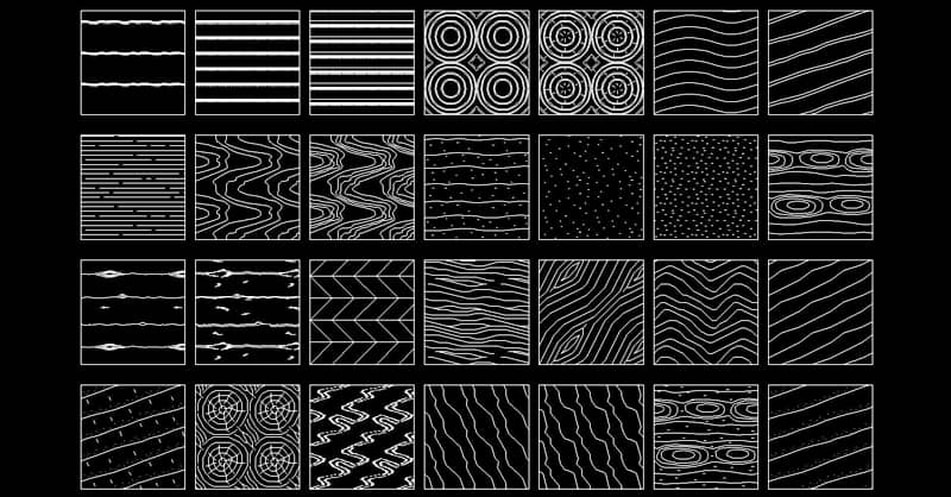
Here's a group of them that were on the https://www.cadblocksdwg.com/hatch-patterns-download.html website that TIG shared previously. If this group were avaiable, that would be great so far as I'm cencerned.
-
Getting these patterns as Vector is technically feasible, at least by me in FredoSection.
However, if you use them in a real model, that would represent a lot of lines (and a longer time to decoarte cut faces). Keep in mind that in FredoSection, a Vector pattern is just drawing edges in the model. Already with simple hatches, you have a lot of geometry created.
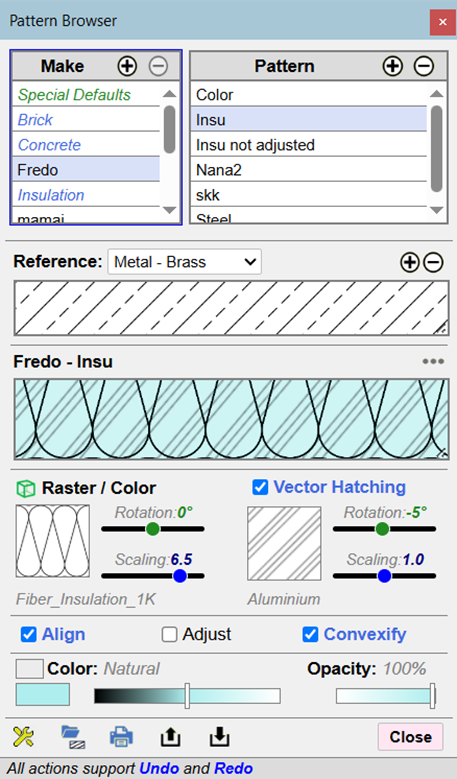
As suggested, could you try with these patterns in Raster (most of them are in the standard materials, under 'Patterns') and check they print correctly when the proper paperscale is set in Sketchup scenes and corresponding Layout viewports.
-
I just got these errors reported in the Ruby Console when I opened a new model on my Mac (SketchUp 2026, macOS 26.2). Looks like a bug in handling MDI on the Mac:
<NameError: uninitialized constant F6_FredoSection::FredoSection> /users/steve/library/application support/sketchup 2026/sketchup/plugins/fredo6_fredosection/bootstrap_fredosection.rbe:579:in `switch_model' /users/steve/library/application support/sketchup 2026/sketchup/plugins/fredo6_fredosection/bootstrap_fredosection.rbe:459:in `model_changed' /users/steve/library/application support/sketchup 2026/sketchup/plugins/fredo6_fredosection/bootstrap_fredosection.rbe:391:in `onActivateModel' -
NEW RELEASE: FredoSectiont v1.5b - 26 Jan 26
Requirements
- LibFredo6: v15.8a or above
- Sketchup version: SU2026 and above
FredoSection 1.5b is a maintenance release including:
- Bug fixing for Mac
Home Page of FredoSection for information and Download.



Advertisement