Extension to modify the Materials display for SU 2025? SU
-
I can’t use 2026 which allows the legacy color “square” swatches because of my failing graphics card or 2026 Incompatibility … 2026 screws with/trases other apps ion my PC.
I really dislike the 3D cubes . Is there a scripting way to have square swatches in Su2025? I hate the -
Legacy materials should be displayed as the old style square swatches if you don't have Automatically Enhance Materials enabled in Preferences Graphics. I leave that turned off and only "enhance" materials when I want them enhanced. This is a custom set I made or got somewhere long ago.
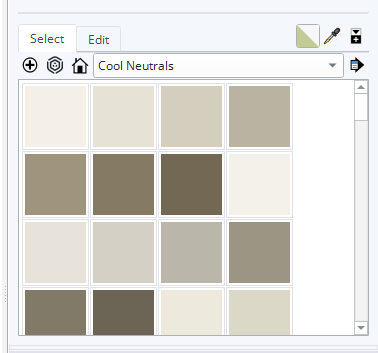
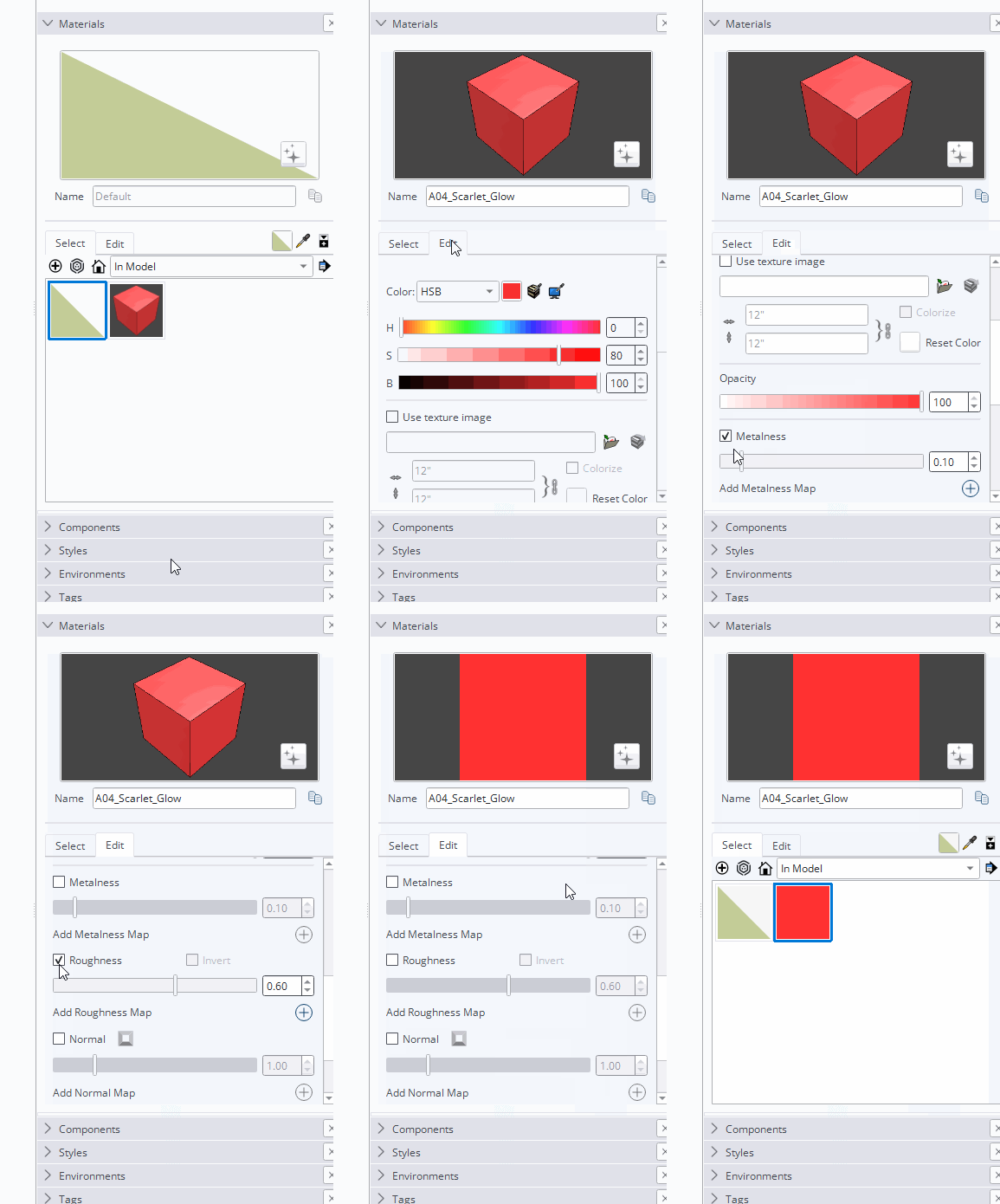
For new materials that show with the cube, you could edit them to remove Metalness and Roughness as well as any other mapping them might have. Then save the changes by dragging the thumbnails back to the collection they came from.
So presumably you are still using the Classic Graphics Engine? At least until you get a capable computer you might as well stick with SketchUp 2025. Then you wouldn't have to do anything to not see the cubes.
-
A belated THANK YOU, Dave!



Hello! It looks like you're interested in this conversation, but you don't have an account yet.
Getting fed up of having to scroll through the same posts each visit? When you register for an account, you'll always come back to exactly where you were before, and choose to be notified of new replies (either via email, or push notification). You'll also be able to save bookmarks and upvote posts to show your appreciation to other community members.
With your input, this post could be even better 💗
Register Login


Advertisement