Playing arround with Sketchup diffusion
-
quick tutorial to show how I use Sketchup Diffusion:
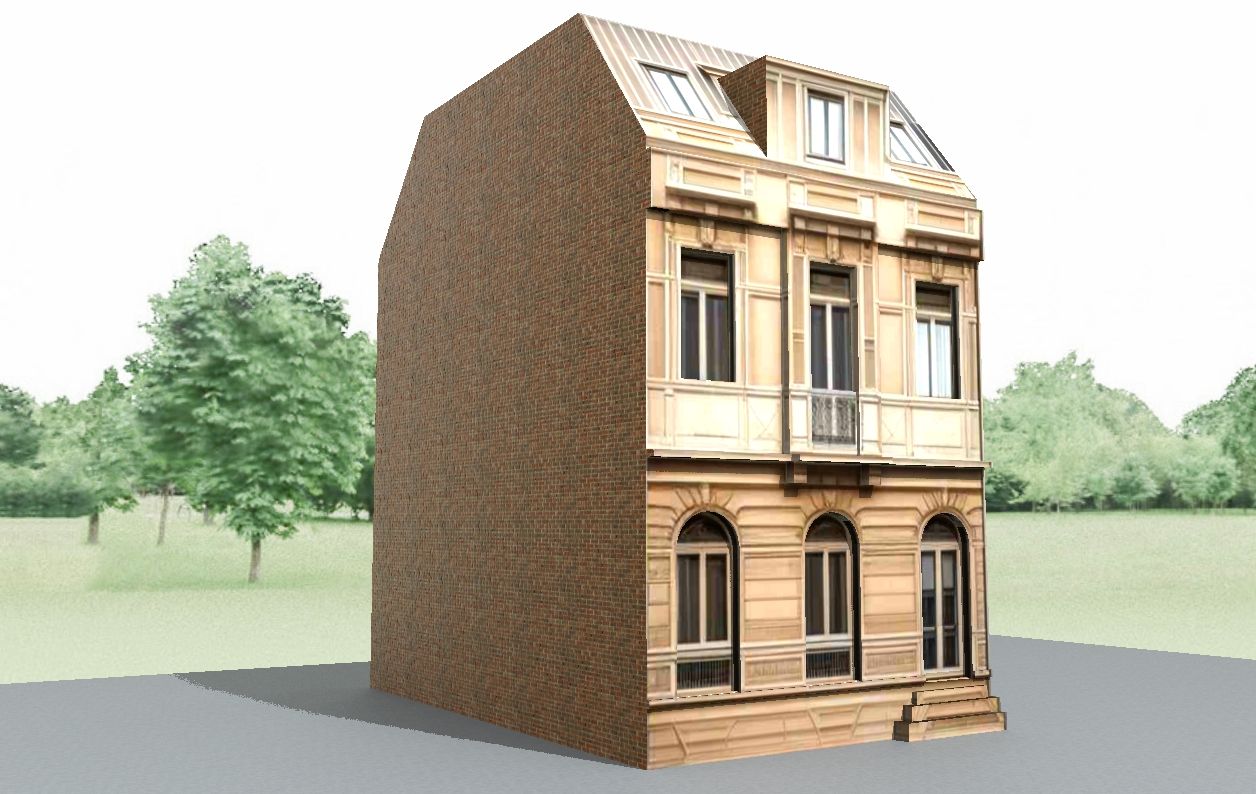
At first look for a drawing of a building, then texture a cube with it, and set the view to front view. then start Sketchup Diffusion. I typed for promt: "fassade of an old building, dirty beige sandstone" and hit "generate".
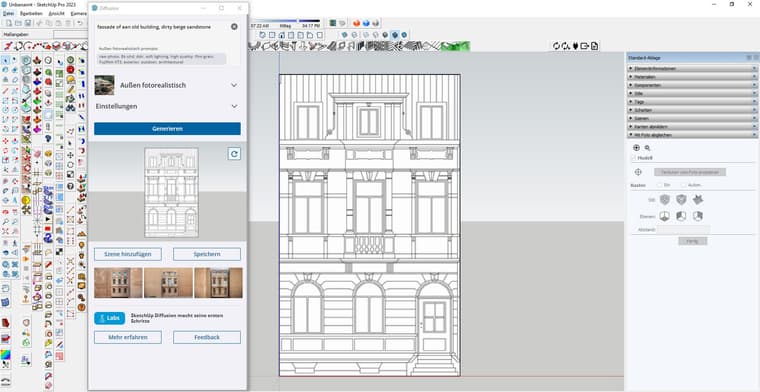
then I took the best one and hit "add scene". then I took the sketchup function "project texture" to exchange the drawing with the AI texture.
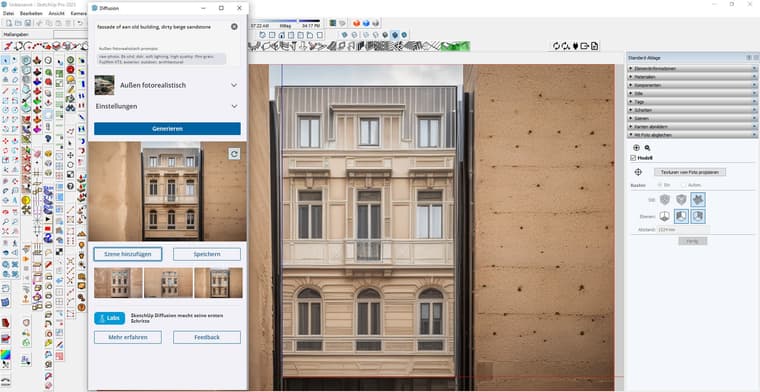
the cube is textured
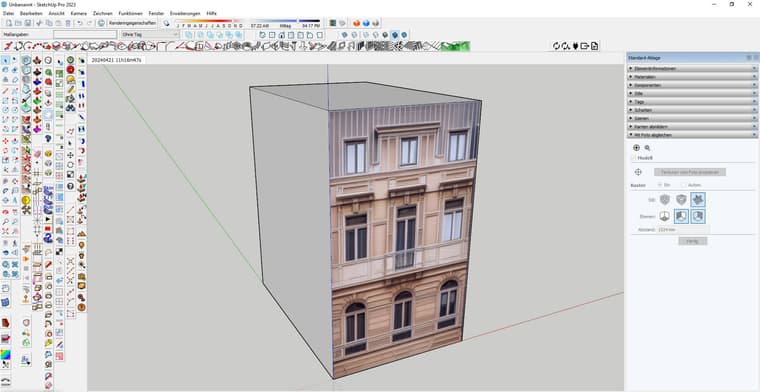
some work on geometrie.... finished in less then 5 minutes....
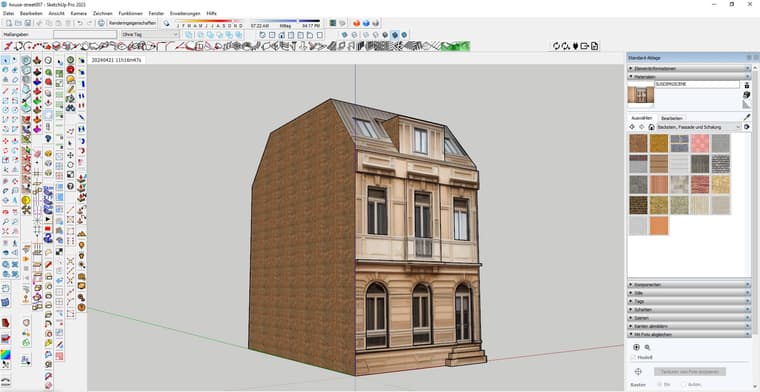
and a quick render in Twilight Render
-
playing some more.
again the 3D figures...
su view
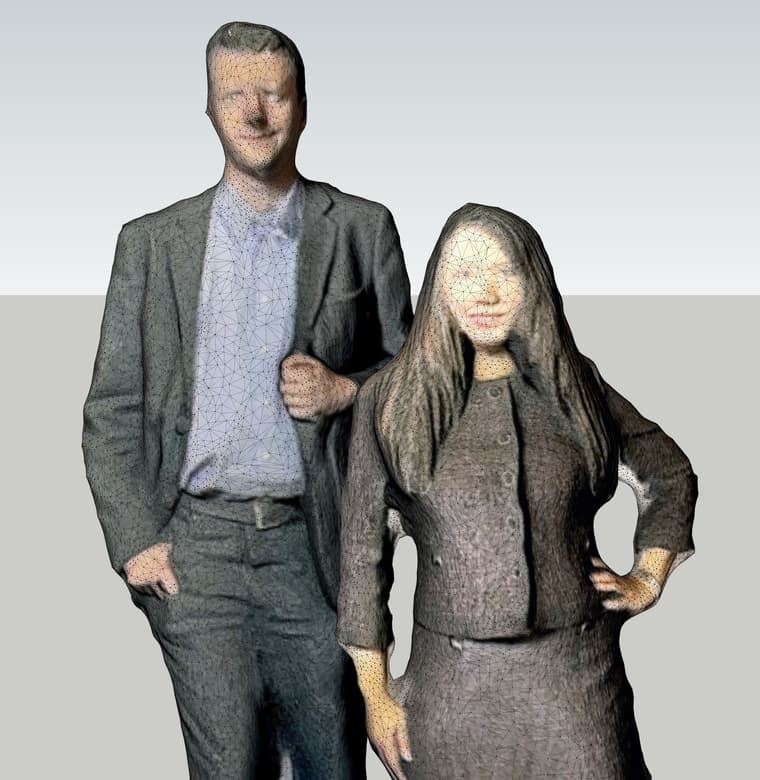
sketchup diffusion to stablediffusion, lora and ReActor Faceswap
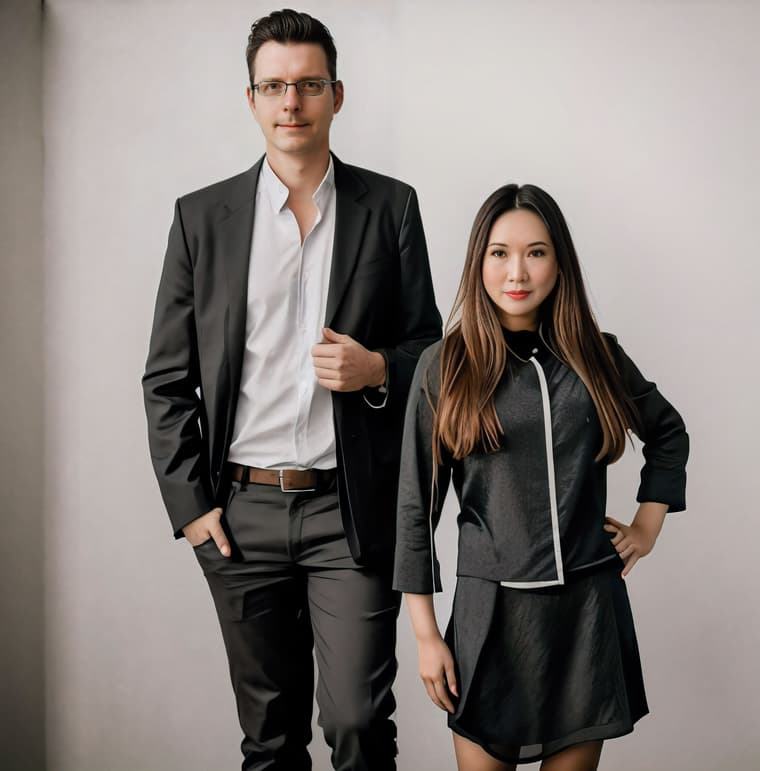
not to bad
-
new playing arround:
at first I asked Midjourney to create a unique seamless texture for a modern building
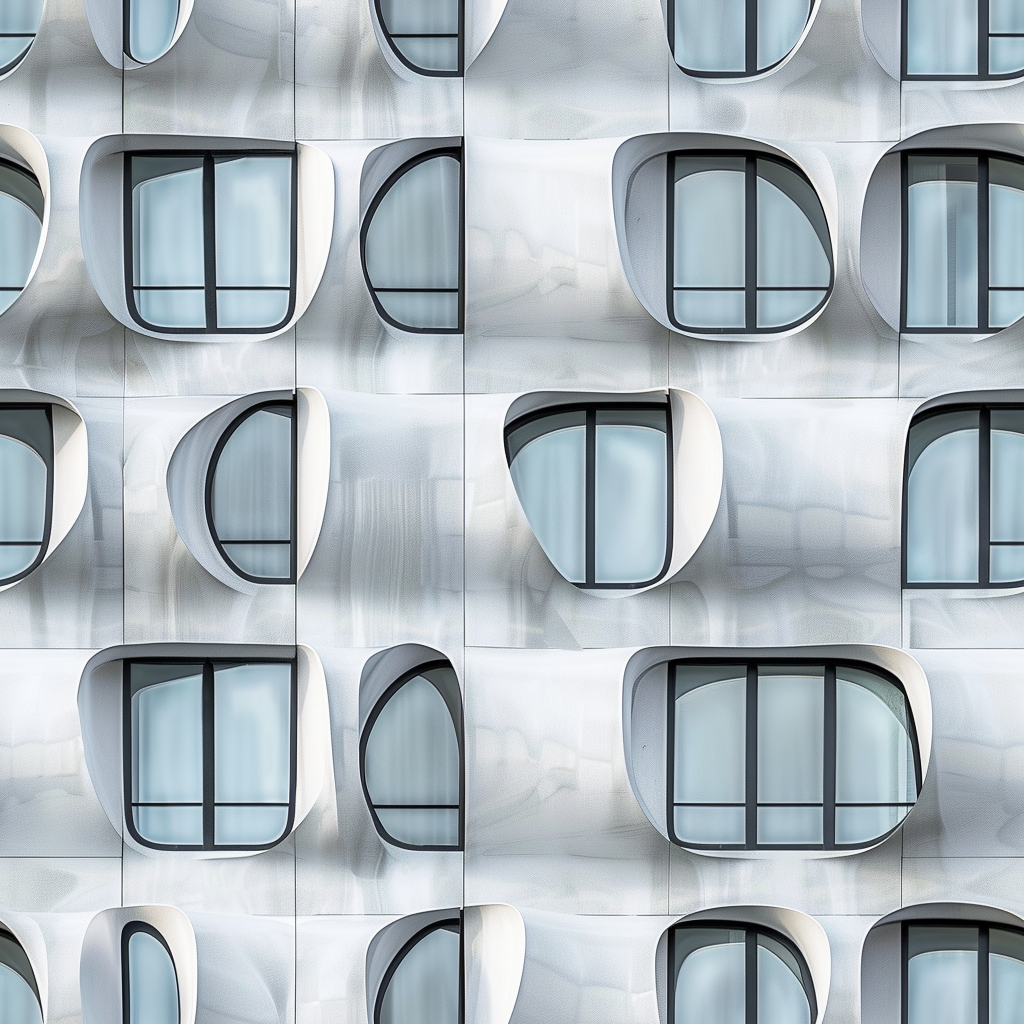
then I created a scene in SU and hit render in Sketchup diffusion.
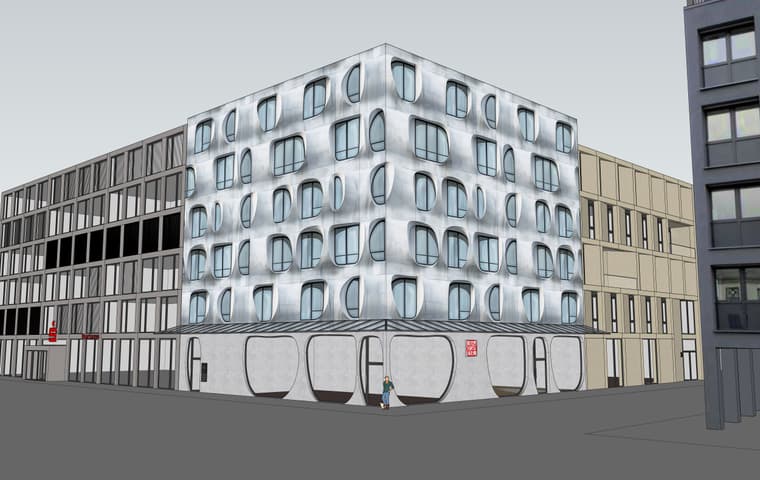
result was a nice AI render of the scene
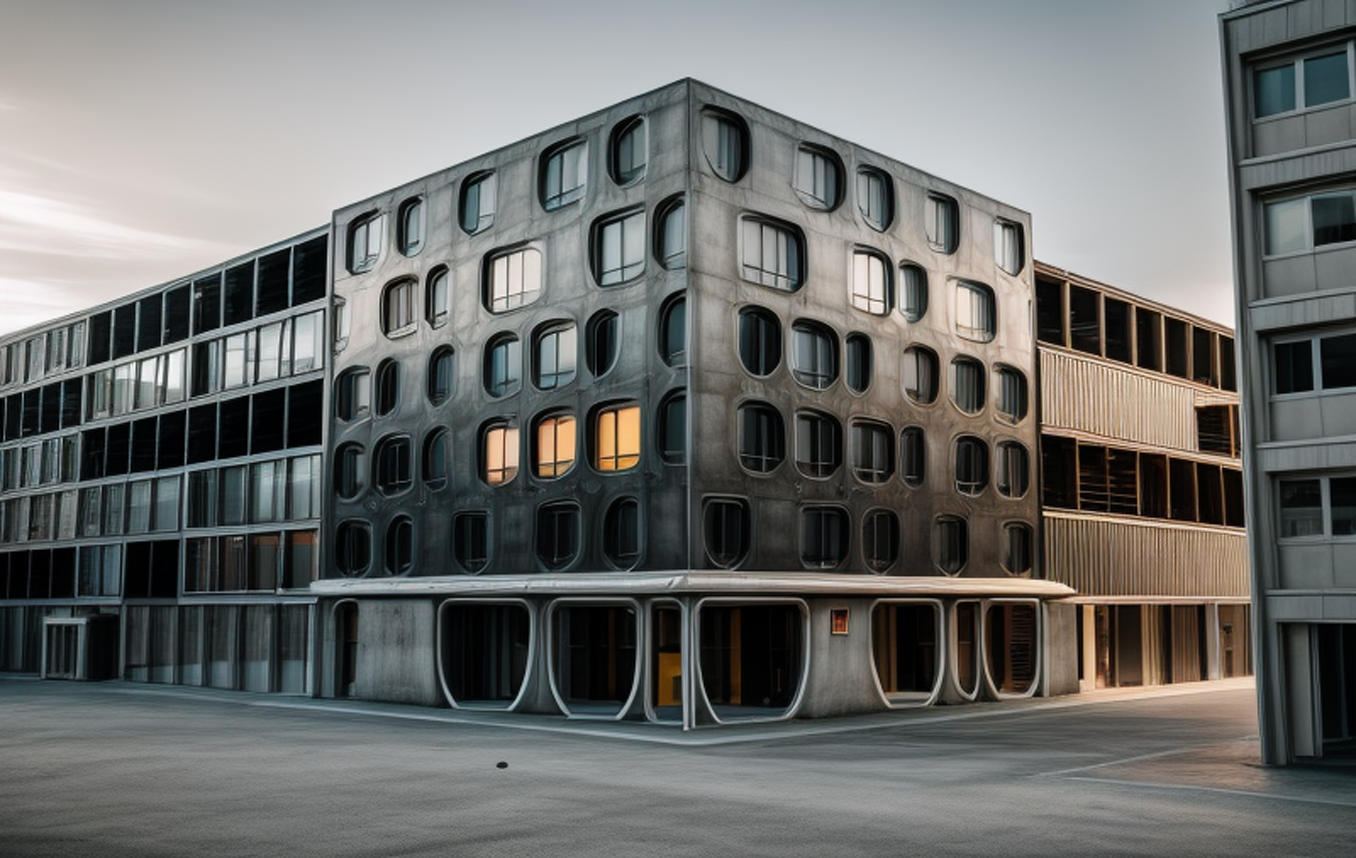
then I took the render to kreaAI and a little postpro in Photoshop
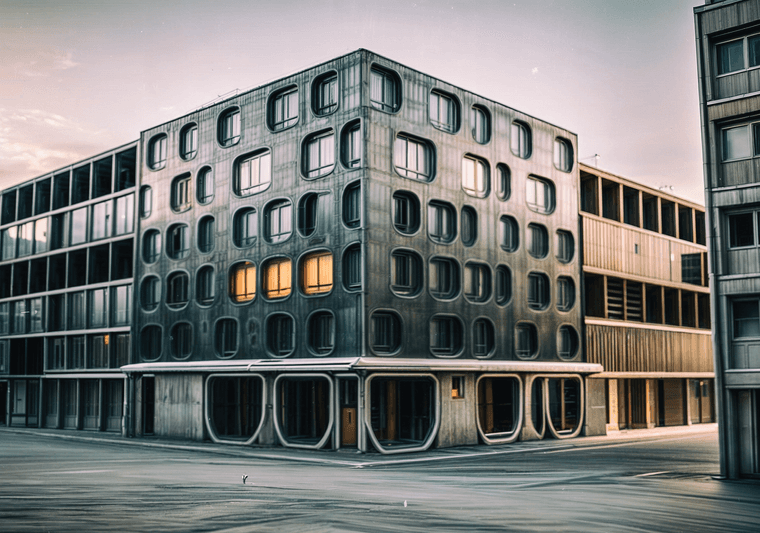
-
but a solid render with twinmotion is still better!
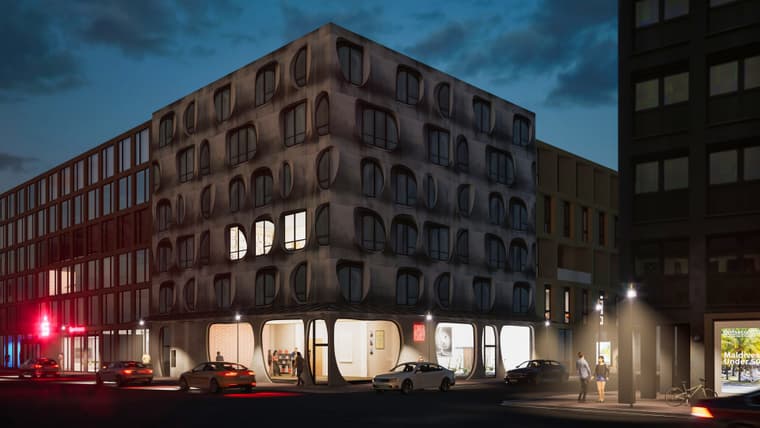
and retouched with KreaAI
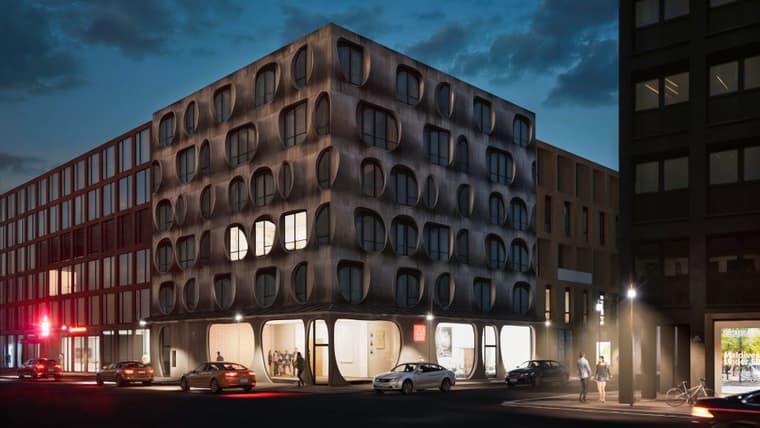
-
I am still trying to make the best out of sketchup diffusion.
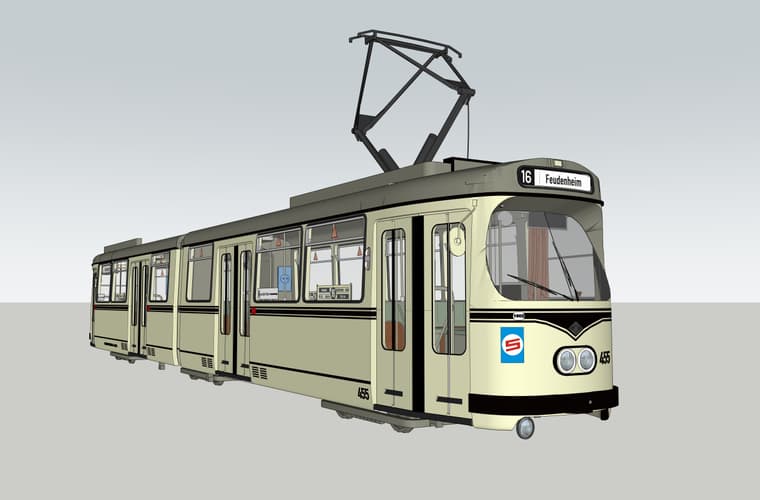
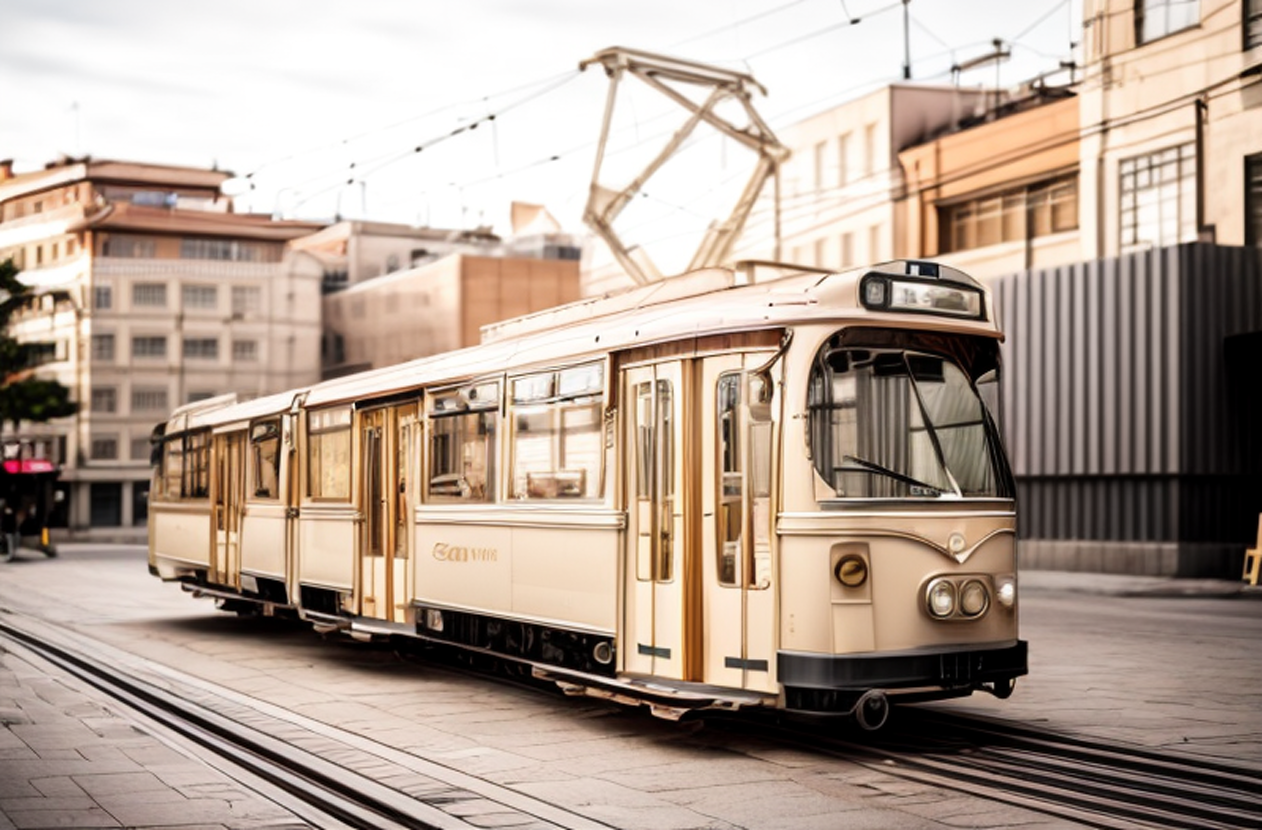
I hope they will develop it further....When merging su and su diffusion the result comes out quite nice....
su view:
su diffusion:
merged them both in photoshop "hard light"
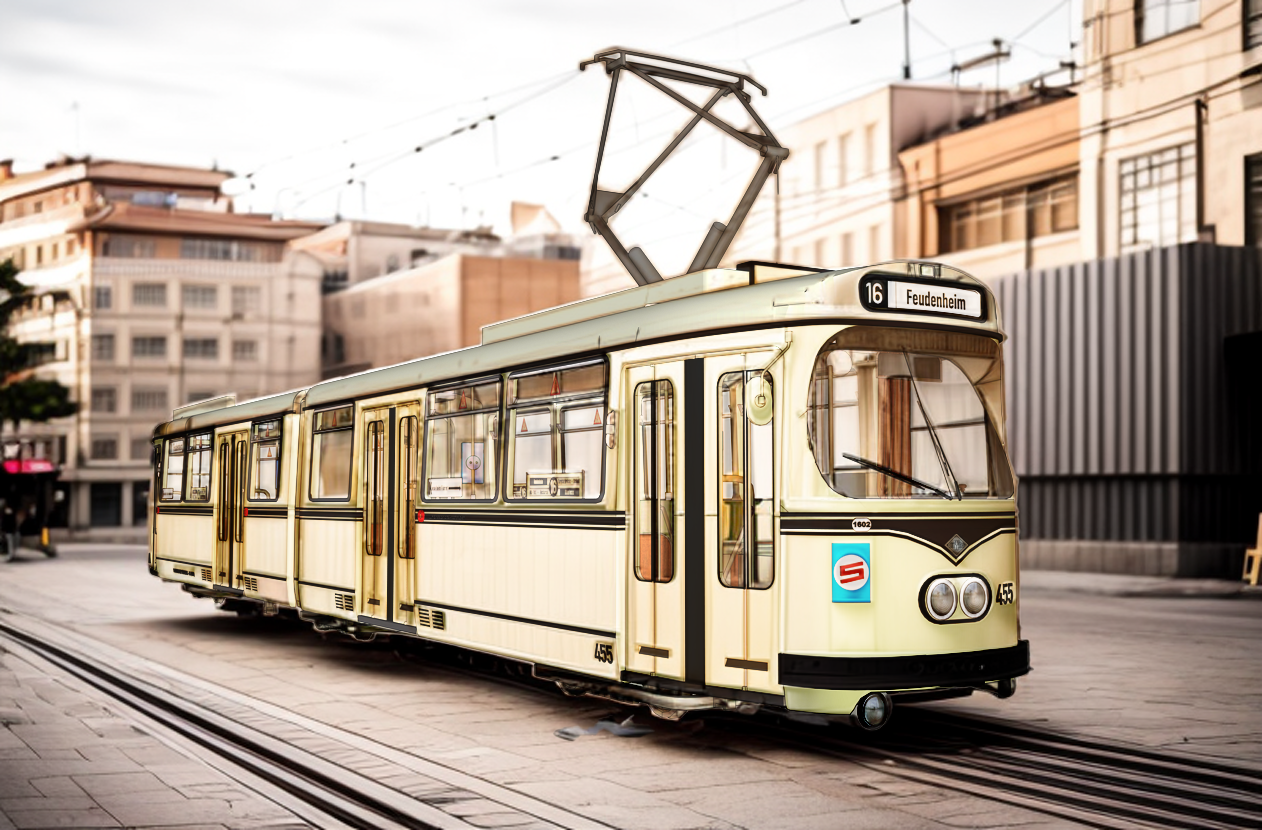
background enhancment with kreaAI:
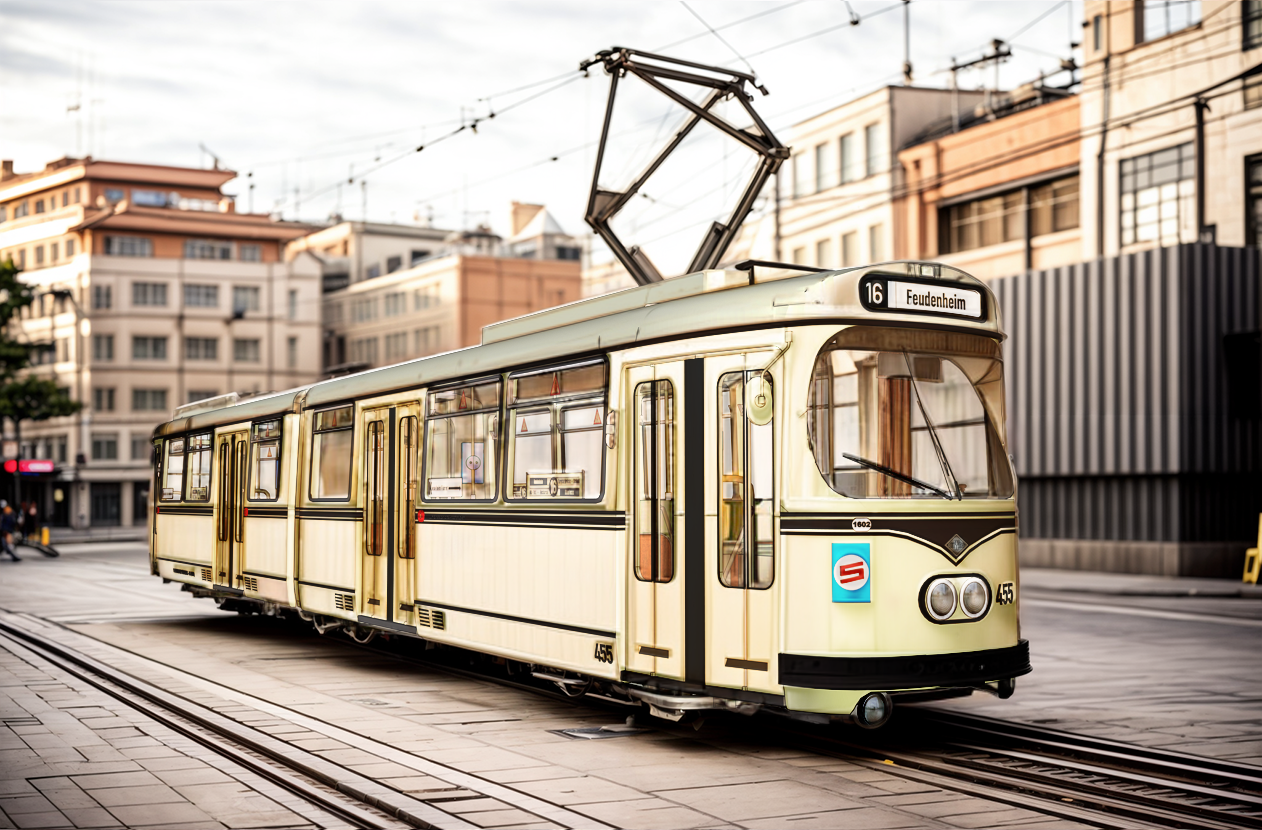
-
just 5 clicks and 2 minutes work to produce a nightshot:
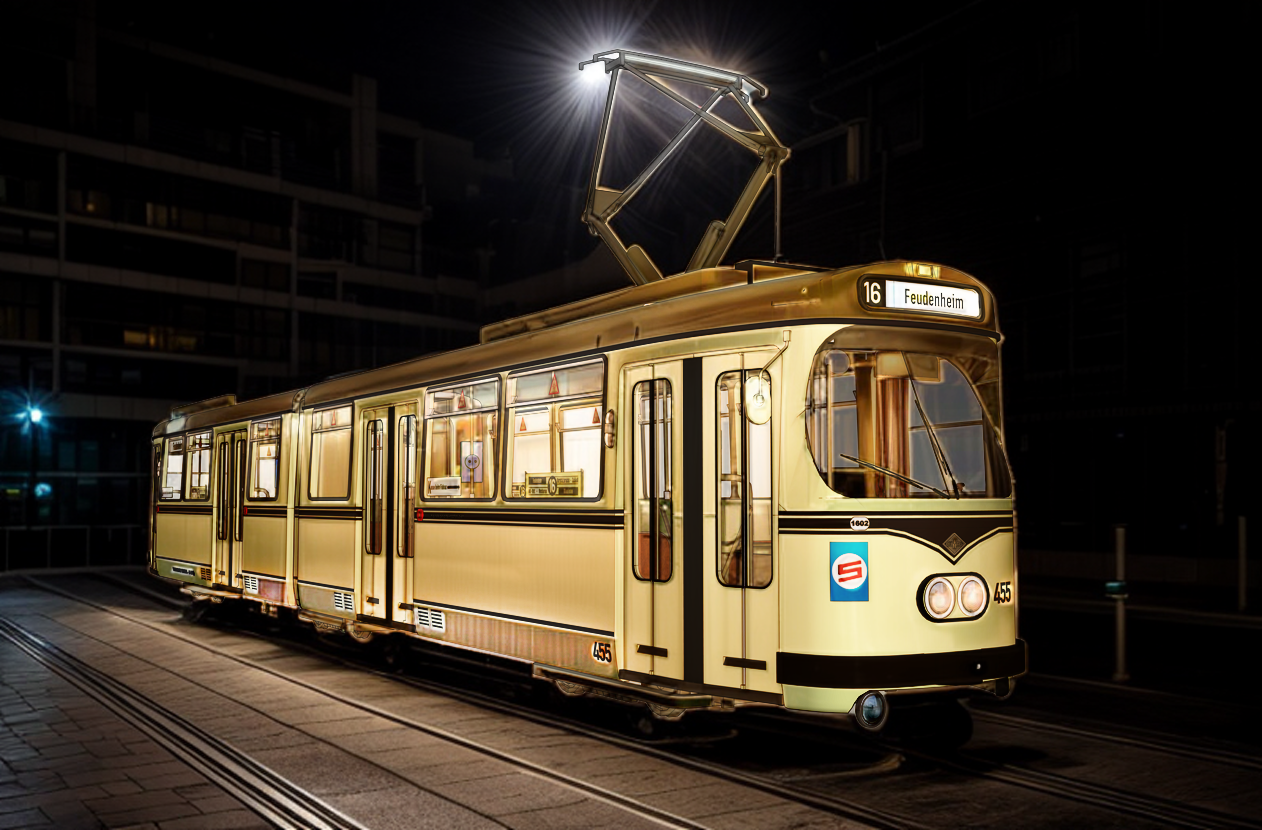
-
@jo-ke I gotta admit I'm not a fan of AI. I know there's no escaping it. I just find it hard to say wow or well done.
I don't know what to say. Its a timesaver.
-
-
@jo-ke I never know what to say about AI images...
Its impressive at what it does.
-
I am trying something new.
I tried to use chatGPT to render and it worked quite well.
I took a sketchup Image to chat GPT and used the promt: "render this base image without changing any detail or moving features etc. Ultra realistic with neutral light"
source:
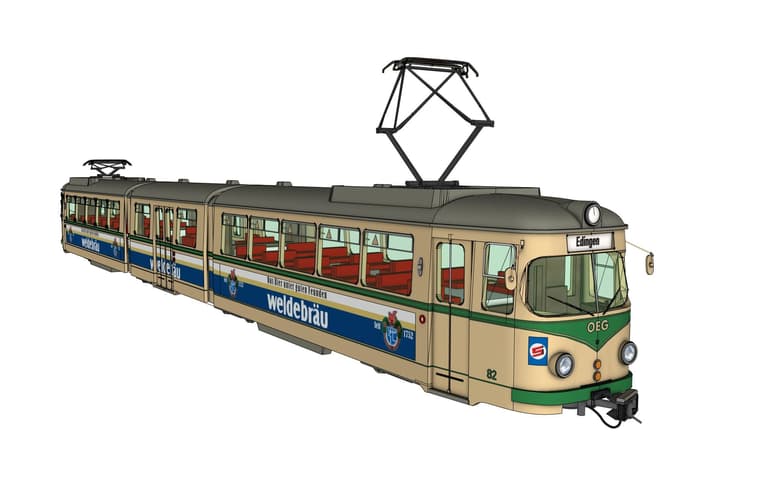
result:
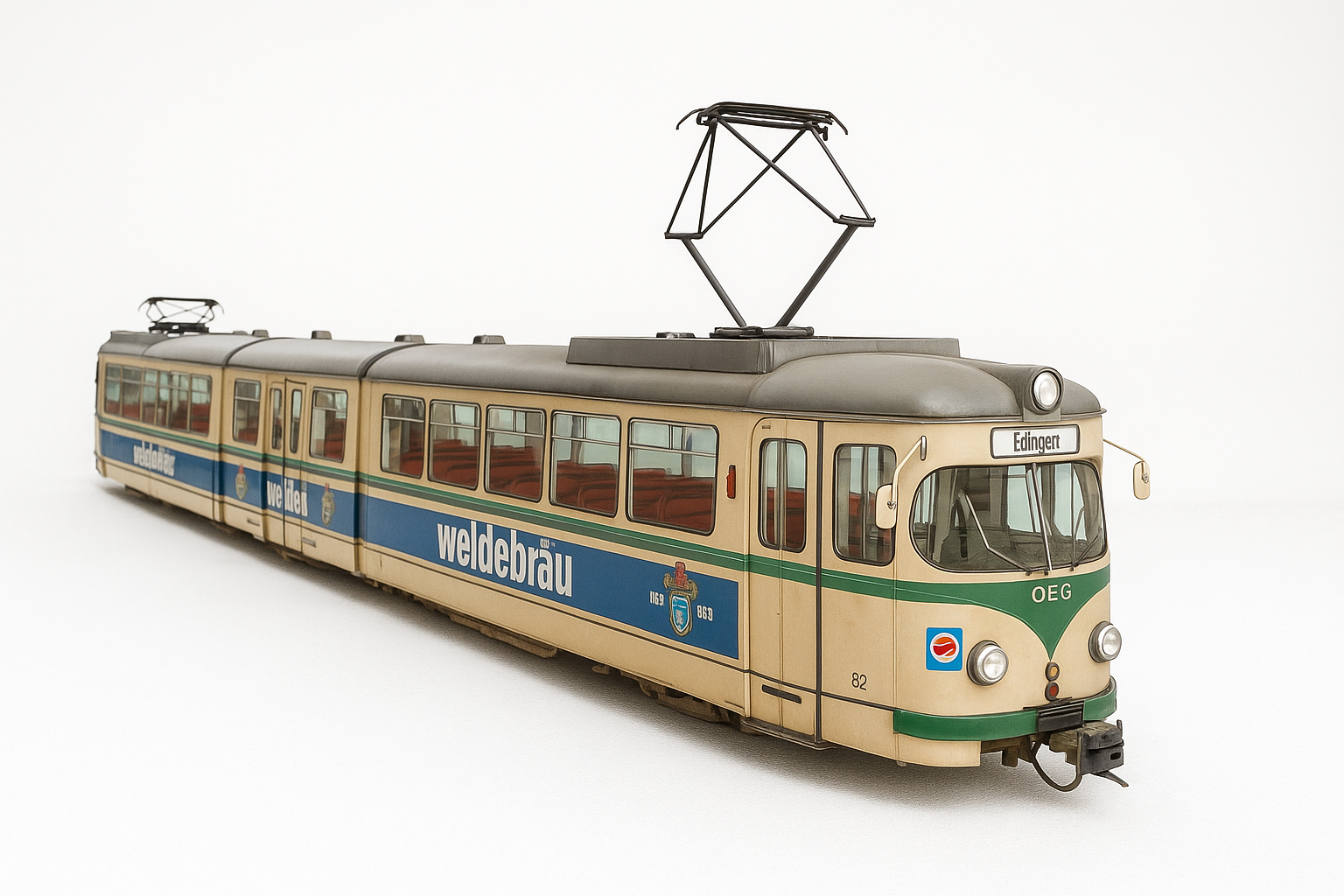
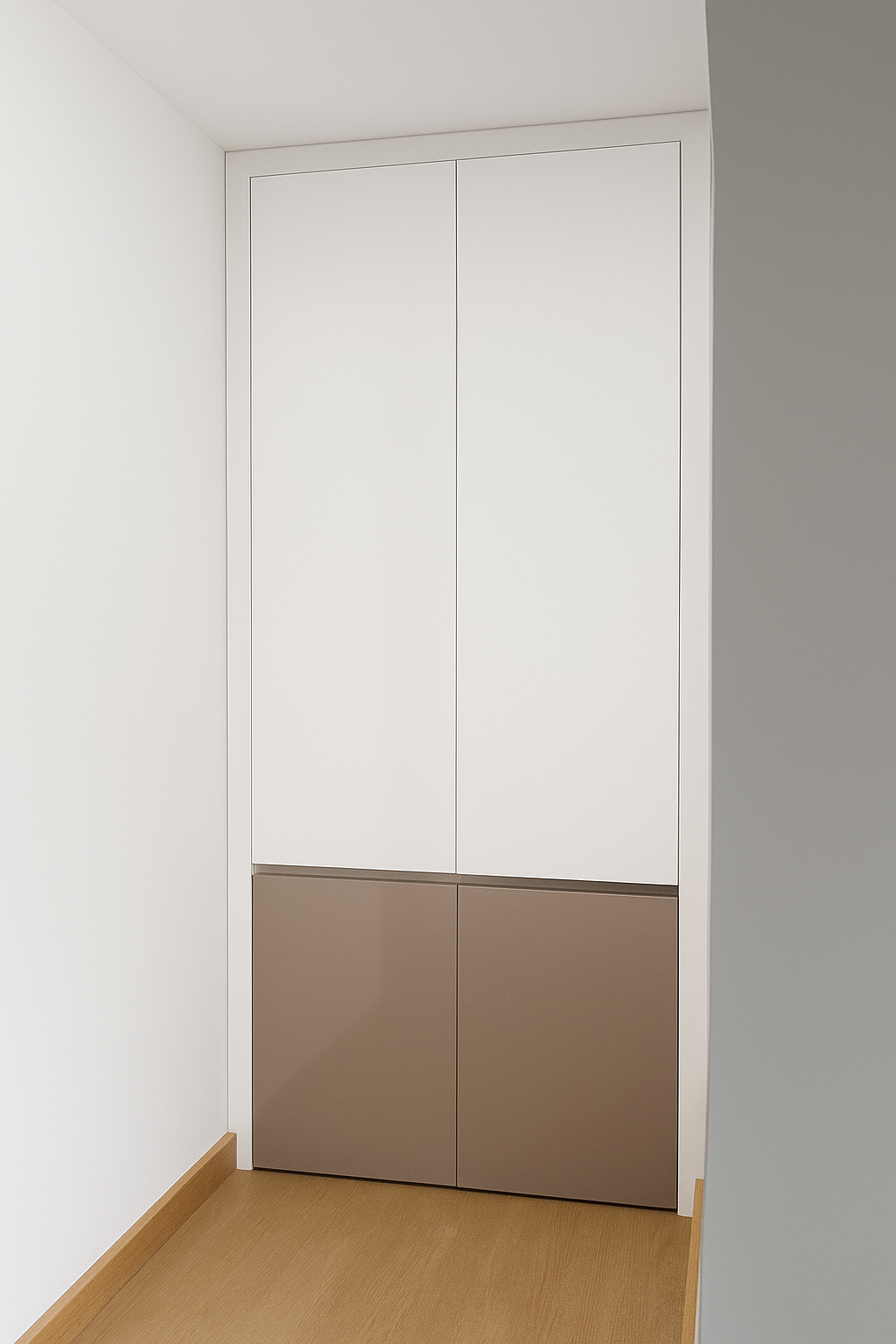
some minor issues but much better than Sketchup diffusion.
I hope Sketchup Diffsion will be develloped furtheranother one with a cabinet:
source:
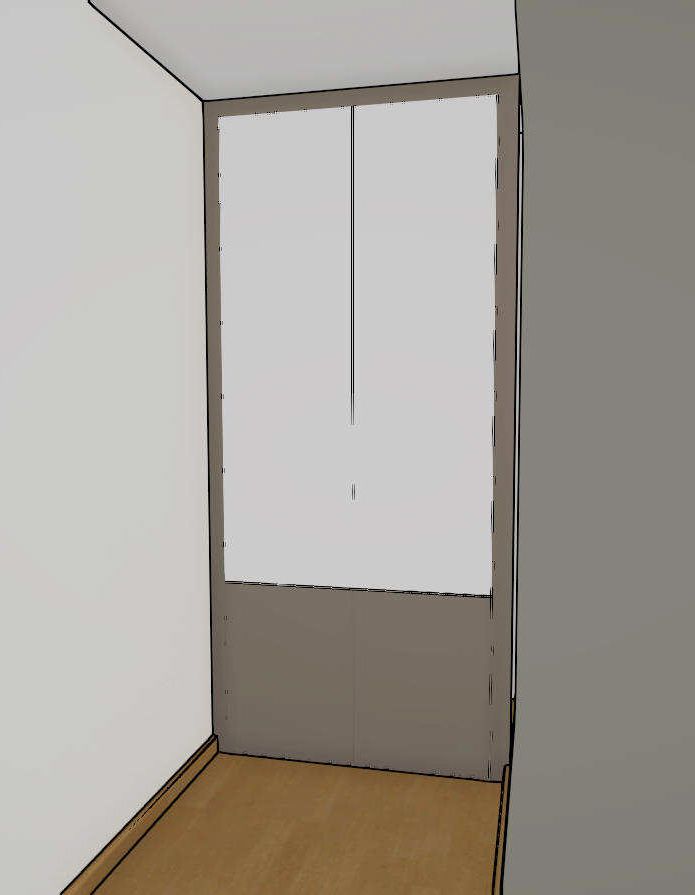
result:
-
another try with midjourney wasn't as good as ChatGPT
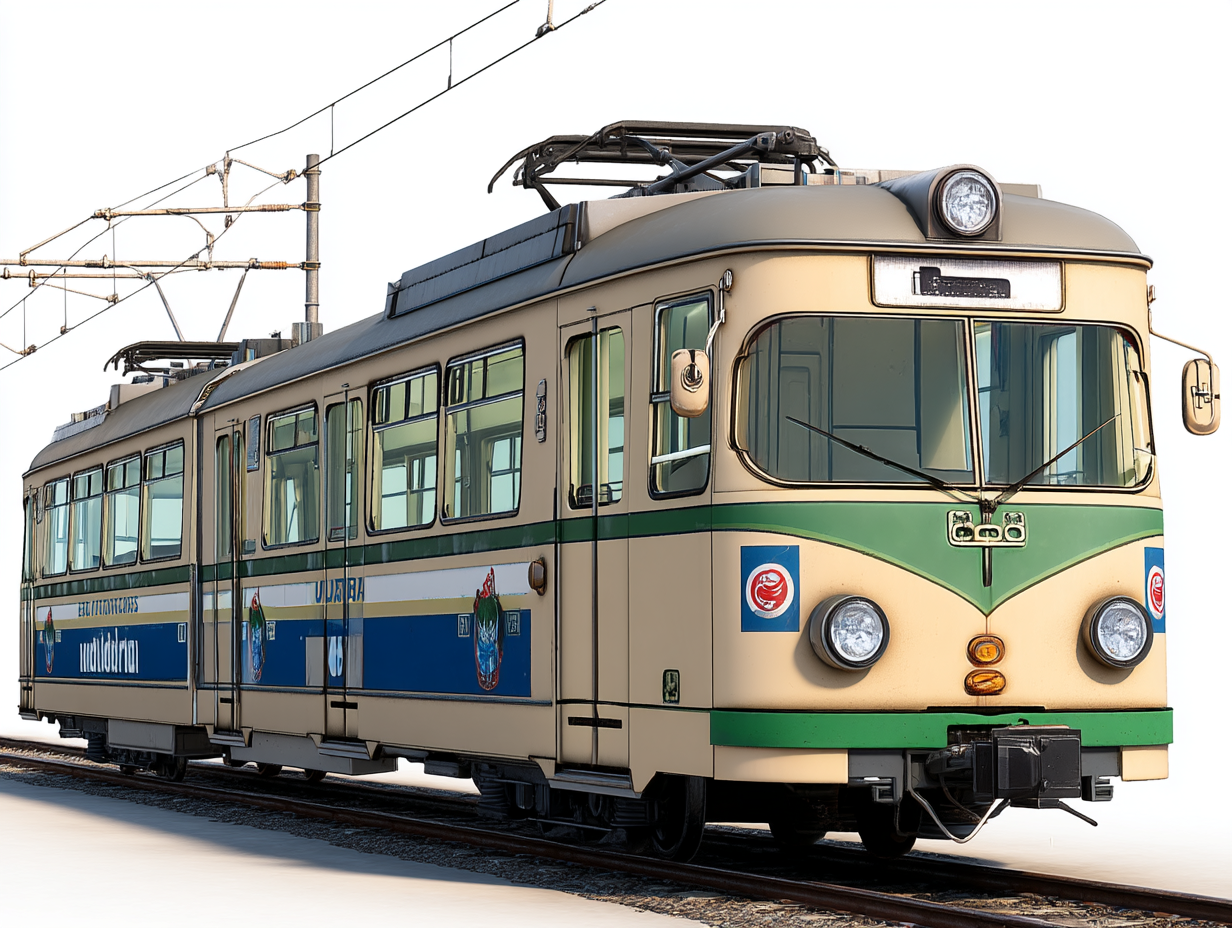
to many changes in geometry. Still one of the main issues in AI.
this one was the best out of 12 results -
Grok wasn't able to change the style.
-
@jo-ke said in Playing arround with Sketchup diffusion:
"render this base image without changing any detail or moving features etc. Ultra realistic with neutral light"
The examples a bit of a revelation to me.
Thanks for sharing the prompt. -
All of these train images are great. I really need to play around with this more. Thanks for sharing.
-
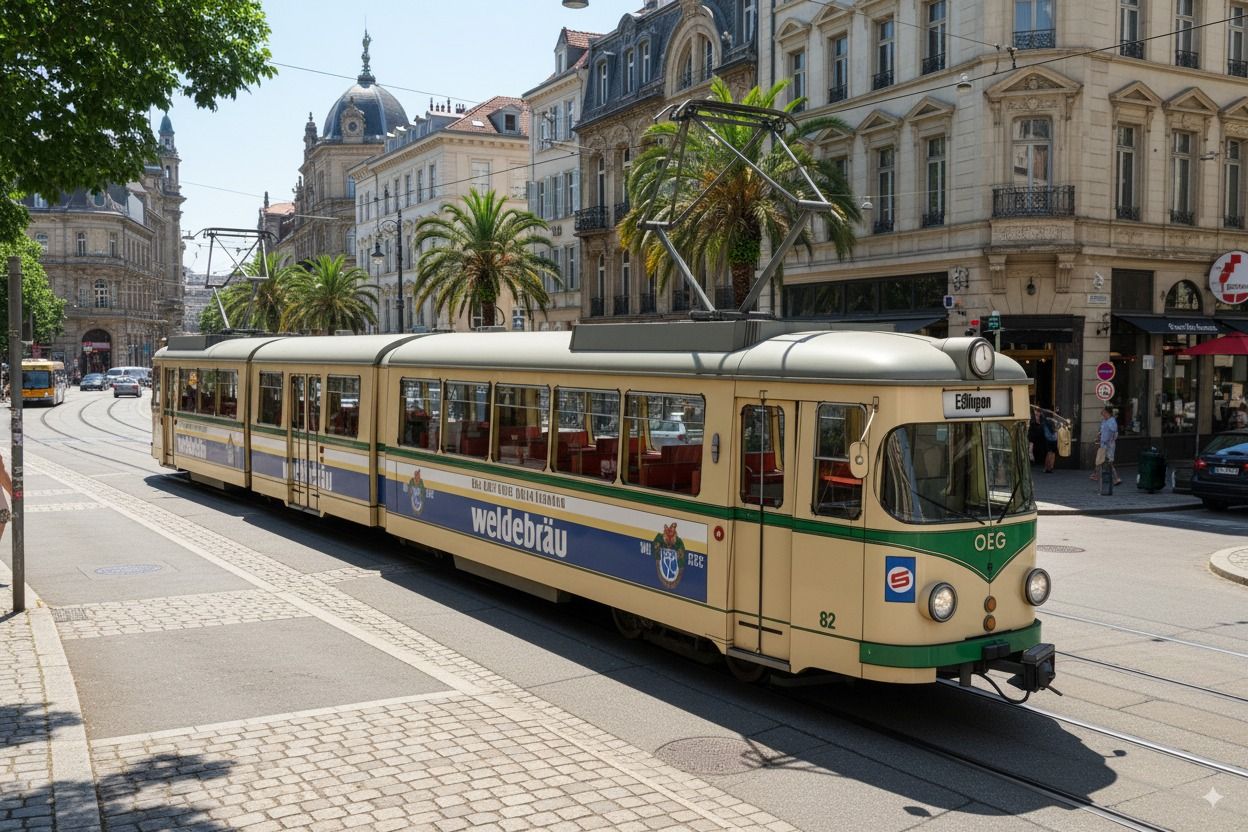
best result with Nano Banana:
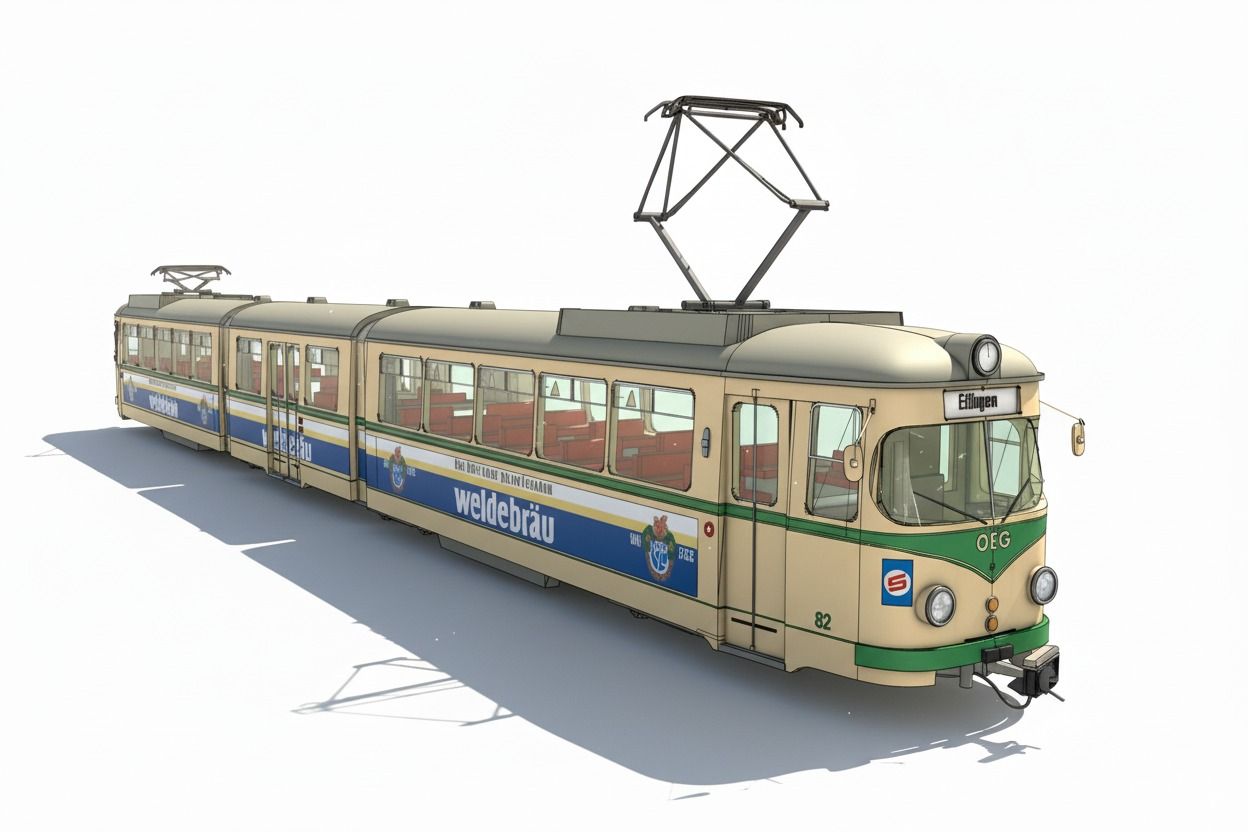
-
and this one:
time to create: one Minute:
-
That nailed it. Did you prompt for the Palm Trees? I heard Nano Banana was pretty good. This has none of the issues your normally get with AI image generation. In particular the windows on buildings.
-
this AI is by far the best I've seen.
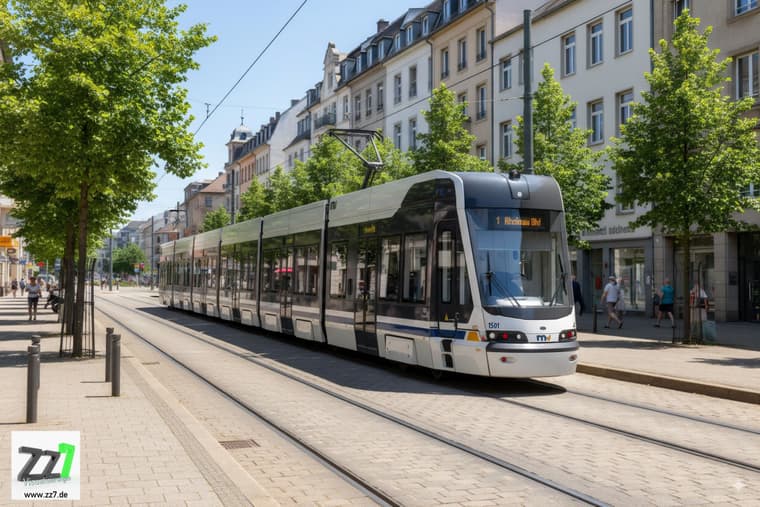
this took me one minute:
Promt:
"turn this sketch of a tramway into a photorealistic atmosphearic image with natural light and reflections on surface, no outlines, tramway driving on rails in the city of Mannheim, sunny waeather, do not change geometrie of the tram"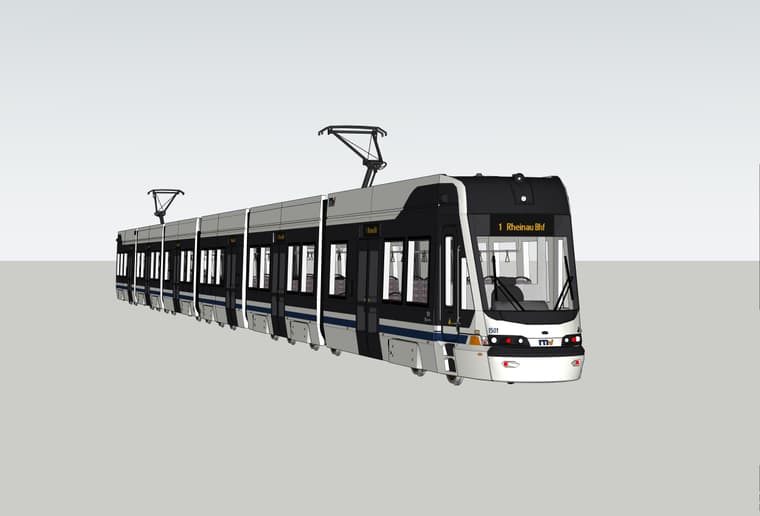
-
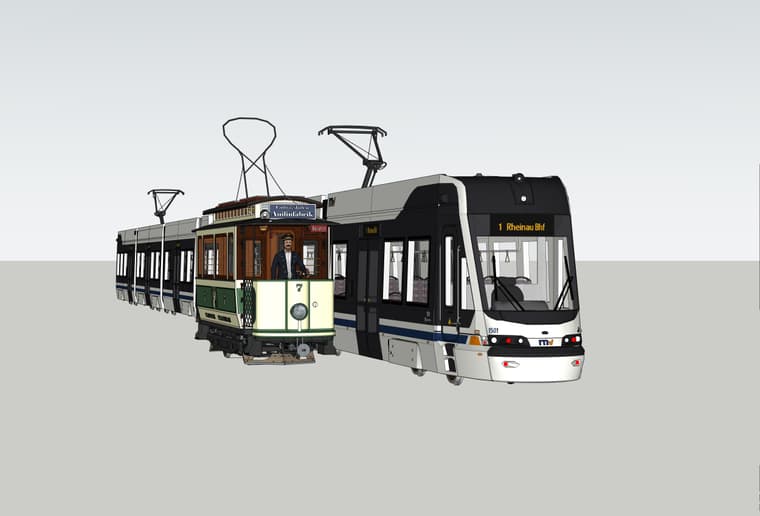
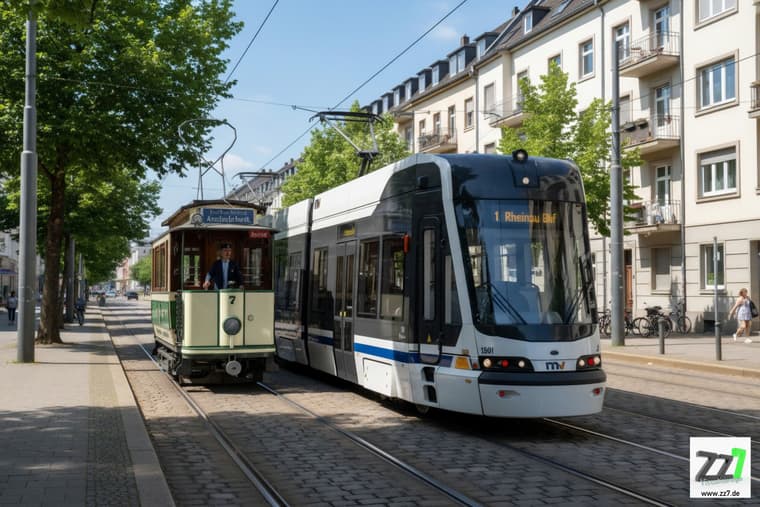
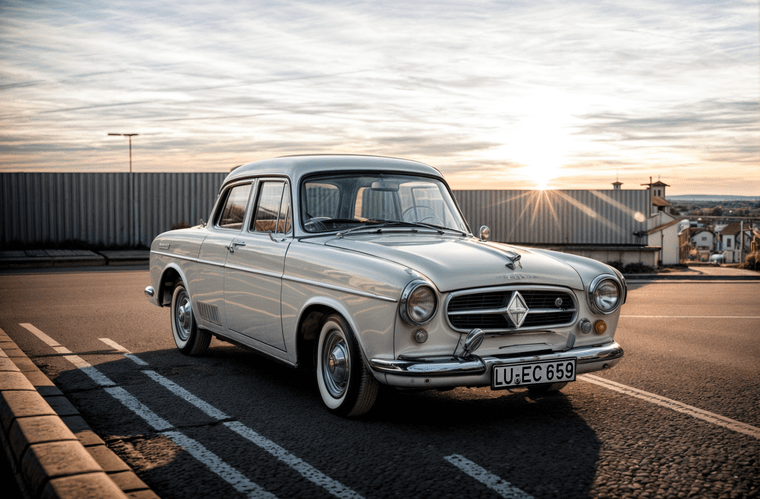
this is crazy:
-
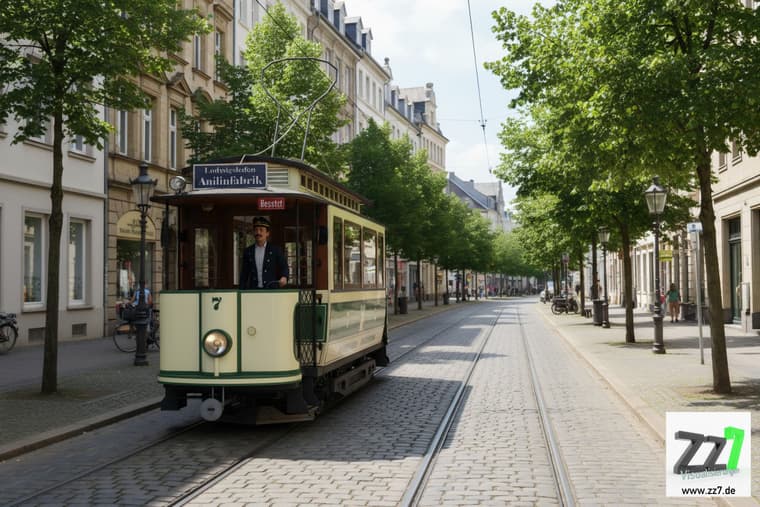
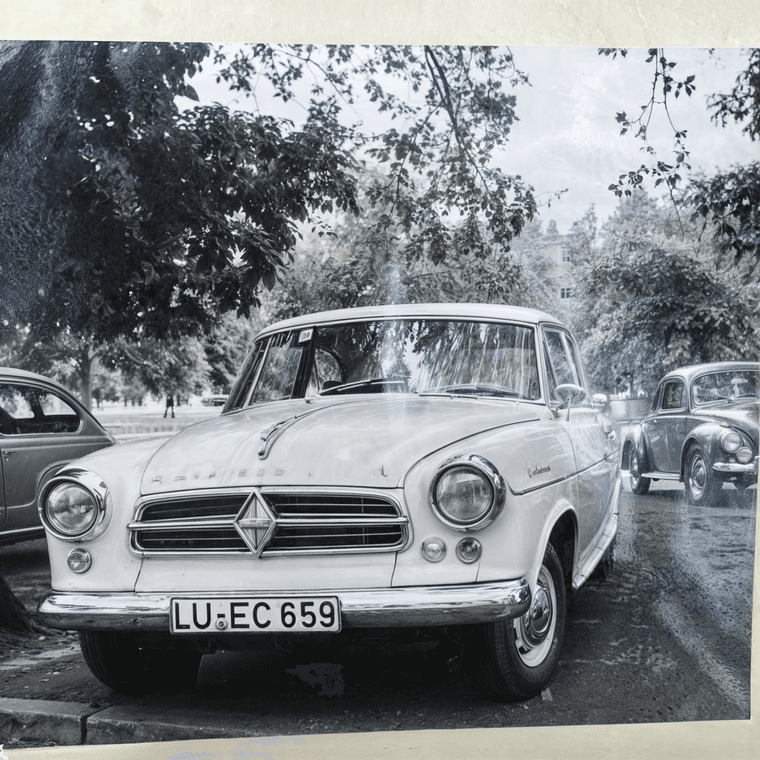
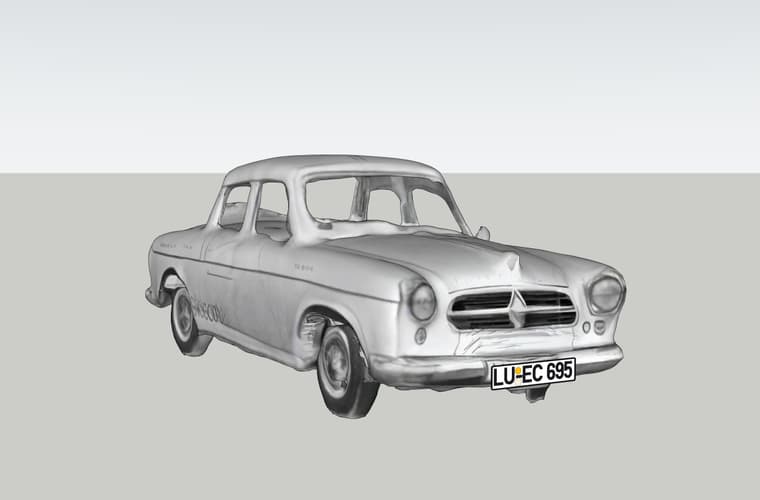
Sketchup diffusion seems to be so old fashioned. Google is the absolute winner!



Hello! It looks like you're interested in this conversation, but you don't have an account yet.
Getting fed up of having to scroll through the same posts each visit? When you register for an account, you'll always come back to exactly where you were before, and choose to be notified of new replies (either via email, or push notification). You'll also be able to save bookmarks and upvote posts to show your appreciation to other community members.
With your input, this post could be even better 💗
Register Login


Advertisement