Materials issue from Sketchup to lumion
-
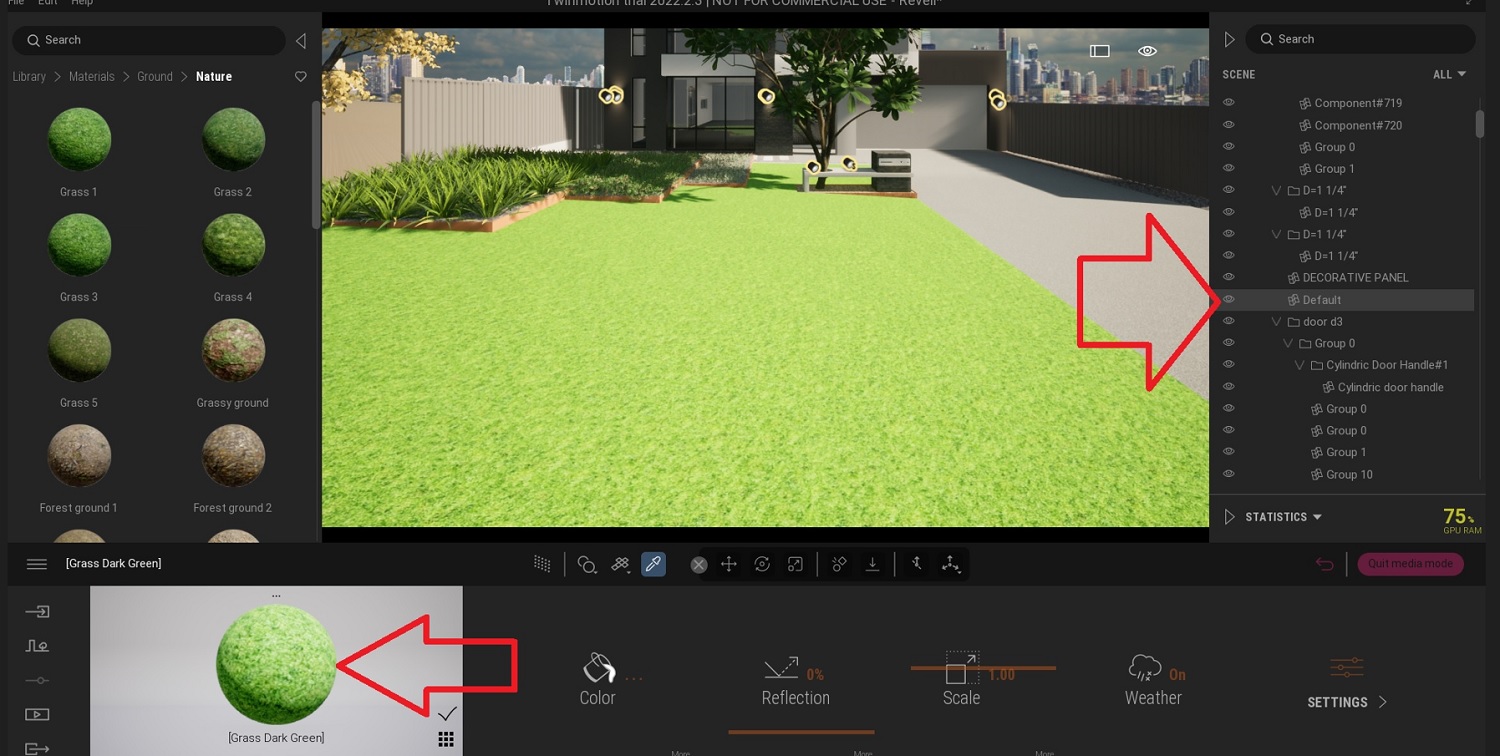
When I import SU into Twinmotion I can pick a material in twinmotion but it shows up as "default" in the RH dropdown. I am used to simply picking the "grass" seeing "Grass" in the dropdown panel where I can isolate it to apply grass more or less accurately (placing grass in TM is not good/easy) Any ideas on a fix or any ideas on how to diagnose?
-
Check faces are correctly orientated in SketchUp and apply material in SketchUp to it. Or Give the face a color as a marker that you can then change in TM. Face's must be oriented the right way.

Hello! It looks like you're interested in this conversation, but you don't have an account yet.
Getting fed up of having to scroll through the same posts each visit? When you register for an account, you'll always come back to exactly where you were before, and choose to be notified of new replies (either via email, or push notification). You'll also be able to save bookmarks and upvote posts to show your appreciation to other community members.
With your input, this post could be even better 💗
Register Login


Advertisement