Exporting
-
Hi everybody,
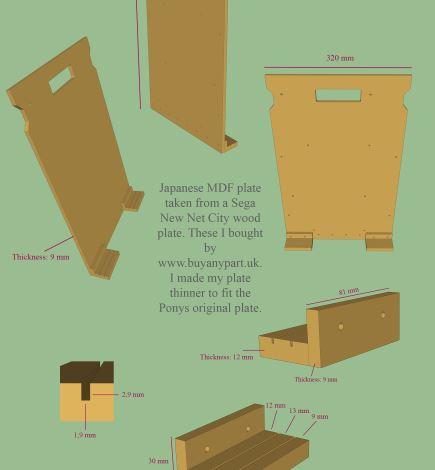
Is it possible to choose the background color when exporting 2D? Since we have only green or blue background (ground/sky), I choose to export my files with the green one, but I'd prefere a white or a transparent background.
In fact, when I import my 2D exported .jpg file to Photoshop, the green background bothers me, I'd prefere to show my models on another background (I'm writing an illustrated book showing some 3D models). If I cut the outlines to erase the green all around my models, they will not be sharp enough no more.
Thanks for your help!
-
Export as .png with transparent background. Make sure you turn off sky in the style.
-
That's great, thanks!! So this is possible only as .png? Is it possible to rename the extension later to .jpg without losing the quality and the transparent background type?
-
That all depends on your image manipulation skills. I'm sure you can.
You can also change the green background in the styles tab and export with any colour you want.

Hello! It looks like you're interested in this conversation, but you don't have an account yet.
Getting fed up of having to scroll through the same posts each visit? When you register for an account, you'll always come back to exactly where you were before, and choose to be notified of new replies (either via email, or push notification). You'll also be able to save bookmarks and upvote posts to show your appreciation to other community members.
With your input, this post could be even better 💗
Register Login


Advertisement