3D model on top of 2d plans
-
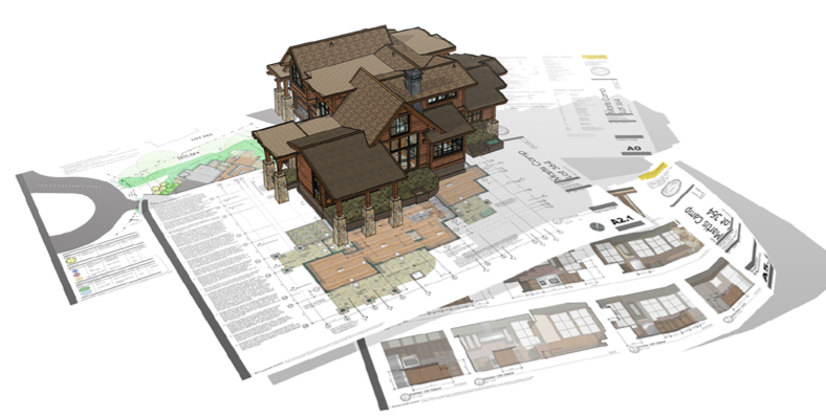 I'd like to produce an image of one of my models on top of some 2d plans. I'm going to use the image on my business card.
I want the image to look exactly like the one I've attached.
How would I do this? Any advice would be appreciated -
Looks great! Sorry I have no advice. I'd just try to output a good image and ask the printer what they think.
-
I posted a demo of how to curl the edge as Tuna described in this thread.
https://sketchucation.com/forums/viewtopic.php?f=18&t=70478 -
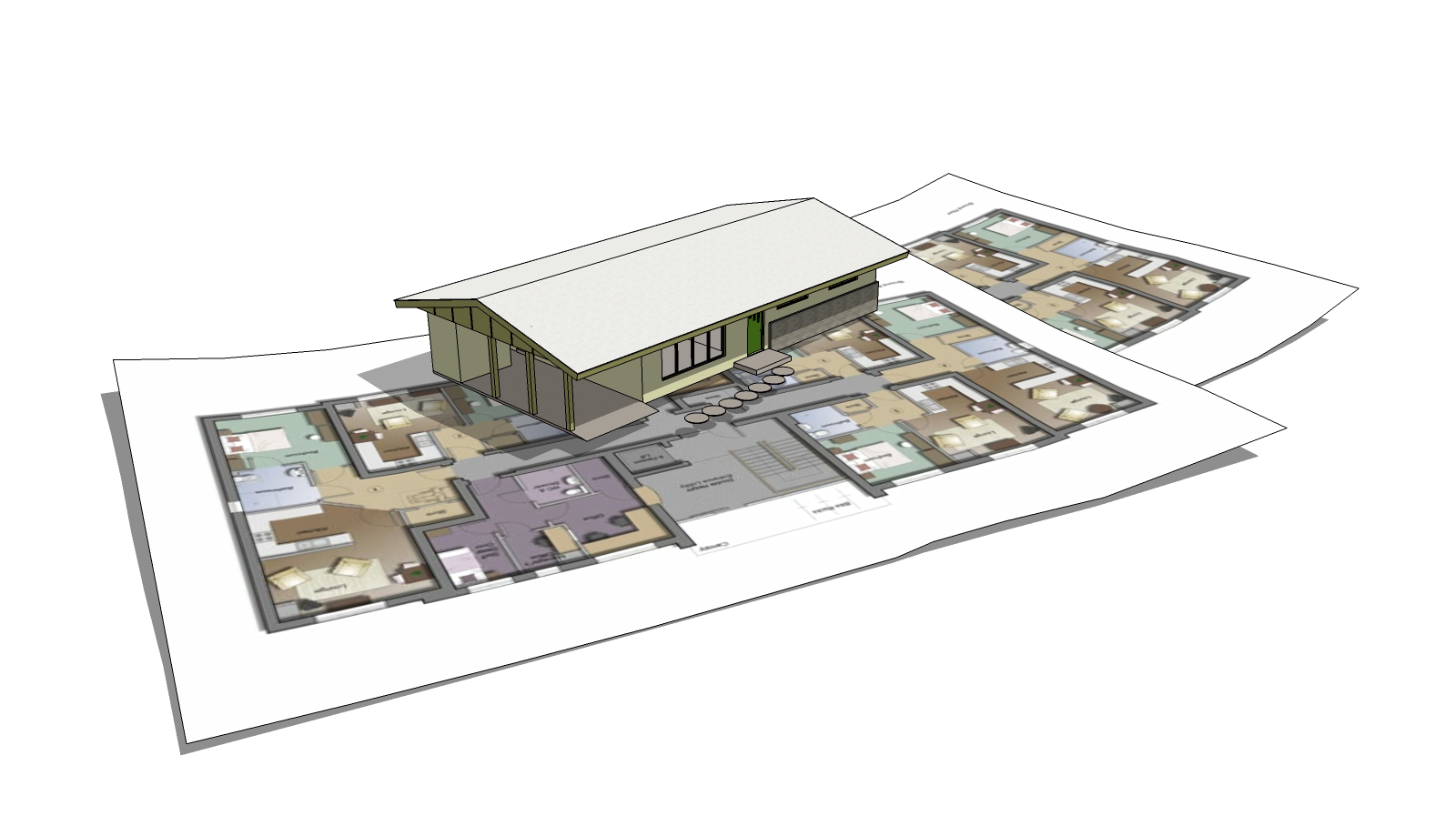
Pretty cool idea. Slapped together a quick example....
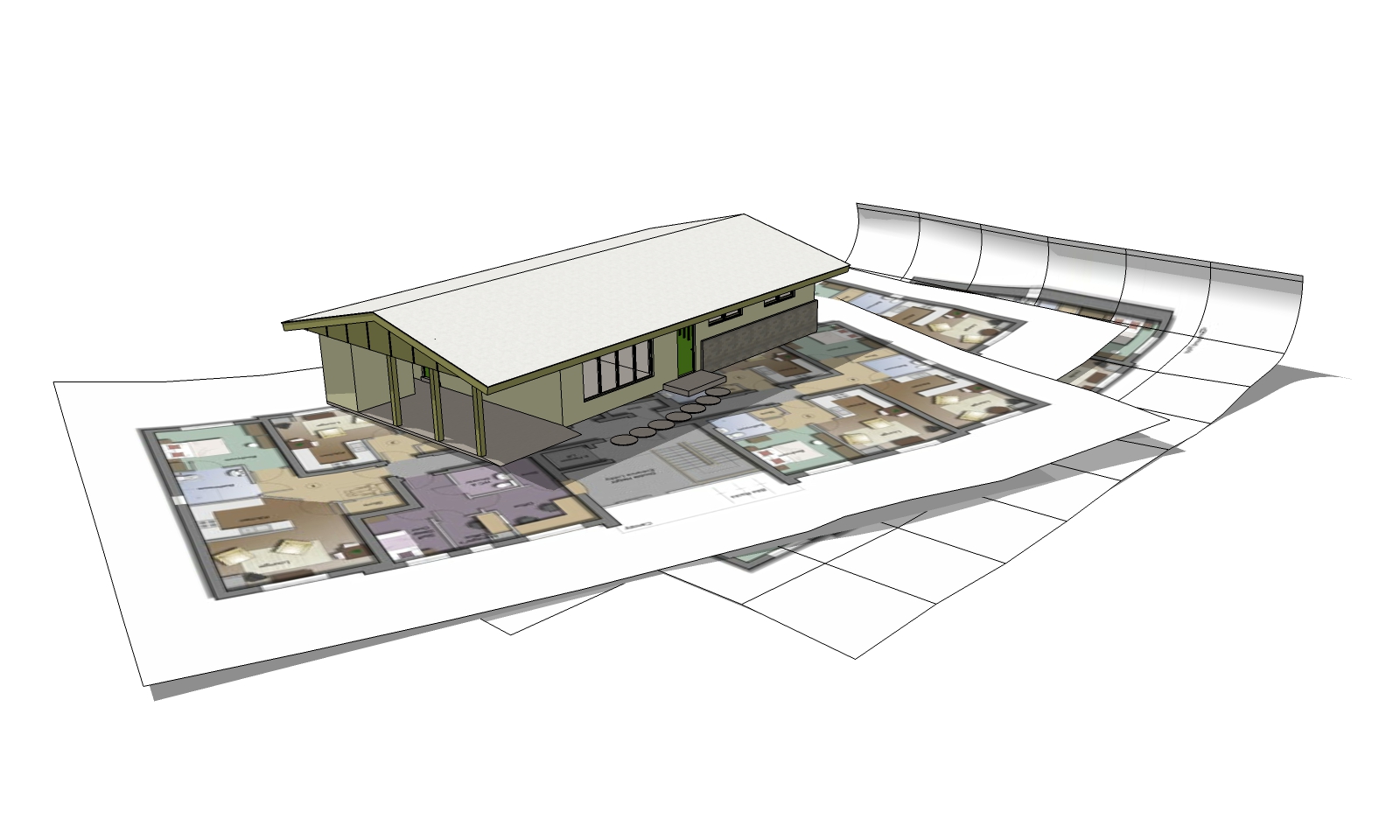
The drawings are 24" x 36". Drew a 4" grid across the sheet. Used FredoScale > Radial Bend to start with and added more "crinkles" with Vertex tools. You can go as crazy as you'd like with this part. Imported a couple of generic plan images I had on file. Used ThruPaint to apply the images to the sheets. Brought in the first house model I came to and scaled it down to suit. Turned on shadows and there you have it.
Edit - I have no life .... added a third sheet with more curl to the end. Be sure to check out Box's tutorials.



Hello! It looks like you're interested in this conversation, but you don't have an account yet.
Getting fed up of having to scroll through the same posts each visit? When you register for an account, you'll always come back to exactly where you were before, and choose to be notified of new replies (either via email, or push notification). You'll also be able to save bookmarks and upvote posts to show your appreciation to other community members.
With your input, this post could be even better 💗
Register Login


Advertisement