Iterate through nested groups/components to get edges
-
I want to get all edges from a selection of one or several nested groups or components.
How? -
A little further but still not working...
I have attached a simple test scene but only the "free" edges in the first level gets selected.mod = Sketchup.active_model sel = mod.selection ent = mod.active_entities edges = [] Sketchup.active_model.selection.each{|e| if e.is_a?(Sketchup;;Edge) #This works edges << e elsif e.is_a?(Sketchup;;Group) e.entities.each{|edge| next unless edge.is_a?(Sketchup;;Edge) edges << edge } elsif e.is_a?(Sketchup;;ComponentInstance) e.definition.entities.each{|edge| next unless edge.is_a?(Sketchup;;Edge) edges << edge } end } sel.clear sel.add(edges) -
To process the selection you 'run' it...
def mine_edges(ents)
  @edges << ents.grep(Sketchup;;Edge)
  ents.grep(Sketchup;;Group).each{|gp|
    @edges << mine_edges(gp.entities)
  }
  ents.grep(Sketchup;;ComponentInstance).each{|co|
    @edges << mine_edges(co.definition.entities)
  }
end
def run()
  mod = Sketchup.active_model
  sel = mod.selection
  @edges = []
  mine_edges(sel)
  @edges.flatten! ### combine sub-arrays into one array
  sel.clear
  sel.add(@edges)
end
Why do you want to 'select' all these nested edges ?
you cannot do much to manipulate selections that span different entities without a BugSplat, however, if you change the last line to do something to the@edgesarray - e.g. remove their materials or layers, then than is acceptable... -
This is just a start of a script and one thing I want to do is to hide all the edges in nested groups and components all the way down.
Selecting is just to see if it works.I ran your code but it also selecting the sub groups and components.
-
I thought that's what you wanted, otherwise your earlier code should select all edges in the active_entities AND within the groups/instances in that context.
My code collects ALL edges in the context and any edges within any groups/instances in that context AND nested deeper: it should not be selecting anything more than edges ?So instead of selecting the collected edges you just need to iterate
@edgesand set eachedge.hidden=true? -
This is a screenshot after running your code.
As you can see the inner components and groups are also selected.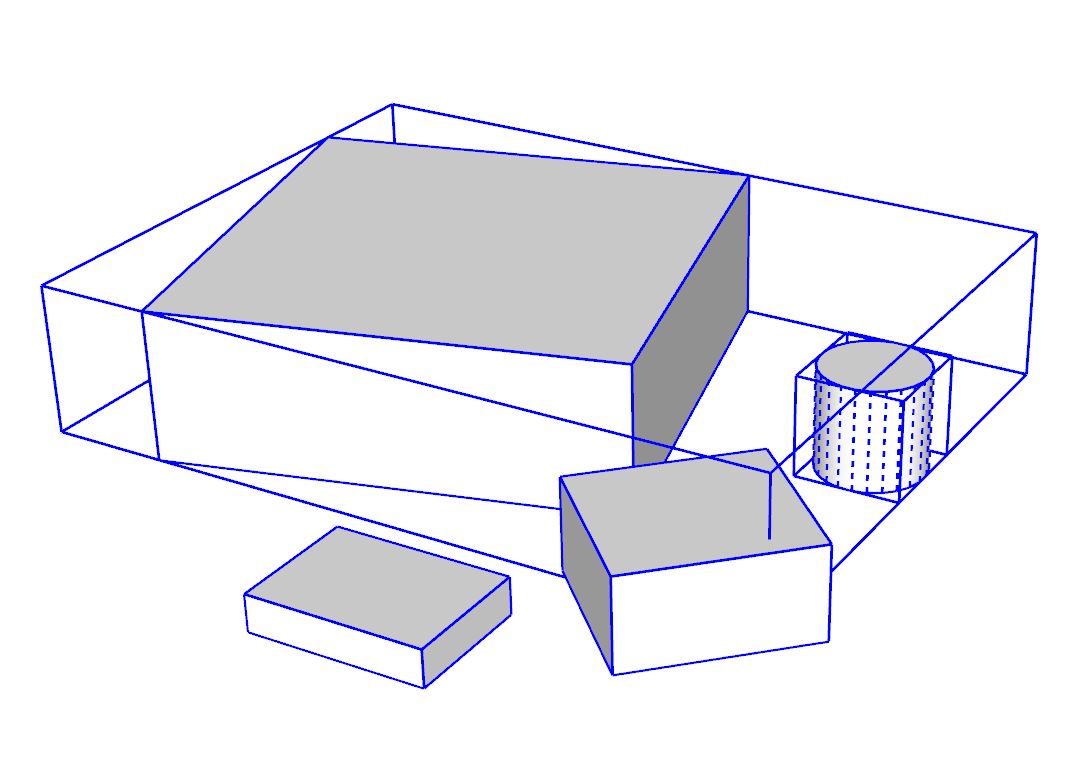
-
I do see it, and if you type
@edgesafter it's run the list does include some component-instances.
This is weird since the code specifically collects just Edges !
BUT it's because the 'miner' was exiting without a specific 'empty'returnstatement, and therefore it also added the last thing it processed == the instances etc.
By forcing it toreturn [][an empty array], then that is lost by the@edges.flatten!command at the end - so it now works as expected -@edgesis an array of only edges...
Here's the fixed code...def mine_edges(ents) @edges << ents.grep(Sketchup;;Edge) ents.grep(Sketchup;;Group).each{|gp| @edges << mine_edges(gp.entities) } ents.grep(Sketchup;;ComponentInstance).each{|co| @edges << mine_edges(co.definition.entities) } return [] end def run() mod = Sketchup.active_model sel = mod.selection @edges = [] mine_edges(sel) @edges.flatten! ### combine sub-arrays into one array sel.clear sel.add(@edges) end -
Thank you. That works as I wanted.


Hello! It looks like you're interested in this conversation, but you don't have an account yet.
Getting fed up of having to scroll through the same posts each visit? When you register for an account, you'll always come back to exactly where you were before, and choose to be notified of new replies (either via email, or push notification). You'll also be able to save bookmarks and upvote posts to show your appreciation to other community members.
With your input, this post could be even better 💗
Register Login


Advertisement