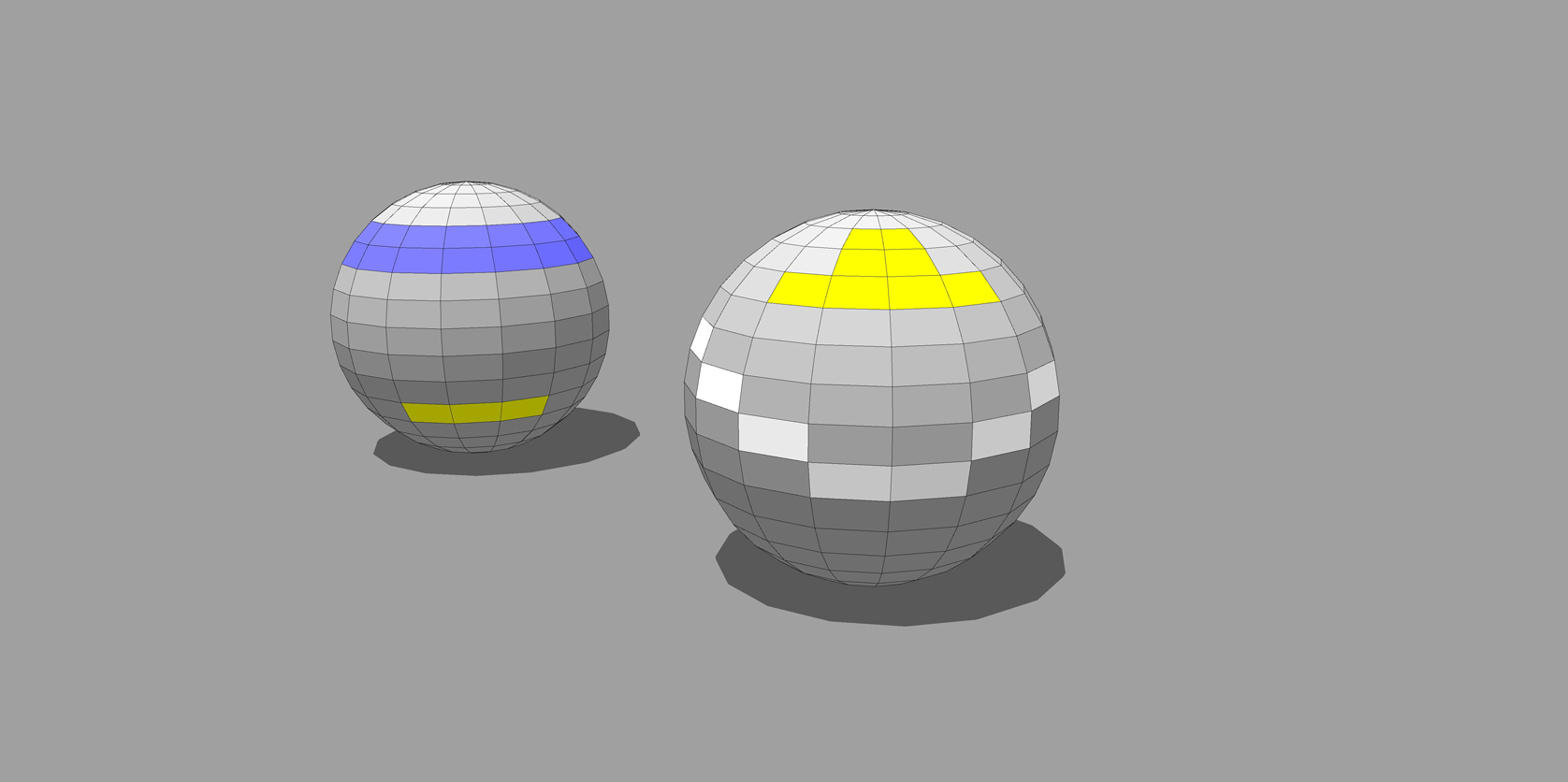
How do i achieve this look in my model?
-
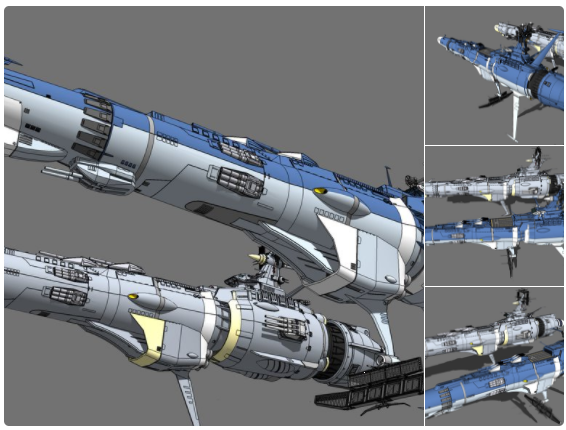
I’m looking to find a way to achieve this look on my models in SU. I’ve looked everywhere for a style or plugin that achieves something like this but haven’t found anything close. Does anyone know how this is achieved? Or is it simply that a snapshot image of the model is taken into Photoshop and adjusted there?
-
It just looks like a SU model with SU colours with a Gray background.
What part are you having difficulties with? -
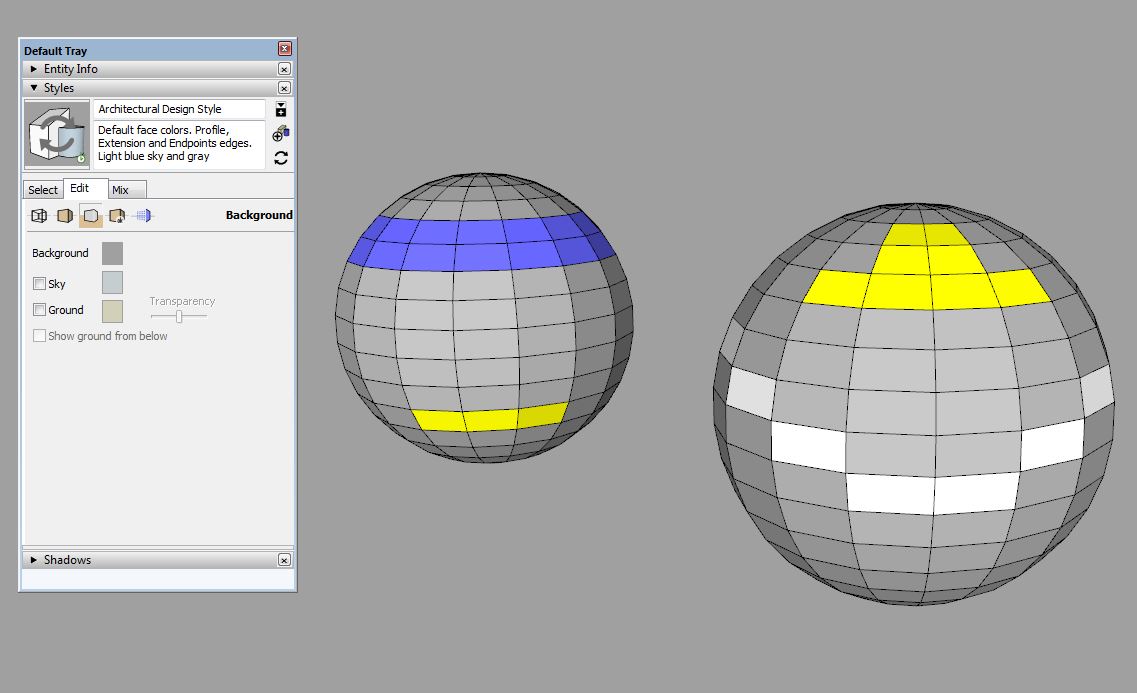
I agree. It doesn't seem to specifically need a plugin for the "look". For the background and line work settings, you need to adjust and save a style in the "Styles" window.
-
First, that is just a SketchUp image export. The style, as was mentioned, is a basic grey background. See here:
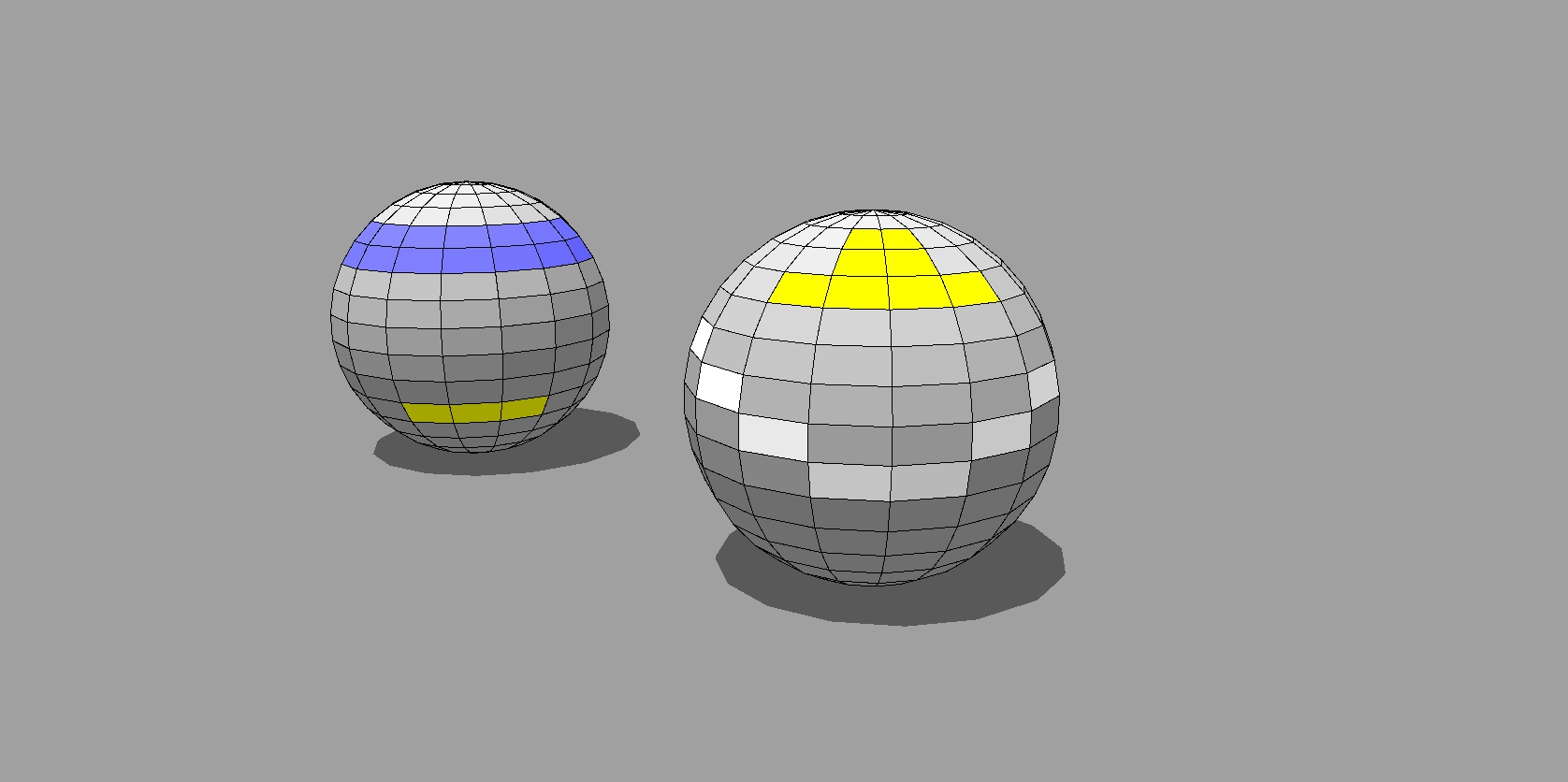
A couple of things to take note while exporting images. If you export with screen resolution (view size) your lines will be jaggy and gross. Like this:

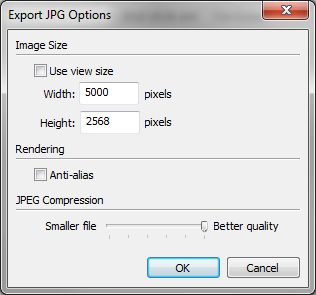
However, if you export at a higher resolution then reduce the size in Photoshop (or another image editor) you will get a cleaner image:





Hello! It looks like you're interested in this conversation, but you don't have an account yet.
Getting fed up of having to scroll through the same posts each visit? When you register for an account, you'll always come back to exactly where you were before, and choose to be notified of new replies (either via email, or push notification). You'll also be able to save bookmarks and upvote posts to show your appreciation to other community members.
With your input, this post could be even better 💗
Register Login


Advertisement