What do you make with Vertex Tools?
-
Is vertex tools accurate?
I mean. Does it take measurement box inputs to set something to a precise dimension? Does it infer to points already existing in the model?
-
Yes it is accurate.
Yes it takes input, no it doesn't inference, which is actually a good thing mostly.
Thomthom might tell me different and I just haven't found inferencing. -
@box said:
I use Vertex tools too much to remember to record anything, but was just doodling a random drone body and thought to grab this. Don't know if it's any use for what you want.
That's great! That's just the stuff I was hoping to see - it demonstrate real world usage of the extension.

@jql said:
I mean. Does it take measurement box inputs to set something to a precise dimension? Does it infer to points already existing in the model?
Yes, it takes VCB input. The Move, and Rotate tool make use of inferencing.
The Gizmo does not use inferencing - as you are grabbing hold of the gizmo (its handles etc) and it doesn't make sense to snap to the cursor then. -
@thomthom said:
The Move, and Rotate tool make use of inferencing.
The Gizmo does not use inferencing - as you are grabbing hold of the gizmo (its handles etc) and it doesn't make sense to snap to the cursor then.I think that's a shame...
Inferencing is the thing that makes sketchup such an easy arch modeller. For instance inferencing with scale tool works very nicelly and I was just wondering if I could replace the work I do with it with Vertex tools, for a bit more "constrained" freedom.
Without it, I can only picture myself modelling stuff unrelated to architecture or with no accurate dimensions, and I'm not much into that.
I'd love it if you'd think about that, there are a lot of architects around here after all...

-
TT--
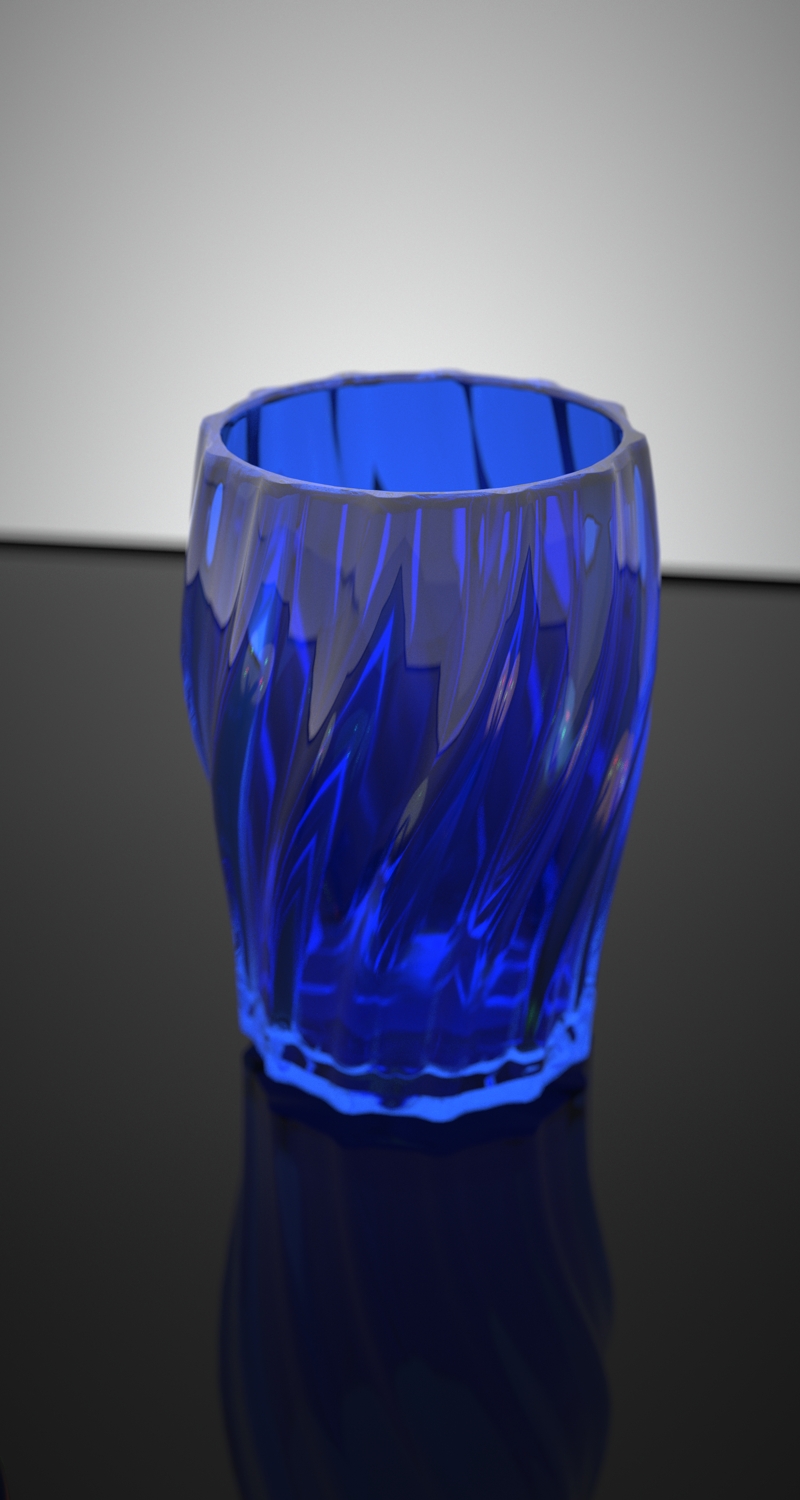
As I said I use VT for many utilitarian sort of things like adjusting terrain models. But I did do this vase this week for fun. It was fun to twist it and then expand the middle using soft select.
-
@jql said:
@thomthom said:
The Move, and Rotate tool make use of inferencing.
The Gizmo does not use inferencing - as you are grabbing hold of the gizmo (its handles etc) and it doesn't make sense to snap to the cursor then.I think that's a shame...
Inferencing is the thing that makes sketchup such an easy arch modeller. For instance inferencing with scale tool works very nicelly and I was just wondering if I could replace the work I do with it with Vertex tools, for a bit more "constrained" freedom.
Without it, I can only picture myself modelling stuff unrelated to architecture or with no accurate dimensions, and I'm not much into that.
I'd love it if you'd think about that, there are a lot of architects around here after all...
I'm confused - VT do have inference with it Move and Rotate tools.
It's just the gizmo that doesn't have it, because the way you interact with it doesn't translate into picking a point in the model and moving it somewhere else. With the gizmo you click it's handles - to which I see no obvious way to allow things to snap.
If you got suggestions to inference other than what is already there then I'd love to hear it. But I didn't understand your last post.
-
Did you refer to Scale only?
-
@pbacot said:
TT--
As I said I use VT for many utilitarian sort of things like adjusting terrain models. But I did do this vase this week for fun. It was fun to twist it and then expand the middle using soft select.That's lovely! Can we see the SU mesh as well? (Bonus points if you can stage the screenshot with some selected vertices that indicate how you used the tool.
 )
) -
@thomthom said:
It's just the gizmo that doesn't have it, because the way you interact with it doesn't translate into picking a point in the model and moving it somewhere else. With the gizmo you click it's handles - to which I see no obvious way to allow things to snap.
I remember when testing VT that this was the fact that moved me away from it.
In fact you could make the Gizmo infer if you'd push the Gizmo axis (View, World, Local, Custom) a bit further. The only requirement would be a way to have your chosen axis AND an origin point.
That would be the origin point affecting the inference. A bit like Layout does.
Define Gizmo axis, Define Gizmo origin, Use gizmo from origin to infered point.
Move would move the gizmo origin from where it was to somewhere else in the model.
Rotate would use the gizmo origin as centerpoint (as it already does but the origin seems to be randomly picked)
The hardest tool to handle would be scale with the gizmo as it seems totally based on perception and scale factor right now.
I might be getting it wrong, but it seems to me scale is always centered on the vertexes average point and not related to the gizmo position (please correct me if I'm wrong). If I'm correct, then the Gizmo origin point could be placed in a vertex and that vertex would be the point being infered. All other points in the soft selection would be affected accordingly, some would scale more, if more red, some would scale less if more blue.
Does this make sense?
It would make me relate to it better but this would probably be true to only a fringe of your user base.
Anyway thanks for your attention.
-
I use the move tool a lot in my work, but it isn't a lot different than the SU move tool for moving vertices. However it seems to me that inference was needed in the gizmo, but I can't quite figure out why at the moment. I would have to be in the process where I tried using it to say. I often want to move things vertically and keep the movement constrained--maybe that was it--wanting to use the gizmo to bring some points down to meet another exactly.
-
That relates to: it would be cool to make vertexes flat at the gizmo origin and place it somewhere in the model.
-
@thomthom said:
@pbacot said:
TT--
As I said I use VT for many utilitarian sort of things like adjusting terrain models. But I did do this vase this week for fun. It was fun to twist it and then expand the middle using soft select.That's lovely! Can we see the SU mesh as well? (Bonus points if you can stage the screenshot with some selected vertices that indicate how you used the tool.
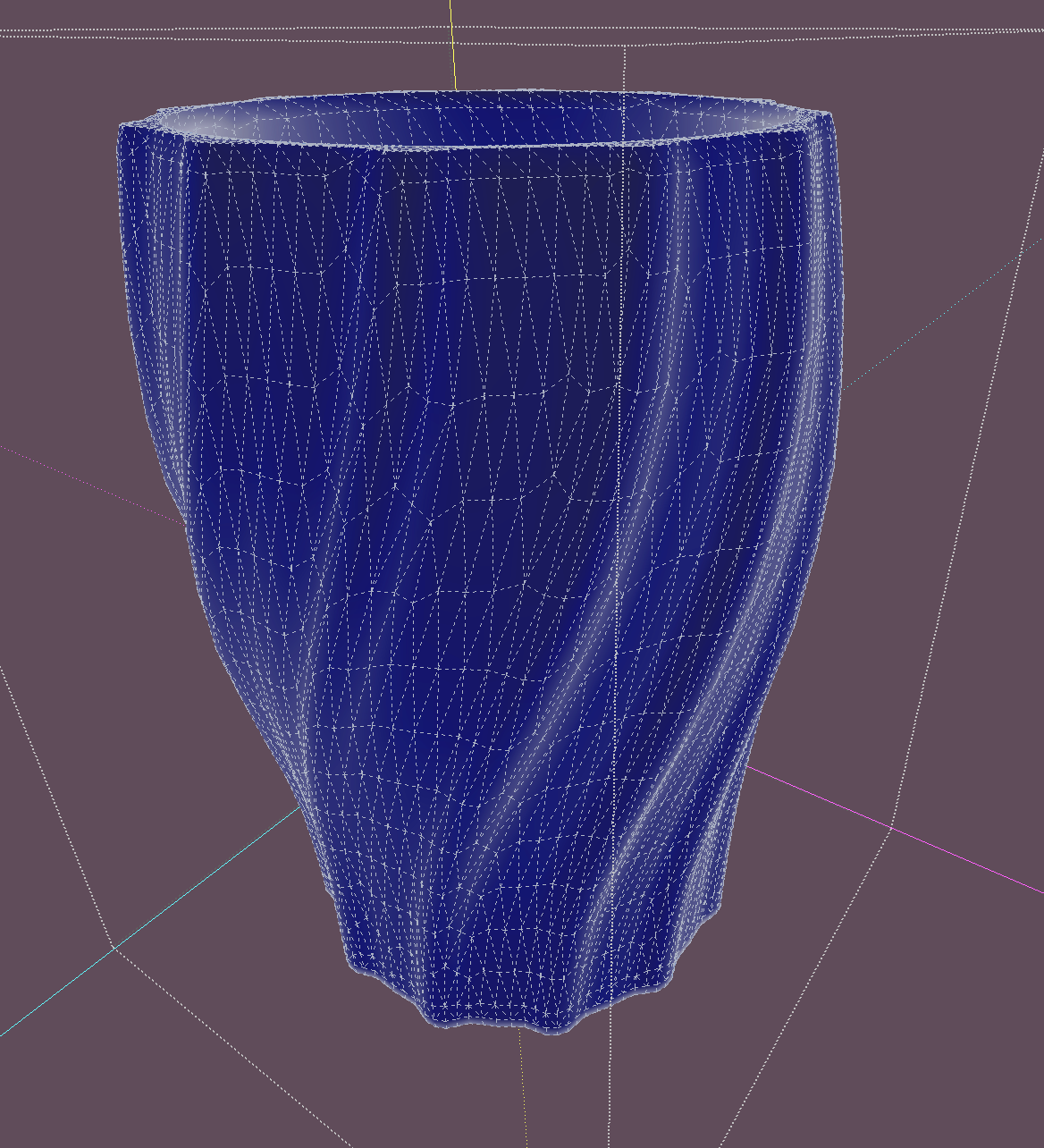
)It would take redoing it to show all that, but for now here's the mesh. A little scary-it's Artisan. I had no idea what to expect. Would be interesting to try in subD too.
but basically to shape with VertexTools I had about 7 rings of outline up the vase then select the top one and be sure the bottom one is not in the soft select and do a twist. Choose a lower ring to scale, same thing. Then subdivide.
-
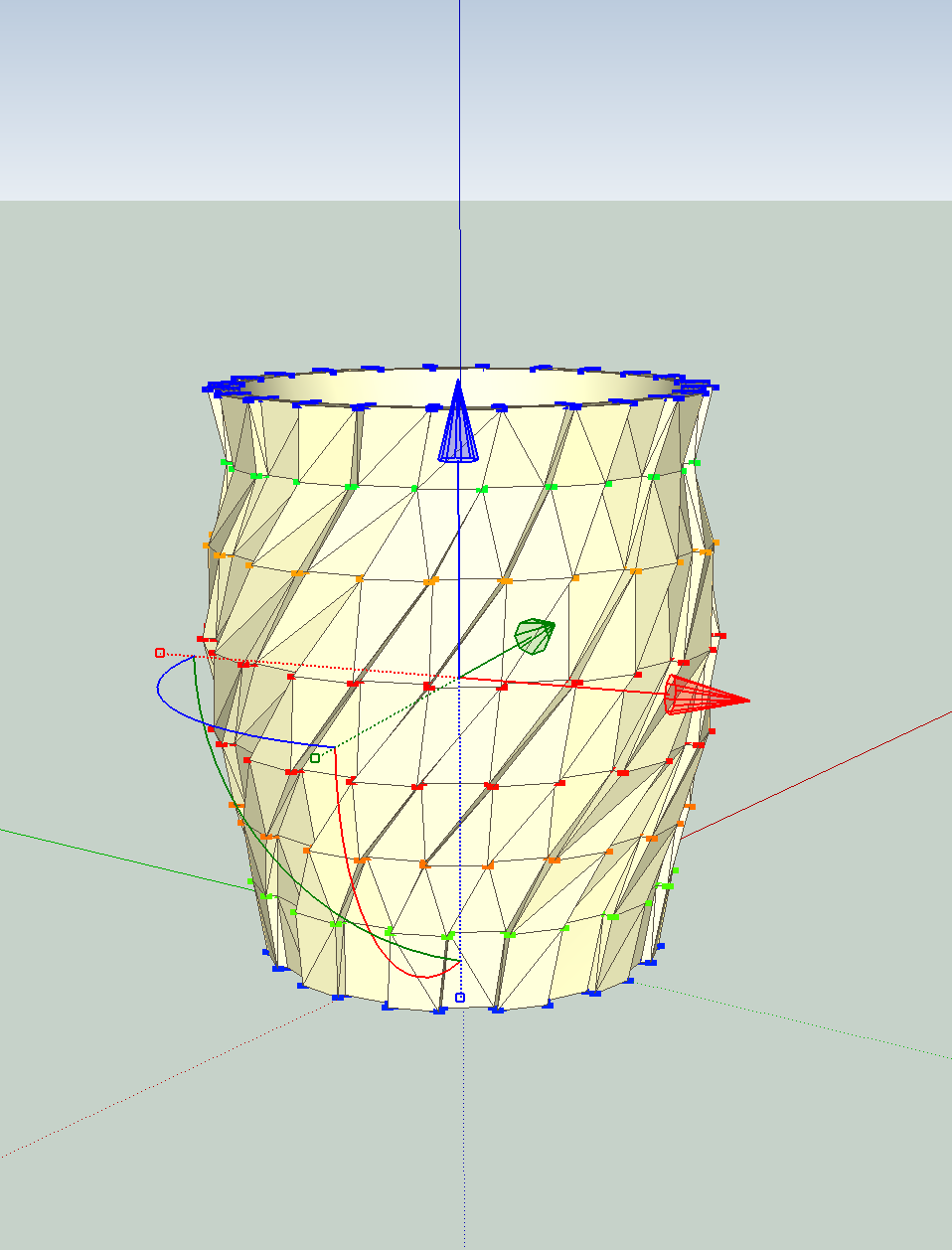
Working on a similar vase.





Advertisement