Frame rate - fps in loose geometry versus components
-
I am obsessed about frames per second,

So i found a very strange situation, most you guys probably know it. But I did not.
I made some tests with the Test.time_display
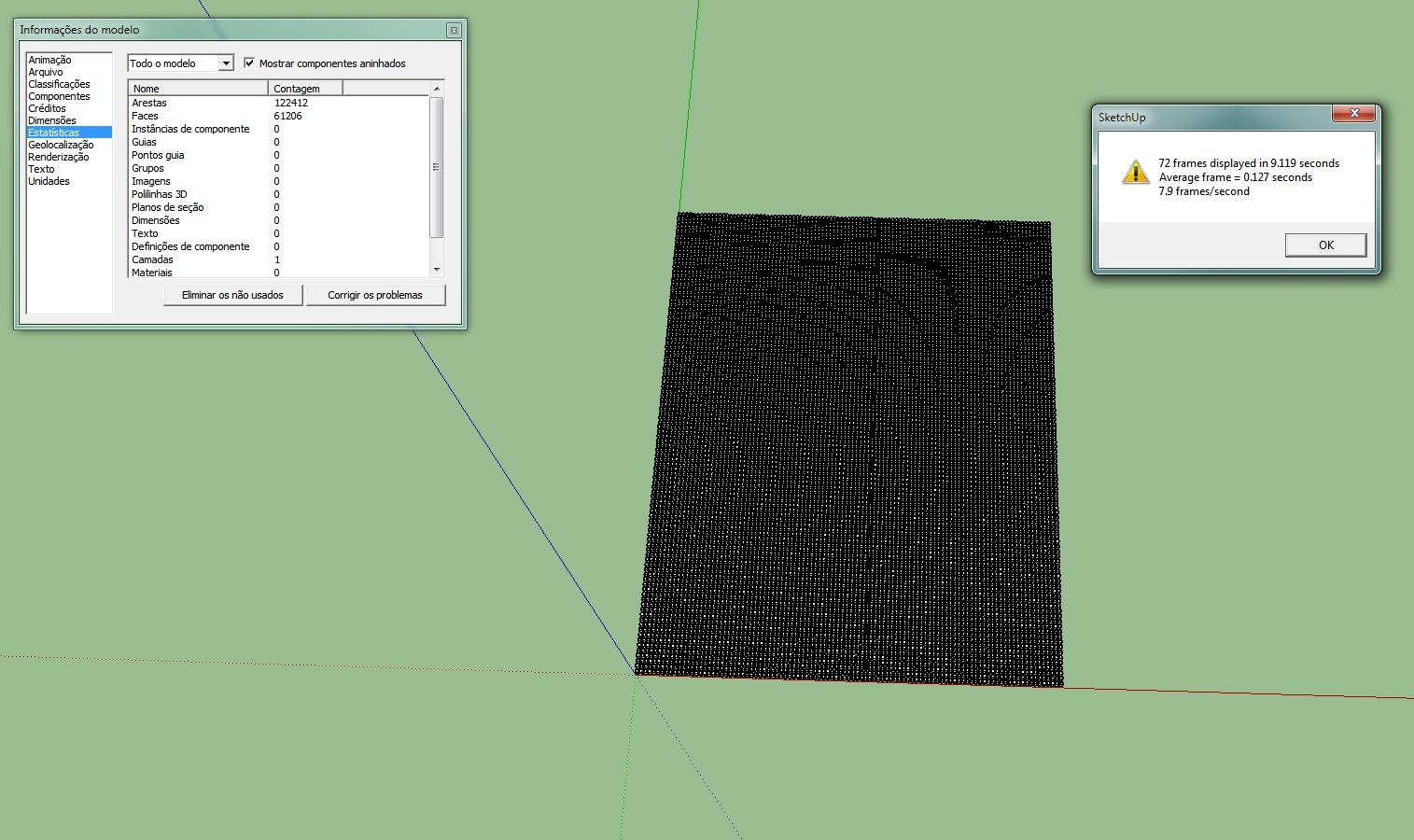
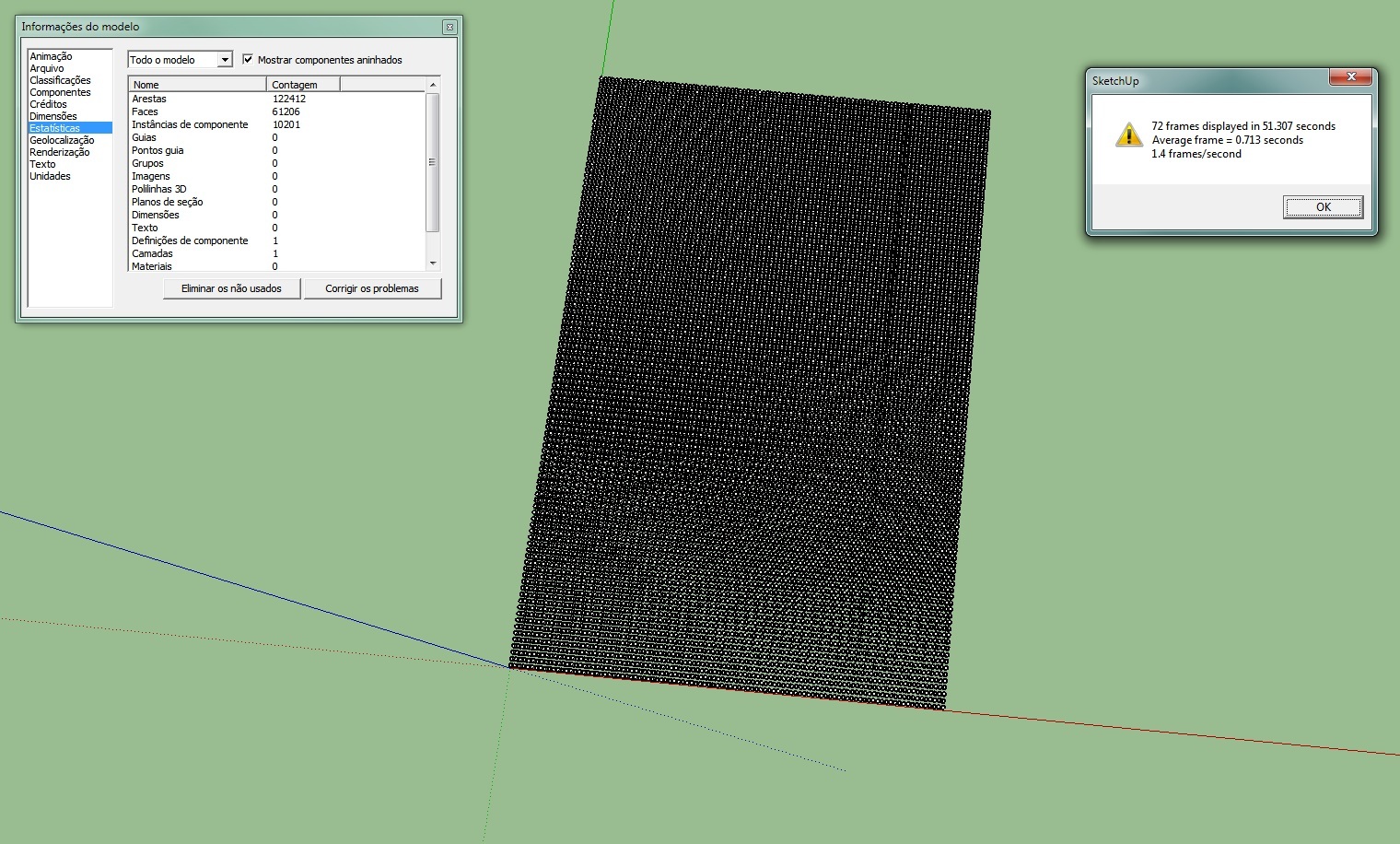
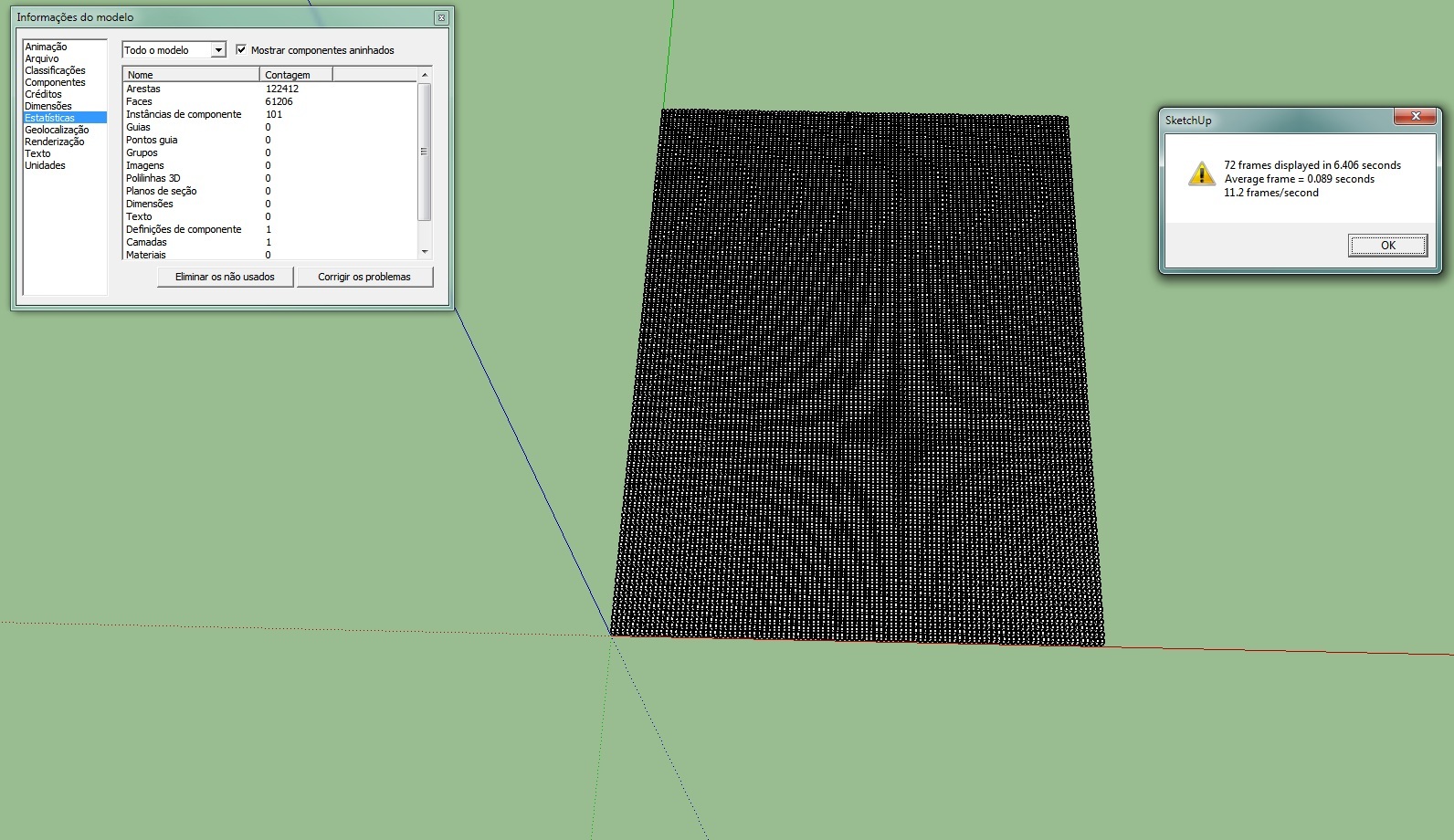
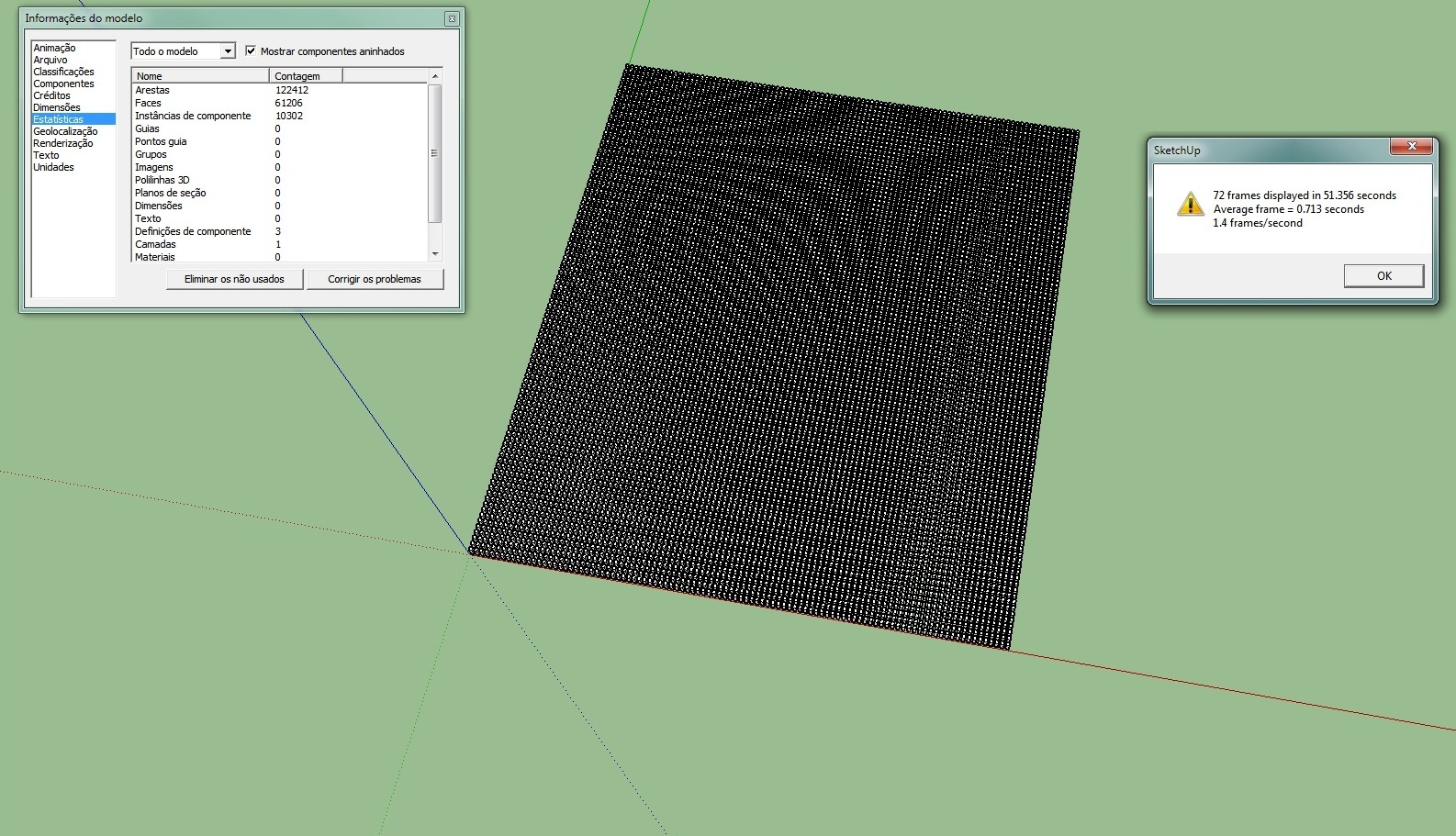
The 4 images have the exact same geometry, same number of faces and same number of edges. The only difference is the components or groups.
The first is only loose geometry - 7.9fps
the second every box is a component (10201 components) - 1.4fps
the third every line is a component with 100 boxes inside (101 components ) - 11.2fps
the four every box is a component and every line also is a componente (10302 comp ) - 1.4fpsso I think sketchup takes a lot of time to open one instance and see its properties ( scale position etc ) so it's better have fewer components with more geometry inside for optimum frames per second. Of course its only need for very big models.
-
nice to know...


Hello! It looks like you're interested in this conversation, but you don't have an account yet.
Getting fed up of having to scroll through the same posts each visit? When you register for an account, you'll always come back to exactly where you were before, and choose to be notified of new replies (either via email, or push notification). You'll also be able to save bookmarks and upvote posts to show your appreciation to other community members.
With your input, this post could be even better 💗
Register Login


Advertisement