MSPhysics 1.0.3 (16 October 2017)
-
my project
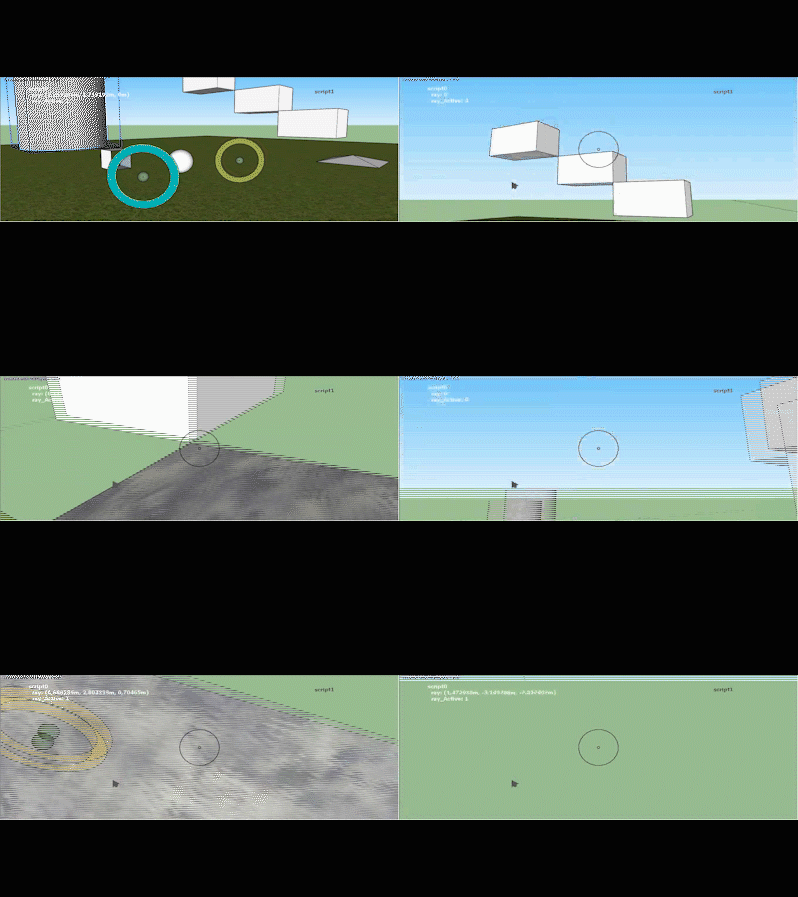
-
A little question regarding Export Replay to SkIndigo: The batch rendering doesn't save the frames complete rendered after the set Halt time but at the point of the last image update during the render process. This point can be minutes before the desired render time per frame. Is it an exporter question or should I ask in the Indigo forum?
-
@Faust, I don't know. I need to look deeper into that.
-
-
OK, thank you.
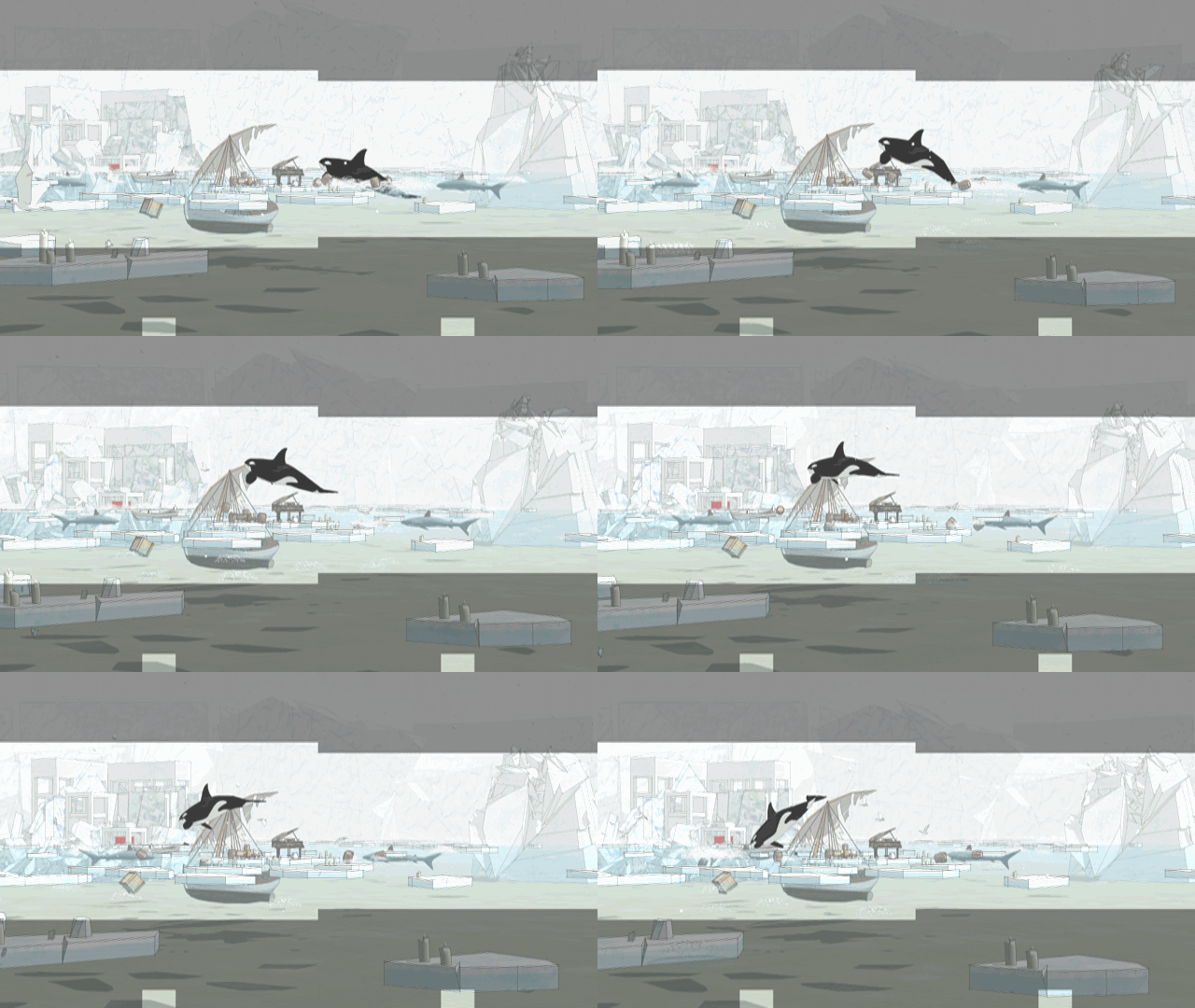
Have tested MSPhysics "Export Replay to Images" with the new SketchUp Make 2017 M2 (windows 7) and got a similar result as with M1 (windows 10) as mentioned in an older question.
The example is a GIF of exported frames with an original resolution 1920x1080.
-
-
@faust07 said:
Unfortunately, changing the Update Rate from 1 to 3 is not useful when camera, joints, emitter, etc. are based on scripts that use the OnUpdate function. Programmed objects become 3 times faster. The appearance of emitted objects no longer fits to the image rate. The weight of the emitted objects or the lifetime seems to change.
For the joints based on pivot points, an option independent of the Update Rate in the user interface seems to be useful for fixing at the pivot point. If this is possible...The "update rate" option controls the amount of times the simulation is to be updated per frame.
An update rate of 3, for example, tells the newton world to update 3 times a frame.
Now, to answer your question, the behavior of onUpdate event was changed in 0.9.9; instead of being called one time every frame, it was changed to be called every time the world is updated. Thus, it is updates "update rate" times every frame. To fix your problem, use onTick event instead of onUpdate. It is triggered only once every frame. See this link for all the events: http://www.rubydoc.info/github/AntonSynytsia/MSPhysics/master/MSPhysics/BodyContext@faust07 said:
OK, thank you.
Have tested MSPhysics "Export Replay to Images" with the new SketchUp Make 2017 M2 (windows 7) and got a similar result as with M1 (windows 10) as mentioned in an older question.
The example is a GIF of exported frames with an original resolution 1920x1080.The "Export Replay to Images" uses SketchUp's
view.write_imagefunction to export view into a 2d graphic. I don't think I have control over how the image is exported. Perhaps it's a SketchUp related bug. Or, since it also doesn't render fully with Indigo, it could be your hardware, not having enough memory/processing power (not much of an expert in this), to export a full image. Try exporting replay of a simple model, with only a few geometric objects, with resolution set to 1920x1080, and see if it exports properly. -
@faust07 said:
Should make my question more precise:
The reason for the loose behaviour of the joints is the update rate in MSPhysics UI - Simulation - Update Rate = 1 (seems the best for my large model).
If I change this from 1 to 3, the servos remain more stable in the pivot but the spring no longer brings the steady up and down movement.
Have now tried to modify all settings at the Spring Joint, but do not get the desired result.
What can I do?
Thank you in advance, Anton!I will fix that improper behavior of a spring joint.
Edit: Actually the spring joint works as expected. It was the oscillator function not considering the update rate. I will change the oscillator function to multiply by elapsed time (in seconds), rather than frame, which are two different things.
Edit2: Here is the new oscillator function: You can edit the MSPhysics/common_context.rb and replace the last method with this new one:
# Get oscillated value of a sine curve.
# @param [Numeric] frequency Number of sine periods per second.
# @return [Numeric] A value ranging between -1.0 and 1.0.
def oscillator(frequency)
  inc = frequency * 2 * Math;;PI
  Math.sin(inc * MSPhysics;;Simulation.instance.world.time)
end
Note that you will have to retweak the oscillation frequencies for your birdy.
-
@luckyvac said:
HI,
Here is the robot hand with 22 servo.
Best regards
luckyvac
Luckyvac, this arm is very unstable with MSPhysics. This could be tweaked to be a bit more stable, but it won't be suitable to play a guitar. A programmers approach to creating a guitar would be to fake the arm and finger movements with animation rather than using the actual simulation. But that, then requires a lot of time. What I suggest you do, is look for a different software online, that emulates arm movements and guitar sounds. I'm positive that such software exits.
-
Thanks, Anton for the explanations.
The Indigo renderer update/halt time difference seems not to be a MSP or hardware problem. I've tested it with different model sizes on different machines. I'll try to ask this in the Indigo forum. In the SkIndigo Render Settings one can set the halt time a few seconds longer than the before tested update time and all is fine.The incomplete results of the view.write_image function in SketchUp 2017 I will report in the SketchUp Community Forum.
I hope my problems with Servos I can demonstrate in the following examples more dramatically. A mode to hold connected objects in the pivot position would be fine.
The tests with the Update Rate I did only to improve that. No need to change the oscillator script. For non real time simulations (large models with much MSP-objects) the oscillators based on frames are better than based on world time. (on the end the film with 30 frames per second brings the "real time" feeling).
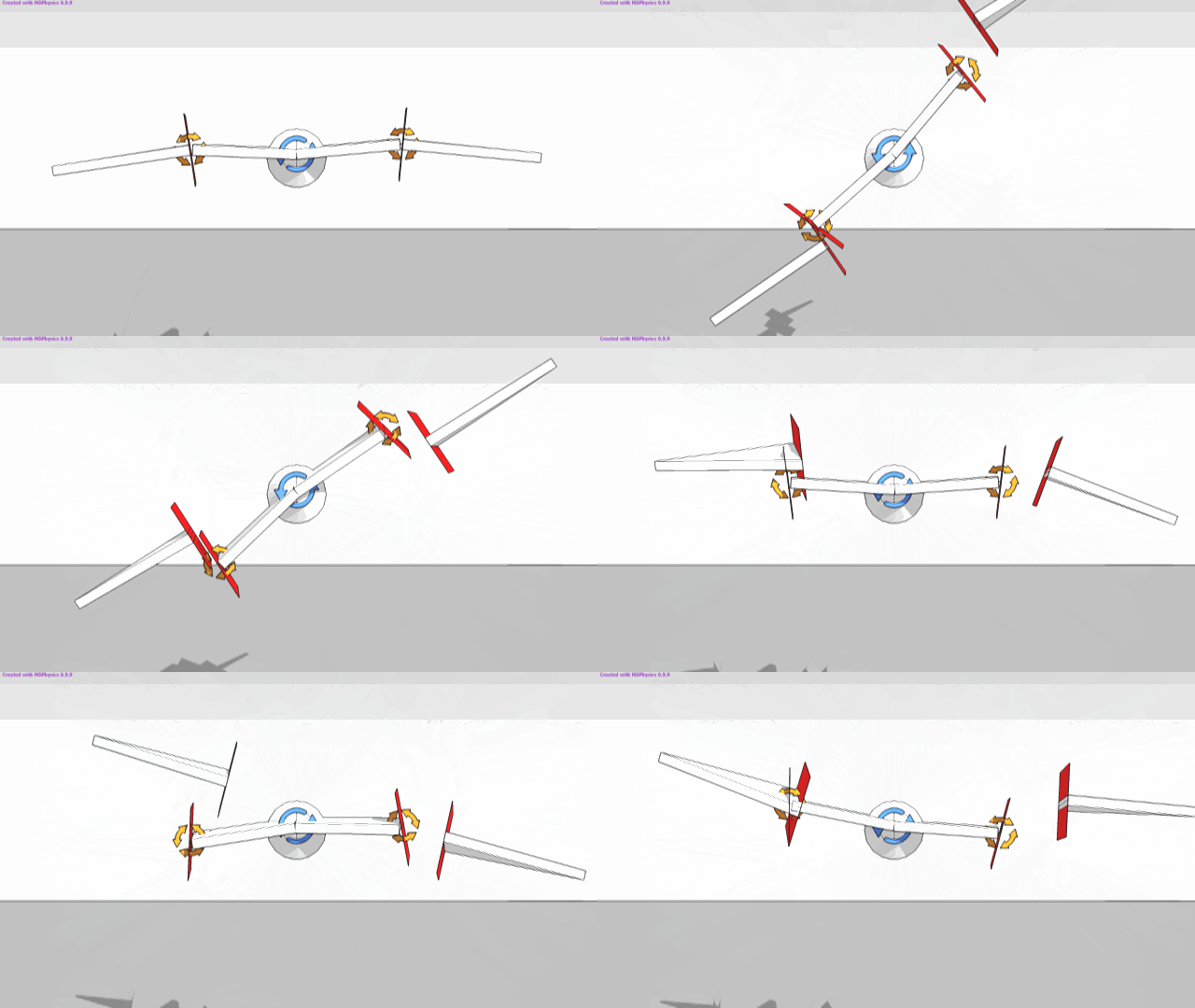
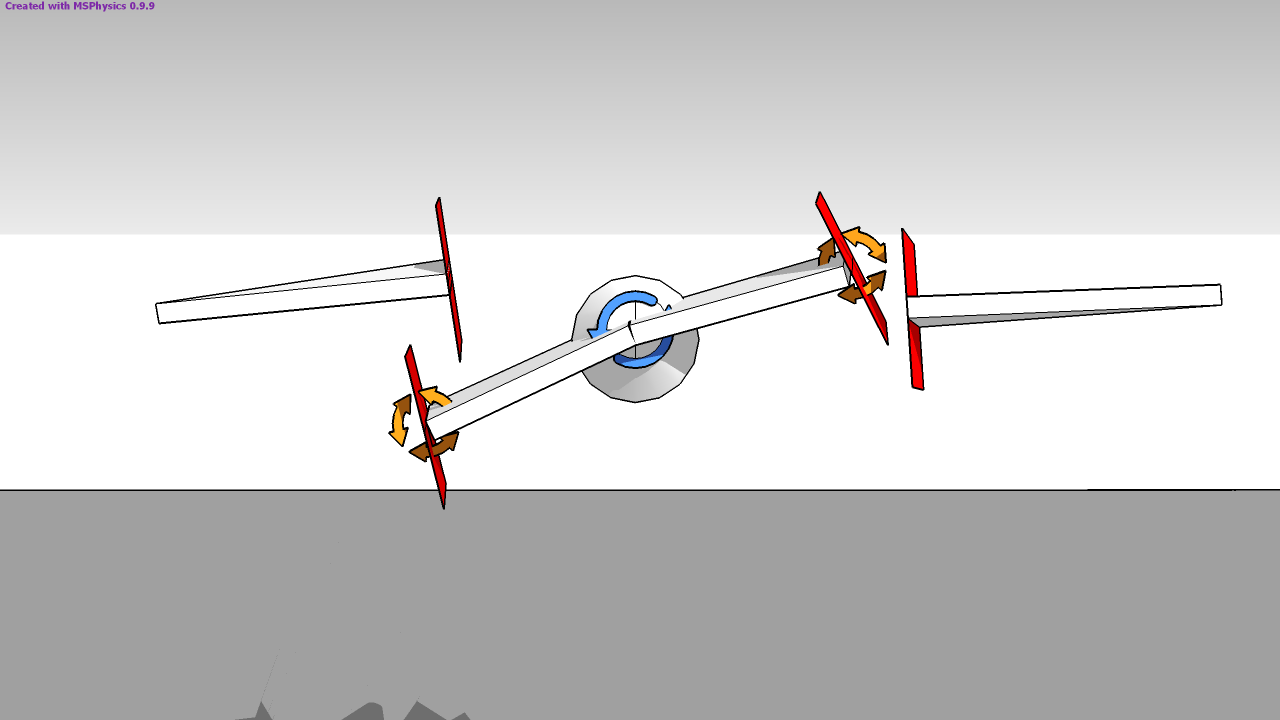
-
Final base

3D Warehouse
3D Warehouse is a website of searchable, pre-made 3D models that works seamlessly with SketchUp.
(3dwarehouse.sketchup.com)
-
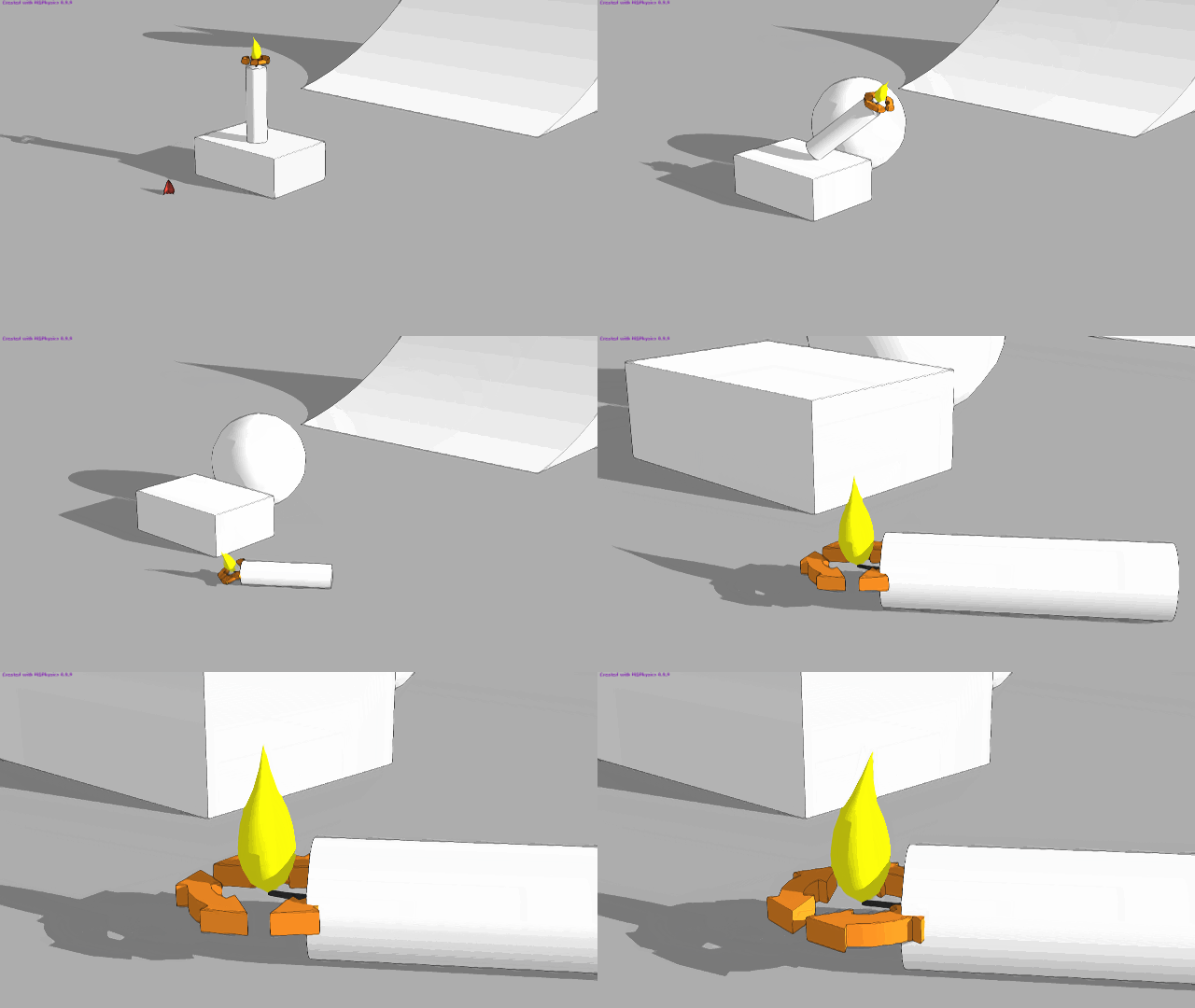
Another problem with a servo and a non-collision object. After the fall of the candle a strange behavior of the flame arises. Collision, gravitation, etc. do not seem to be completely canceled. The joint oscillates in high frequency, which can even lead to a crash. What can I do?
-
Hi Anton,
Thank you for your reply. Since I am French I do not speak English well.I did not understand everything ... the hand is unstable ?
https://www.youtube.com/watch?v=uJerEEx-btw
funny ?
I do not find
 She works well my hand . I like sketchup + msphysic because I understand what I do. Other software is too complicated for me. You will have time for: "The table with angles and times must be converted to a Ruby Hash".
At the moment I try this function of time:
ft = 9,75 -7,91cos(6,28world.time) -0,88cos(18,84world.time)
-0,32cos(31,4world.time) -0,16cos(43,96world.time) -5,27sin(3,14world.time)
Here is the Fourier series that works
youpi !
-9.75+7.91Math.cos(6.28world.time)+0.88Math.cos(18.84world.time)+0.32Math.cos(31.4world.time)+0.16Math.cos(43.96world.time)+5.27Math.sin(3.14world.time)
it does not work. What to do? thank you
Thank you very much, Best regards.
luckyvac -
@faust07 said:
Another problem with a servo and a non-collision object. After the fall of the candle a strange behavior of the flame arises. Collision, gravitation, etc. do not seem to be completely canceled. The joint oscillates in high frequency, which can even lead to a crash. What can I do?
Poorly connected the groups together. I added "Ball and Socket" joint in a new group, and a new "Up vector" to green axis. This disables the rotation.
Try it now: Test_03.skp
-
Hello, luckyvac,
I added a small script to your guitar to play the sound and control arm/wrist movements based on the table of values you provided in your earlier post. It turns out, it works very well! Great job with getting those angle values! It must have taken you a lot of time. You can download your attached model below.
When I said the hand was too unstable, I meant the MSPhysics version of a hand, not the real one. I apologize if you misunderstood and took it as an offence. In MSPhysics, a hand with 22 servos will not work well. It will be very unstable. Your guitar, however, requires only two servos; one for the arm and the other for the wrist - and it is very stable. So anyway, download the model below and see how it goes. Later, we could create an emulator that would play the real midi notes for the Blowin in the Wind song.
Regards,
Anton
-
Hi,
I have a problem with gears using MSphysics. Is there any way how to fix it? -
Thanks, Istvan. Now it works like desired. Much joints for a little candlelight...
-
@jakub89 said:
Hi,
I have a problem with gears using MSphysics. Is there any way how to fix it?Hi, Jakub,
If you enable the collision wireframe for your model, which can be done by opening MSPhysics UI, activating the Simulation tab, and, enabling the Collision Wireframe, you will see that the collision generated for the gears is improper. All sub collisions of dynamic (movable) shapes must consist from separate convex sub-groups. That said, your gears are concave. To fix it, either split the teeth in separate sub-groups/components, or use this plugin to draw gears instead: http://sketchucation.com/forums/viewtopic.php?t=46319
Regards,
Anton -
@faust07 said:
Much joints for a little candlelight...
Faust07,
There are better ways for doing a candlelight. You could use particle effects or have a sequence of fire models that would hide unhide at a particular frame, that is, a repeating animation. The particle effects is the best approach as it always unique and easier to make. Besides you could also add a trailing smoke. An example is attached below.
Regards,
Anton
-
Anton_S, thanks for fast response. I'll try it.



Advertisement