Just started with Layout
-
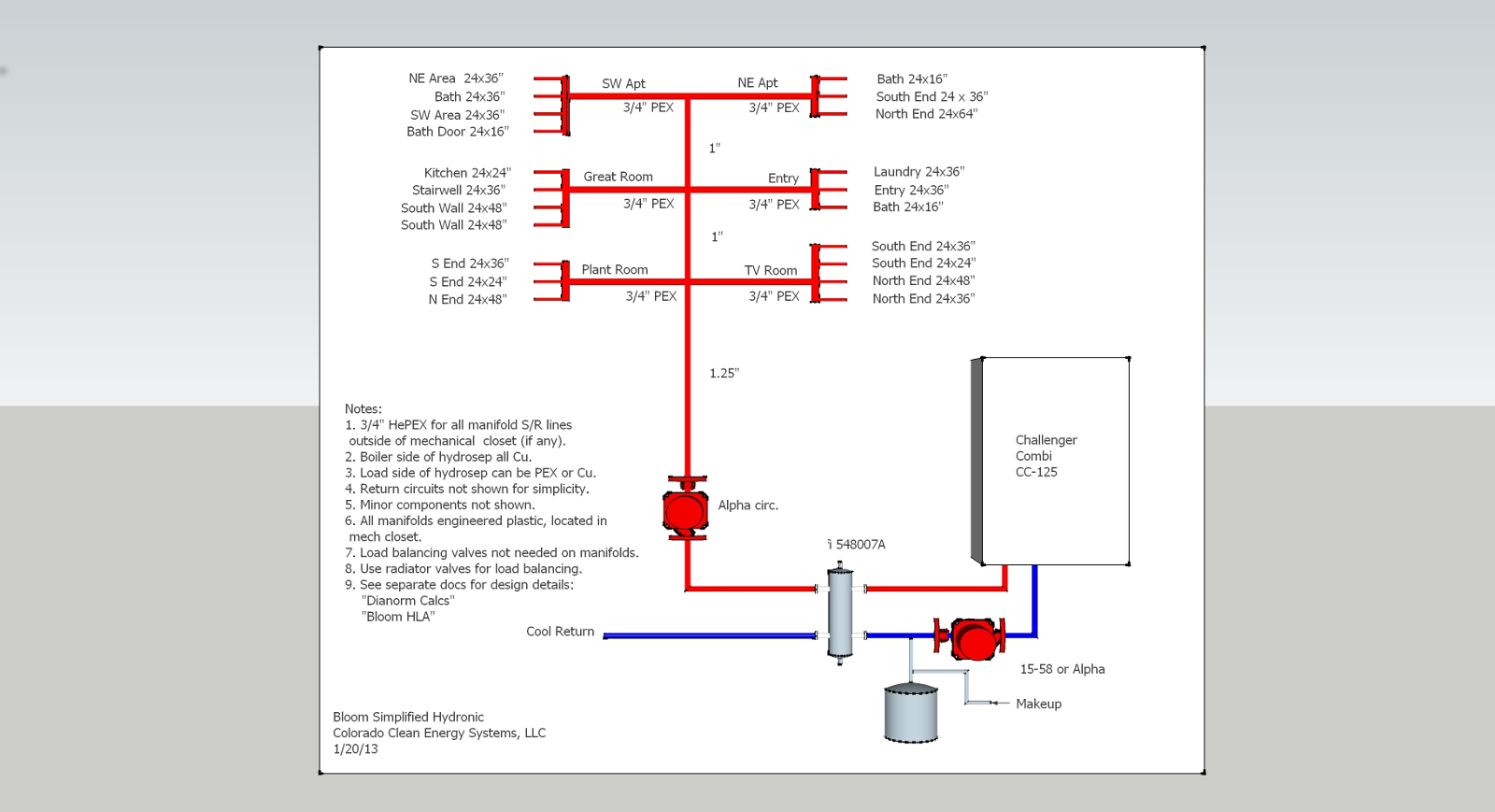
Title_Block_w_Hydronic_Diagram.pdfTitle_Block_w_Hydronic_Diagram.pdfPlease excuse my simple questions, but I just started with Layout this morning,and I've reached a brick wall.
I'm trying to import a sketchup drawing into Layout. Attached are the sketchup drawing, and the title block with the same drawing inserted into it. Here are my Q:
- Why is the top portion of the dwg cutoff?
- How can I redefine the viewport size so as to exclude the "dead air" on the left hand side?
- Why does the text get "scrunched up" as I resize the image (both in Sketchup, and in Layout)?
- Can I call up Layout from within Sketchup, or do they have to run separately?
I will try and search out video tutorials, but in the meantime, thought someone could help out with at least one or two of the above questions.
Thanks!
-
I think I just figured out the answers to questions 1 and 2, but still can't answer questions 3 and 4...
-
3 - Text "scrunches up" because it's properties are set up in pt inside sketchup. In model info/entity info you have an option to set a text/leader/dimensio to be, for instance, Arial 12, but you can also set it as Arial 10cm. Try the second and the text will be frozen in place.
ADVICE: Model all you want in sketchup but label, dimension and write text in layout... You'll have more control like that!
4 - They run separately but you can refresh a sketchup model from within layout.
ADVICE: You should set scenes in sketchup that are exactly what you want to print and then use those scenes in Layout, because they get listed there, in the Model Tray. Never mess with scene properties in Layout besides, background, line width, scale, and vector/raster/hybrid modes, and your scenes should stay linked between SU model and Layout.
-
Much food for thought in your reply. I will keep those points in mind as I practice with the file in the next few days.
Thanks for responding!

Hello! It looks like you're interested in this conversation, but you don't have an account yet.
Getting fed up of having to scroll through the same posts each visit? When you register for an account, you'll always come back to exactly where you were before, and choose to be notified of new replies (either via email, or push notification). You'll also be able to save bookmarks and upvote posts to show your appreciation to other community members.
With your input, this post could be even better 💗
Register Login


Advertisement