Curved Staircases
-
-
-
@garry k said:
Jeff have you tried with template of feet?
yeah.. and i encountered another error with it (using the 2013 template Engineering - Feet
i keeping getting the error 'Tread bullnose must be at least 1/2 of tread thickness'.
the settings i'm using while getting that error are:
Tread Thickness: 0.125' (or 1.5")
Tread Bullnose: 0.083' (or 1")so the error message isn't corresponding to my settings (if i'm properly understanding the message and settings)
@unknownuser said:
My plan is to connect to web while in trial. Once a user is licensed then connecting to web site will no longer be necessary.
oh.. i see. that sounds good
-
Jeff - both the top and bottom of the tread get bullnosed. So you can't bullnose the top with a 1" radius and the bottom with a 1" radius.
In this case the maximum bullnose for a 1.5" tread is 0.75".
-
Walt - all I can think of doing is pulling out the http code and putting it into a very simple rb script ( not scrambled ).
What user ID are you using? If it isn't the default "User" "test" then I will see what my logs show at the web site. We'll see if we made it that far.
-
John - I looked at my PM messages - I have only received 1 since I put up version 1.0.7 08 Feb 2014, 08:39( which had the feet fix ).
Your last message had to do with the beta version 2014.
-
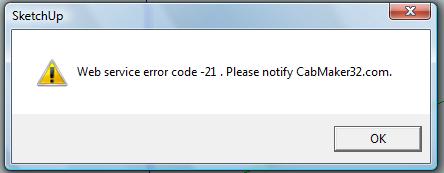
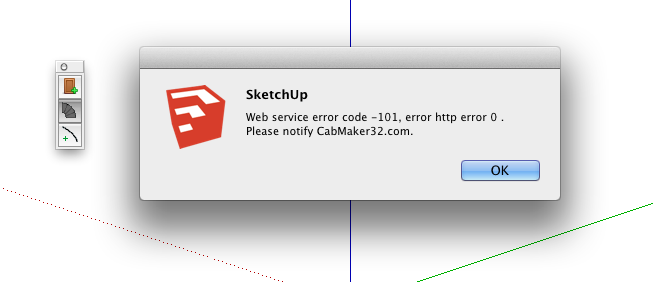
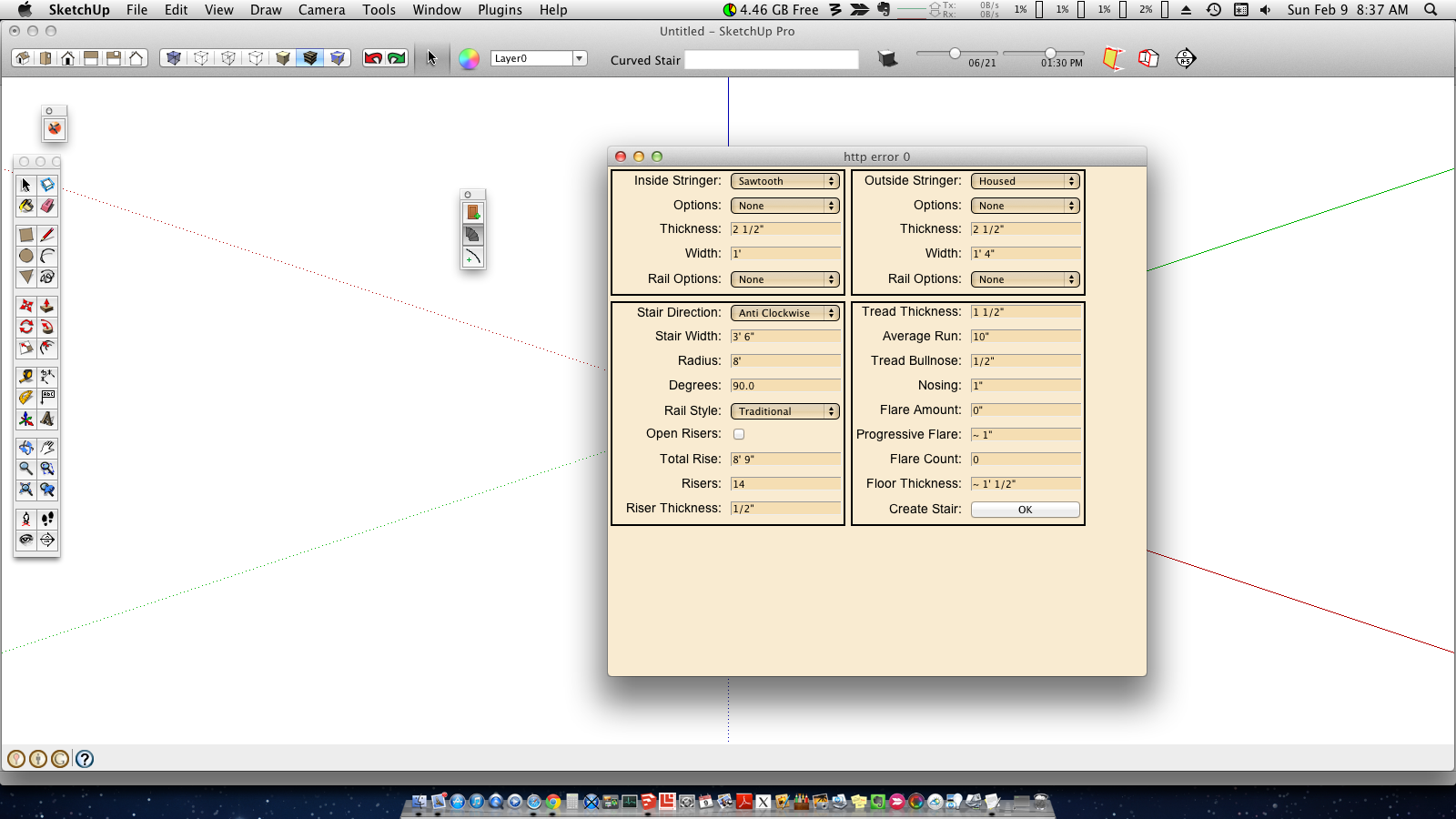
@ Garry username is mwm5053. I have been able to Login to website with no problems still getting 101 error after clicking ok web dialogue pops up but clicking ok for default values nothing happens heres a screenshot.
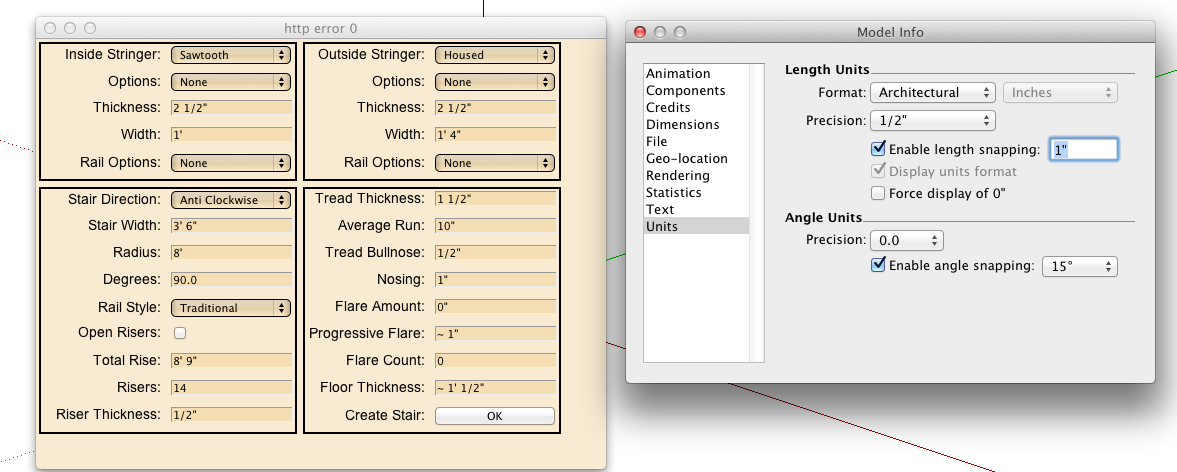
-
Walt - If you look at the title of the web dialog it is saying "http error 0". Sorry about the confusion. I thought that it would be good to show the web dialog whether you have an error or not? I could change the back ground color from wheat to red or something like that.
The other thing to note is that you may need more accuracy than 1/2" precision to properly draw a stair case. I'm not exactly sure how sketchup handles smaller values than precision.
If you let the defaults.txt file to "User" and "test" and connected then you should see "Testing - temporary status granted"
If you edited defaults.txt file to "mwm5053" and put in the emailed password then you should see "You have 30 days left in trial"
-
I changed defaults txt back to user / test and precision to 1/64 still get screenshot error
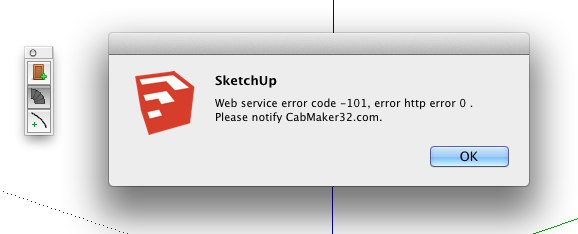

-
Walt - I went to my web site and took a look. There isn't a single http attempt for user "mwm5053".
I also looked at all of my registered users and there isn't a user "mwm5053" in that file.
You need to go to my web site - CabMaker32.com and click logon and register. You will then receive an email with your password. You can also send me a private message with your email address. I can also look in my user file and see if that email address has been registered under perhaps a different user.
-
Now thats really weird


-
@garry k said:
Jeff - both the top and bottom of the tread get bullnosed. So you can't bullnose the top with a 1" radius and the bottom with a 1" radius.
In this case the maximum bullnose for a 1.5" tread is 0.75".
that's what i thought.. you may want to consider changing the wording of the error message then:
'Tread bullnose must be at least 1/2 of tread thickness'
to something along the lines of:
max bullnose is 1/2 tread thickness. -
@Garry
it's working in 'feet' Template now...
the cache reset took a couple of goes...added some info so you can see what I get my end...
Ruby version is _____________ 1.8.5 Sketchup version is __________ 13.0.4811 Sketchup version path is __________ /Applications/SketchUp 2013/SketchUp.app Sketchup process pid is __________ 86823 @modPath is __________ unsaved stair time 0.922734 stair time 0.922350<html><head> <meta http-equiv="MSThemeCompatible" content="Yes"> <style type="text/css"> * { padding; 0; margin; 0; } body { background-color; #F9EBD1} fieldset { float; left; background-color; #F9EBD1; border-color; black; margin; 3px;} fieldset p {display; table-row; font-family; Arial, Helvetica, sans-serif; font-size; 90%; color; black; height; 27px;} fieldset input, fieldset select, fieldset label {display; table-cell; margin; 2px; width; 120px;} fieldset label {text-align; right;} fieldset input, fieldset select {margin-left; 10px; background-color; wheat;} </style> </head> <body> <form> <fieldset> <p><label>Inside Stringer;</label><select id="inside_stringer"><option>Housed</option><option>Sawtooth</option><option>None</option></select></p> <p><label>Options;</label><select id="inside_option"><option>Has Heel</option><option>Has Foot</option><option>Both</option><option>None</option></select></p> <p><label>Thickness;</label><input type="text" id="inside_thickness"></p> <p><label>Width;</label><input type="text" id="inside_width"></p> <p><label>Rail Options;</label><select id="inside_rail"><option>Guard Rail</option><option>Wall Rail</option><option>None</option></select></p> </fieldset> <fieldset> <p><label title="Set to none for a spiral where spindles are used to tie the treads togethers">Outside Stringer;</label><select id="outside_stringer"><option>Housed</option><option>Sawtooth</option><option>None</option></select></p> <p><label>Options;</label><select id="outside_option"><option>Has Heel</option><option>Has Foot</option><option>Both</option><option>None</option></select></p> <p><label>Thickness;</label><input type="text" id="outside_thickness"></p> <p><label>Width;</label><input type="text" id="outside_width"></p> <p><label>Rail Options;</label><select id="outside_rail"><option>Guard Rail</option><option>Wall Rail</option><option>None</option></select></p> </fieldset> <fieldset> <p><label>Stair Direction;</label><select id="direction"><option>Clockwise</option><option>Anti Clockwise</option></select></p> <p><label>Stair Width;</label><input type="text" id="stair_width"></p> <p><label title="Set to 0 and StairMaker will calculate based on degrees and Average Run">Radius;</label><input type="text" id="radius"></p> <p><label title="Set to 0 and StairMaker will calculate based on radius and Average Run">Degrees;</label><input type="text" id="degrees"></p> <p><label>Rail Style;</label><select id="rail_style"><option>Classic</option><option>Modern</option><option>Round</option><option>Square</option><option>Standard</option><option>Traditional</option></select></p> <p><label>Open Risers;</label><input type="checkbox" id="open_riser"></p> <p><label>Total Rise;</label><input type="text" id="total_rise"></p> <p><label>Risers;</label><input type="text" id="risers"></p> <p><label>Riser Thickness;</label><input type="text" id="riser_thickness"></p> </fieldset> <fieldset> <p><label>Tread Thickness;</label><input type="text" id="tread_thickness"></p> <p><label title="Average Run is ignored if both Radius and Degrees are set">Average Run;</label><input type="text" id="average_run"></p> <p><label>Tread Bullnose;</label><input type="text" id="tread_bullnose"></p> <p><label>Nosing;</label><input type="text" id="nosing"></p> <p><label>Flare Amount;</label><input type="text" id="flare_amount"></p> <p><label>Progressive Flare;</label><input type="text" id="progressive_flare"></p> <p><label>Flare Count;</label><input type="text" id="flare_count"></p> <p><label>Floor Thickness;</label><input type="text" id="floor_thickness"></p> <p><label>Create Stair;</label><input type="button" onclick="do_click()" style="background; silver" value="OK"></p> </fieldset> </form> <script type="text/javascript"> if ( document.addEventListener ) document.addEventListener( "DOMContentLoaded", ready, false ); else if ( document.attachEvent ) document.attachEvent( "onreadystatechange", check_ready ); function do_click() { var items = document.getElementsByTagName( '*' ); var count = items.length; var text = ""; for ( var i = 0; i < count; i++ ) { if ( items[i].type == "select-one" ) value = items[i].options[items[i].selectedIndex].value; else if ( items[i].type == "text" ) value = items[i].value.replace(/'/g, '`'); else if ( items[i].type == "checkbox" ) value = items[i].checked.toString(); else value = ""; if ( value.length > 0 ) { if ( text.length > 0 ) text += "&"; text += ( items[i].id + "=" + value ); } } ruby_call( text ); } function from_ruby( data ) { var element; var pair; var pairs = data.split( '&' ); var count = pairs.length; for ( var i = 0; i < count; i++ ) { pair = pairs[i].split( '=' ); element = document.getElementById( pair[0] ); if ( element.type == "select-one" ) { if ( pair[1].indexOf('|') == -1 ) element.selectedIndex = pair[1]; else populate_drop_down( element, pair[1] ); } else if ( element.type == "text" ) element.value = pair[1].replace(/`/g, "'"); else if ( element.type == "checkbox" ) element.checked = pair[1] == '1'; } } function populate_drop_down( element, data ) { var options = data.split( '|' ); var count = options.length; var option; element.innerText = ""; for ( var i = 0; i < count; i++ ) { option = document.createElement( "option" ); option.text = options[i]; element.add( option, null ); } } function ruby_call( text ) { query = 'skp;ruby_callback@' + text; window.location.href = query; } function check_ready() { if ( document.readyState === "complete" ) ready(); } function ready() { ruby_call( 'loaded' ); } </script> </body></html> -
Jeff - Good catch. You are correct - the message is worded wrong. I have changed it for the next version.
-
Walt - that is wierd - you normally don't see that screen. The web hosting site has been experiencing hack attacks. Please tell me if you see this screen again.
-
Walt - put this rb into your plugins folder and see what you get.
There will be a menu item under plugins called "Web Dialog Test"
-
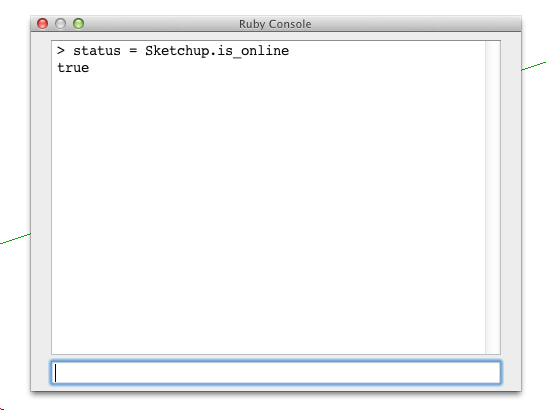
Here's my results.

-
Walt - I'm sorry but I can't answer that question. I haven't heard anyone else having that problem. It may have something to do with http configurations on your specific machine.
Maybe someone else can answer it. Perhaps start a new thread on this. Maybe the developer forum will catch some attention.
As you can see - the code isn't doing a whole lot.
-
@ Garry you're right I installed 1.0.8 rbz on Mac Book Pro and works great with no hitches. Mac Pro (desktop) running SU 8 and Lion and Mac Book Pro (laptop) running SU 8 and Mavericks.

-
I now have language translation working. There is a folder called translations and currently there are 4 files in it.
en.lang - English
fr.lang - French
ru.lang - Russian
zh.lang - Chineses ( traditional )Near the top of the defaults.txt file there is a language= section where you can enter the 2 character language code. If you leave the language= blank the system will try to figure out the locale code.
These language files are straight translations and as a result there might be some funny and or inappropriate translations.
Anyone interested in helping out with any language translation can get a hold of me.
Hello! It looks like you're interested in this conversation, but you don't have an account yet.
Getting fed up of having to scroll through the same posts each visit? When you register for an account, you'll always come back to exactly where you were before, and choose to be notified of new replies (either via email, or push notification). You'll also be able to save bookmarks and upvote posts to show your appreciation to other community members.
With your input, this post could be even better 💗
Register LoginAdvertisement