Sketchup to Lumion - Material Problem
-
Hi guys, sometimes when i import a model from sketchup to lumion, some faces come "brown'.
Here is an image to show:

The roof is supposed to be white, as it is in the sketchup file:

Anybody knows why is it happening?
-
It's not a material issue, it's a GI issue. What version of Lumion do you have? As the new version is tailored more for interiors and there are tools to get interiors right.
The quick fix (if your roof is a separate material) is to give it a very slight emissive value, or use the AO tools that come with new version (I do not have the new version so I cannot help)
-
Yeah it´s possible to "fix" by adding emissivity, but it gets kinda weird..
I have lumion 3. What do you mean by AO tools? -
In your movie effects options there is one called Global Illumination, There you can set sun effects, which will fix the ceiling, again I do not have this version so I cannot really help much, if you go to the Lumion forum they will help you better.
-
Even i am facing the same issue in lumion-8. Have you found the solution? please help me out.
-
Hii guys! please help me out. sketchup to lumion 8 material issue.
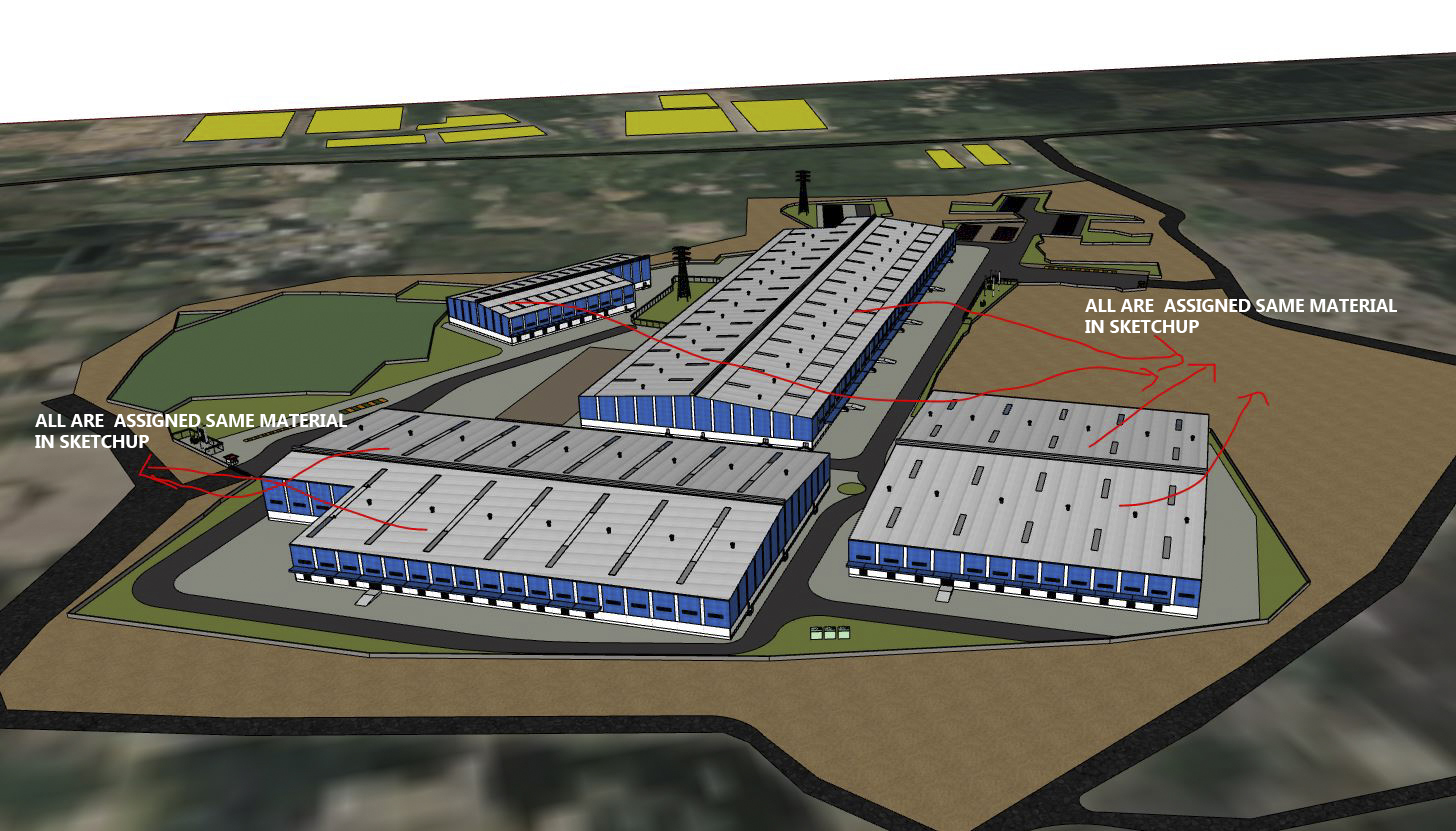
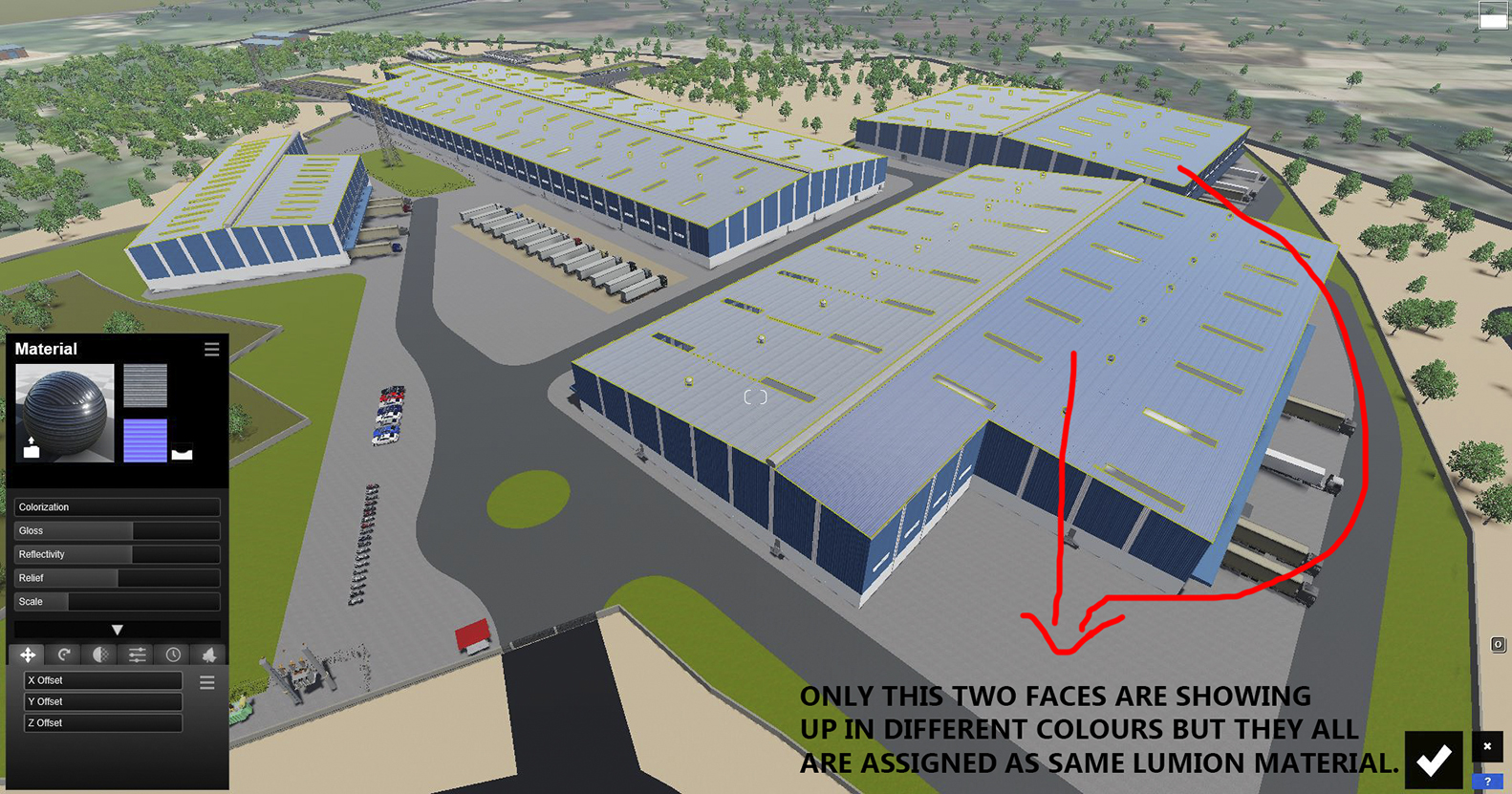
-
check in Sketchup what the face orientation may be, i.e. if those are oreinted correctly and not backfaces


Hello! It looks like you're interested in this conversation, but you don't have an account yet.
Getting fed up of having to scroll through the same posts each visit? When you register for an account, you'll always come back to exactly where you were before, and choose to be notified of new replies (either via email, or push notification). You'll also be able to save bookmarks and upvote posts to show your appreciation to other community members.
With your input, this post could be even better 💗
Register Login


Advertisement