sketchucation logo sketchucation
    • 登入
    Oops, your profile's looking a bit empty! To help us tailor your experience, please fill in key details like your SketchUp version, skill level, operating system, and more. Update and save your info on your profile page today!
    ⚠️ Important | Libfredo 15.6b introduces important bugfixes for Fredo's Extensions Update

    Sculpt using UVs and displacement maps

    已排程 已置頂 已鎖定 已移動 Corner Bar
    60 貼文 9 Posters 3.8k 瀏覽 9 Watching
    正在載入更多貼文
    • 從舊到新
    • 從新到舊
    • 最多點贊
    回覆
    • 在新貼文中回覆
    登入後回覆
    此主題已被刪除。只有擁有主題管理權限的使用者可以查看。
    • michaliszissiouM 離線
      michaliszissiou
      最後由 編輯

      @Pilou
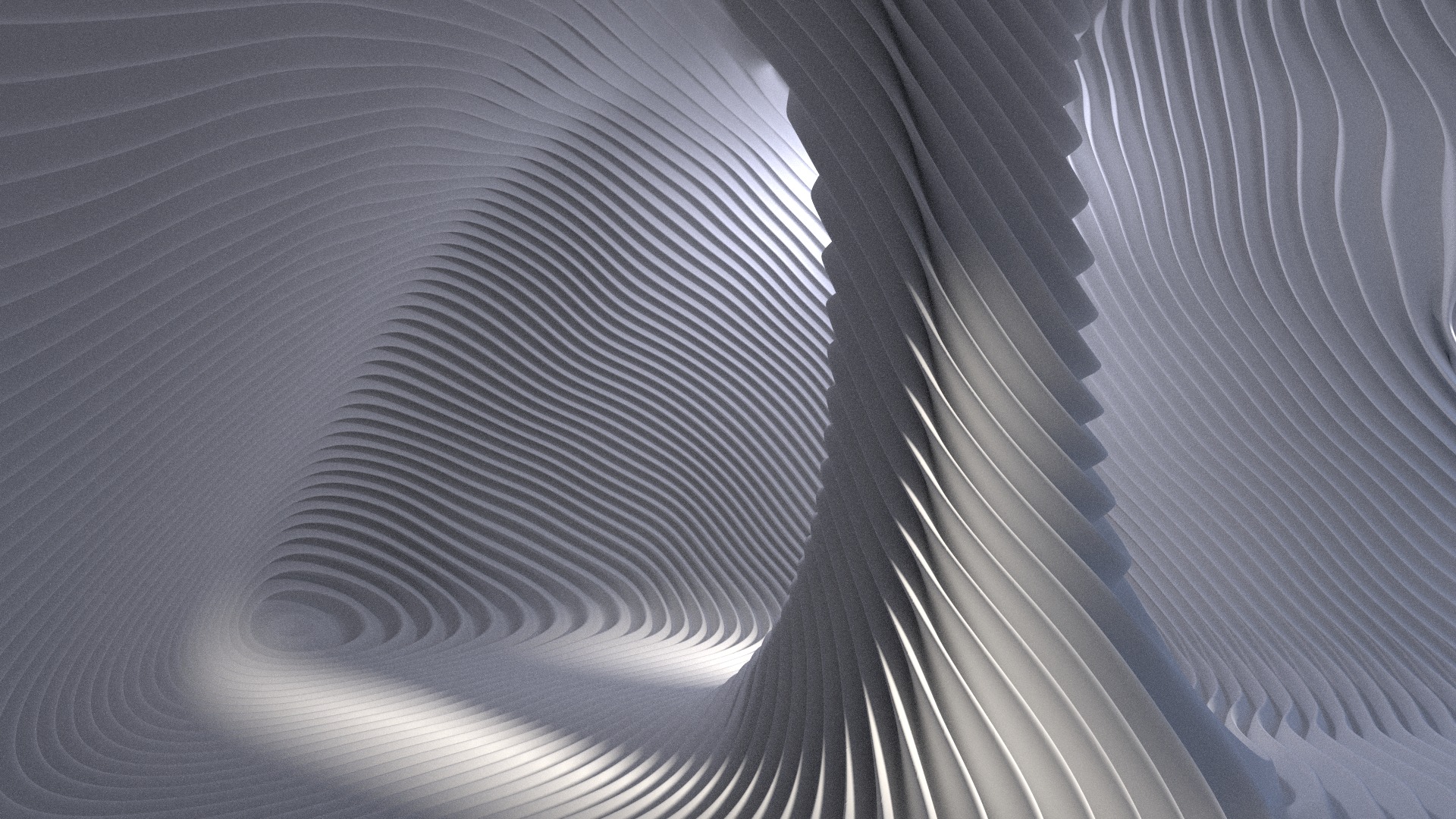
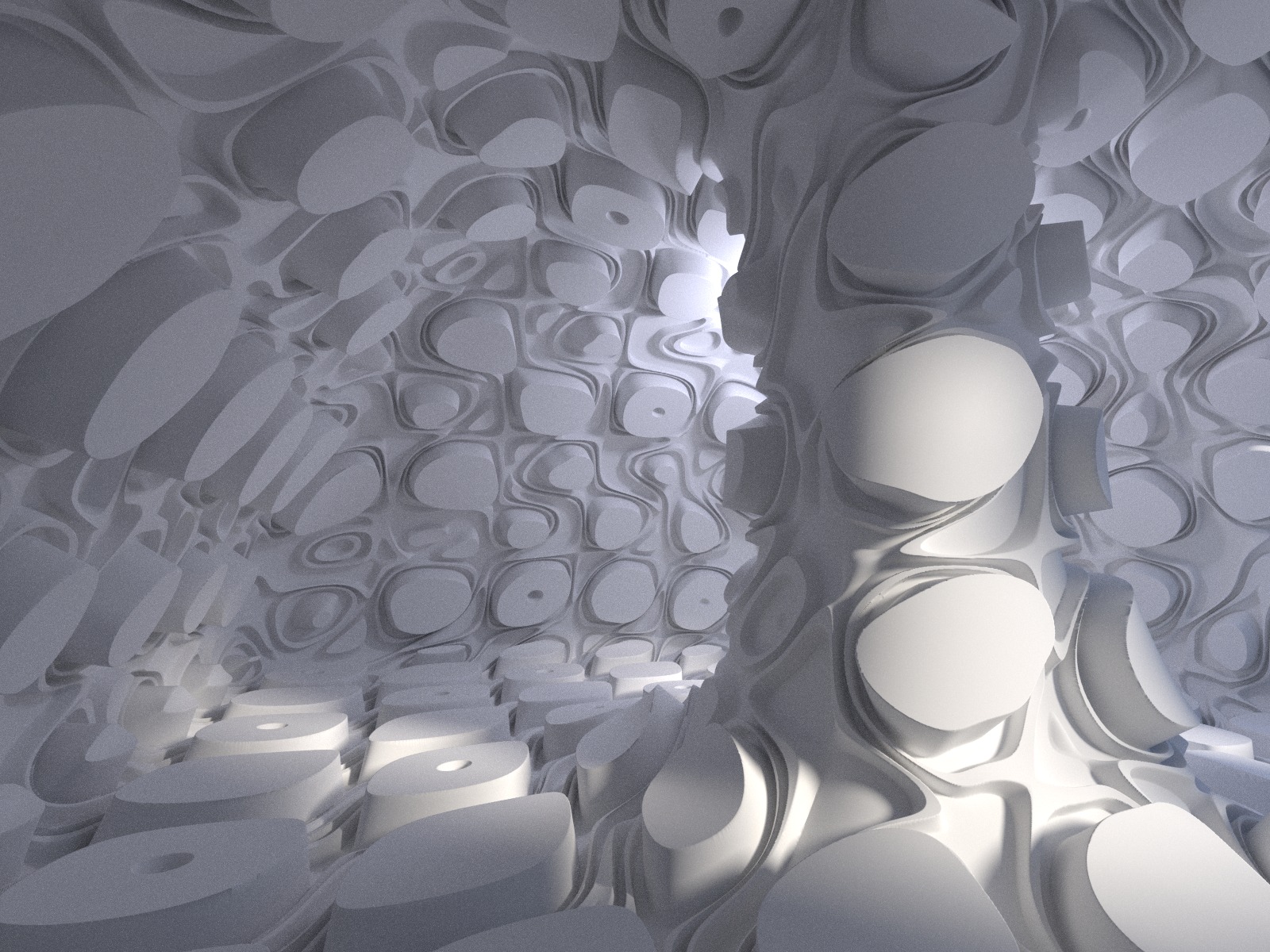
      This tutorial explains some basic thoughts.
      This technique is made for much more than displacing a torus (which actually isn't sculpting at all)
      Much more to say on UV editing, on blender UV editor especially. It seems, I'm among the few who know how to handle it spontaneously. Funny, the tool is among the best I've seen around, very easy to use. I still remember this maya UV nonsense (brrrr)
      The UV texturing of a torus is a two-three clicks operation.
      -select faces
      -U key for UV_unwrap, [reset], ctrl+P to pack on texture, [foolow active quad] to align them nicely. Voilà.
      Now, the next generation of experiments LOL
      Psychonautics. More are coming, including figurative sculpting too.

      https://dl.dropbox.com/u/24090090/psychoA1.jpg

      1 條回覆 最後回覆 回覆 引用 0
      • N 離線
        nickchun
        最後由 編輯

        Michalis, thanks a lot for introducing this. I have just started learning Blender again and have learned a lot by following yours and Olivers tutorials.

        1 條回覆 最後回覆 回覆 引用 0
        • pilouP 離線
          pilou
          最後由 編輯

          As any image can be used for displacement this world is quasi infinite! 😄

          Number images 1000 * 1000 pixels with 1 000 000 colors
          = 1 000 000 Power 1 000 000 so a big number! 😄

          Frenchy Pilou
          Is beautiful that please without concept!
          My Little site :)

          1 條回覆 最後回覆 回覆 引用 0
          • michaliszissiouM 離線
            michaliszissiou
            最後由 編輯

            @unknownuser said:

            As any image can be used for displacement this world is quasi infinite!

            Indeed.
            Meanwhile try exr 32 bit images for depth map. Unfortunately, such maps can be produced by baking only. Any other attempt may become quite unpredictable.
            Pilou, my "message" is to use horizontals and verticals only, leaving the interesting part on the topology and UV mapping. So, to have predictable results, and unpredictable results too. Like clicking the button "I feel lucky", sometimes. 😄

            1 條回覆 最後回覆 回覆 引用 0
            • simon le bonS 離線
              simon le bon
              最後由 編輯

              @unknownuser said:

              @Simon :look my little videos about Simofonia: and try the free version, you don't regreat it! (in French ze vidéos! 😉
              Menu Divers / Simfonia
              It's a very funny Plugin! 👍

              Hi Pilou

              Hope you feel good. 😄
              Thank you to have driven my attention on this plugin. As you had surely thought, I am naturally very interested on the ability to achieve camera and crane movements, but also models animations through SketchUP. I have watched your 2 firsts videos: instructive & simple but funny also (the steamroller compressed 😆 )

              (I'm very upset that Macgile have given up with the development of CameraKeyMaker. Drawing a 3d curve as a pilot for the camera was a brilliant and efficient idea.. I don't know if it is possible to do the same with Simfonia)

              I would like to take this occasion, because your link leads to a site dedicated to MOI, to say to you how these videos are nice and inspirationnal (+ Faits divers dans Pilou_maison). I have made some learning of Moi, Moment of inspiration (Alternate trial version (No expiration but save disabled)) mainly by the help of these videos.

              +++Simon.

              1 條回覆 最後回覆 回覆 引用 0
              • pilouP 離線
                pilou
                最後由 編輯

                Sorry I have not yet study the camera! 😳

                There is something curious with this program, you can't easily use a curve made by SU, but yes from a curve made with Excel or Open Office for use values of them ! 😲

                I have asked this for the next version 😄

                Frenchy Pilou
                Is beautiful that please without concept!
                My Little site :)

                1 條回覆 最後回覆 回覆 引用 0
                • michaliszissiouM 離線
                  michaliszissiou
                  最後由 編輯

                  A new tutorial for advanced users, http://blenderartists.org/forum/showthread.php?273033-Sculpting-with-UVs-and-displacements&p=2268060&viewfull=1#post2268060

                  It became impossible to post a decent link, how can I do this?

                  1 條回覆 最後回覆 回覆 引用 0
                  • S 離線
                    sepo
                    最後由 編輯

                    Amazing stuff Michalis....I've just seen this...

                    1 條回覆 最後回覆 回覆 引用 0
                    • michaliszissiouM 離線
                      michaliszissiou
                      最後由 編輯

                      Thanks sid.
                      Nothing new on this workaround.
                      It's just a well organized displacement.
                      The trick is to align a geometrical dipl pattern, a map, to the topology of the mesh. Blender UV editor is among the best around, the simpler, the easiest to use. Probably the best UV editor I have seen. (better than the fancy, full of expensive plugins, max2012 UV editor). I wonder, where the myth of the "sadistic" blender UI is coming from.

                      BTW, new, experimental, implementations like the wonderful cycles / hair rendering, the new dynamic topology sculpting option and much more, found the way to the trunk. So, download latest builds from:
                      http://www.graphicall.org/
                      or
                      http://builder.blender.org/download/

                      Have fun.

                      1 條回覆 最後回覆 回覆 引用 0
                      • pilouP 離線
                        pilou
                        最後由 編輯

                        Just a little question
                        Does Blender has a similar function like the new Panel Loop who seems a new poweful concept for easy hard surfaces moving (see Dragon Flyer video By Pixolator) 😲

                        Frenchy Pilou
                        Is beautiful that please without concept!
                        My Little site :)

                        1 條回覆 最後回覆 回覆 引用 0
                        • michaliszissiouM 離線
                          michaliszissiou
                          最後由 編輯

                          Not at all Pilou
                          Actually, I tried this zb workaround.
                          Have a look http://www.zbrushcentral.com/showthread.php?83616-the-wrestler-(WiP-museum_scene)&p=995522&viewfull=1#post995522
                          Blender (as lot of other apps) has many tools to control all these loops.
                          Zbrush is lost in a completely random workaround.
                          Random is fine, but not that much.
                          Zbrush also produces rather dirty topology this way.
                          Things are getting complicated, as you have to retopo all these and bake maps on new UVs.
                          To export to a video game engine. My guess, you hate it as much I hate it.
                          Whatever.
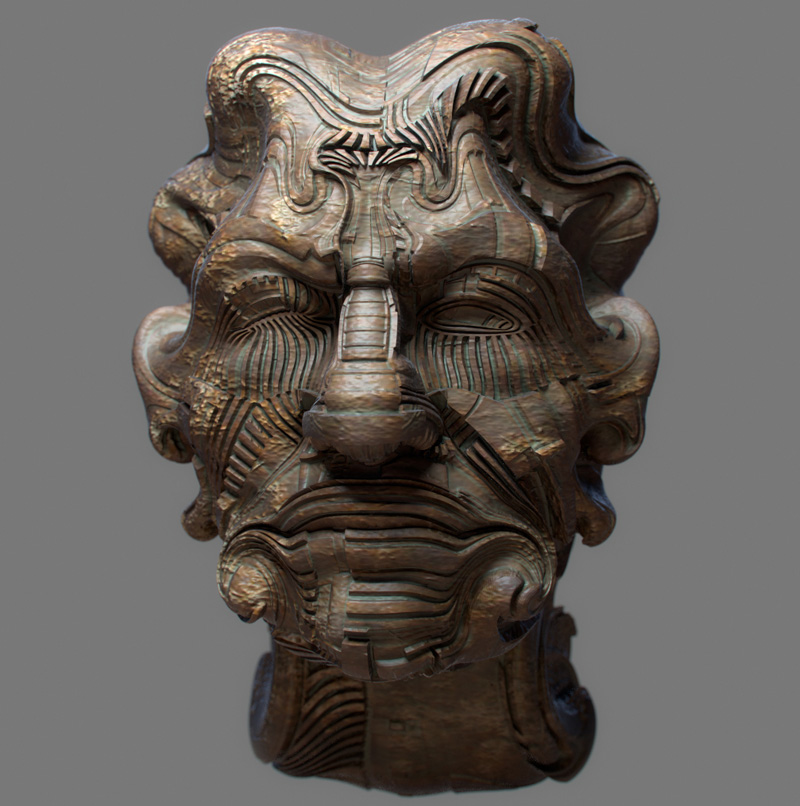
                          Here's a complete non sense.
                          10 mins doodling. I wonder how much an advanced user of zbrush needs to do something like this.
                          I post here Pilou, just watch the loops.
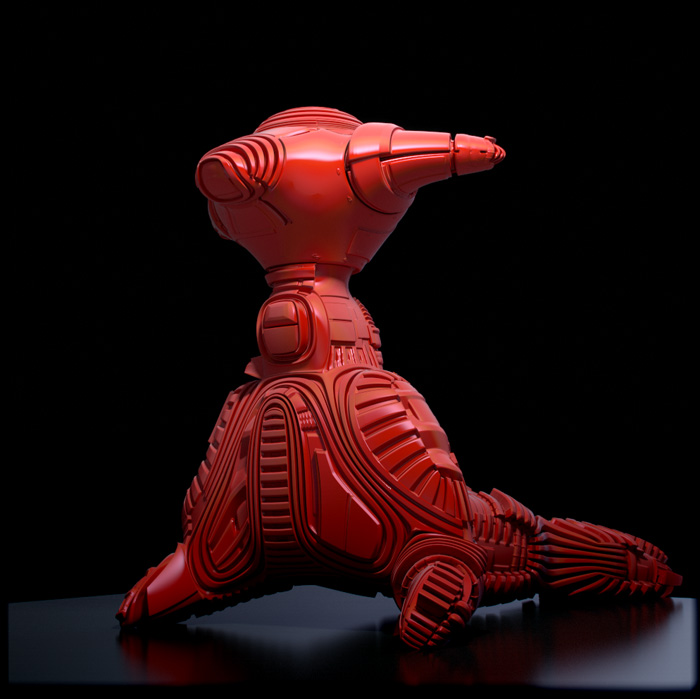

                          po.jpg

                          1 條回覆 最後回覆 回覆 引用 0
                          • pilouP 離線
                            pilou
                            最後由 編輯

                            Many thanks for all these infos and bravo for your visuals tests! 😎
                            by michaliszissiou

                            http://www.zbrushcentral.com/attachment.php?attachmentid=338699

                            Frenchy Pilou
                            Is beautiful that please without concept!
                            My Little site :)

                            1 條回覆 最後回覆 回覆 引用 0
                            • majidM 離線
                              majid
                              最後由 編輯

                              seem blender is killing lots of strange and time consuming Su modelings easily, that is great for sure, though I have no need to such things in my architectural modelings, by the way that is really great!
                              I remember the topic on complicated modeling inside SU! 👊

                              My inspiring A, B, Sketches book: https://sketchucation.com/shop/books/intermediate/2612-alphabet-inspired-sketches--inspiring-drills-for-architects--3d-artists-and-designers-

                              1 條回覆 最後回覆 回覆 引用 0
                              • michaliszissiouM 離線
                                michaliszissiou
                                最後由 編輯

                                Thanks Majid,
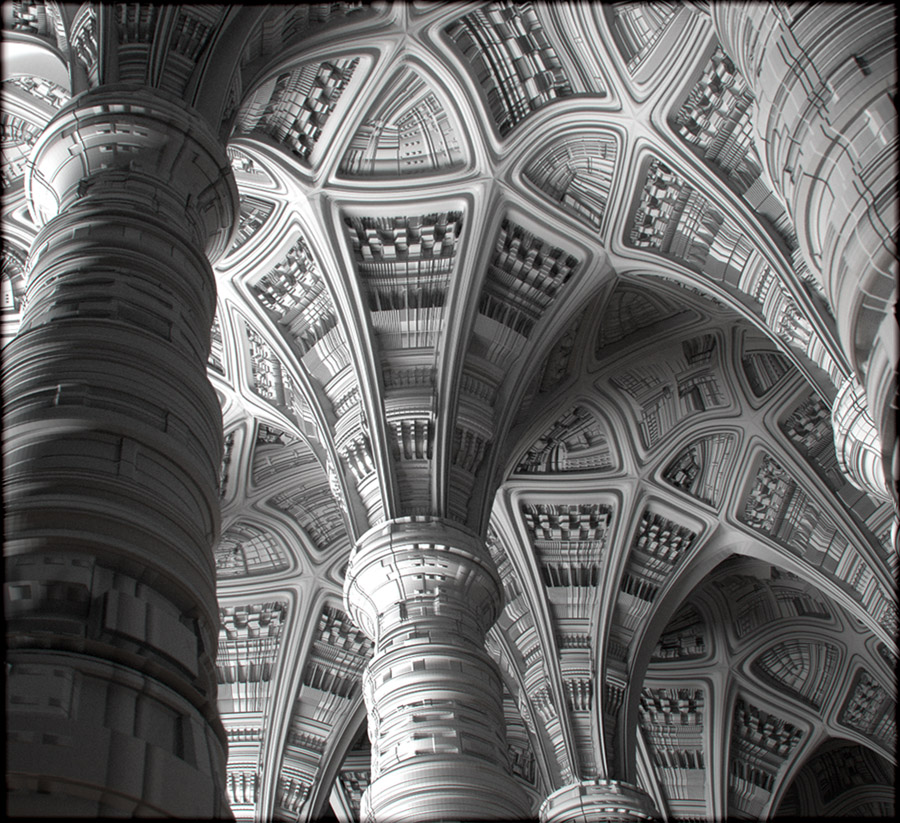
                                Some heretic architecture, 😆
                                Just playing with topology and UVs/displacements, something I can't do in SU.

                                neoGothic1L.jpg

                                1 條回覆 最後回覆 回覆 引用 0
                                • pbacotP 離線
                                  pbacot
                                  最後由 編輯

                                  At last a practical application! 😉 This look incredible!

                                  MacOSX MojaveSketchUp Pro v19 Twilight v2 Thea v3 PowerCADD

                                  1 條回覆 最後回覆 回覆 引用 0
                                  • pilouP 離線
                                    pilou
                                    最後由 編輯

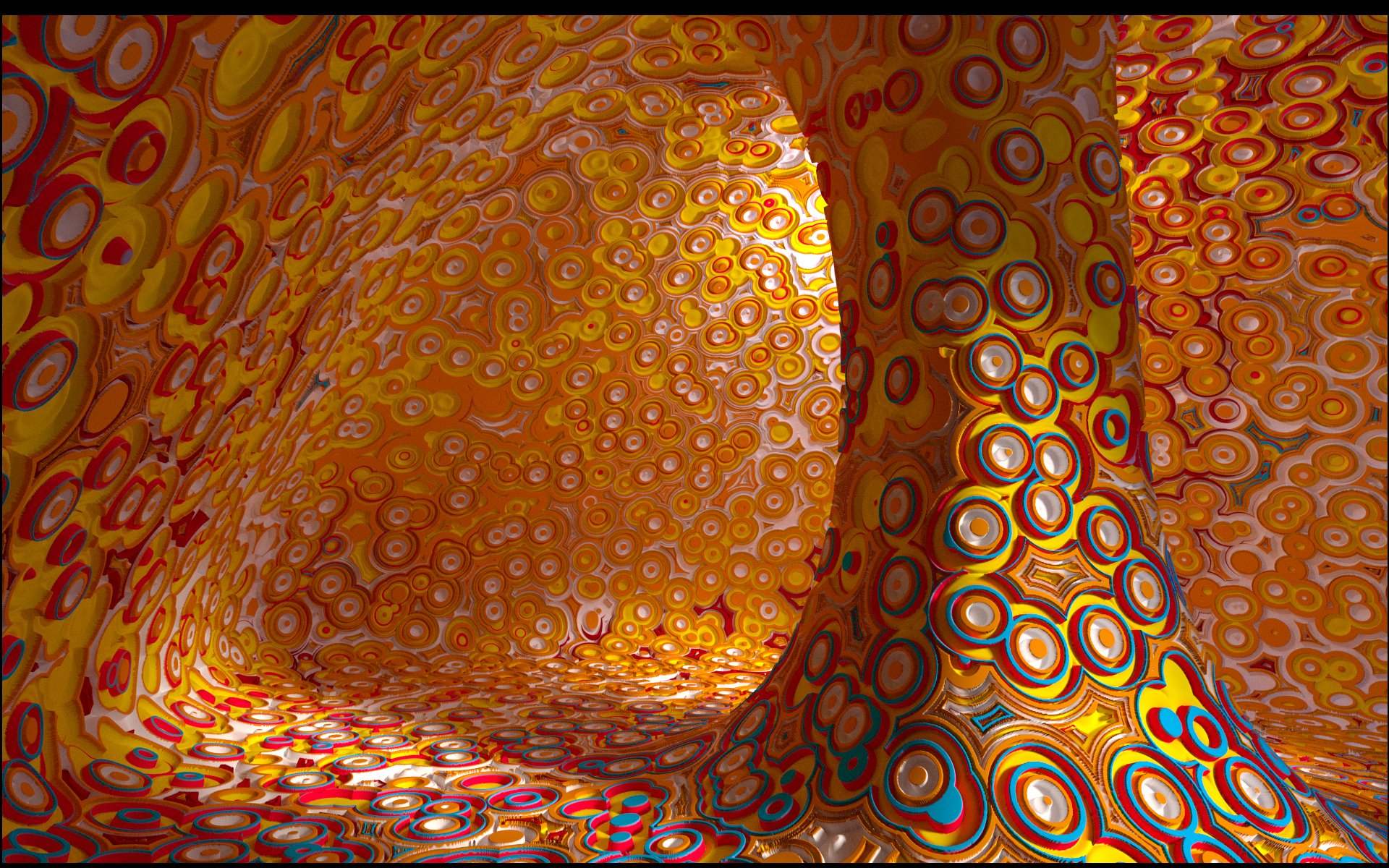
                                    by Viralata (Blender dislacement) Cycles
                                    http://www.viralata.fr/wp-content/gallery/displacement/2rondscouleur.jpg

                                    http://www.viralata.fr/wp-content/gallery/displacement/zenentoussens.jpg

                                    http://www.viralata.fr/wp-content/gallery/displacement/carres.jpg

                                    Frenchy Pilou
                                    Is beautiful that please without concept!
                                    My Little site :)

                                    1 條回覆 最後回覆 回覆 引用 0
                                    • michaliszissiouM 離線
                                      michaliszissiou
                                      最後由 編輯

                                      I'm very interested on how this guy did these, I would like to post a link on his personal site in blenderartists forum.
                                      Unfortunately, english language doesn't work as expected (as option).
                                      I really don't understand how he did it. He owns a super computer or... I simply can't understand. Because topology doesn't follow these displacement maps. So, a really high subdivided mesh is in use.
                                      Thanks for posting though, very interesting.

                                      1 條回覆 最後回覆 回覆 引用 0
                                      • pilouP 離線
                                        pilou
                                        最後由 編輯

                                        You can post here 😉
                                        He must make a little tuto about that 😉

                                        Frenchy Pilou
                                        Is beautiful that please without concept!
                                        My Little site :)

                                        1 條回覆 最後回覆 回覆 引用 0
                                        • michaliszissiouM 離線
                                          michaliszissiou
                                          最後由 編輯

                                          I see, thanks Pilou.
                                          He used the experimental displacement method. Subdivisions take place in cycles only, internally. We're talking about many millions of faces, ~10 or 20 M.
                                          This method is under heavy development, it may be ready in 1-2 months. For the time being, it works with procedural textures only and it's a little buggy. It doesn't work on UV textures as this sophisticated dicing method of the surface erases UVs. Patience, it's a matter of a few more months.

                                          1 條回覆 最後回覆 回覆 引用 0
                                          • michaliszissiouM 離線
                                            michaliszissiou
                                            最後由 編輯

                                            Against all these fractals and more or less random constructions,
                                            from the ancient past to SciFi, from east to the west. 😆
                                            Cycles render.


                                            maskDisplL.jpg

                                            1 條回覆 最後回覆 回覆 引用 0
                                            • 1
                                            • 2
                                            • 3
                                            • 3 / 3
                                            • 第一個貼文
                                              最後的貼文
                                            Buy SketchPlus
                                            Buy SUbD
                                            Buy WrapR
                                            Buy eBook
                                            Buy Modelur
                                            Buy Vertex Tools
                                            Buy SketchCuisine
                                            Buy FormFonts

                                            Advertisement