Studio Set for Brochure Renders
-
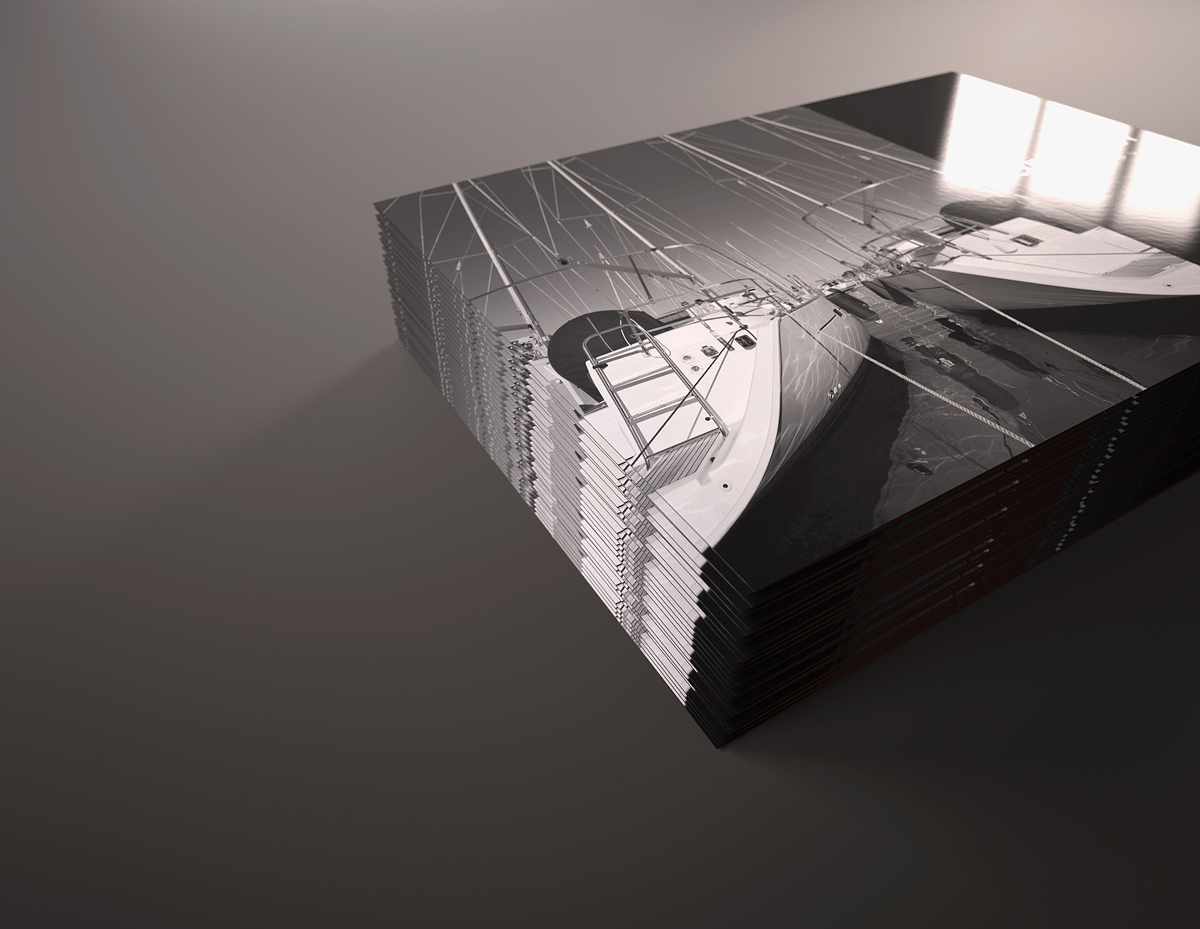
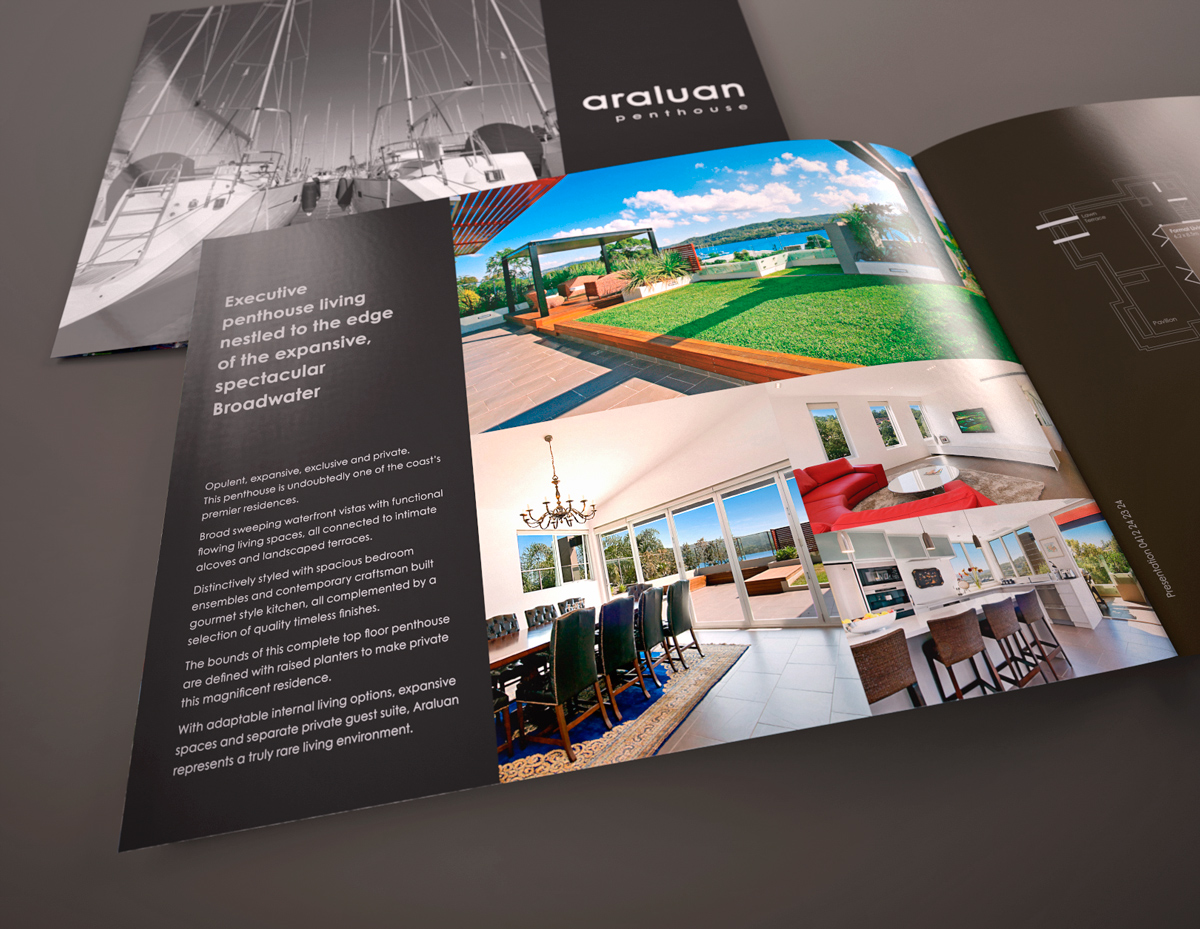
I've setup a studio scene for rendering out brochure samples to assist client's sign off and getting around the issues of having a sample run off.
Hopefully too they can then be used later for a growing porfolio.
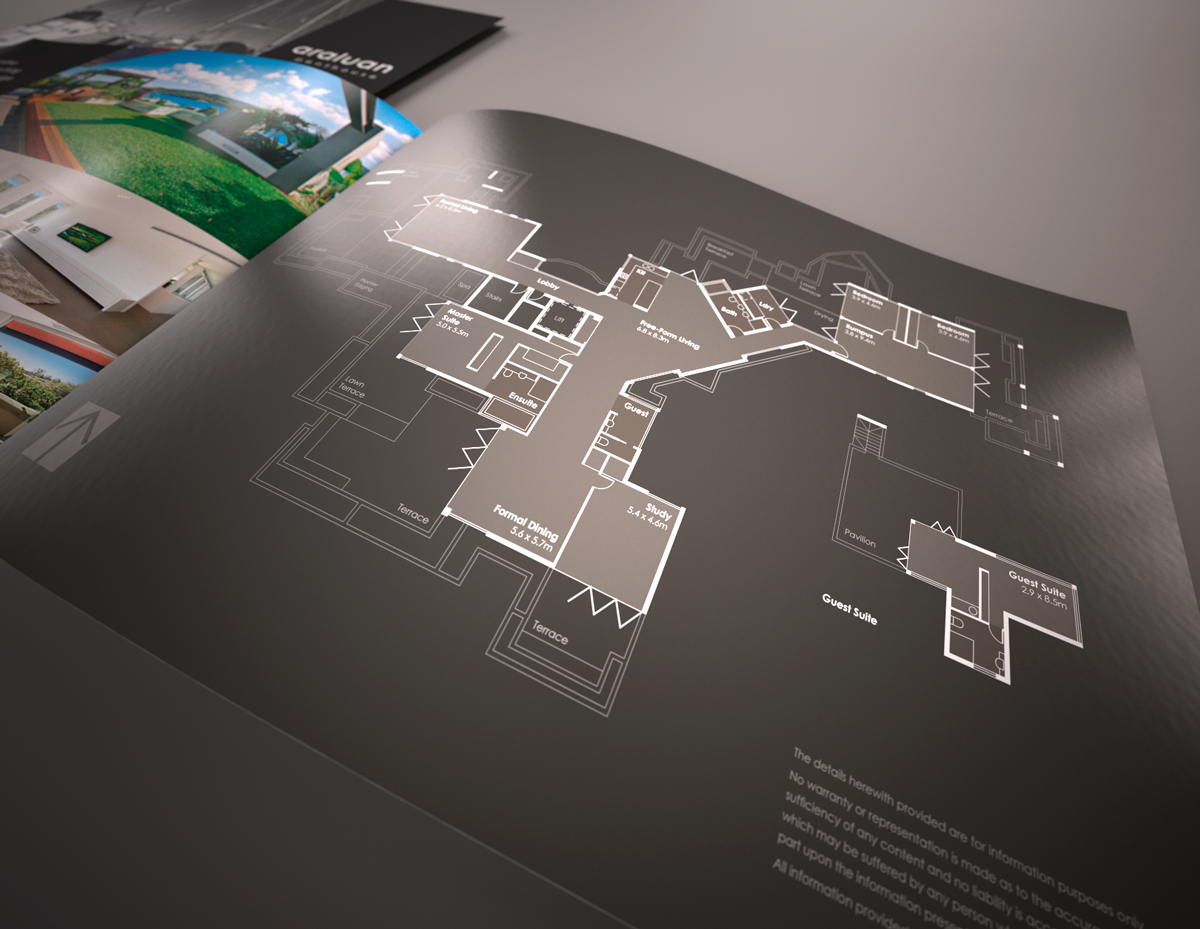
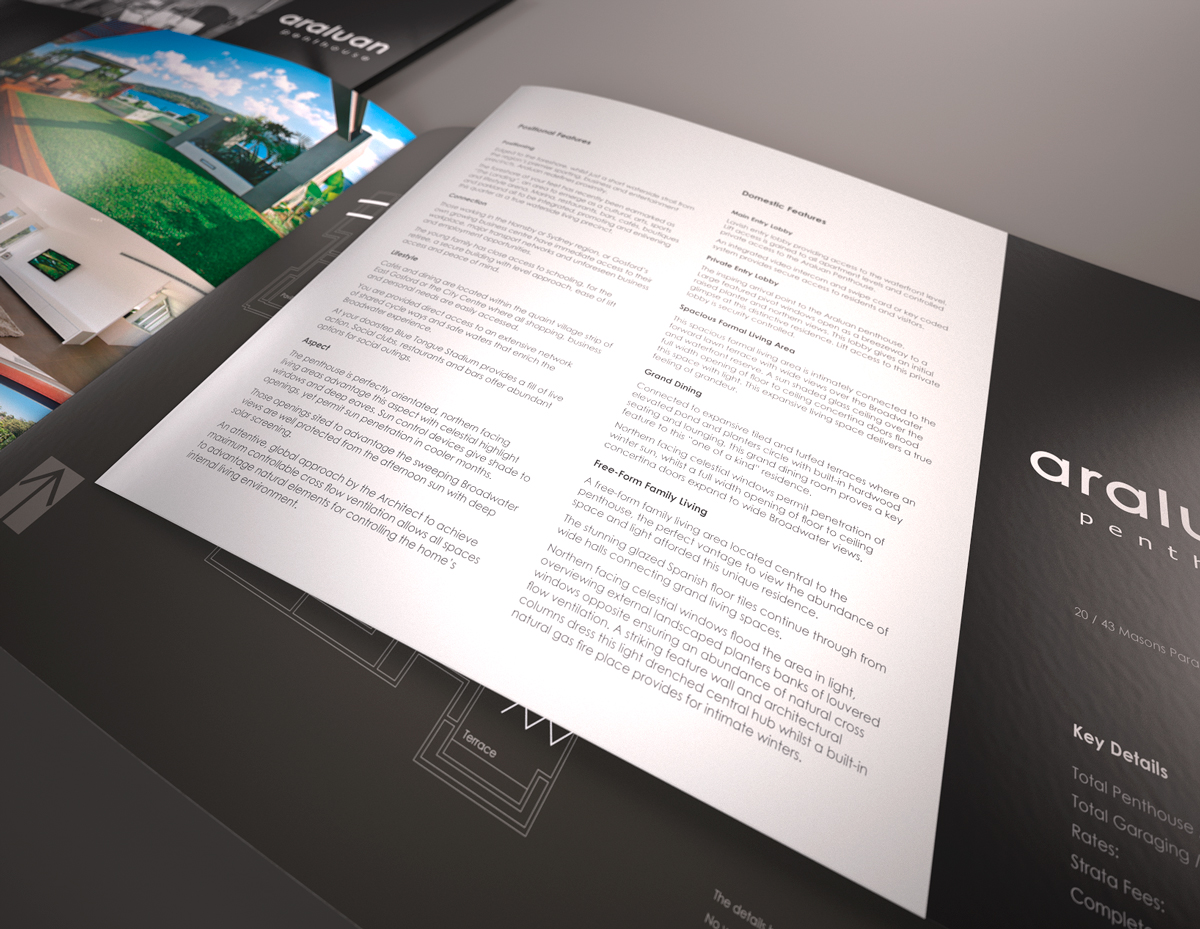
This job is for a single fold landscape brochure for the individual marketing of the penthouse auction, extracted and completely reworked from a 24 page brochure for the whole development. A features list has been developed on a single double sided slip in page.
The scene utilises 5 separate studio lights, levels adjusted on the fly as Rendering with Maxwell Fire.
The illusion of page thickness I trialled and seems to work just adding a 2 pixel border along the bottom and free edge of the page in photoshop prior to mapping to the model. I just used a rough easer to scrub some out so it wasn't clean.
For the material settings I found the presets in the plugin worked fine though probably went too heavy on the bump, Cover Page - Gloss Lacquer | Inside Spread - Semi Gloss Lacquer | Tip-in Page - Satin Lacquer
Apps used: LayOut, Photoshop, Indesign, SketchUp, Maxwell.
-
beautiful Richard

-
It's always a pleasure to see your works Richard.

-
Wonderful brochures Richard.
I wonder, have you tried to edit SU vector PDF exports in Illustrator? -
Thank you guys, I really find these jobs fun!
@Michalis - mate I haven't edited SU vectors though I have vectors created native in Layout. Though do tend to avoid illustrator at all costs. I just don't find it user friendly!



Hello! It looks like you're interested in this conversation, but you don't have an account yet.
Getting fed up of having to scroll through the same posts each visit? When you register for an account, you'll always come back to exactly where you were before, and choose to be notified of new replies (either via email, or push notification). You'll also be able to save bookmarks and upvote posts to show your appreciation to other community members.
With your input, this post could be even better 💗
Register Login


Advertisement