Curved surface
-
I would be grateful if someone would show me how to make curved surfaces per the attached chair back and seat
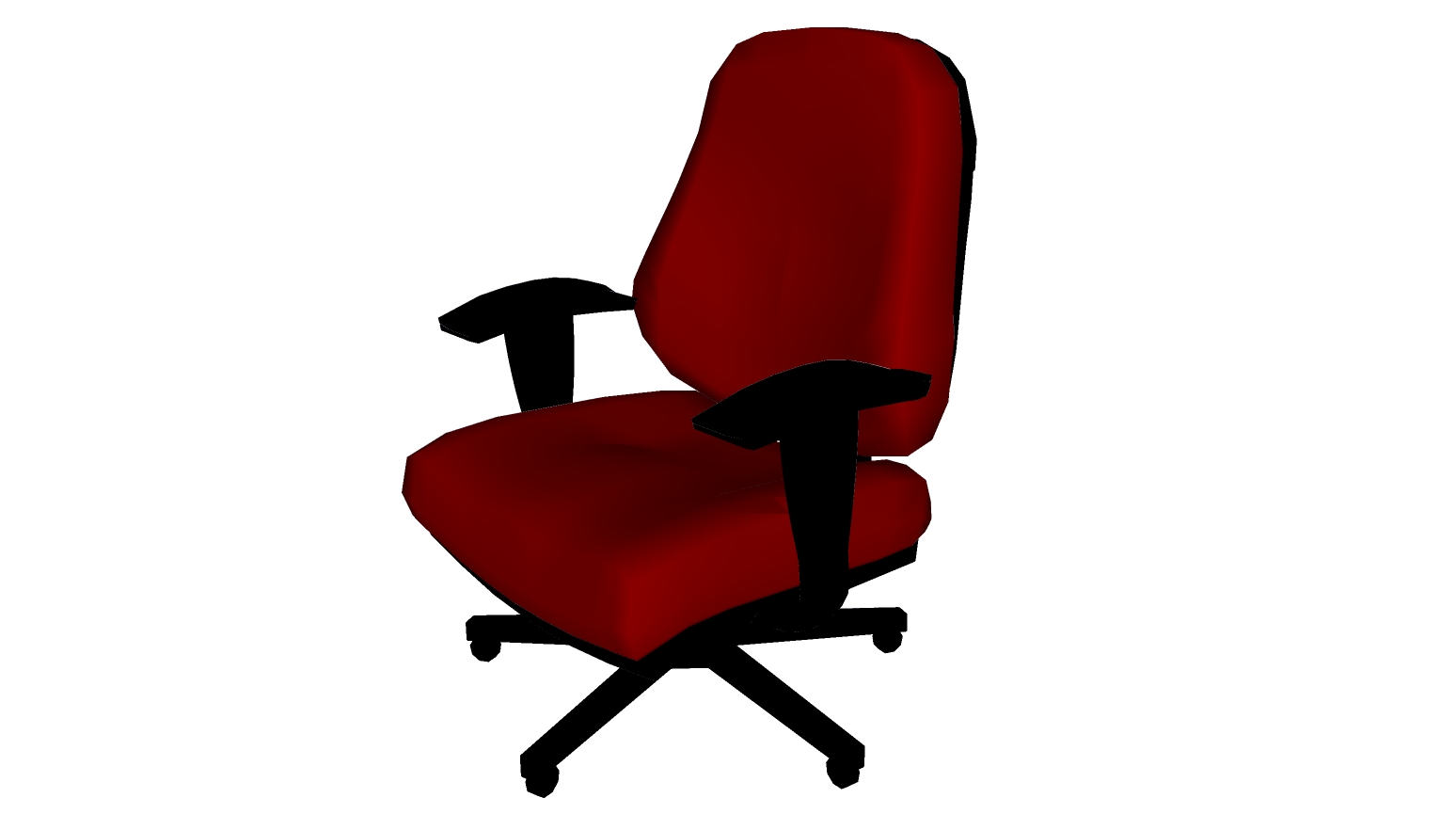
-
Hi Barry, A number of views, but this is the first response. This is probably because what you are asking for would probably take an entire chapter in an instruction manual.
I'd suggest you start with the Curviloft plugin by Fredo6 (see categorised list in Plugins forum)
Or you could use its commercial big brother Artisan.
There are some plugins by TIG that would probably work as well.This will get you the curvature of the back, but you are then going to need something like Joint Push/Pull to get the thickness of the cushioning...and then Round Corners in order to get the softened effect along the edges of the cushions.
Another way would be to get the curvature on the back, then run a ready-curved profile around that to get the edges of the cushioning...using Follow Me. You'd then have to use a skinning plugin again to form the face of the cushion.
Both of these methods would need further editing with deformation tools, as the back cushion appears to be deeper at the base than at the top.
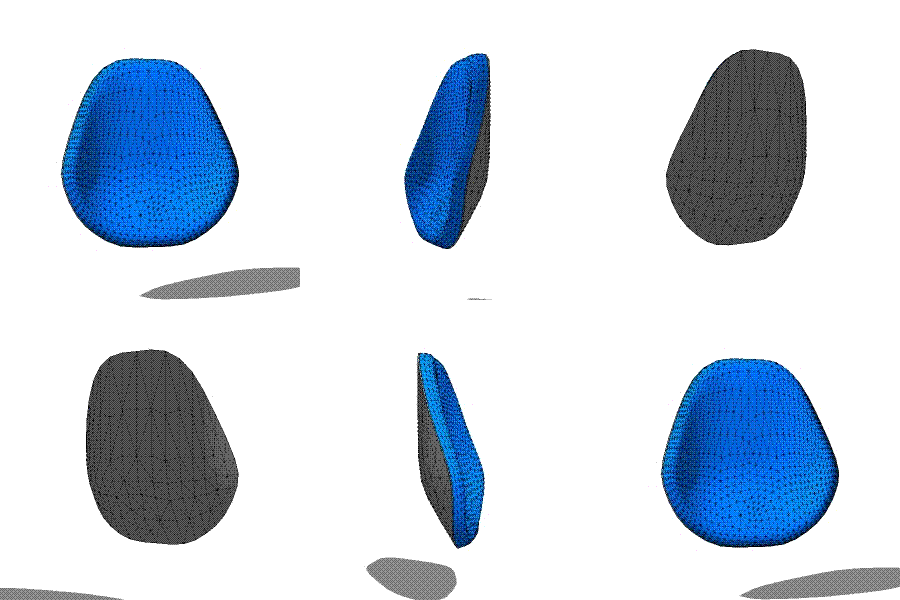
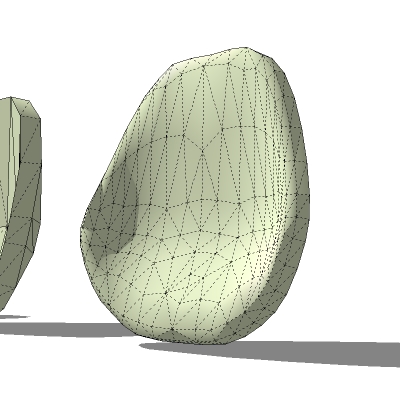
Yet a 3rd way would be to set up a low poly proxy, as in the attached skp file, then apply subdivide and smooth or its Artisan version. Both are commercial scripts.
The seat cushion smoothed with 2 iterations will give a smoother result.

Hello! It looks like you're interested in this conversation, but you don't have an account yet.
Getting fed up of having to scroll through the same posts each visit? When you register for an account, you'll always come back to exactly where you were before, and choose to be notified of new replies (either via email, or push notification). You'll also be able to save bookmarks and upvote posts to show your appreciation to other community members.
With your input, this post could be even better 💗
Register Login


Advertisement