Show us yer desktop ...
-
I'm like Csaba! Here's today's Desktop
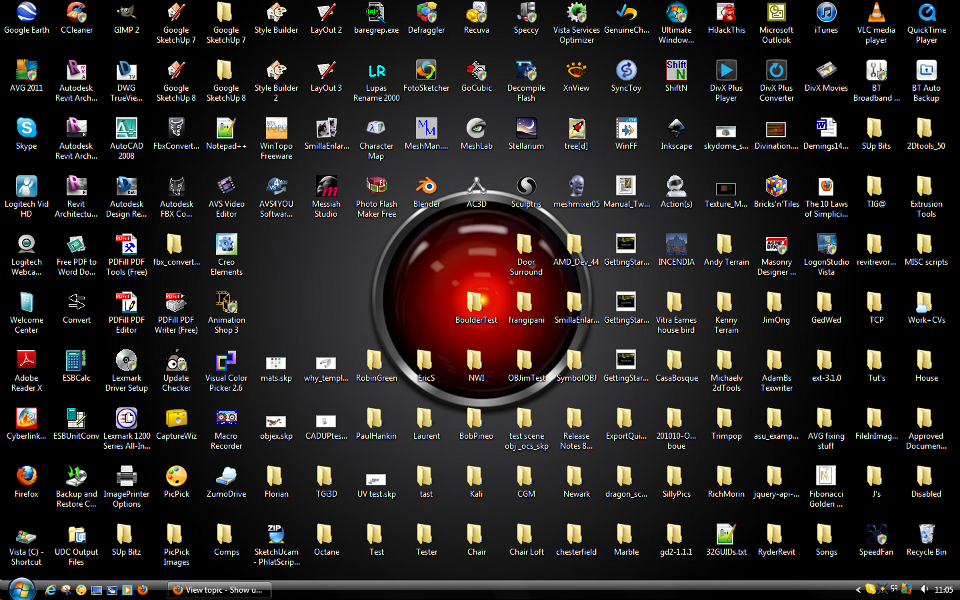 I know where everything is! Or at least HAL does...
-
This is a fascinating insight into the minds of the ingenius and inept. It's akin to wearing speedos or bermudas.
-
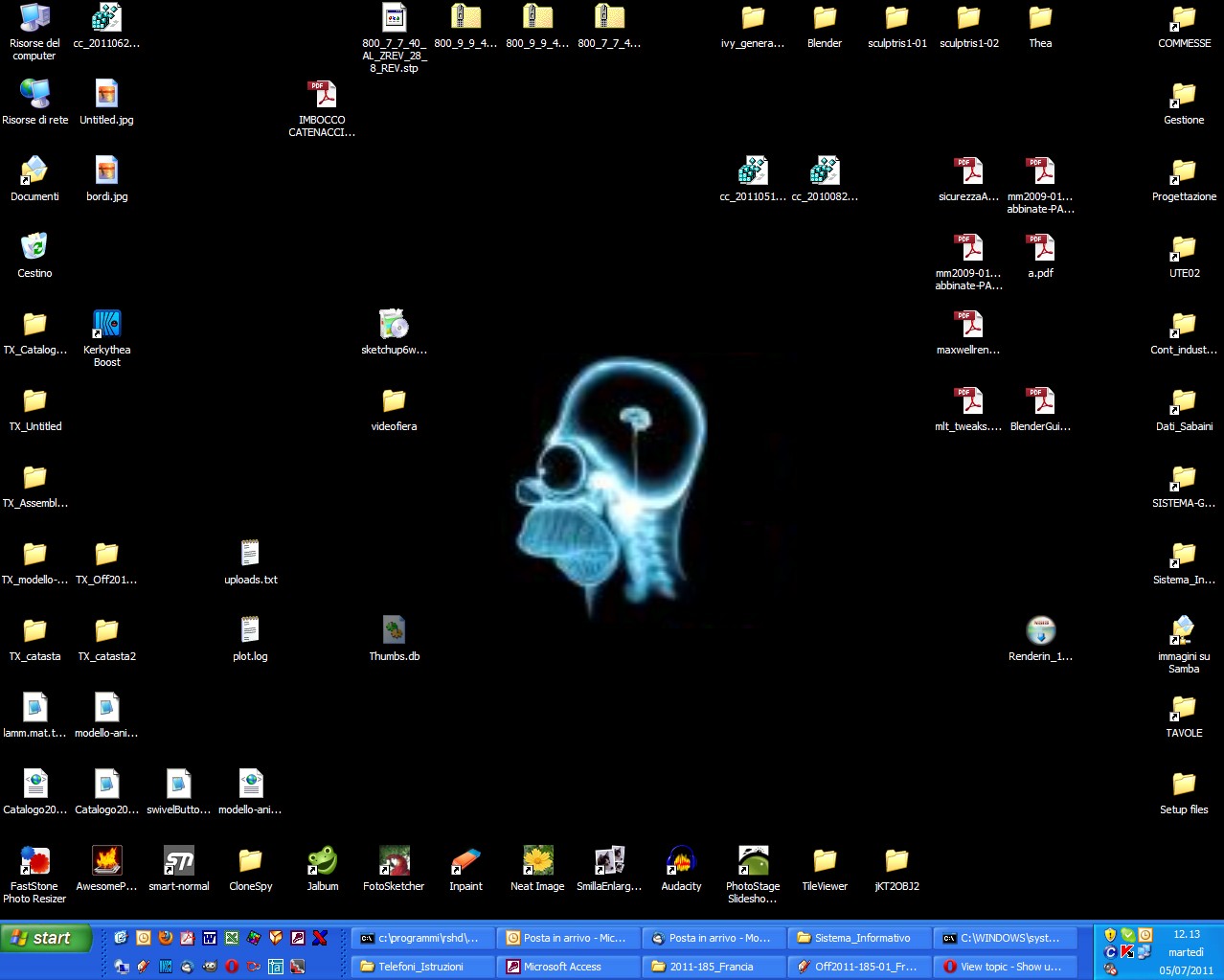
 I've quite a mess too...I periodically sort out the icons, but I've always a lot of apps running (usually even two mail clients and two browsers at same time
  )
)
-
A blue one for no distraction at the opening!

-
@hfm said:
...This might be something for you
http://www.stardock.com/products/fences/index.aspThanks. I have actually been looking for something like that for long. Currently no budget for the Pro version but even the free looks promising!
-
All you need is Launchy

-
@gaieus said:
@hfm said:
...This might be something for you
http://www.stardock.com/products/fences/index.aspThanks. I have actually been looking for something like that for long. Currently no budget for the Pro version but even the free looks promising!
be careful with it. I tried it out, and after awhile it kept causing faults in explorer.exe... I don't know if they ever fixed that.
-
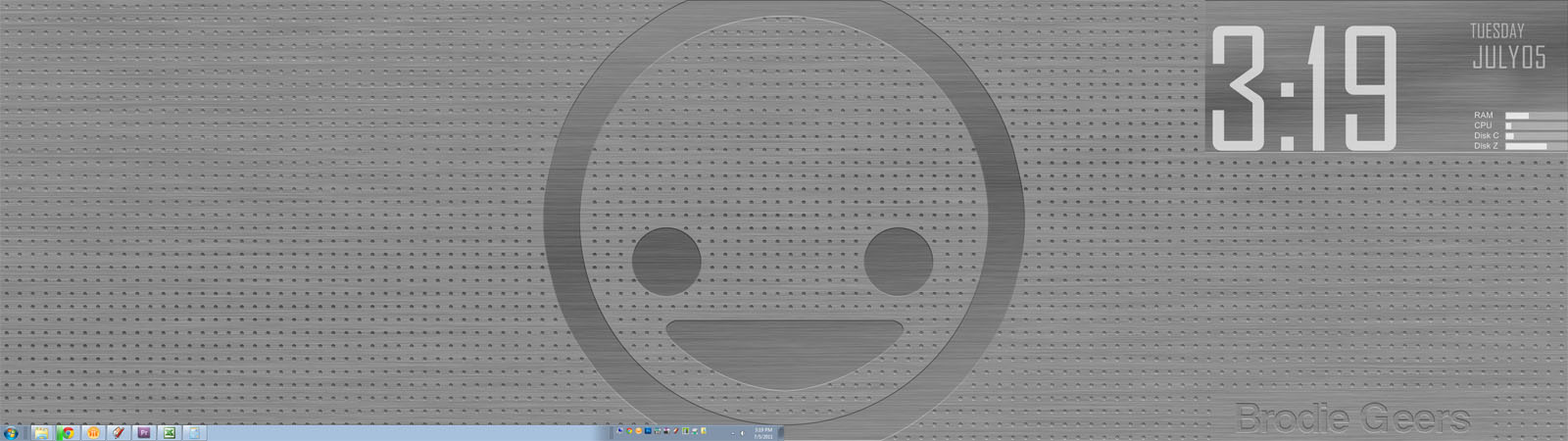
Here's mine. I go for the minimalist look, this is sort of a custom made deal. Made the background in photoshop from a concept I found on Vladstudio. The big face in the middle is basically the Vimeo icon (not that I'm a big vimeo user, I just like the icon). The big ol' clock, date, and computer info are some modified elements using Rainmeter. I have a dual 23.5" monitor setup.
I really liked Launchy in the XP days. Now, Win7 has made it obsolete. Just hit the windows key and start typing your app. I don't really like pinning apps to the taskbar so I created a little folder with the stuff I mostly use and put them in a little home on the right side of the taskbar.
-Brodie
-
Mine used to look like Gai's and TIG's...but a lot less tidy. I had to reload the system over the weekend, so it now looks like this...and I intend to keep it that way. That intent will probably last as long as any New Year resolution I've ever made.

HEALTH WARNING: View at own risk.
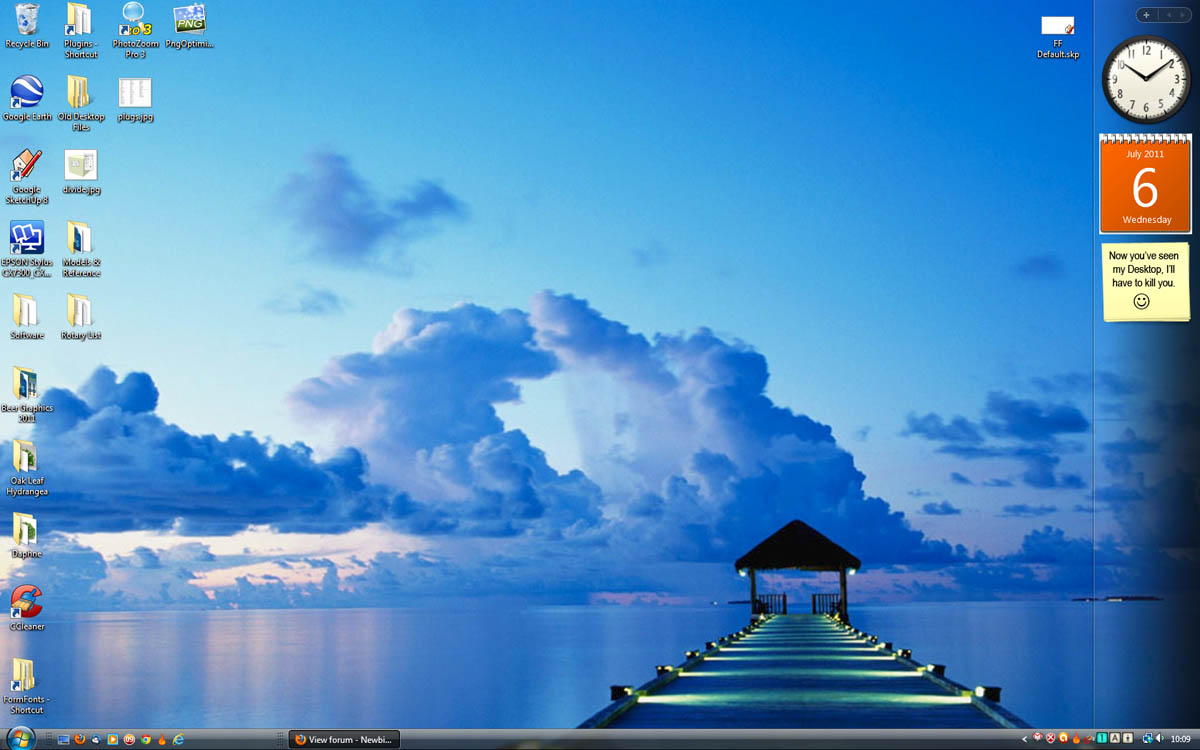
-
@unknownuser said:
All you need is Launchy
I'm trialing it but habits are hard to break... -
It's a great app when the habit bites. These other docks are window dressing if you ask me.
-
-
-
I lurve 'fences'
(22" and 19' monitors).
baz
It wont 'place inline?, usually does?
-
Bah no dual monitor for me right now so ill make do with one...

-
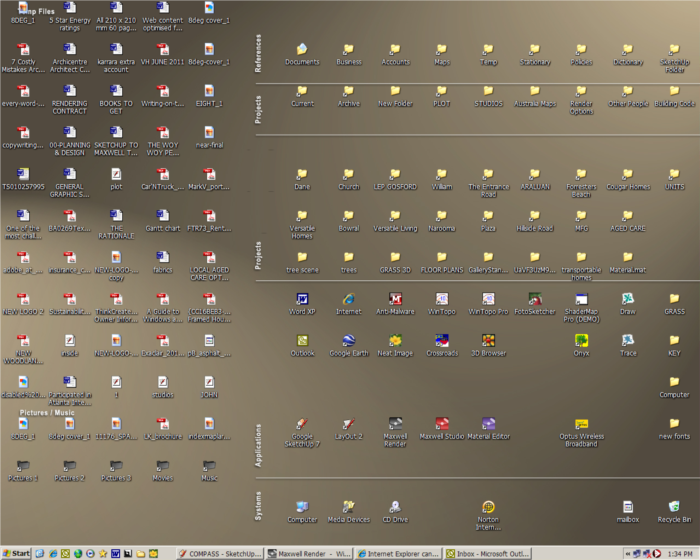
Organised right / Temp left!
-
@richard said:
Organised right / Temp left!
What do you use for that, Richard?
I have had a look at the ones linked in this topic already but I am not convinced yet.
-
Csaba have a look at Dexpot maybe?
-
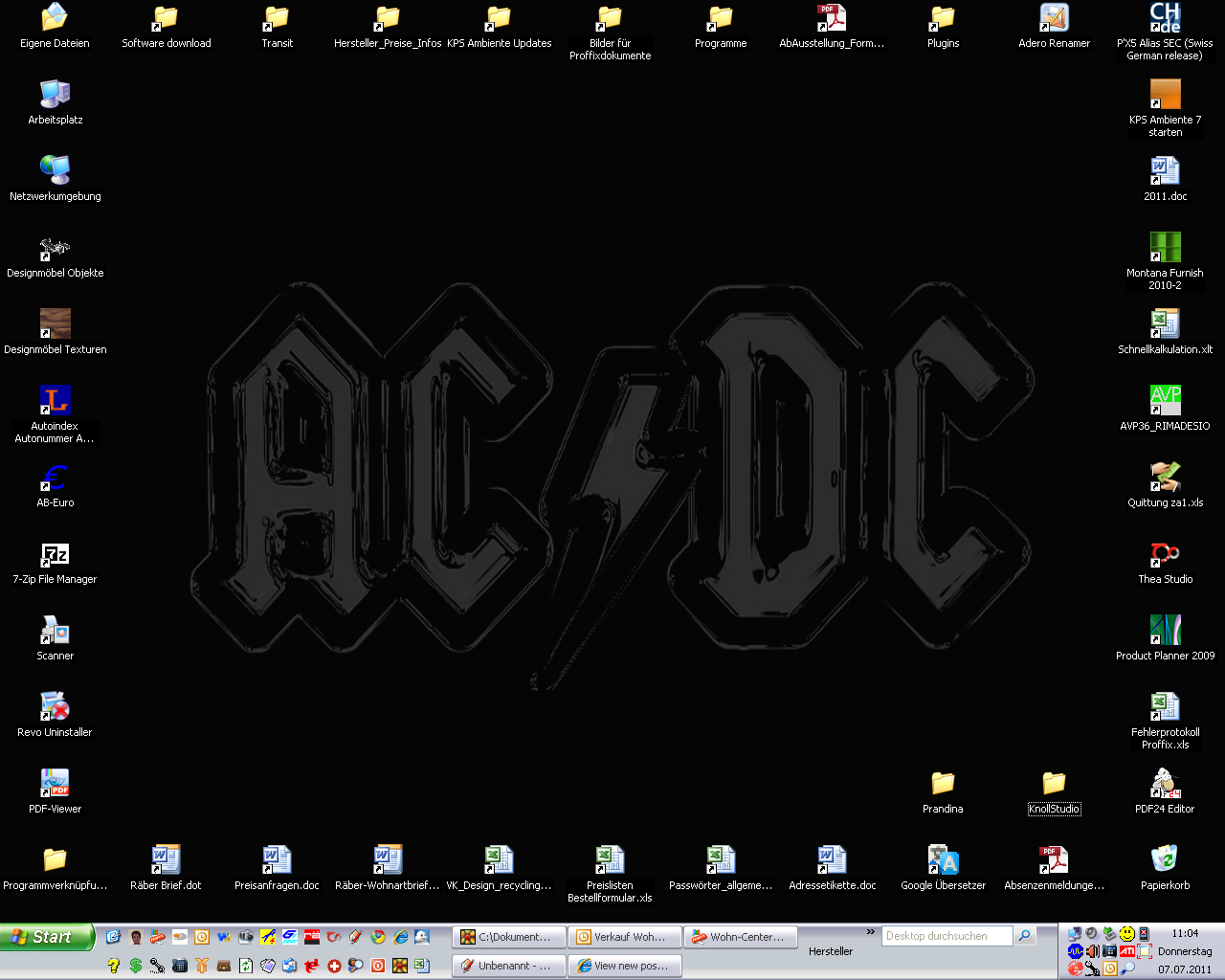
nothing more to say...
-
@gaieus said:
@richard said:
Organised right / Temp left!
What do you use for that, Richard?
I have had a look at the ones linked in this topic already but I am not convinced yet.
Mate I just organised my icons into groups on my desktop (titled: Temp files, music / pitures, references, projects, applications, system) then took a screen shot. Then used that in photoshop as a guide, created a background that I liked with lines and titles for the groups. Then save and use as wallpaper. Easy!
Problem I changed my screen res since and have been too lazy to relocate the divisions.
I find it a really efficient way to stay organised, at any time just hit the "show desktop" icon and then go straight to the exact shortcut / file / app!! So easy!
Everything working pretty much ends up on the left side for eventual filing when it fills!









Hello! It looks like you're interested in this conversation, but you don't have an account yet.
Getting fed up of having to scroll through the same posts each visit? When you register for an account, you'll always come back to exactly where you were before, and choose to be notified of new replies (either via email, or push notification). You'll also be able to save bookmarks and upvote posts to show your appreciation to other community members.
With your input, this post could be even better 💗
Register Login


Advertisement