[Plugin] Layer Tools (1.1.0)
-
Big thx!
-
Is there something like "Put selected objects on a new layer and hide this Layer".
-
This is very handy...thank you for posting!
-
does this work with 2015?
-
Should do, yes.
-
I am not seeing the tool in the menus. Why does the icon appear without a blue 'book'?
-
Please see this Help article on how to install extensions for SketchUp:
http://help.sketchup.com/en/article/38583 -
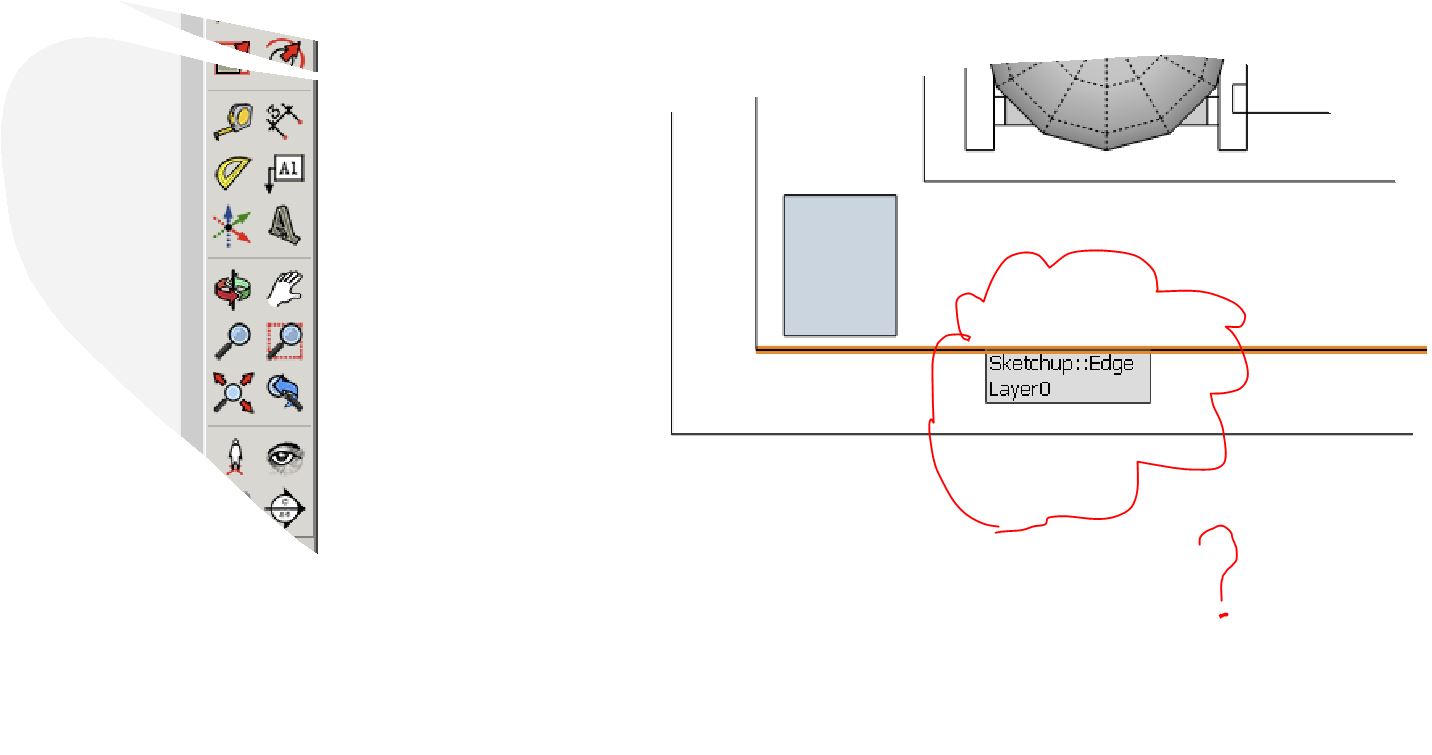
all done, but still not seeing 'hide layer by pick'................sorry, I do see it. did not realize I had to re-start sketchup when using this new method of installing extensions. however, the functionality of the extension seems to be amiss. maybe it's conflicting with my layers panel extension.
-
Not working in 2016.
-
THANKS!
-
This is really simple to use yet great extension. Sketch up should include this as a feature.
Thom you are really doing great. Your extensions are free and saved my life many times.Thanks is not the word can explain my gratitude but THANKS.
-
Hi,
If you want more layer tools, take a look at my LayerManager extension:SketchUp Extension Warehouse
Your library of custom third-party extensions created to optimize your SketchUp workflow.
(extensions.sketchup.com)
Regards





Hello! It looks like you're interested in this conversation, but you don't have an account yet.
Getting fed up of having to scroll through the same posts each visit? When you register for an account, you'll always come back to exactly where you were before, and choose to be notified of new replies (either via email, or push notification). You'll also be able to save bookmarks and upvote posts to show your appreciation to other community members.
With your input, this post could be even better 💗
Register Login


Advertisement