Virtual chair
-
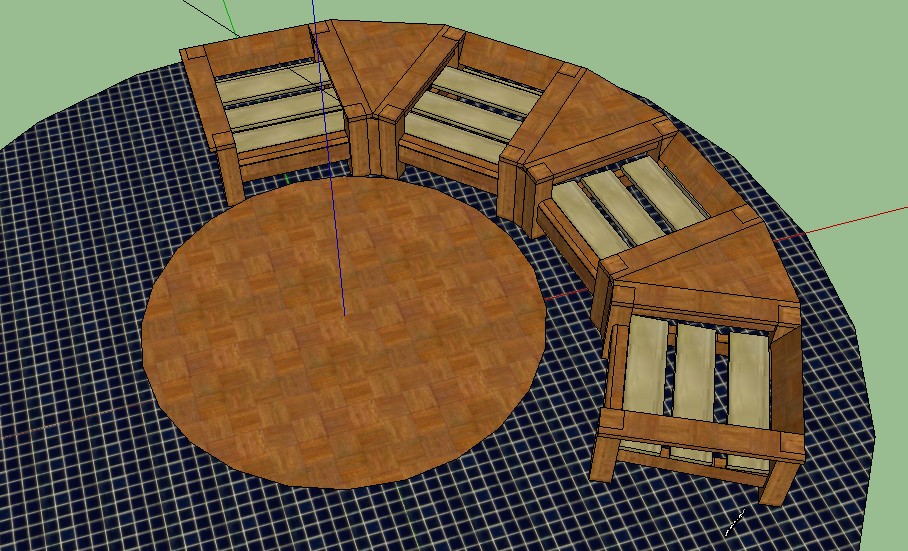
Some variation.
-
Apparently I had a problem with attachments.
-
Hum...very demanding forum!
-
Why so?
-
cushions are of course necessary on it?
-
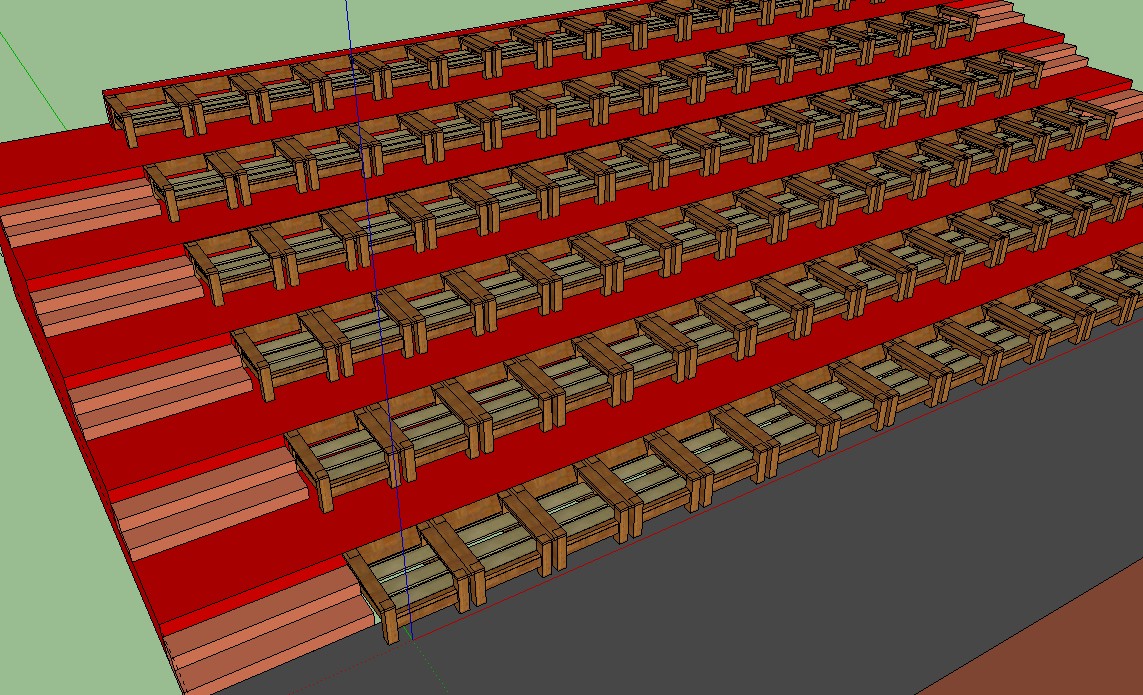
Are you just using these various arrangements of your chair to practice using SketchUp or is there some other goal in mind?
-
To practice and it became like an addiction.Hope this doesn't bother.
-
It's no bother at all. I was just wondering what you are working at with all these different arrangements but no real descriptions.
As for practicing SketchUp, you might want to invest a little time in working with materials. The arm rests for example could use some help in the wood grain department.
-
Please my english is very basic. What do you mean by "The arm rests... in the wood grain department". Good opportunity to learn English.

-
Sorry. The wood grain direction on the arm rests runs the wrong direction. It does on many of the other parts as well. I was just suggesting that you could fix that.
-
@larsen said:
Please my english is very basic. What do you mean by "The arm rests... in the wood grain department". Good opportunity to learn English.
@dave r said:
Sorry. The wood grain direction on the arm rests runs the wrong direction. It does on may of the other pars as well. I was just suggesting that you could fix that.
I smell a WTF on it's way!

-
 Defective keyboard. I fixed it.
 -
Luckily I've preserved for prosperity...
although now you have the power to delete others posts and even ban me. I'd suggest option #1

-
Option 1? Preserved for posterior?
-
No WTF on it's way.
-
When I saw this video I realize instantantly that " SU is a twisted redondance" and the secret is on twIStEd not on redondance. Thanks Solo.
-
Please,how to assign an icon to a plugin in sketchup ?
-
Which plugin?
-
Bonjour Dave,
My question is: How to make a new plugin, once installed, visible in toolbar via an icon.
Hope this make sens.
-
Are you planning to write the plugin? If so, you should inquire in the Plugins forum. If you have installed a plugin and it has a toolbar or even a single btton associated with it, you should first go to Preferences>Extensions and check all of the boxes you find there. (That's the easiest thing to tell you.) Then go to View>Toolbars and select the desired toolbar to turn it on.
If you have installed a plugin that doesn't have a toolbar associated with it, I suppose you could edit it and add a toolbar button or more but again, you should inquire about this in the Plugins forum.


Hello! It looks like you're interested in this conversation, but you don't have an account yet.
Getting fed up of having to scroll through the same posts each visit? When you register for an account, you'll always come back to exactly where you were before, and choose to be notified of new replies (either via email, or push notification). You'll also be able to save bookmarks and upvote posts to show your appreciation to other community members.
With your input, this post could be even better 💗
Register Login


Advertisement