How to make object with angled planes
-
Hello,
I'm trying to make an object that contains angled planes. The image below shows a partial made shape that I'm wanting to make a solid object.

The only way I currently know to do this, is to first make a larger shape, then cut away sections using planes and the 'intersect with model' function. Is there a much easier way to do this?
Thanks.
-
Could you go in to a bit more detail about what your aiming for? theres a few ways you could make that in to a solid shape, although all would involve adding some 'extra' to your shape (because of the overhanging section on the left.)
-
The object I'm trying to make is a button from a keypad assembly for a mobile phone. See images below:


Looking ahead, I'll probably want to add an image of the actual keypad image on top of the button. I've never done that before, but I`ll cross that bridge when I get there. Hope that helps communicate the problem.
-
first of all only make one button then copy that one ten or twelve times whatever. should probably be a component so if you modify one they all change.
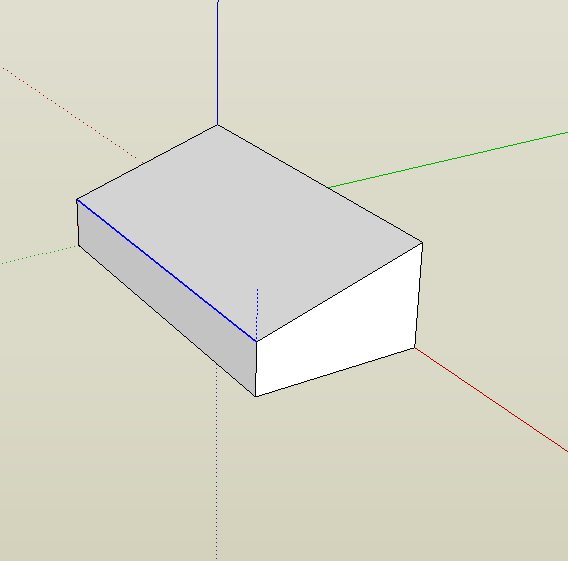
so, the easiest way to do this if i understand you is to make a cube then lift or lower the edges (with the move tool) individually.
-
xrok1,
Thanks for the solution.
T1000


Hello! It looks like you're interested in this conversation, but you don't have an account yet.
Getting fed up of having to scroll through the same posts each visit? When you register for an account, you'll always come back to exactly where you were before, and choose to be notified of new replies (either via email, or push notification). You'll also be able to save bookmarks and upvote posts to show your appreciation to other community members.
With your input, this post could be even better 💗
Register Login


Advertisement