How do you Clamp Textures so they do not repeat?
-
Hi,
Im new to this forum.
Im fairly new at SketchUp modeling.
But have used other polygonal modelers.
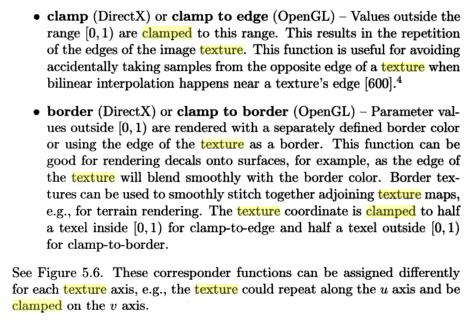
Im trying to find out if there is a way to clamp textures so that they do not repeat (wrap) when mapped to a surface.
Lets say I have a postage stamp texture image and I have a single polygon that is an envelope.
I want to place the texture on just part of the polygon and not have it wraps so there is a single stamp.
Thanks in advance.
Reed -
While not a SU expert, if what you want is the postage stamp, just insert it as a image. Is this a trick question?-)
-
If I understand this correctly,
The easiest way would be to draw another small polygon (The stamp) on top of the original polygon (The envelope)and then texture them with your different textures, if you group the smaller polygon you can move it anywhere on the other surface.

-
Thanks for the replies. No. Not a trick question. I should have worded my question: "Does SketchUP support clamped/non repeating textures?" Thanks. This does help me.
Regards, Reed -
Tried to look up "clamped" but the definitions are subject to its use in a API, so as I understand it, SU's textures repeat, but can be positioned, scaled, pinned, and stretched, in a manner that result in being clamped so that they appear not to repeat. I think !-)

Hello! It looks like you're interested in this conversation, but you don't have an account yet.
Getting fed up of having to scroll through the same posts each visit? When you register for an account, you'll always come back to exactly where you were before, and choose to be notified of new replies (either via email, or push notification). You'll also be able to save bookmarks and upvote posts to show your appreciation to other community members.
With your input, this post could be even better 💗
Register Login


Advertisement