Strangely cut scene, why??
-
Hi, I am totally new here:-)
Although, I have got a serious trouble with sketchup 6.
I modelled a scene in sketch up 7 in the school, i saved it as sketchup 6 file. But in bith versions 6 and 7, it cuts the scene somehow.
If i am using the perspective view, 35 deg, i am not able to come closer, unless it cuts the scene. I have to use 1deg field of view to come closer, but it distort the perspective!
Do you know, why is this happening?
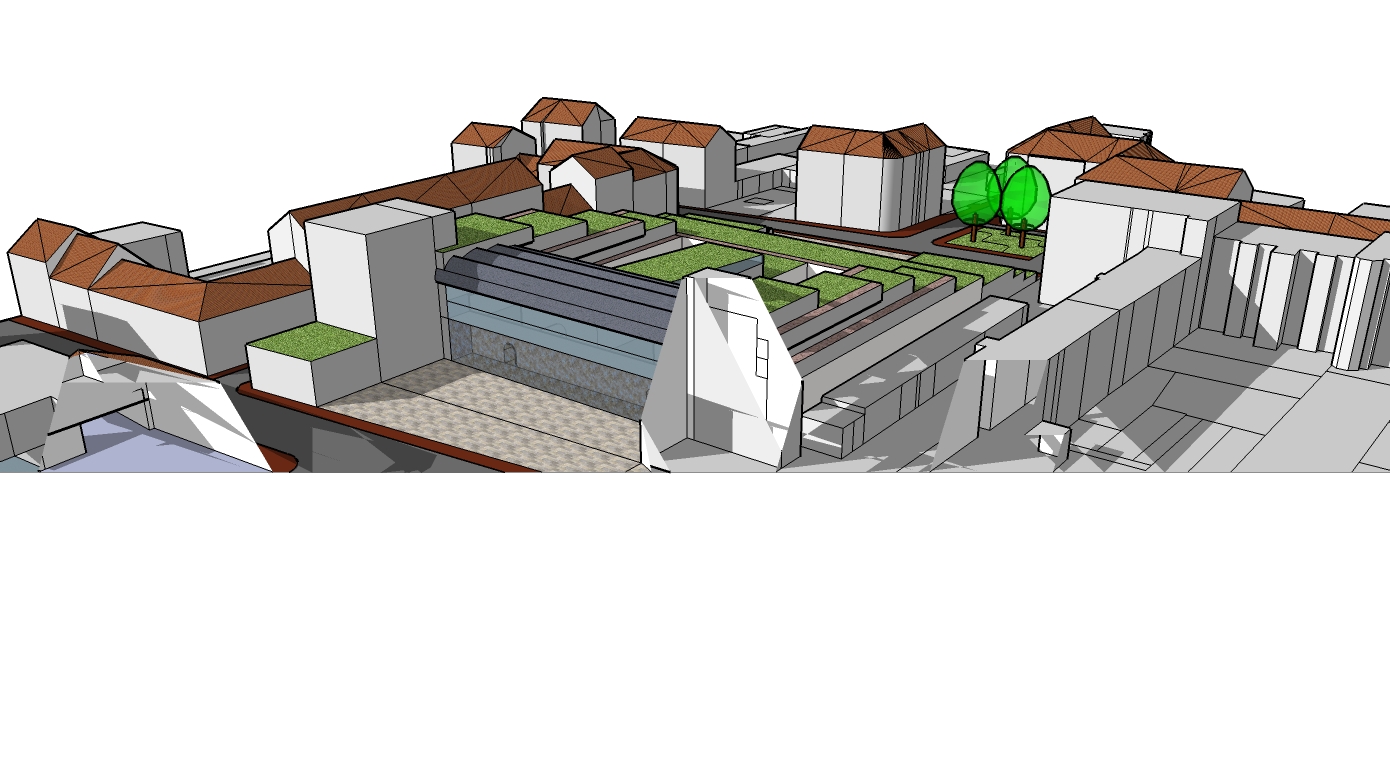
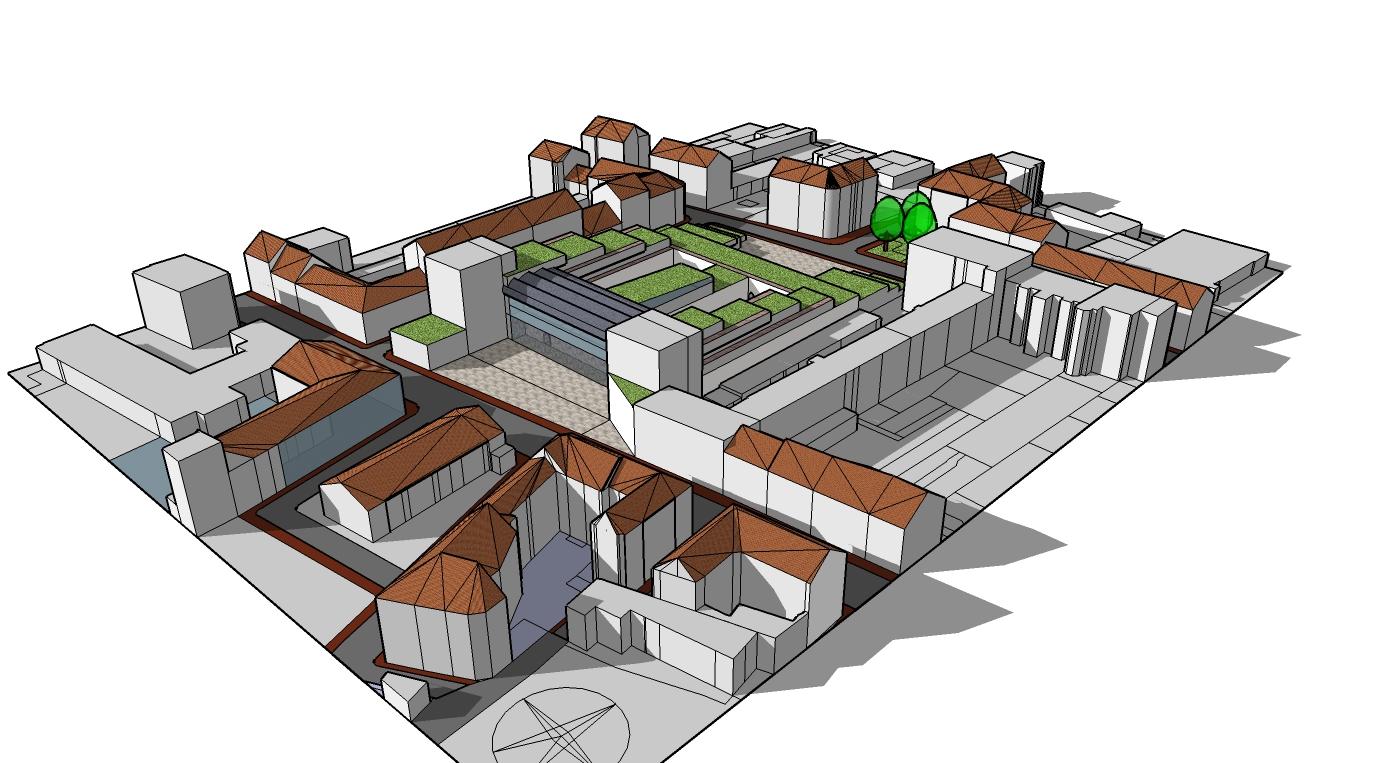
-
Hi Mameluk,
Yes, you are close - some of the issues like this (called "clipping") can be fixed with changing the FOV. See the suggestions here to read more about this:
http://sketchup.google.com/support/bin/answer.py?hl=en&answer=36261(I cannot see your axes for instance; are you by any chance not too far from the Origin?)
-
I am a beginner, but I can't help my self... It looks like a miss-placed section plane.. try to set section planes on in the view toolbar...
Hope that I am right


Hello! It looks like you're interested in this conversation, but you don't have an account yet.
Getting fed up of having to scroll through the same posts each visit? When you register for an account, you'll always come back to exactly where you were before, and choose to be notified of new replies (either via email, or push notification). You'll also be able to save bookmarks and upvote posts to show your appreciation to other community members.
With your input, this post could be even better 💗
Register Login


Advertisement