Can't create DCs on my Mac
-
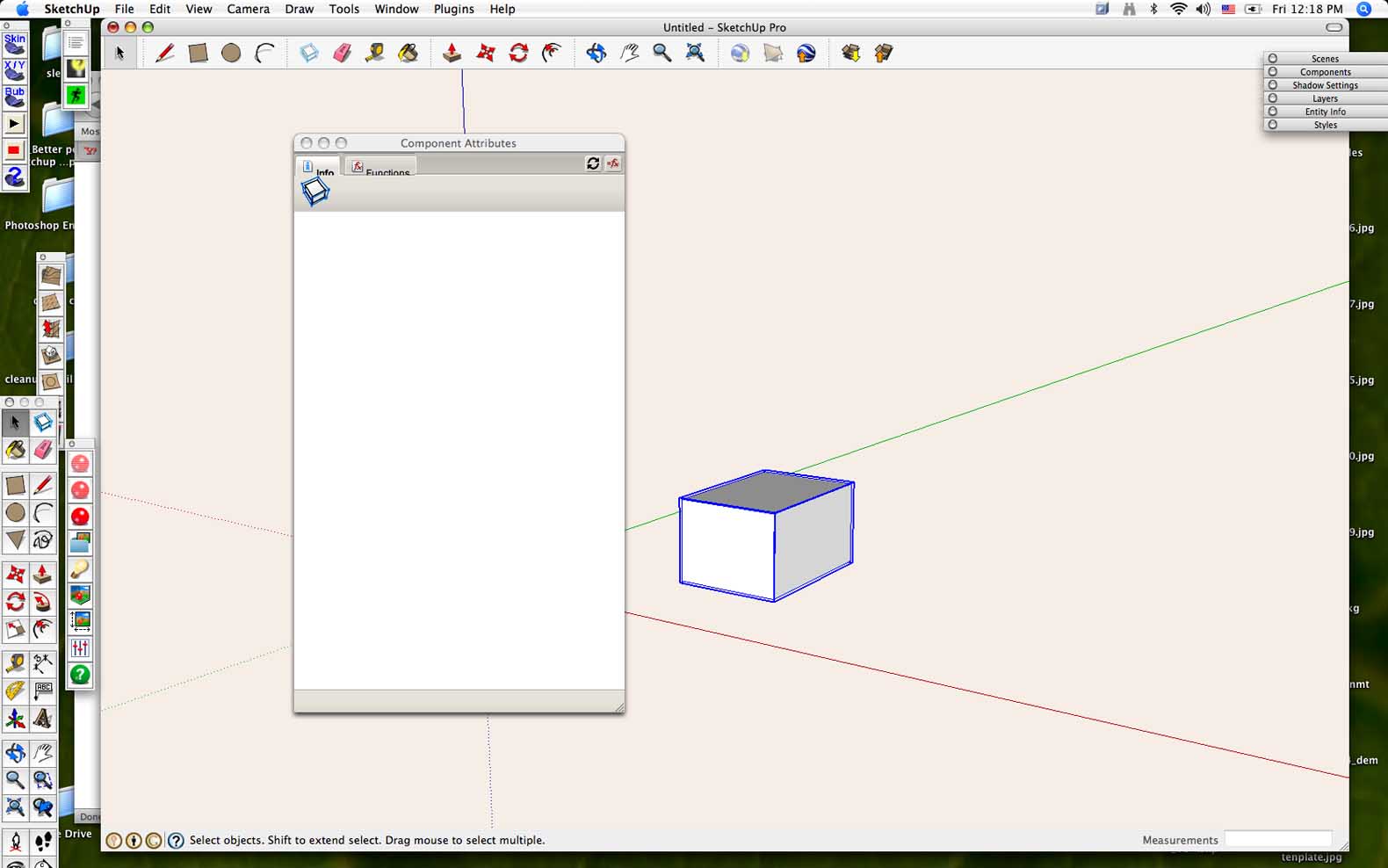
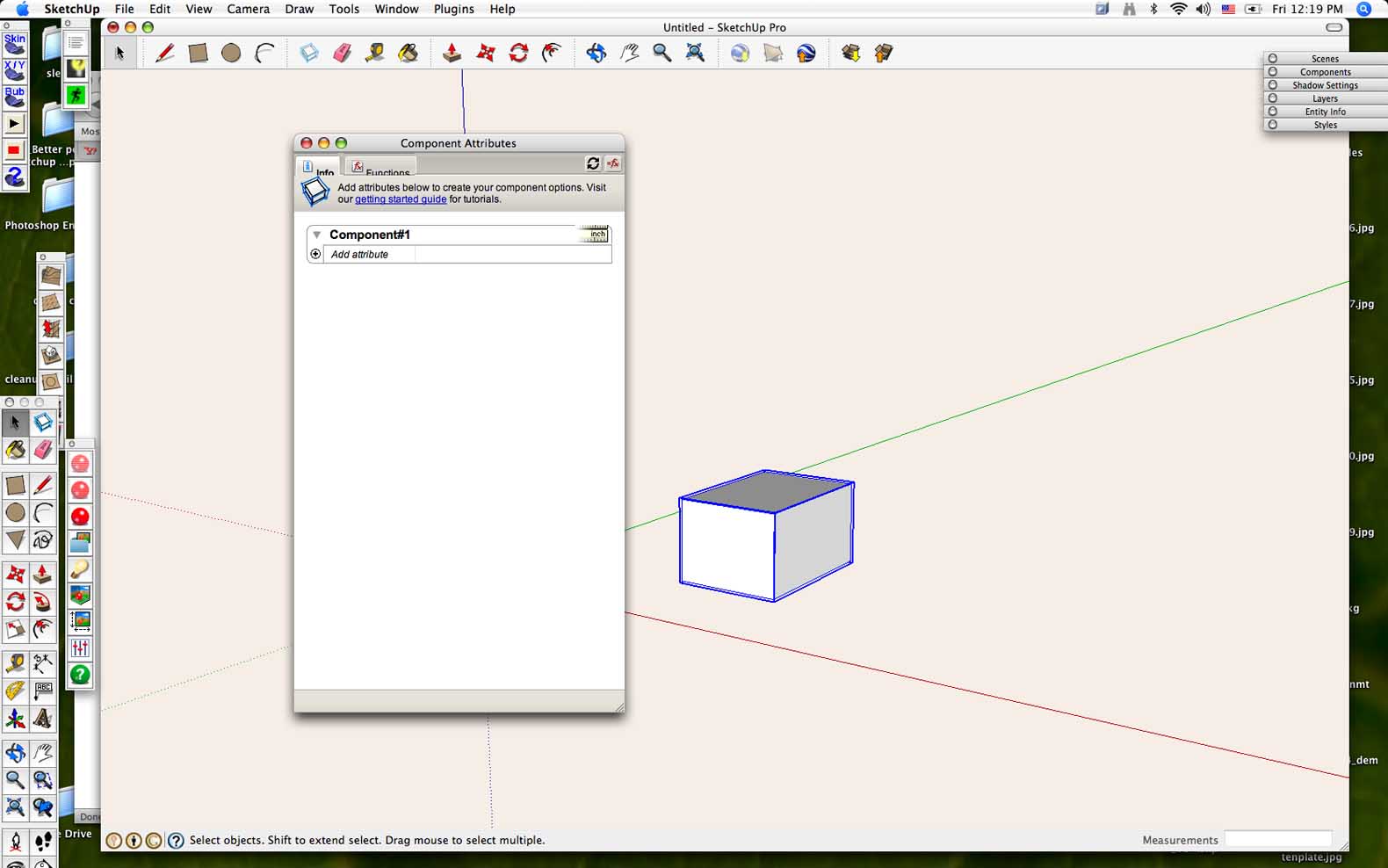
I am running 7 Pro on a PowerBook G4 with OS 10.4.1. I create a component, right click on it, go to Dynamic Components and then Component Attributes. The window that pops up has the tabs for Info and Functions partially obscured, and everything below is blank. I have used DCs on a PC and so I know how it should look. Anyone have a solution or at least know what the problem is? Thanks!
-
Could you post a screenshot?
-
Thanks for your reply. Picture 1 is what I get if I click on the component and then open Component Attributes. If I then deselect the component and then select it again, I get Picture 2, but nothing is functional. When I click on "Add Attribute", nothing happens. Thank you for your help.
Hello! It looks like you're interested in this conversation, but you don't have an account yet.
Getting fed up of having to scroll through the same posts each visit? When you register for an account, you'll always come back to exactly where you were before, and choose to be notified of new replies (either via email, or push notification). You'll also be able to save bookmarks and upvote posts to show your appreciation to other community members.
With your input, this post could be even better 💗
Register Login


Advertisement