Kerkythea invisible textures
-
Hi, I was wondering how to get kerkythea to recognise partially transparent textures such as the netting on this goal.
Picture one was rendered in sketchup, the second in kerkythea and ass you can see, the transparency is missing. Cheers.
1:
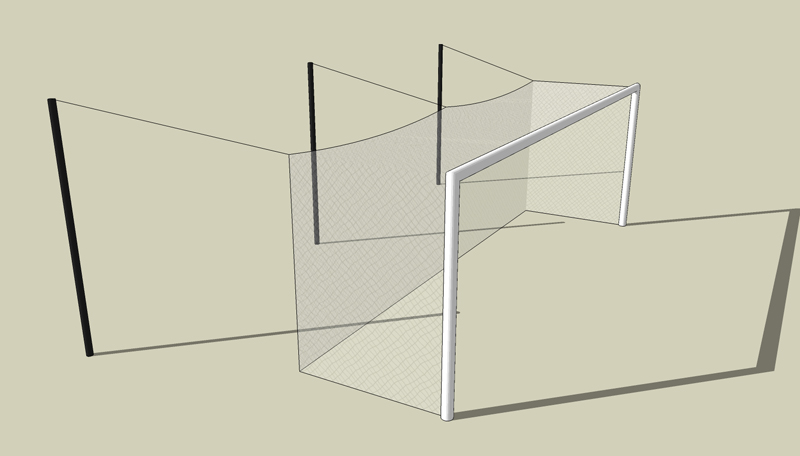
2:
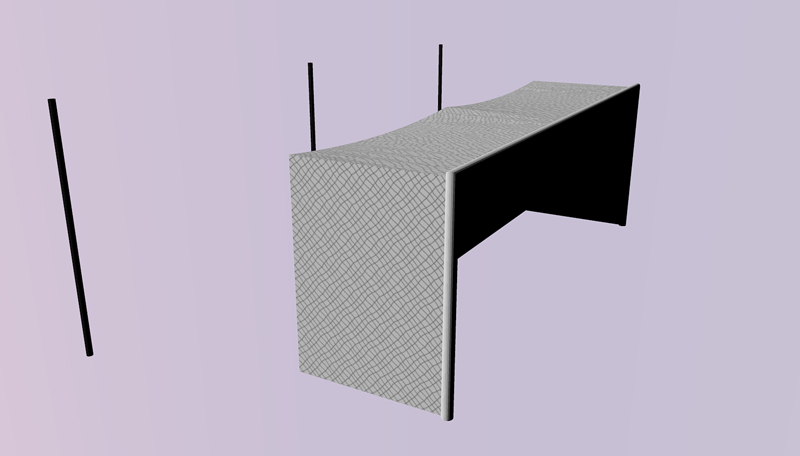
-
i think youd need to use a clipmap, although im not sure how youd go about it in KT.
-
Hi viperit,
I assume that you've posted this in the wrong section of the SCF...?!?

Not that I mind that you're posting here at SCF, but I'm sure that you would get help much quicker, if you had posted your question directly at the KT Forum...To achieve what you want to, you need to apply an alpha texture in the Clip mapping channel of the material editor...
I assume that you haven't much experience with render techniques in general, and I teherfore recommend that you download and read the Kerkythea Material Editor Guide for KT2007 to learn more about material creation...
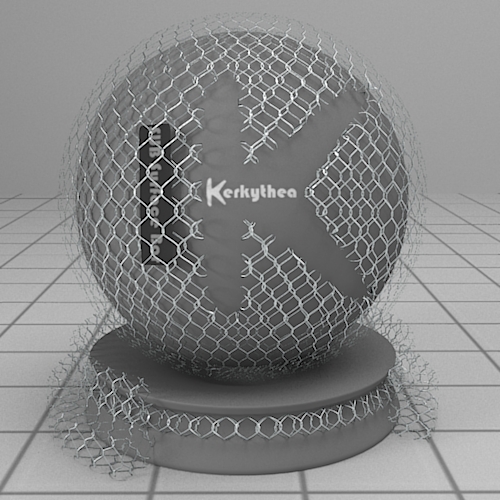
Although this tutorial was created for the previous version of KT, principles remain identical and all the settings etc. remain identical in the new Material Editor in KT2008 Echo...Hope this helps..??
-
thanks, I think I worked it out now. I couldn't find any mention in that guide to clipping masks but I knew what they were so just inverted the texture in photoshop and used that. here's the result:
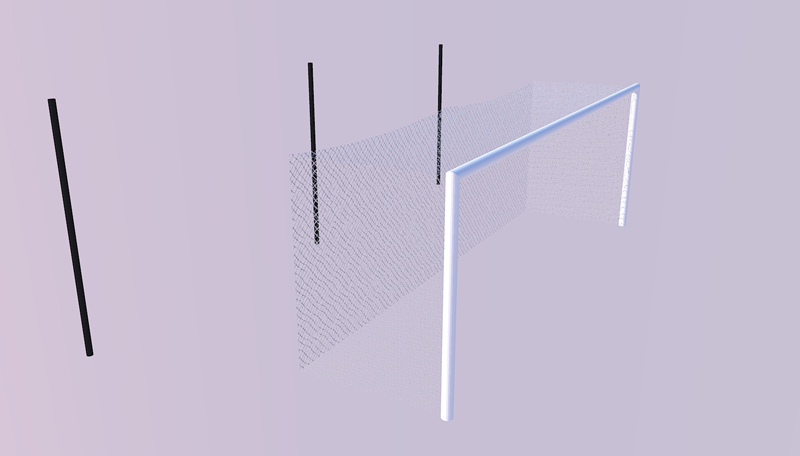

Hello! It looks like you're interested in this conversation, but you don't have an account yet.
Getting fed up of having to scroll through the same posts each visit? When you register for an account, you'll always come back to exactly where you were before, and choose to be notified of new replies (either via email, or push notification). You'll also be able to save bookmarks and upvote posts to show your appreciation to other community members.
With your input, this post could be even better 💗
Register Login


Advertisement