loopcut-vcb
-
回复: Edge Loop Insert – Insert loops like Maya/Blender
I’m back! After several days of work, the VCB value input feature for LoopCut is finally ready. Here’s a demo:
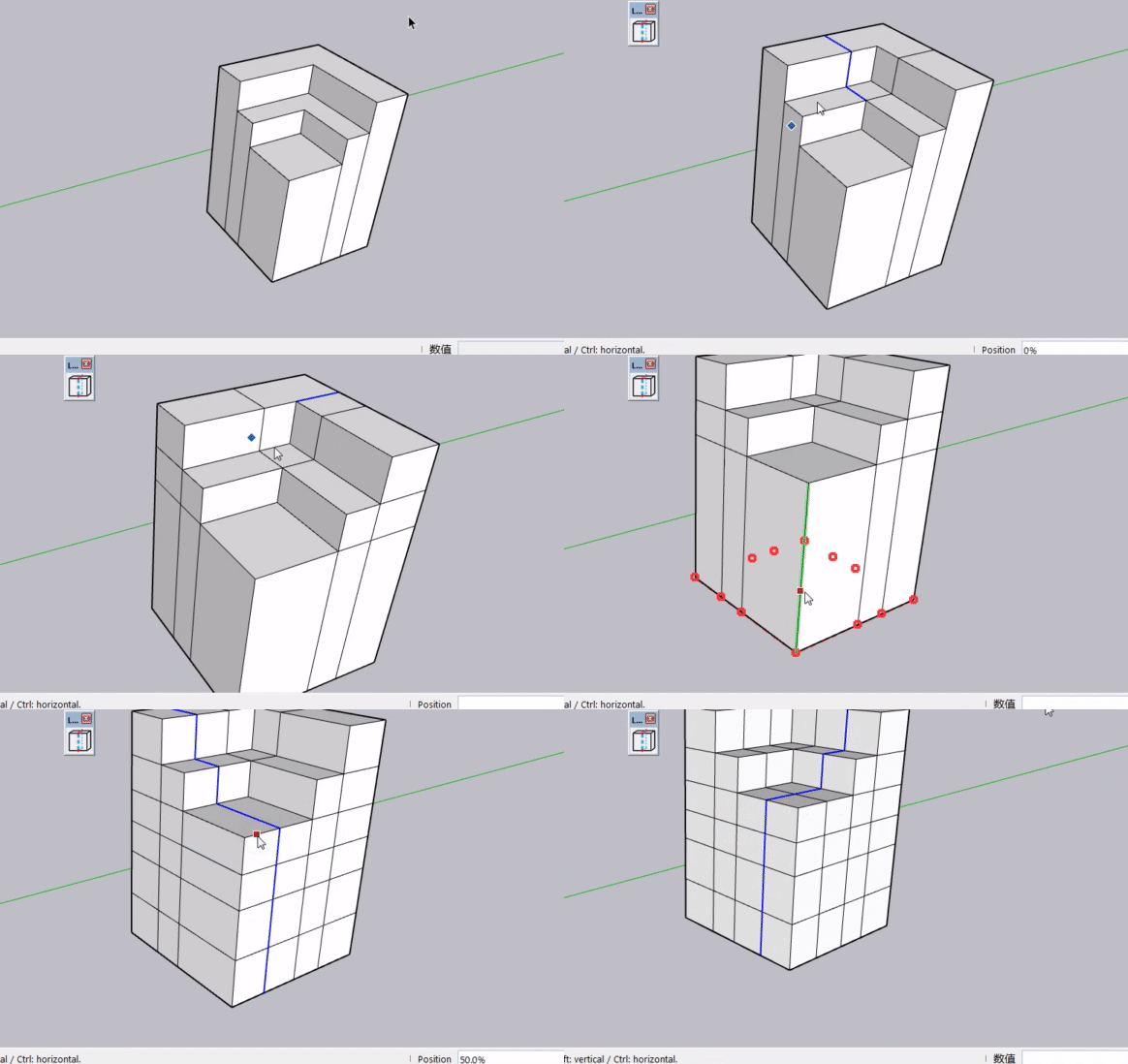
First, a non-quad face can be cut into a proper quad face as the basic operation. This is followed by value input. Double‑click anywhere on an edge to create a center cut line.
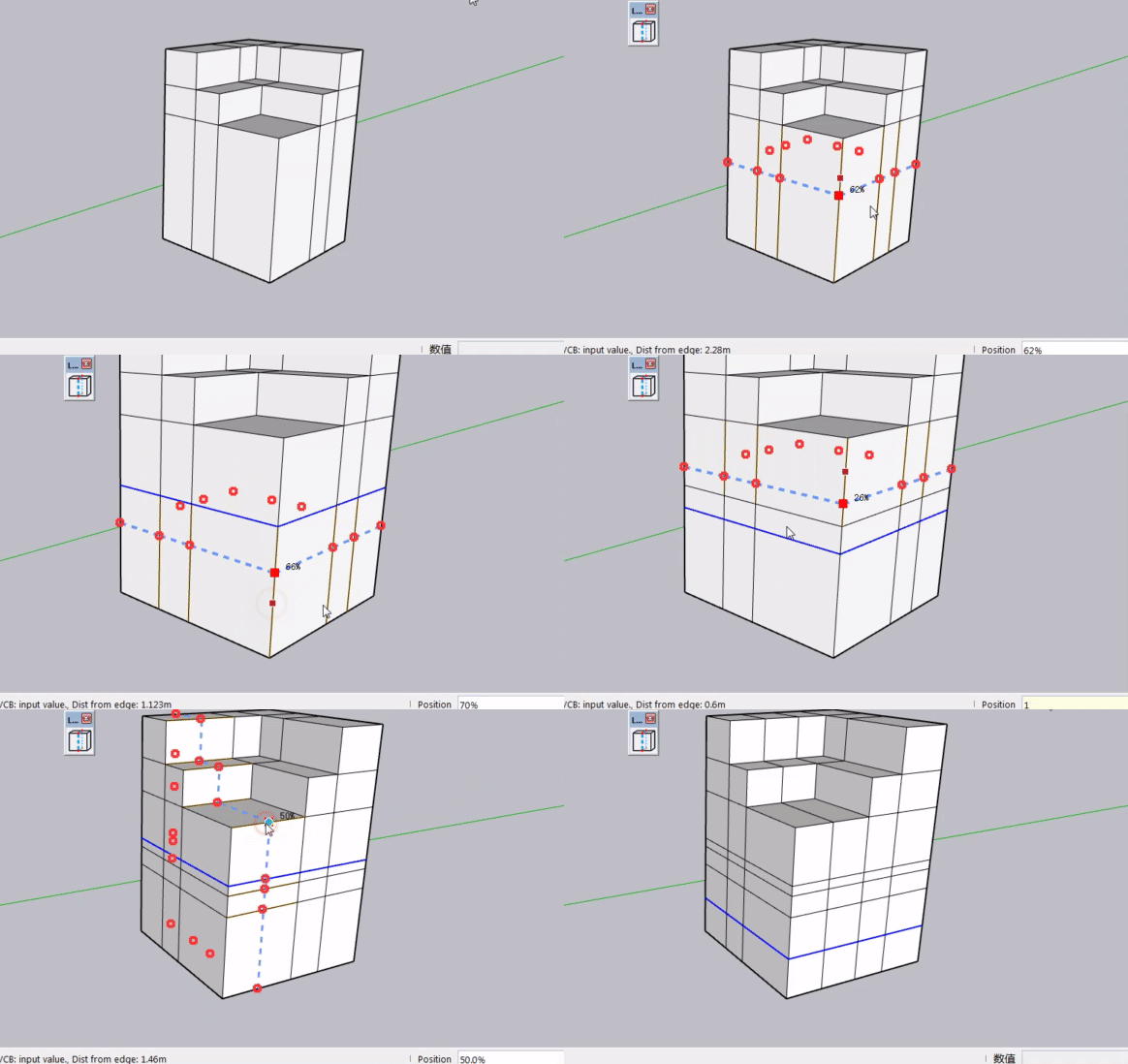
Positioning uses percentages: simply type 20, 30, 70, etc., which represent 20%, 30%, 70% along the edge. 50 means the midpoint. You can also drag your mouse to set the position interactively.
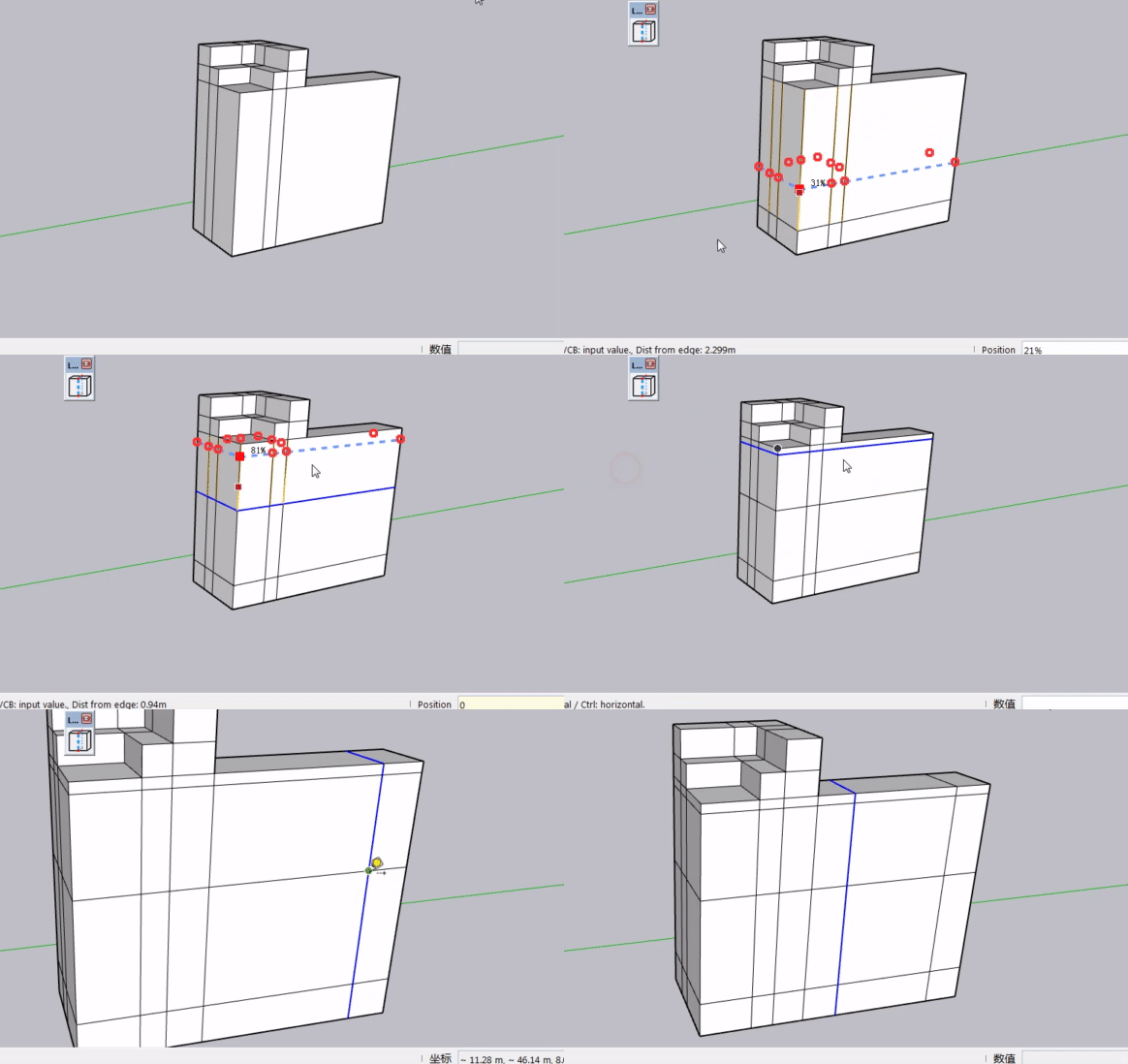
- If you need precise positioning instead of percentage values, you may enter a number with a unit in the VCB. The edge your mouse hovers over will be used as the starting reference. Values from 0 to 49 reference one side, while 51 to 100 reference the opposite side. Just hover your mouse to define the starting edge, then input values such as 1m or 200mm for an accurately placed cut line.
What do you think of this VCB workflow?
-
@Jianming-Mo I think it is really cool
Hello! It looks like you're interested in this conversation, but you don't have an account yet.
Getting fed up of having to scroll through the same posts each visit? When you register for an account, you'll always come back to exactly where you were before, and choose to be notified of new replies (either via email, or push notification). You'll also be able to save bookmarks and upvote posts to show your appreciation to other community members.
With your input, this post could be even better 💗
Register Login


Advertisement