Twinmotion lighting?
-
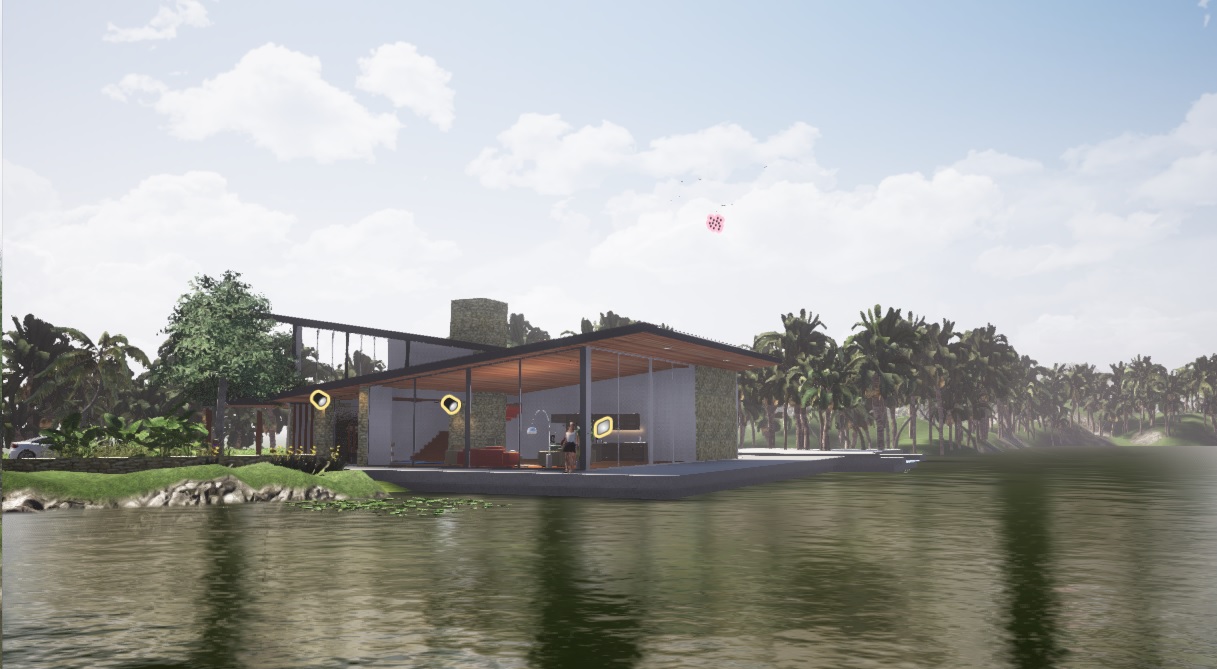
Hi, a question for any Twinmotion guys here. I am learning Twinmotion but have placed the lights and render. The render also shows the lighting and lighting gizmo and I cand seem to get rid of them. Could somebody let me know what I am doing wrong?
Cheers
-
OK, I got it, a preview is a preview......Duh

-
It's not the render, it's the space work!

-
Thanks pilou. But I just found simply pressing "G" will turn the Gizmos off/on
-
Excellent !

-
I thought I would pose the quetion here rather than starting a new thread as I assume twinmotion users are filtered in. Have been playing with twinmotion for a couple of days now and finding my way around it OK. Has anyone else had issues with navigation within a scene? I stuggle with it. I have set the mouse navigation to SU but find navigation a fight. Seems to be missing an SU "Pan' funtcion to me. I hane in the past used Blender, Archicad, 3d Max and have had no issue transitioning between them. I am aware of the shortcuts but they seem to miss the pan funcion for me. Any tips or anyone else having the same issue?
Cheers
-
OK, Shift plus push middle wheel
-
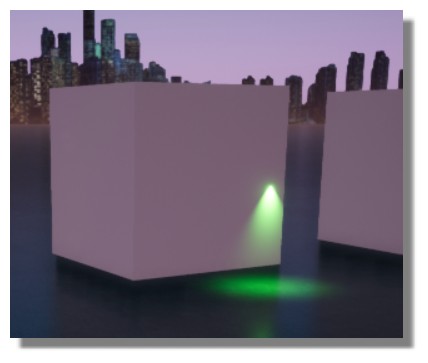
cool lighting

-
Thanks mate great video and so much funcionality in the program:thumb: The program does have its fair share of issues though, mostly around the user interface. I have been playing around for about an hour trying to control DOF. I have someting about 1m from the camera to be in fucus and I want someting about 6m away to be in focus. one hour later I am no wiser. How about the user interface gives me a distance and an aperture size like most other renderers I have used


Hello! It looks like you're interested in this conversation, but you don't have an account yet.
Getting fed up of having to scroll through the same posts each visit? When you register for an account, you'll always come back to exactly where you were before, and choose to be notified of new replies (either via email, or push notification). You'll also be able to save bookmarks and upvote posts to show your appreciation to other community members.
With your input, this post could be even better 💗
Register Login


Advertisement