Reduce A Model By 25 %
-
So a customer would like this design reduced by 25%,
is this the way to go about reducing it?? I could maybe Scale it but don't know which handles to grab or what values to add.
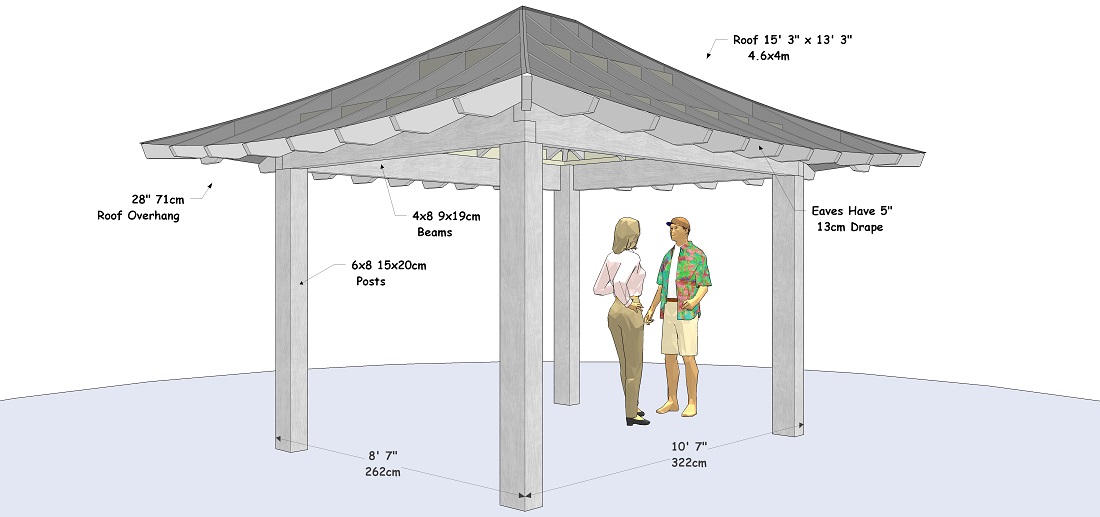
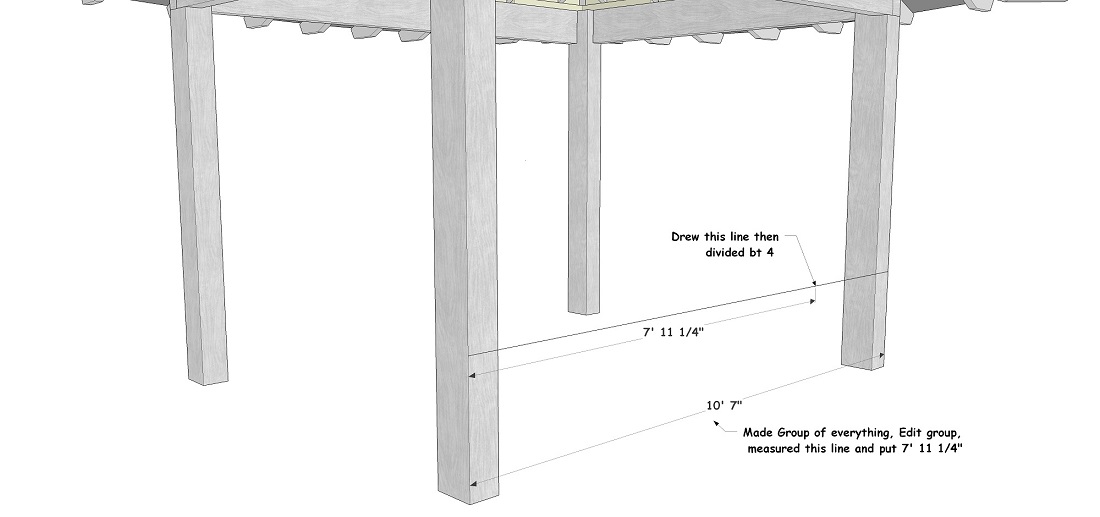
-
Just select all, choose the scale tool, and begin moving one upper corner (it could be any). Let go. Type .75 It will scale around the opposite corner of the selection. Of course IDK whether the model makes sense after that with lumber sizes, size of people or head heights... Everything gets scaled down the same.
I suppose your method works too. Try it.
If this were something to actually build, I'd mark out the dimensions to change, then use the move tool to make the required elements shorter to the guides, and move the other components to their new locations and spacing.
-
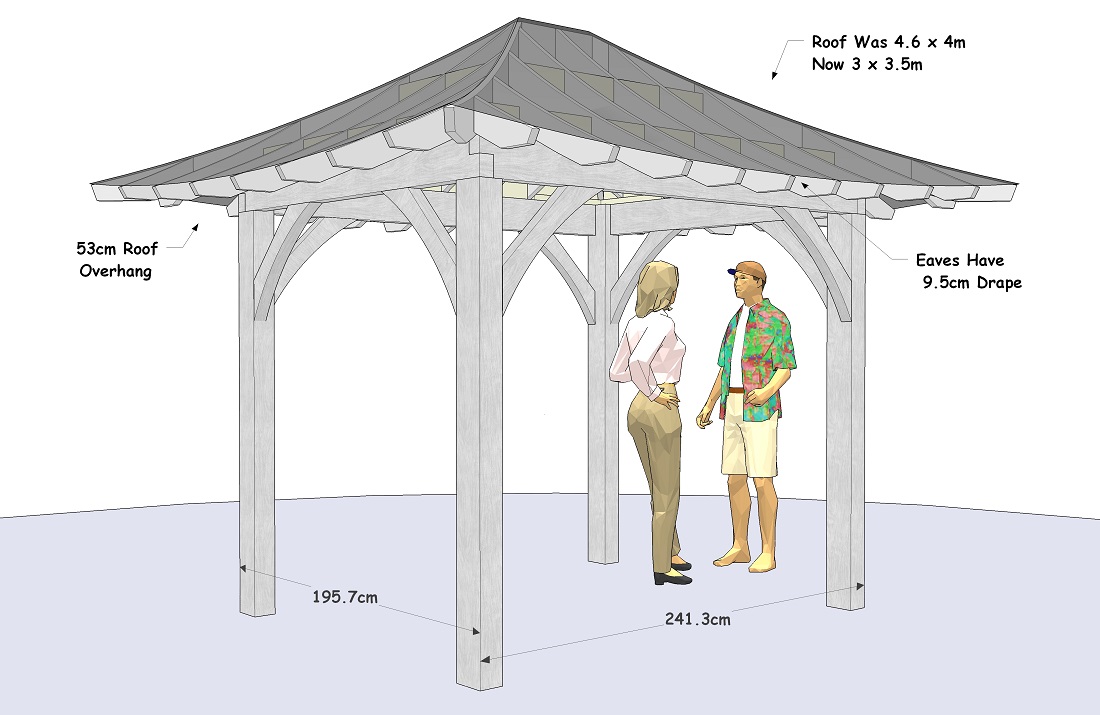
yeah the measuring tool worked just fine, I had to lengthen the posts and raise the roof up, re do the knee braces, but now I have something to show the customer,
and something to work up a price with



Hello! It looks like you're interested in this conversation, but you don't have an account yet.
Getting fed up of having to scroll through the same posts each visit? When you register for an account, you'll always come back to exactly where you were before, and choose to be notified of new replies (either via email, or push notification). You'll also be able to save bookmarks and upvote posts to show your appreciation to other community members.
With your input, this post could be even better 💗
Register Login


Advertisement