How to fill rectangle but not fill interior shapes?
-
If I create a rectangle at the top of the attached object, it fills all the interior shapes as well. How can I avoid filling the interior shapes?
Thank you,
Tim
-
You can make faces (plugin Make faces) from selected rectangle and geometry inside.
https://sketchucation.com/forums/viewtopic.php?f=323&t=59519
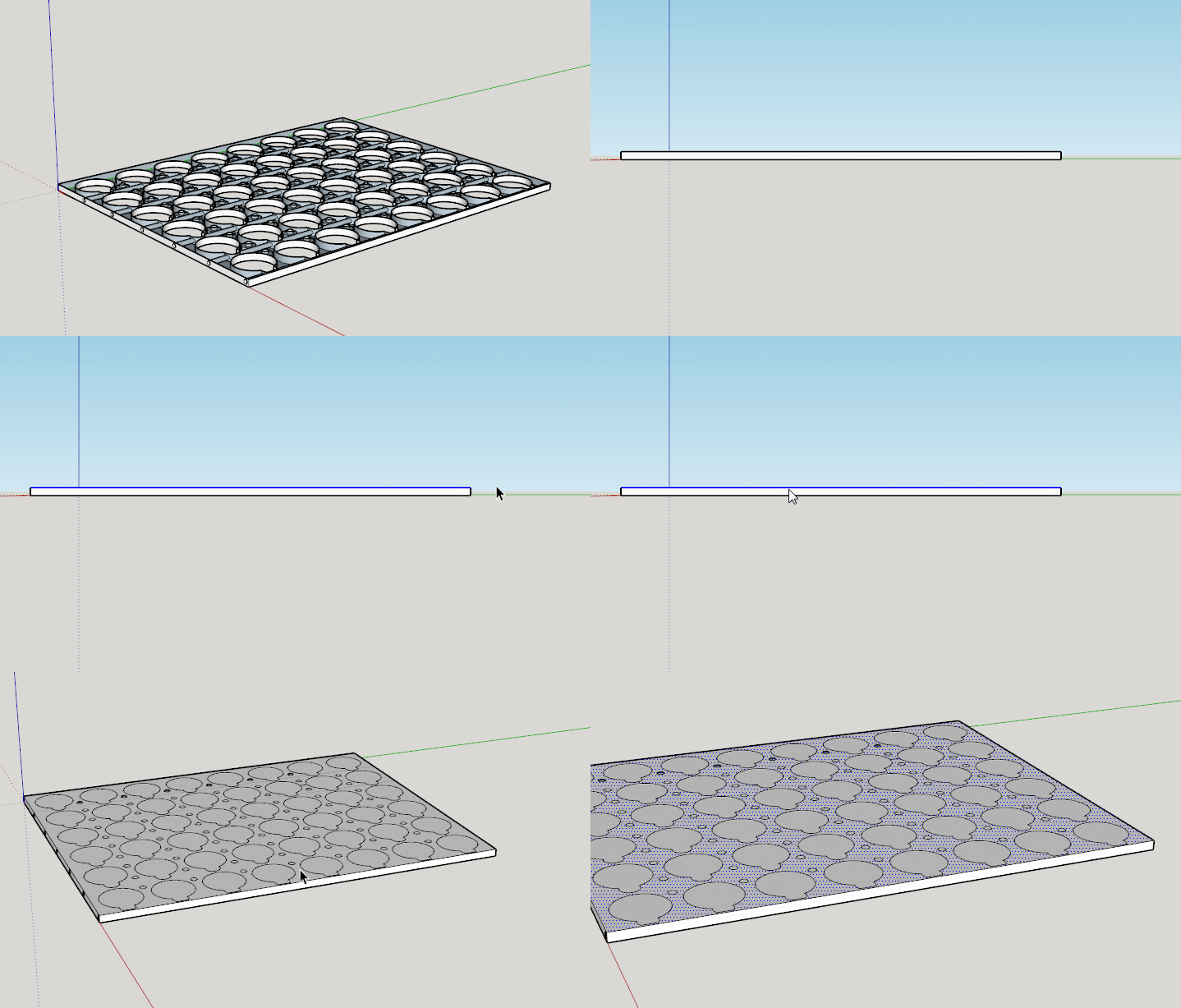
-
My first try would be the plugin FixIt in this case...
(click for animation)
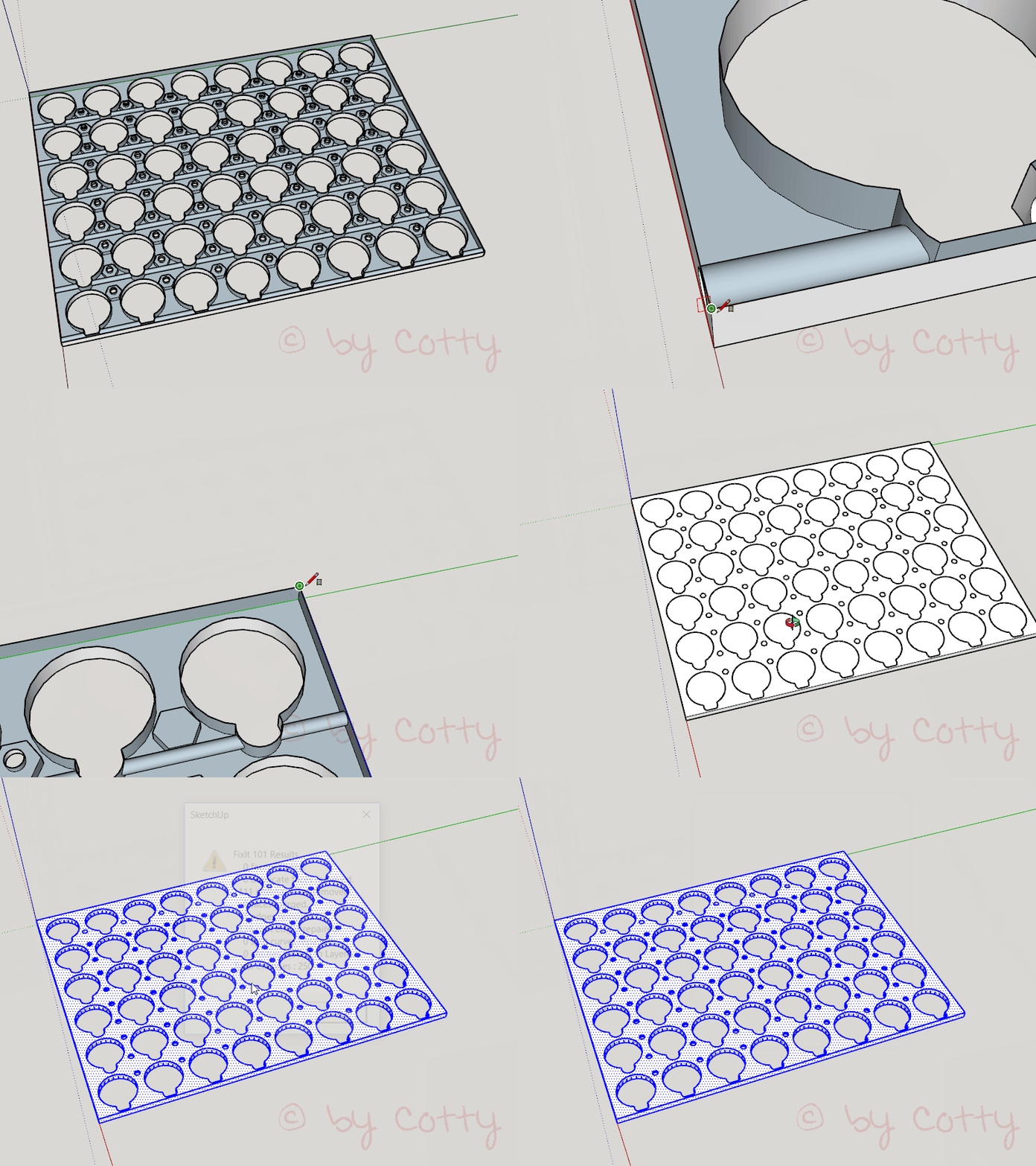
-
Good tip Cotty. I didn't know FixIt is doing even this. One of my favorite plugins.
-
Thank you for the suggestions. Cotty, I installed Fixit 101. I used the rectangle tool to fill in the face. I found that I had to click on the object 3 times to select the whole object, not just the face that needed fixing. Then right click and run Fixit. Thank you! Saved me tons of work.
-
or, without any plugin, you can create the rectangle, group the upper face (select it from top left hand corner while beeing in parallel side view, just like srx's gif), select all then "instersect with selection", select all again and double click on the surface you want to keep holding shift and press delete.
 (you can then explode the group - optional)
not that long even if it seems so
!and beware, some of your small circles appear not to be at the same height than the others


Hello! It looks like you're interested in this conversation, but you don't have an account yet.
Getting fed up of having to scroll through the same posts each visit? When you register for an account, you'll always come back to exactly where you were before, and choose to be notified of new replies (either via email, or push notification). You'll also be able to save bookmarks and upvote posts to show your appreciation to other community members.
With your input, this post could be even better 💗
Register Login


Advertisement