Grooves on cylinder surface?
-
Before I even ask my question, THANK YOU!
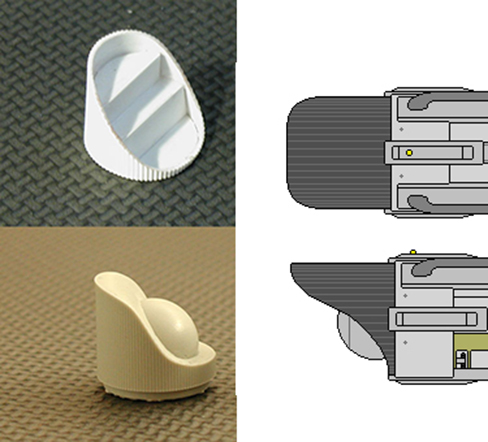
OK, so I have a cylinder shaped object and I want small grooves running up and down on the outside surface. Its the end cap for a nacelle. Is there a way to do this with the follow me tool or something? I could do it by hand, each groove, but being so small , I'd be in a nursing home by the time I finished,

-
-
@cotty said:
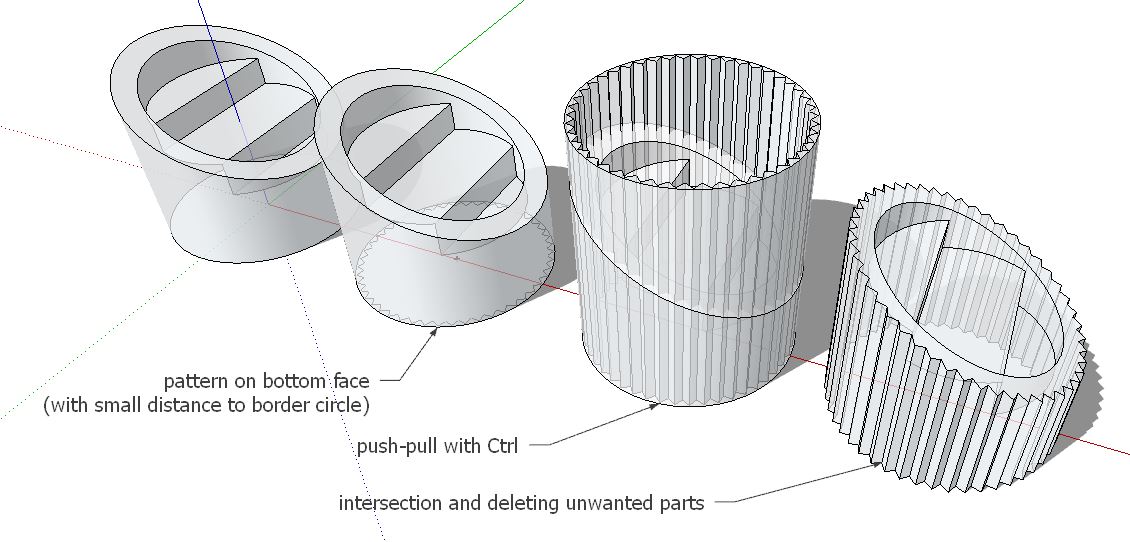
One quick way without plugins...
[attachment=1:21aujd7l]<!-- ia1 -->grooves.JPG<!-- ia1 -->[/attachment:21aujd7l]
Seriously.. Did you just do that to show me? You rock, either way. I have SU15 right now so it's not letting me open the file, (I need to upgrade I guess), so did you just draw the grooves?
Thank you for this. Just might work.
-
-
@pbacot said:
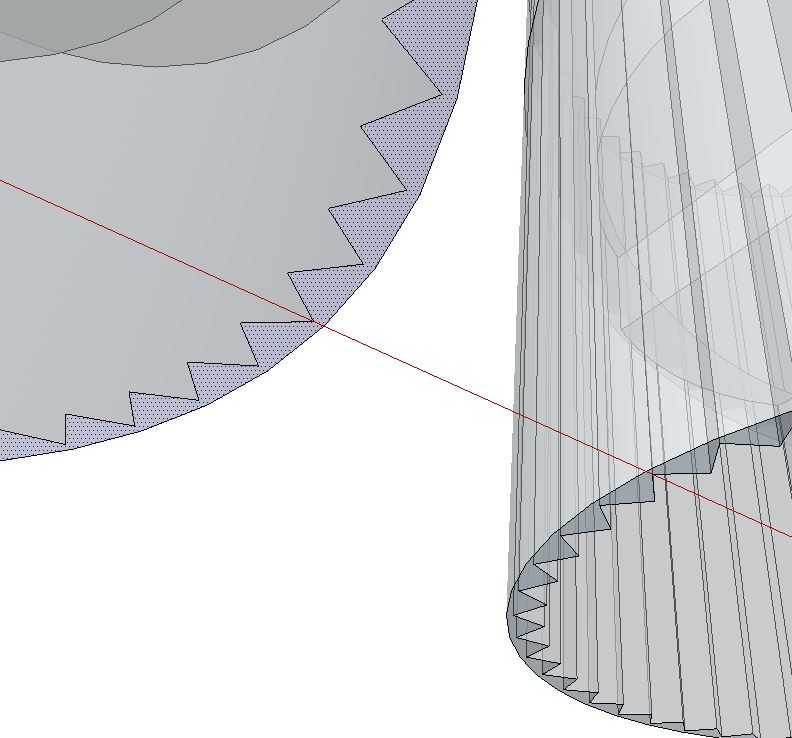
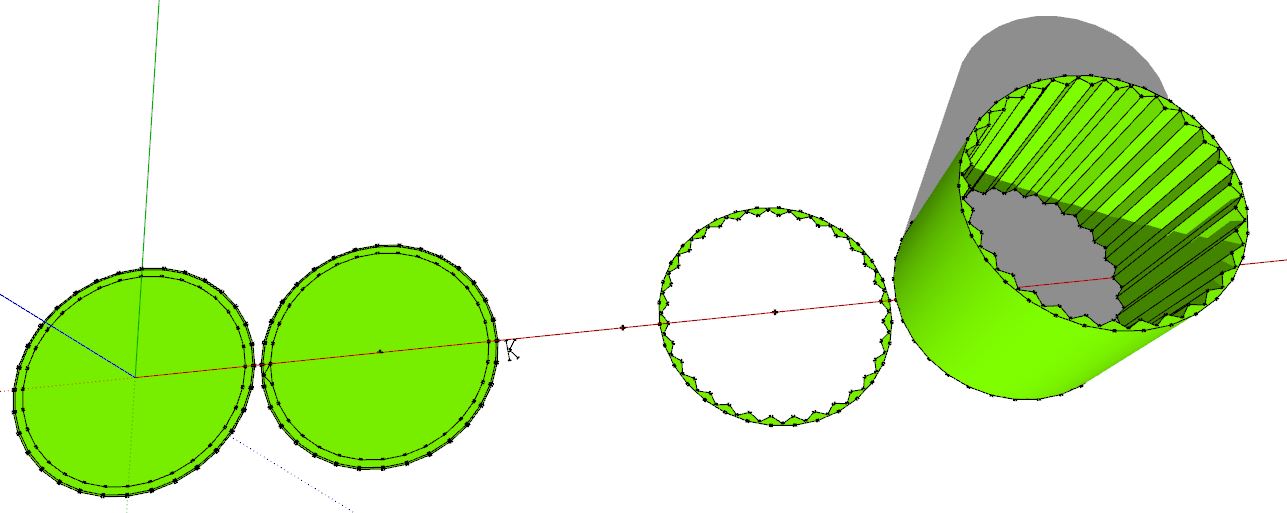
IDK just how he did the grooves, but you could for example, just use two edgs in a "v" set to a facet in the circle, the copy/rotate all around.
I don't know how to do that but I'll check it out.
-
-
IDK just how he did the grooves, but you could for example, just use two edgs in a "v" set to a facet in the circle, then copy/rotate all around.



Hello! It looks like you're interested in this conversation, but you don't have an account yet.
Getting fed up of having to scroll through the same posts each visit? When you register for an account, you'll always come back to exactly where you were before, and choose to be notified of new replies (either via email, or push notification). You'll also be able to save bookmarks and upvote posts to show your appreciation to other community members.
With your input, this post could be even better 💗
Register Login


Advertisement