View.write_image shows dotted line border
-
Hello everyone.
I've just noticed that when you export a square view with FOV 90, a dotted line border appears in the lower and bottom sides.
This breaks my Cubic panorama plugin.
Any ideas on how to fix it?I've tried changing image size, aspect ratio, format, and setting view.line_width to 0, but the glitch appears anyway.
Here is my test code.
model=Sketchup.active_model
view=model.active_view
cam=view.camera
pos=cam.eye

newFov=90
newAR=1.0
newIW=24

shadowinfo = Sketchup.active_model.shadow_info
shadowinfo["UseSunForAllShading"]=true

#face front
newTarget=[pos.x+1,pos.y,pos.z]
newUp=[0,0,1]
#set camera
cam.set pos, newTarget, newUp
cam.fov=newFov
cam.aspect_ratio=newAR
cam.image_width=newIW

keys = {
 ;filename => "test2017a.jpg",
 ;width=>2048,
 ;height=>2048,
 ;antialias=>true,
 ;compression => 0.6,
}
model.active_view.camera=cam
#model.active_view.line_width = 0 #I don't think this does anything.
model.active_view.write_image keys
I've attached the resulting image.
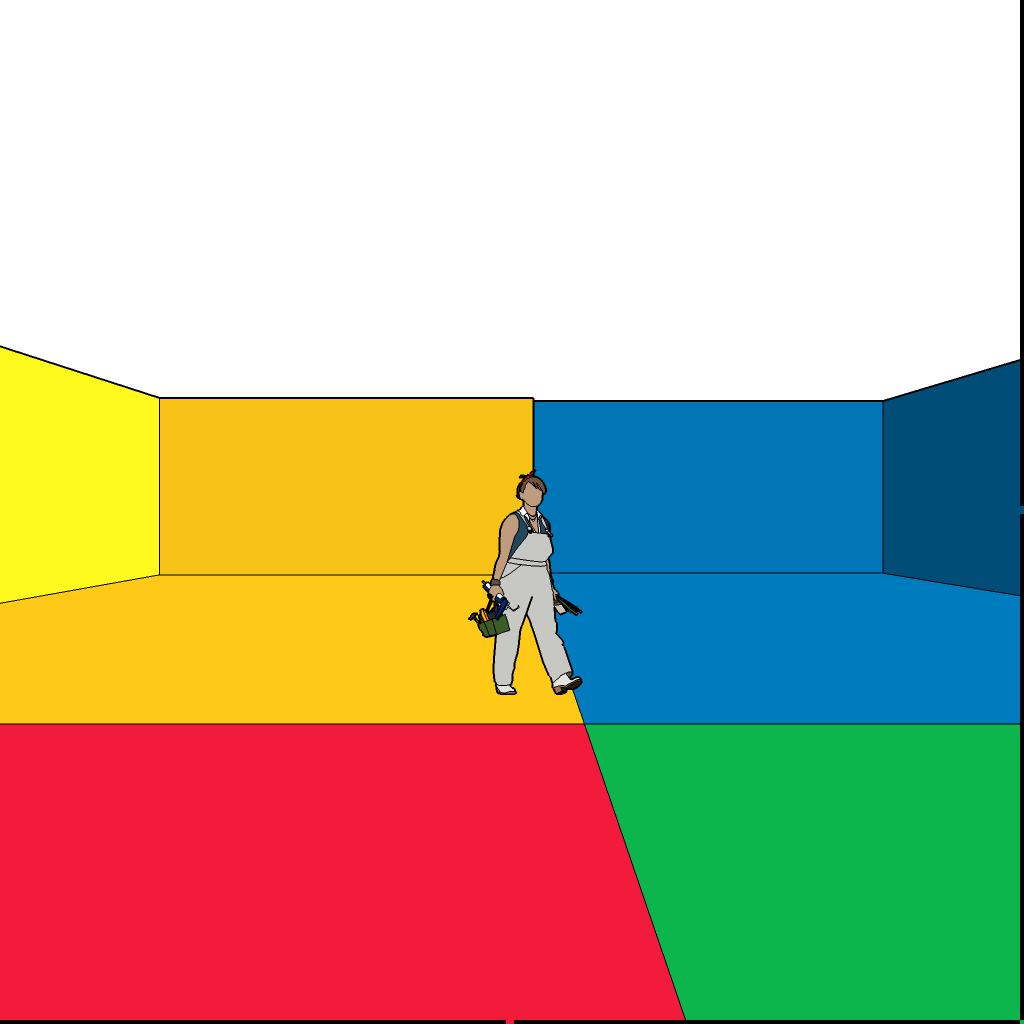
Thanks in advance for any tips.
-
your width and height aren't square...
@rami_lpm said:
...I've tried changing image size, aspect ratio, format, and setting view.line_width to 0...
Error: #<NoMethodError: undefined methodline_width' for #Sketchup::View:0x007f91557a6190>`but changing the aspect ratio has an even worse effect on a mac in SU v17...
the black bars it creates completely corrupt the export...
john
-
Oh, that was a typo, I've corrected it.
Yes, this only happens in sketchup 2017.Edit:
All right, there are 'magic' numbers at work here.
If you write the image with resolution up to 1020x1020, it comes out fine.
Above that the border starts showing, and as the resolution grows, it becomes thicker, and the gaps bigger.
At about 2000x2000, a square appears, as the lines are so thick and the gaps so wide that the lines meet in the center of the image.
At 2036x2036 the glitch is gone.
Aaaand its back at 2041x2041.This is strange.
For the moment, I will advise the users of my plugin to use one of the 'safe' resolutions on their panoramas.
-
In what versions of SU do you observe this?
-
I've only encountered this in sketchup make 2017 on windows 10, Driven tested it on a mac, same issue.
-
Have you tested on older versions? Do you think this is a regression?
I wonder if it's related to a regression where the aspect ratio overlay bars are drawn as solid black in SU2017. -
I wrote the panorama plugin in 2014, and never had this problem.
Ok, I've just tested this.
model=Sketchup.active_model
view=model.active_view
cam=view.camera
cam.aspect_ratio=1
Yes, in SU2016 the bars were transparent. in SU2017, the bars are black. That's a regression? I don't remember the bars ever being black.
I fail to see why this change would interfere with view.write_image
Has anyone else reported this problem when exporting images? maybe with other aspect ratio? -
The bars were by default a transparent black. The color can actually be adjusted. But in SU2017 the transparency is ignored. (I haven't actually tried to see if it picks up custom colors...)
-
the color can be adjusted? is there a command to do that? I can try and see.
-
@rami_lpm said:
the color can be adjusted? is there a command to do that? I can try and see.
I think it is one of the RenderingOptions.
-
Jim is correct, I don't recall exactly what it is, but you find it if you inspect the available keys.
-
Sketchup.active_model.rendering_options["BandColor"] = (Sketchup;;Color.new(185,138,0,127))this works in v16 but has no effect in v17 on my mac...
john
-
This is a cross post from our SketchUp Forum post
tl;dr - In addition to trying the work-arounds in this thread (only the resolution magic numbers worked) we discovered that turning off anti-aliasing eliminates the issue for any resolution - if you can accept the jaggies.
Hope that helps someone diagnose and fix the issue, or is a workaround for someone until the fix.


Hello! It looks like you're interested in this conversation, but you don't have an account yet.
Getting fed up of having to scroll through the same posts each visit? When you register for an account, you'll always come back to exactly where you were before, and choose to be notified of new replies (either via email, or push notification). You'll also be able to save bookmarks and upvote posts to show your appreciation to other community members.
With your input, this post could be even better 💗
Register Login


Advertisement