Making Unique Texture - WHAT DID I DO WRONG?
-
Hello Everyone!
I have encontered some problem while creating a unique texture. Can you tell me why it is producing a wrong kind of texture? Can you tell me where I am wrong?
I'll orchestrate my process below to illustrate my problem.
1 - I am applying texture using jpeg file as you can see from the toolbar on the right. I've adjusted the pins to only show the blue roof texture as I only want that texture.
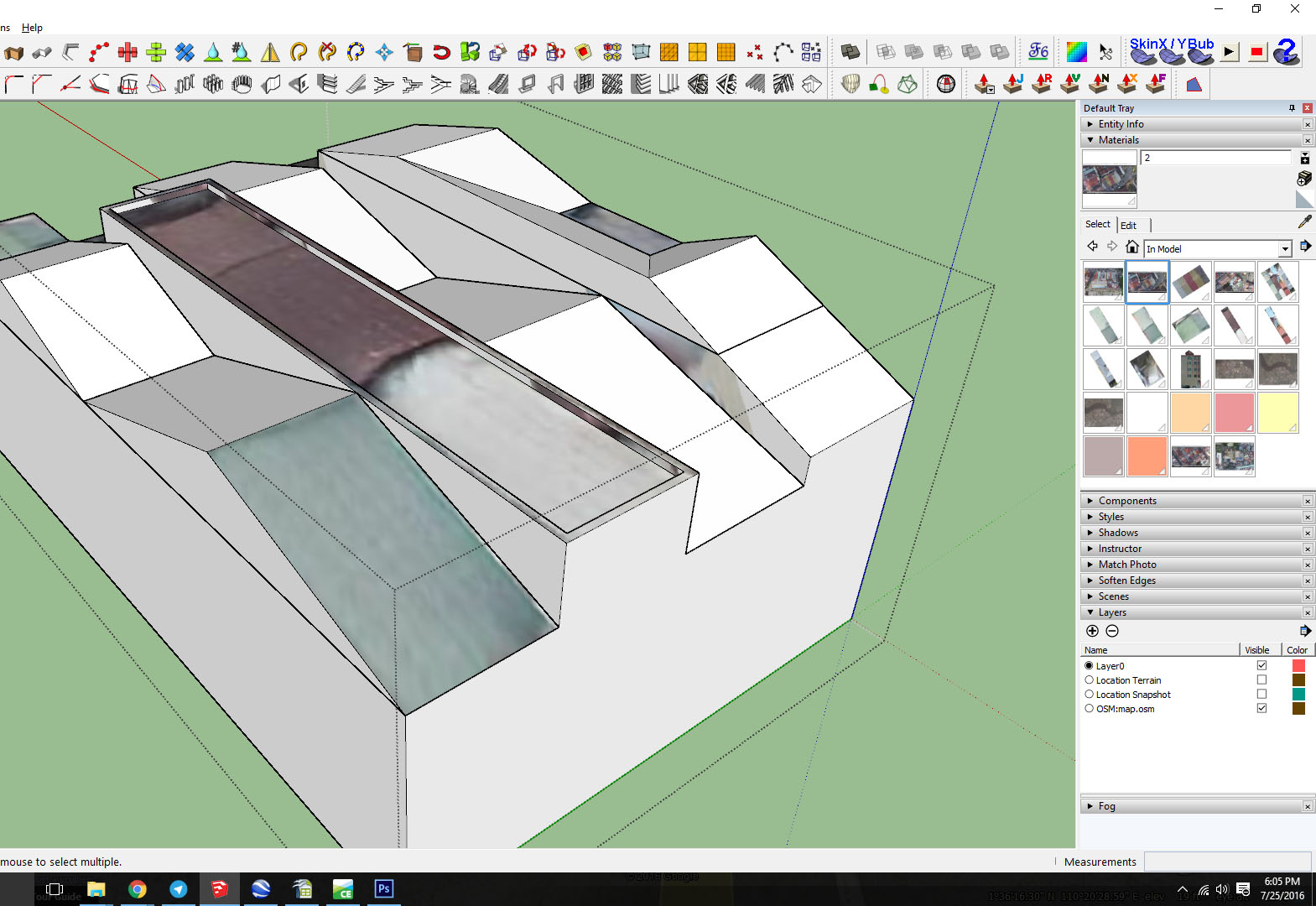
2 - in this step I am positioning my texture to that it would accurately represent the geometry of the texture beneath
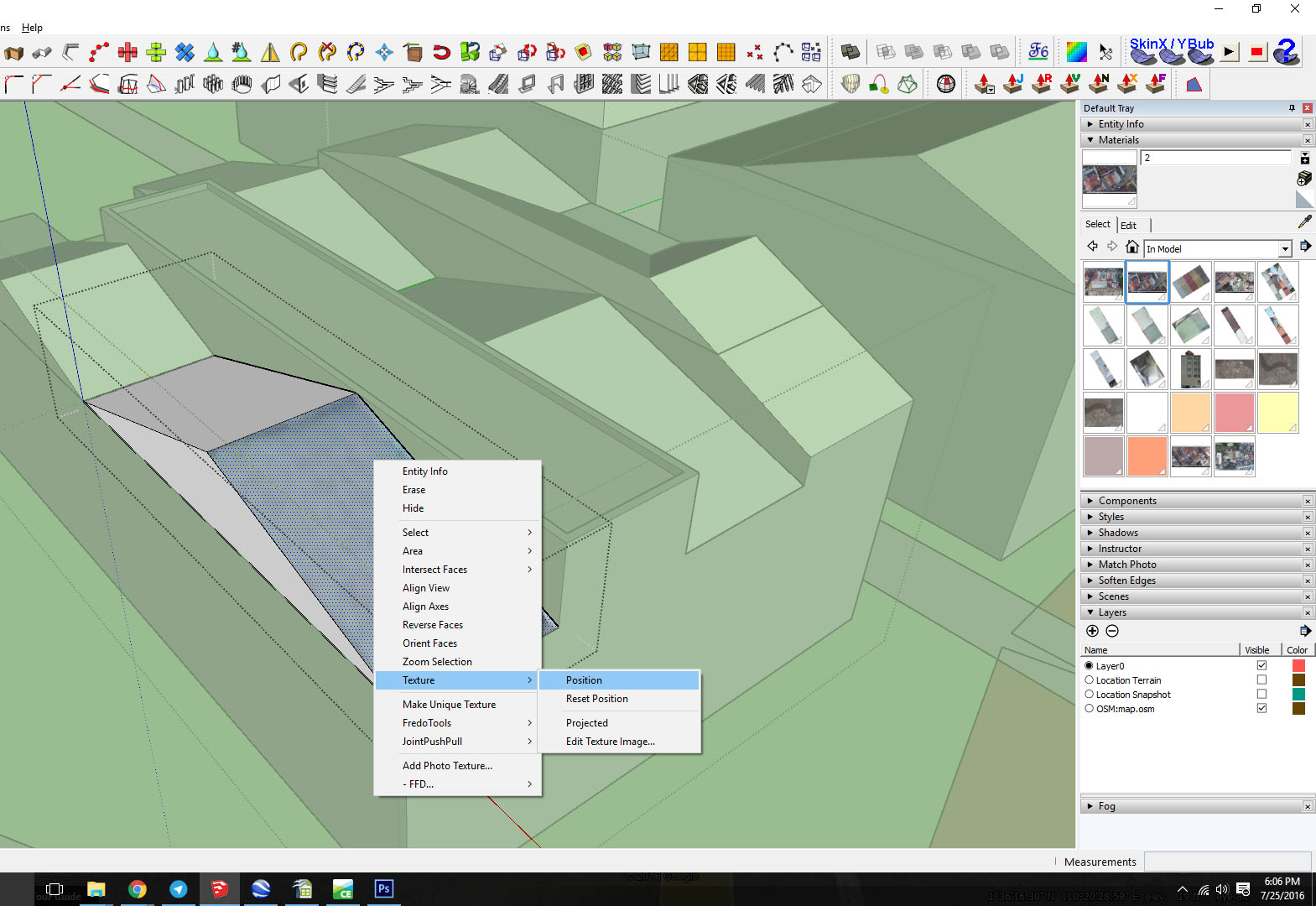
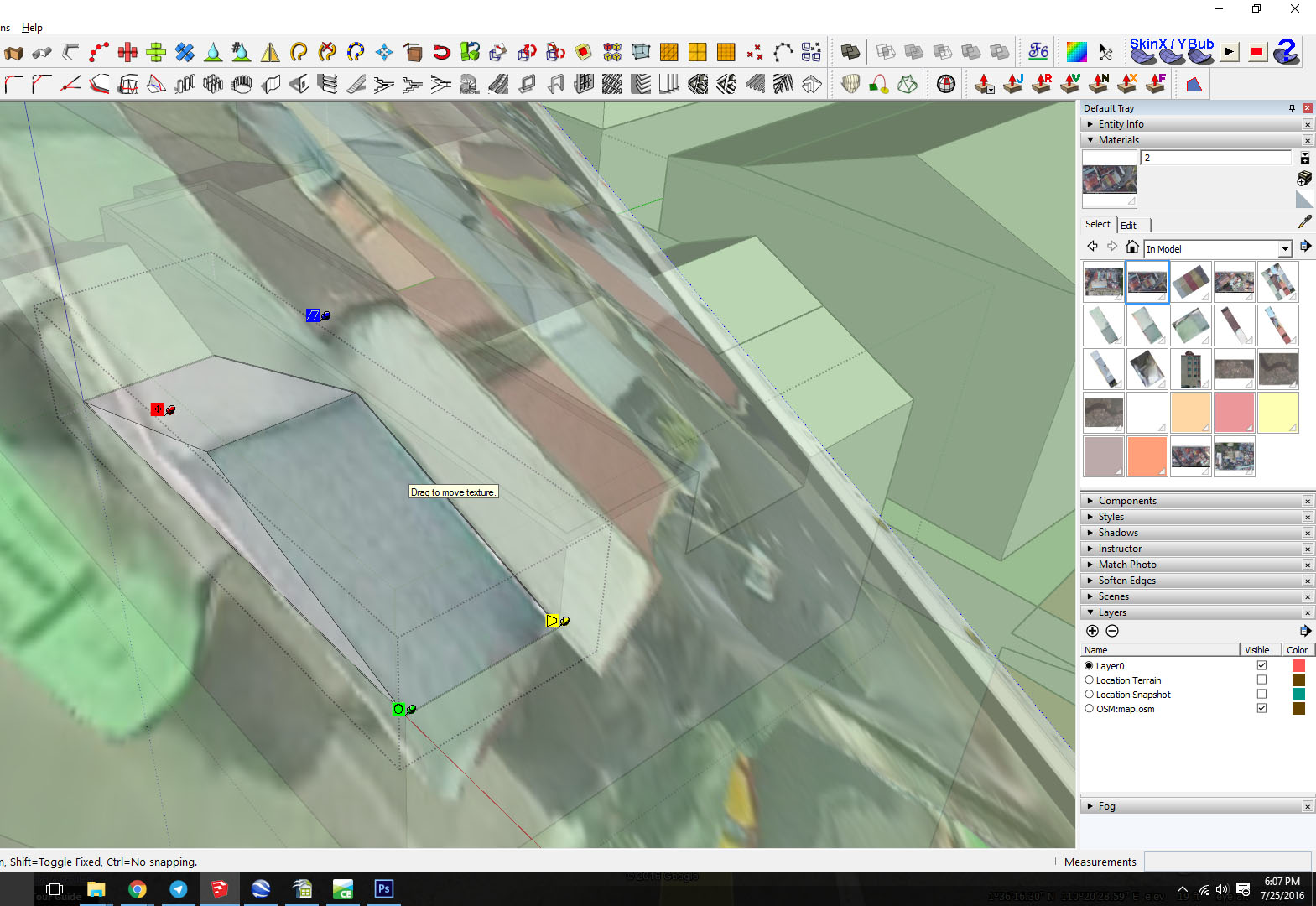
3 - In this step I am adjusting the pins
4 - This is when I try to create it as a unique texture to reduce file size.
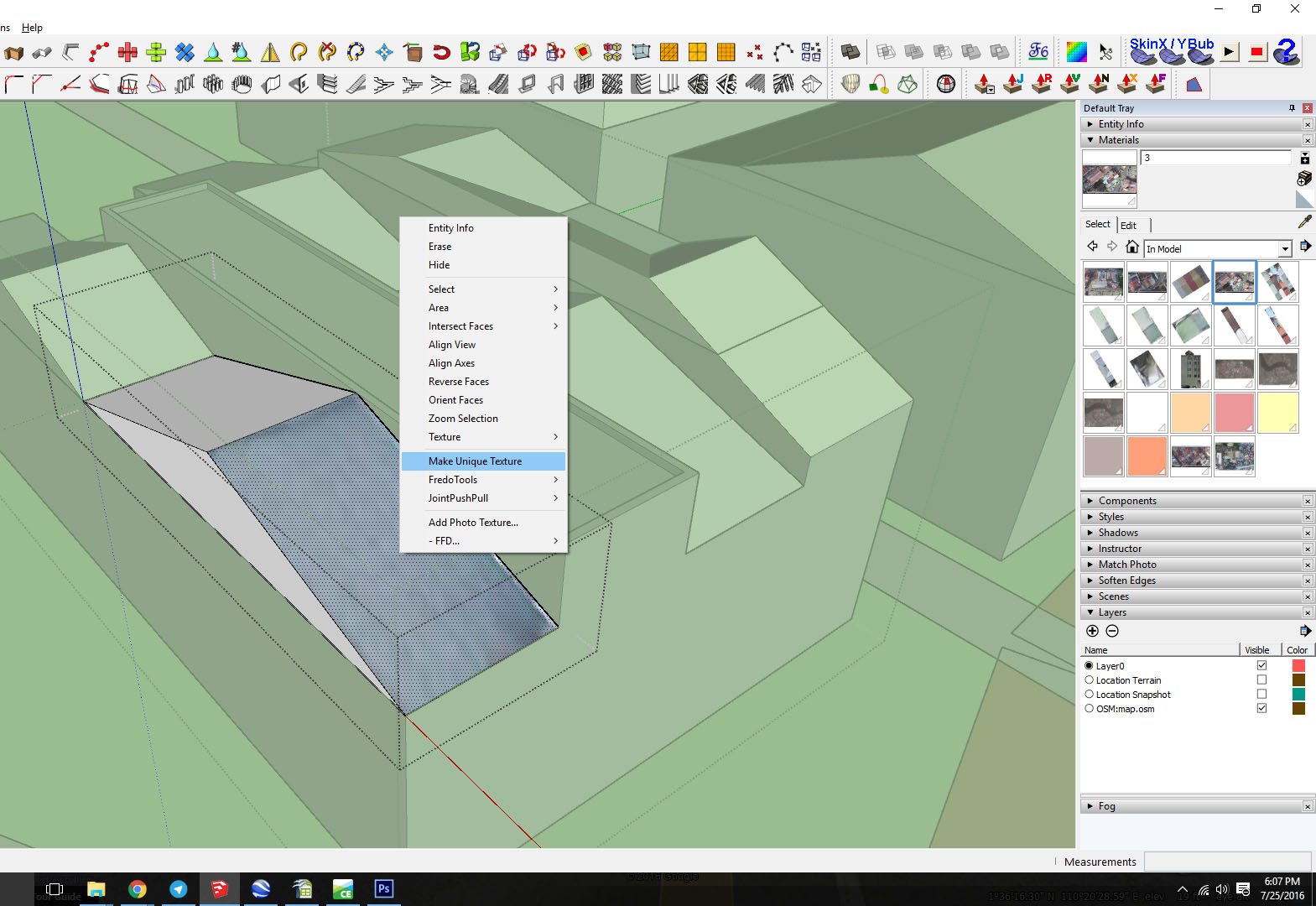
5 - When I apply unique texture, this is what happens. The texture suddenly moves, leaving a blank raster-ed half with the intended texture on the side.
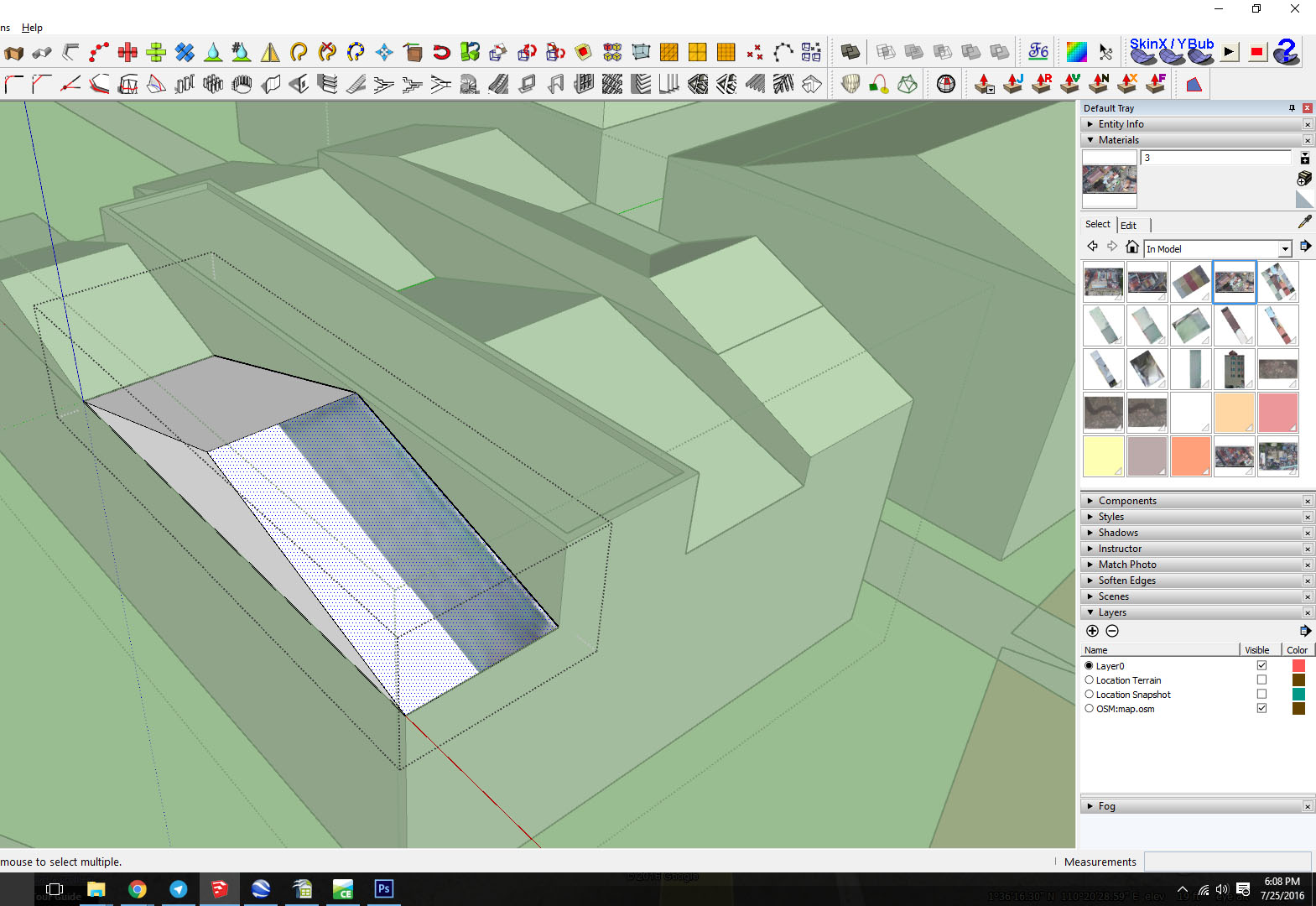
6 - You can see here the texture tiles becomes as shown in the picture.
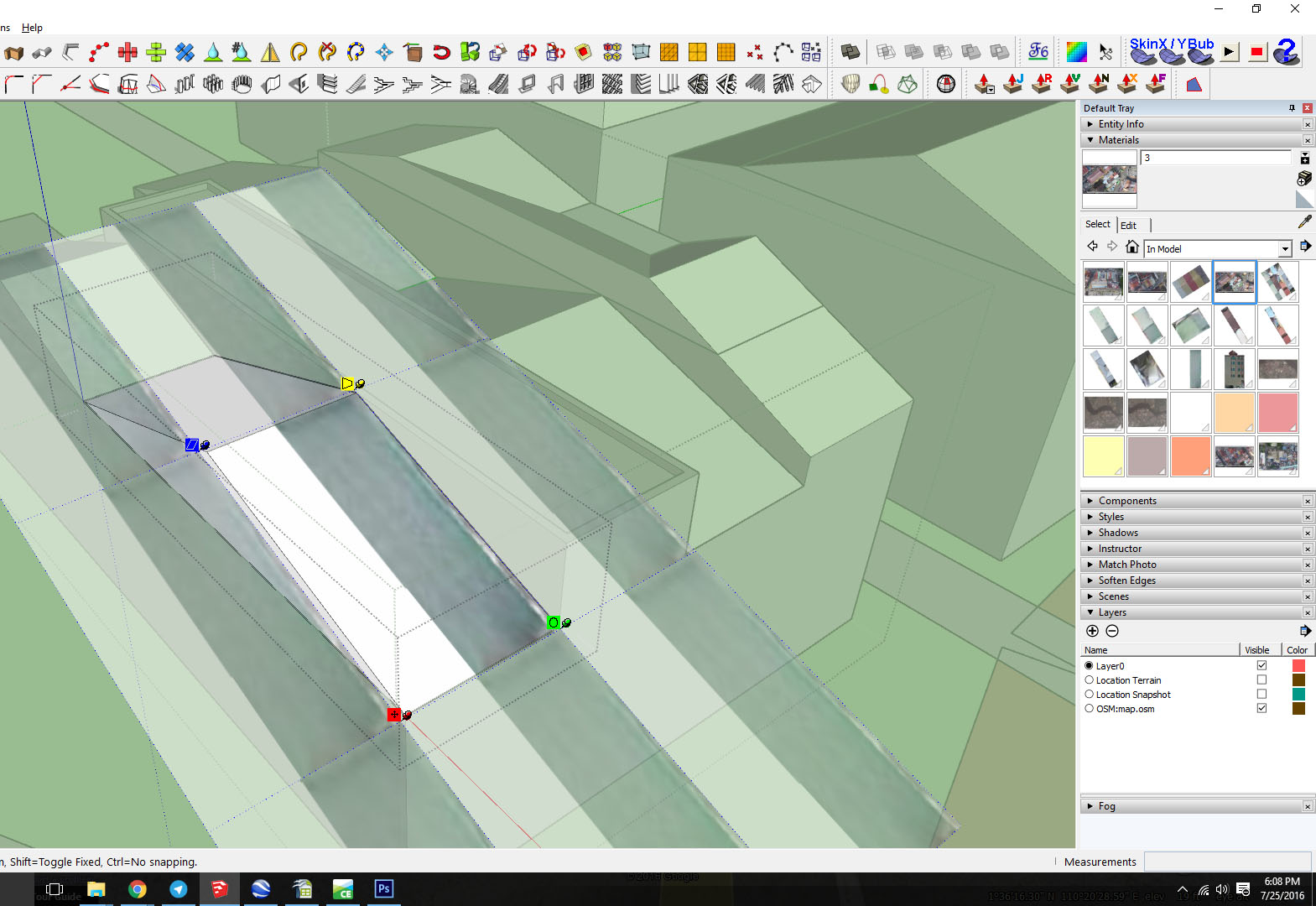
What did I do wrong?
-
You did nothing wrong. It seems it's sketchup that failed. It happens sometimes.
In step 3, right click on the texture and untoggle fixed pins. Try making unique texture again.


Hello! It looks like you're interested in this conversation, but you don't have an account yet.
Getting fed up of having to scroll through the same posts each visit? When you register for an account, you'll always come back to exactly where you were before, and choose to be notified of new replies (either via email, or push notification). You'll also be able to save bookmarks and upvote posts to show your appreciation to other community members.
With your input, this post could be even better 💗
Register Login


Advertisement