Building roads from dwg.
-
Hi,
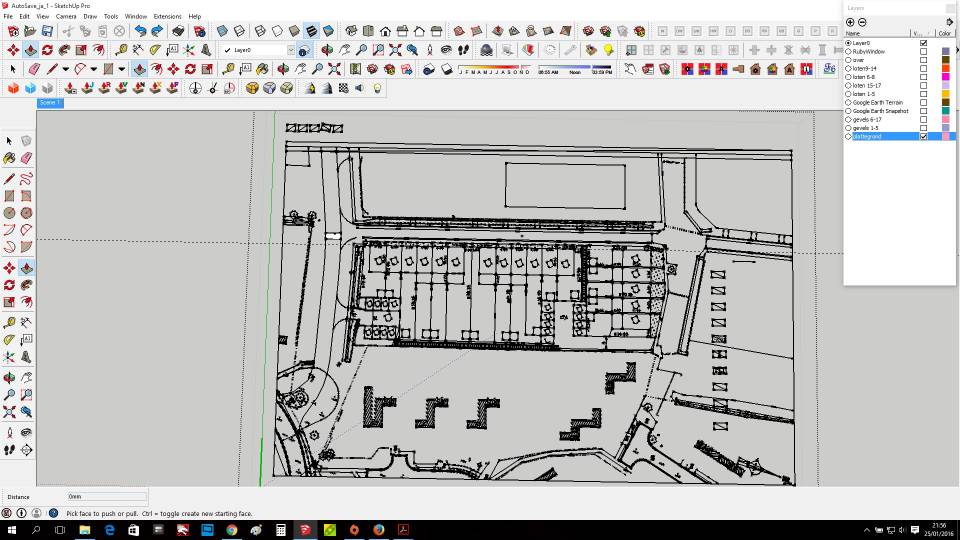
I need to build new roads from a dwg that i imported in sketch up.
I already welded the parts from the dwg to get 1 curved line.
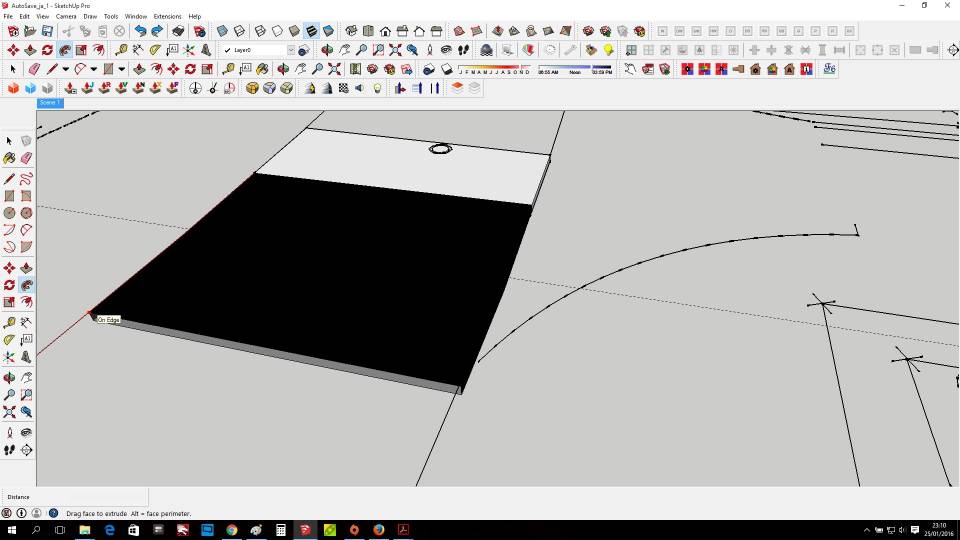
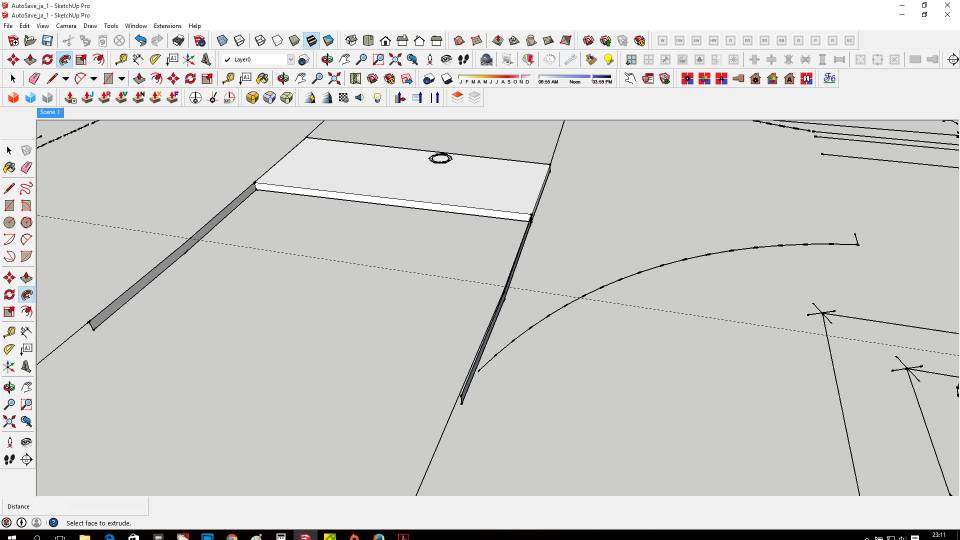
My idea was to build it with them whit the follow me tool but i get a strange result.
Then i searched for other plugins and i found this (https://www.valiarchitects.com/sketchup_scripts/instant-roadIs this the most simple solution for these problems ore are there other ways to work true this?
Thanks in advance,
Sam
-
All depends on what you got and what you want.
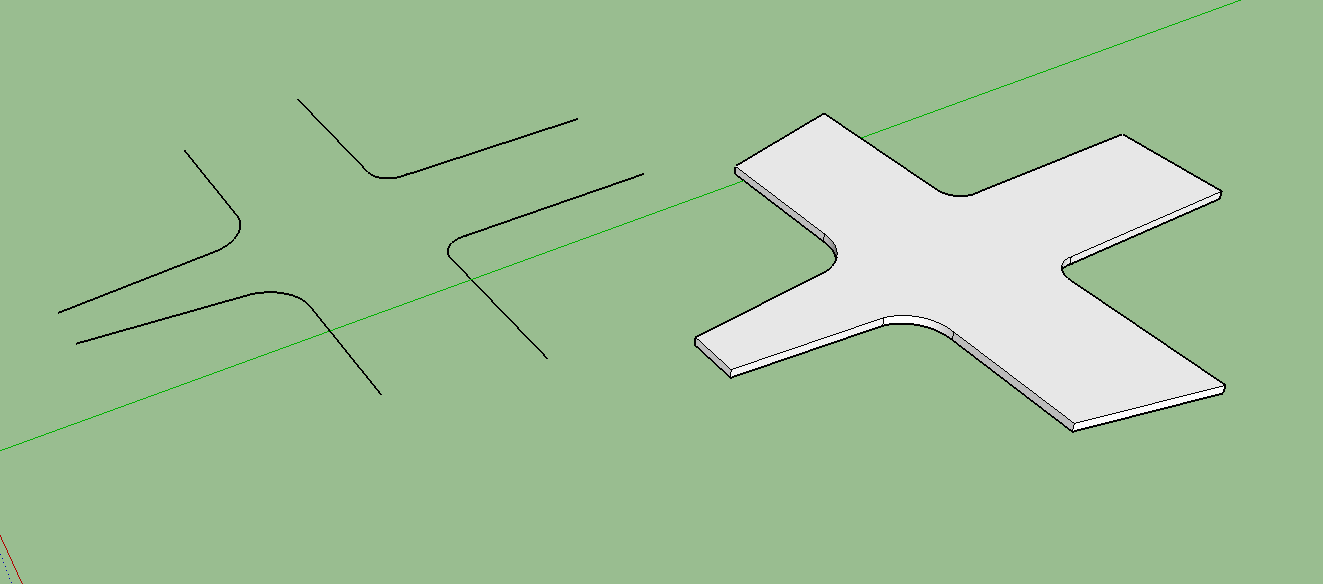
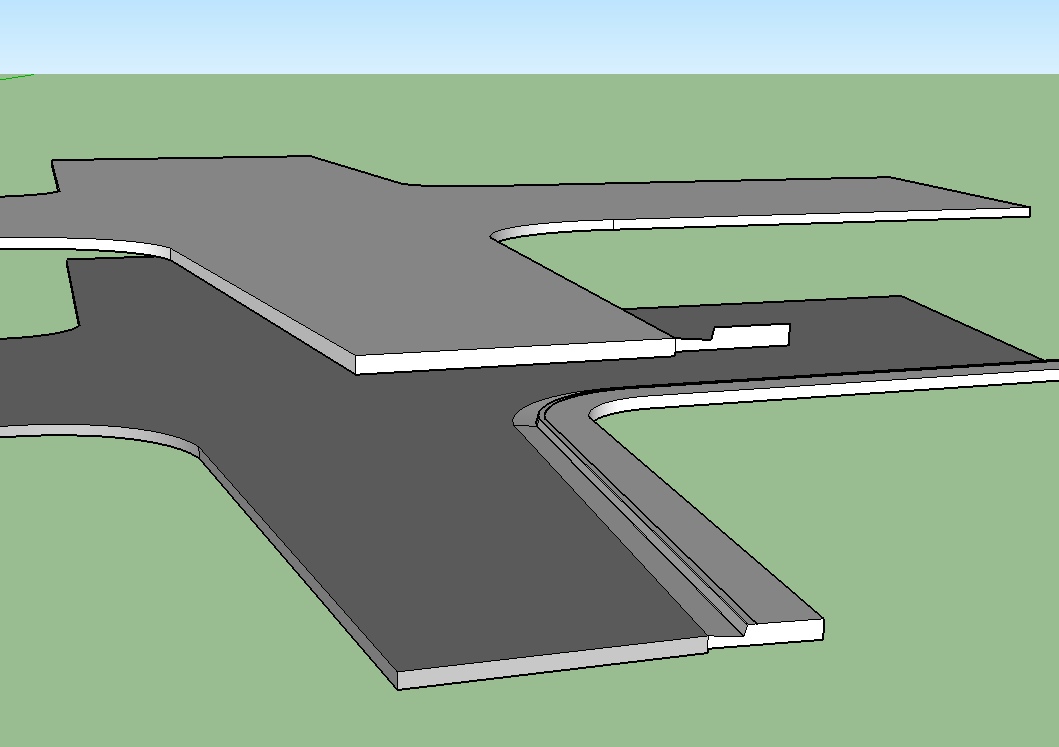
If you are just trying to make flat surface that looks like a road, just make a face and push pull it up. Use one edge and an outline to use follow-me and add curb and gutter.
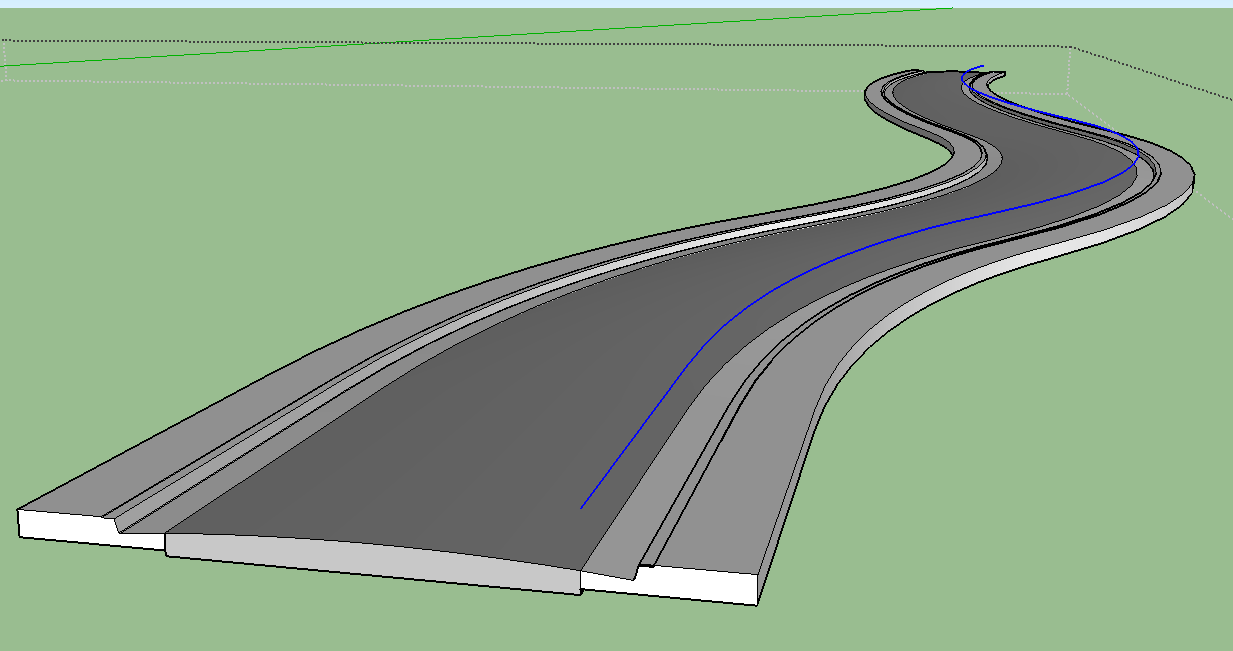
If you want a crown in the road you can use follow me on a curve for the road ss well, but that road will have all one width, and intersections will require other work.
Extrude edges by rails can help if your road needs a crown and is variable width, but intersections will still require a lot of work.
If you want a realistically made road with proper grading these methods won't make it. You might try skinning progressive profile curves with extrusion tools or curviloft.

Hello! It looks like you're interested in this conversation, but you don't have an account yet.
Getting fed up of having to scroll through the same posts each visit? When you register for an account, you'll always come back to exactly where you were before, and choose to be notified of new replies (either via email, or push notification). You'll also be able to save bookmarks and upvote posts to show your appreciation to other community members.
With your input, this post could be even better 💗
Register Login


Advertisement