Window Trouble - Blue Axis
-
Hi guys, just after some help with some basic components. I have a few windows that are inset quite deeply. I wanted to put my brickwork around the inset but the brick texture appears vertically rather than horizontally. I try and change the component axis. But it will only ever allow me to make the green/red axis vertical rather than the blue (which I need to make the axis correct so to speak) I have tried to change axis, still no joy, exploding the window and remaking component, but still no joy. Wondering if anyone could help please, as it would be very annoying to go through the entire component(s) and rotate texture for each inset/return of each window (which I have done in the attached image just showing axis). Hope this makes sense!
Cheers,
Nick
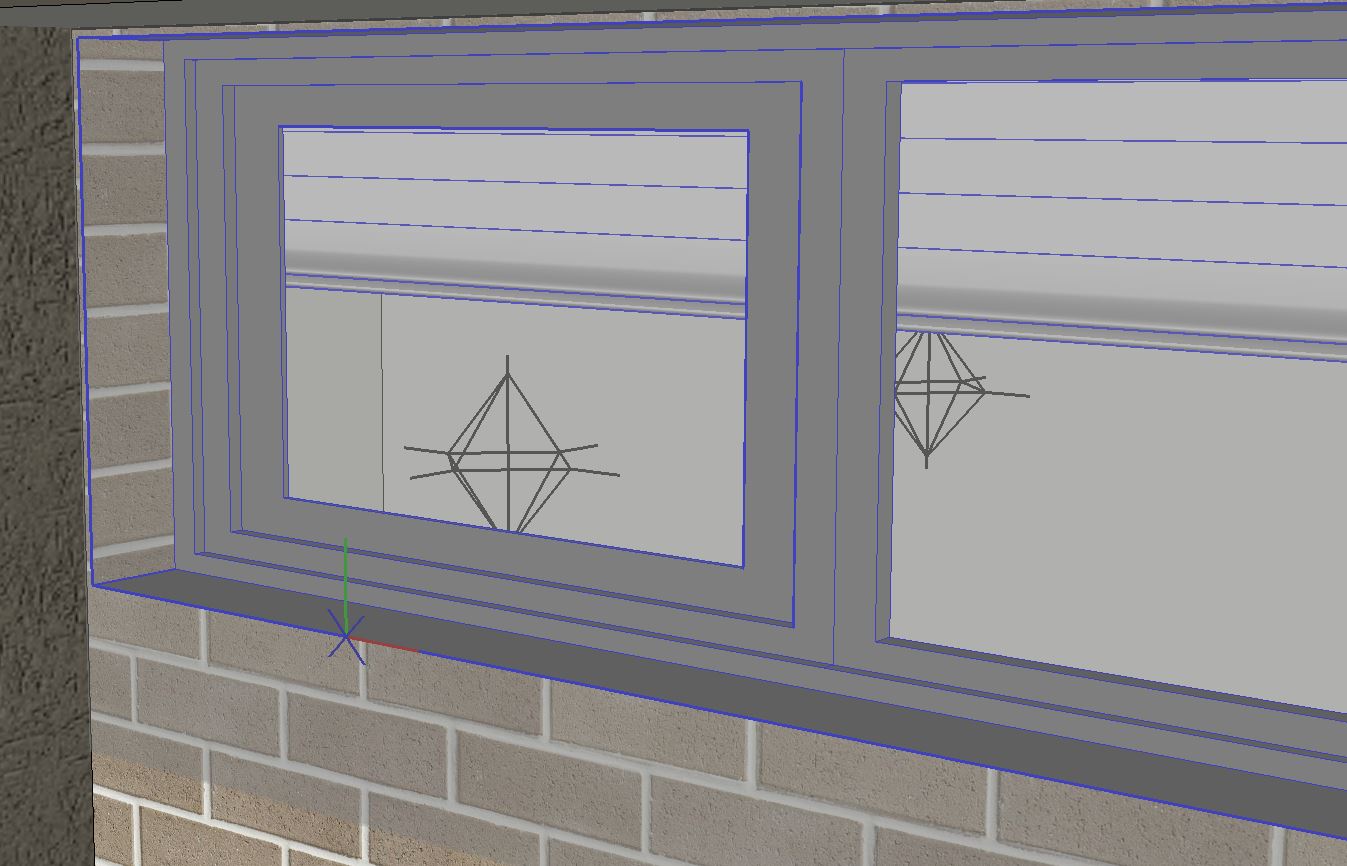
-
For a glue / hole cutting component the blue is always that way--it won't work otherwise.
Or you could do this: Make another component of the jambs that will be inside the main window cutting component. Be sure to leave the edges in the main cutting component that describe the cutting outline. Reset the axis for the jamb component how you like and texture.
I usually make window components that are just the cutting edges plus various nested components. that way any part can be switched out or modified without wrecking the main cutting component.
If that is really not easy to change the texture, then get a texture plugin like Fredo's thru-paint, but I suspect the answer is to make the first prototype window right and you have it right from then on.
if this isn't the answer, perhaps you can post a sample problem file

Hello! It looks like you're interested in this conversation, but you don't have an account yet.
Getting fed up of having to scroll through the same posts each visit? When you register for an account, you'll always come back to exactly where you were before, and choose to be notified of new replies (either via email, or push notification). You'll also be able to save bookmarks and upvote posts to show your appreciation to other community members.
With your input, this post could be even better 💗
Register Login


Advertisement