Failed exporting to STL - any suggestions?
-
annex stikk for 3D print1 for STL.skpHello
I have made a quite simple drawing in Sketchup 8 pro for 3D printing. Sketchup Tools/outer shell tells me it is a Solid Component. The plugin Tools/Solid Inspector find no faults. I have aplied Soften Edges. Circles are 24 segments. All faces are checked and are pointing outwards. I find no stray lines inside (using x-ray. All are layer 0 and Materials are Default. I have installed the export STL plugin ver. 2.1.4 from Sketchup
Still it will not export to STL.
-
Hi Keknor
Your model is ok
Your STL exporter out of dateYou have 2 option
save and reload to a 2013 file
or
update Your STL exporter 2014
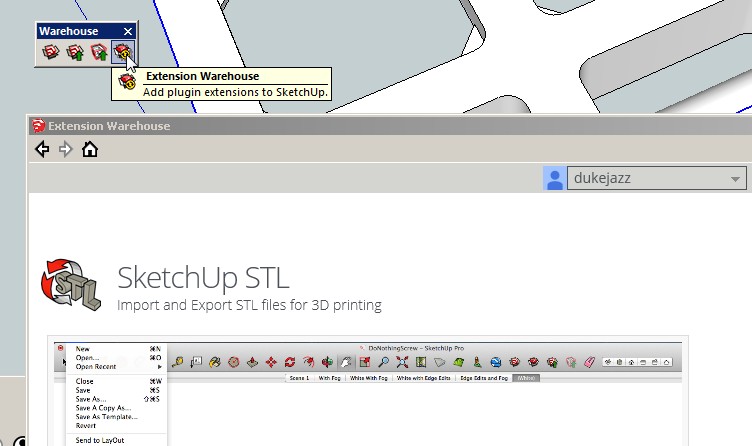
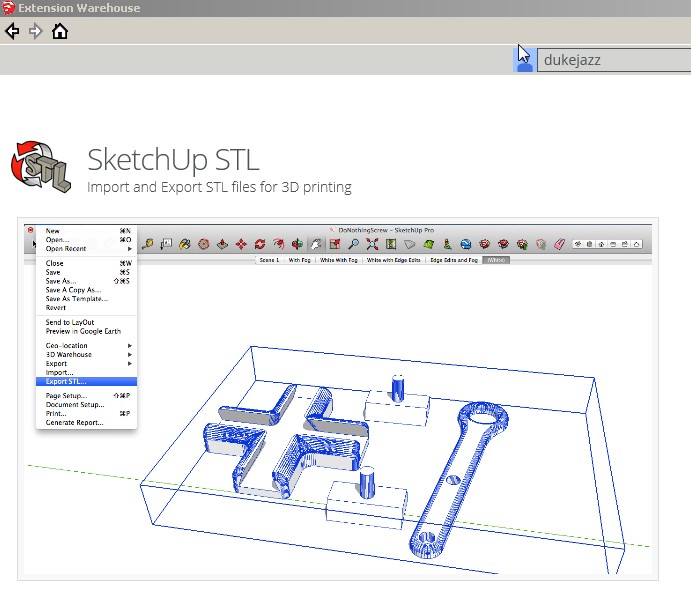
I tried both way and it save the STL file
it should work for you.
PS - I had the same issue I saw what you saw now it fixed. Now STL converter can be found in the file menu instead of plug-ins menu
happy computing
-
keknor, did dukejazz's suggestions help you? You may have to type the file extension [.stl] at the end of the filename after you export it, since the exporter doesn't always do that automatically.

Hello! It looks like you're interested in this conversation, but you don't have an account yet.
Getting fed up of having to scroll through the same posts each visit? When you register for an account, you'll always come back to exactly where you were before, and choose to be notified of new replies (either via email, or push notification). You'll also be able to save bookmarks and upvote posts to show your appreciation to other community members.
With your input, this post could be even better 💗
Register Login


Advertisement