A Simple Copy Plugin Needed
-
I am looking for a simple plugin that will allow me to copy components or groups. I want to activate the copy command and then I want to select an object's corner and then simply click a point on the screen to place it. I want the object to stay attached to the cursor so I can place it again and again without selecting the move tool and control key.
I need to select various components that have already been placed in the drawing. I don't want to go to the component window to find the right component again and again.
I don't want to keep hitting the shortcut keys to copy things in my project.
I am not looking to make an array of objects, just simply placing many copies of the same component where I want them by drawing over an imported dwg file.This is something that I can do with my 2d program (Microstation) and I hope SketchUp can do as well.
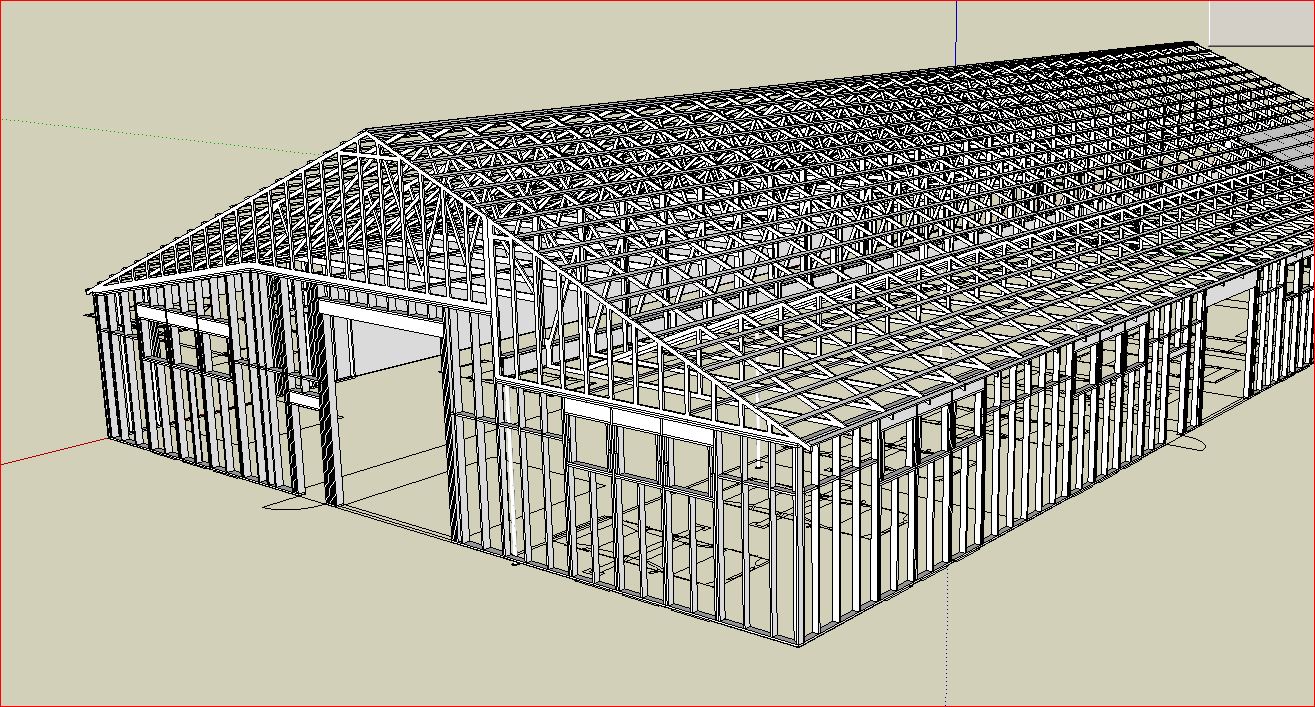
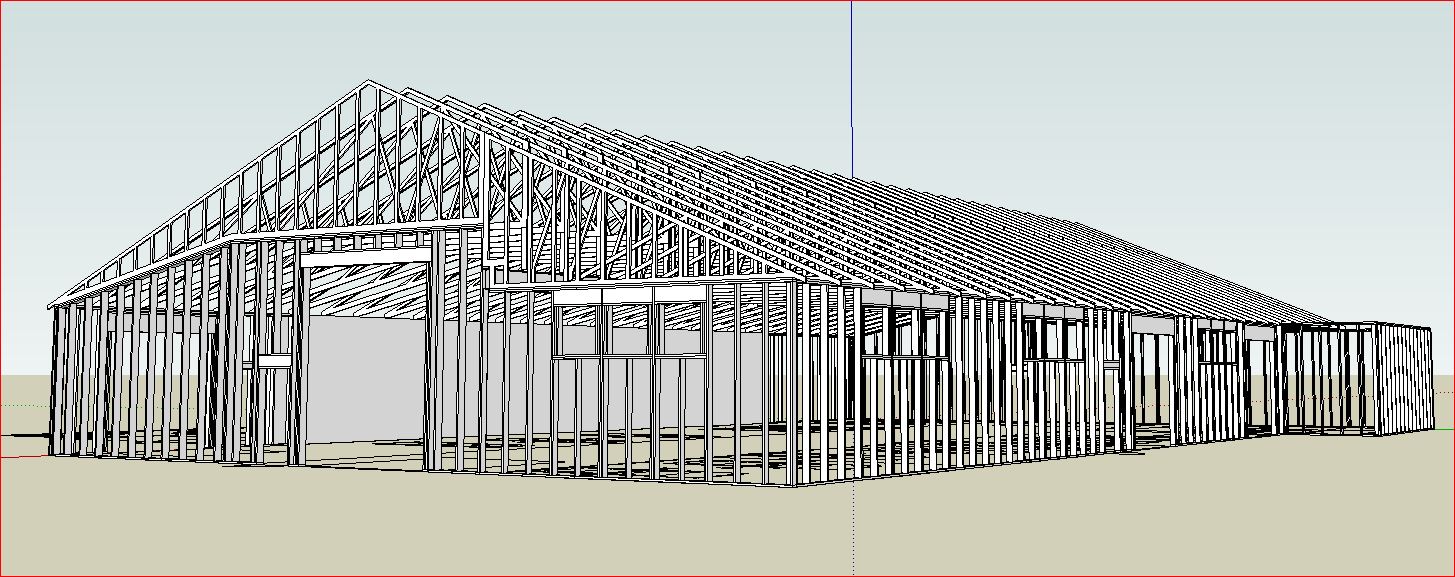
I am looking at this as something that will speed up the framing plans that I am doing. I then run the CutList plugin to get a material takeoff.
Hopefully I am not asking for too much, this seems on the surface to be a simple copy command. I have tried the Component Placer plugin but it is far more complicated than what I need and really does not do what I want.
Larry
-
Chris Fullmer has a repeat copy plugin available for $10
-
move tool
with control key held down
will copy and paste over and over


Hello! It looks like you're interested in this conversation, but you don't have an account yet.
Getting fed up of having to scroll through the same posts each visit? When you register for an account, you'll always come back to exactly where you were before, and choose to be notified of new replies (either via email, or push notification). You'll also be able to save bookmarks and upvote posts to show your appreciation to other community members.
With your input, this post could be even better 💗
Register Login


Advertisement