Great Carpet Resource
-
Here are two design engines for Carpet that output tiled images that are flawless when inserting them into SU
http://foundry.shawhospitalitygroup.com/Search/?
http://ids.mohawkind.com/designstudio/
Essentially you can pick any pattern and color it any way. Save the image, convert it to a .jpg imoport it as a texture and you are good to go.
Enjoy.
-
...great!

-
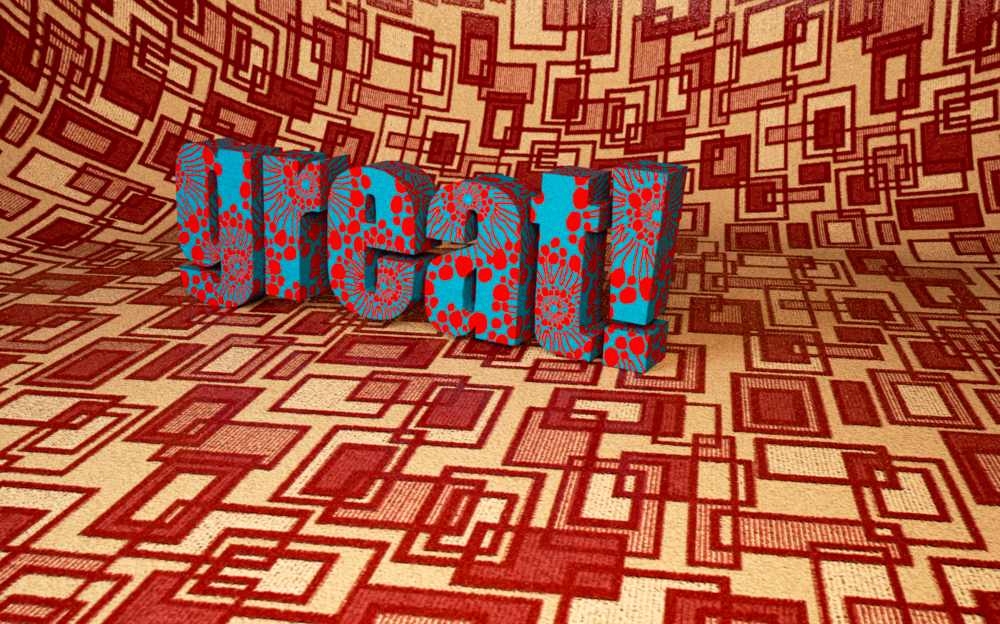
(textures from first link)Thank you for the links!
-
Thank you very much
[Edited] It wont accept my registration.
-
Thank you jbaflyer.
It's a great resource for me.
Pedro
-
Great find! Thanks for sharing.
-
Excellent!

But not sure that is free for personal use ?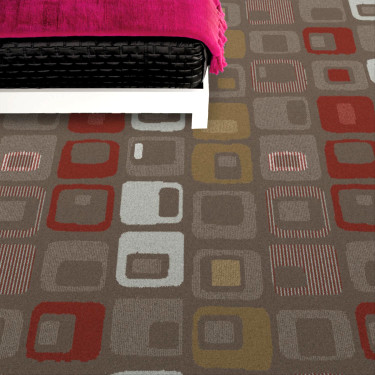
-
If you are a designer, it is. They are the two largest carpet providers in the US. Essentially, you are advertising for them for free in their models!
-
Thank you. -
I haven't succeed to save the image and make a texture from it.
I've tried right clicking. But it still wont work.
May I know how to do that exactly? -
Save it as a jpg if it is not in jpg format. I use Photoshop to save it to a .jpg after I capture the image. Then import it as a texture to any surface within Sketchup File/Imort image and make sure you select texture (check the small box to the right). Then you can eydrop it in Sketchup to transfer it to any surface.
-
I see. I used a screen capture application too last night to try it.
Save it as png. Haven't try to use it in a model though.
I thought you could use any of those webpage's buttons. Thank you.





Hello! It looks like you're interested in this conversation, but you don't have an account yet.
Getting fed up of having to scroll through the same posts each visit? When you register for an account, you'll always come back to exactly where you were before, and choose to be notified of new replies (either via email, or push notification). You'll also be able to save bookmarks and upvote posts to show your appreciation to other community members.
With your input, this post could be even better 💗
Register Login


Advertisement