[Request] Endpoints to line connecting tool.
-
Hello,
I have been making sketchup of aircraft for about 1.5 years now, out of all this time I have use my tried and tested method of modelling. This is: making ribs then using the loft tool. BUT the part before this is slow, its also difficult to describe so I will instead describe a plugin I would like. (is this even the right place to go too?)
I want a simple plugin that does the following:- You start it and select all the endpoints you want.
2)you hit enter, you then select a line. - you then select the axis you want the lines drawn on
- you hit enter and lines are drawn along this axis from the endpoints to the line.
Can anyone help?
Thanks, Michael
- You start it and select all the endpoints you want.
-
hm... Are you manually lofting the shape of the ship?
Have you tried FredoLoft? -
Hi Mike,
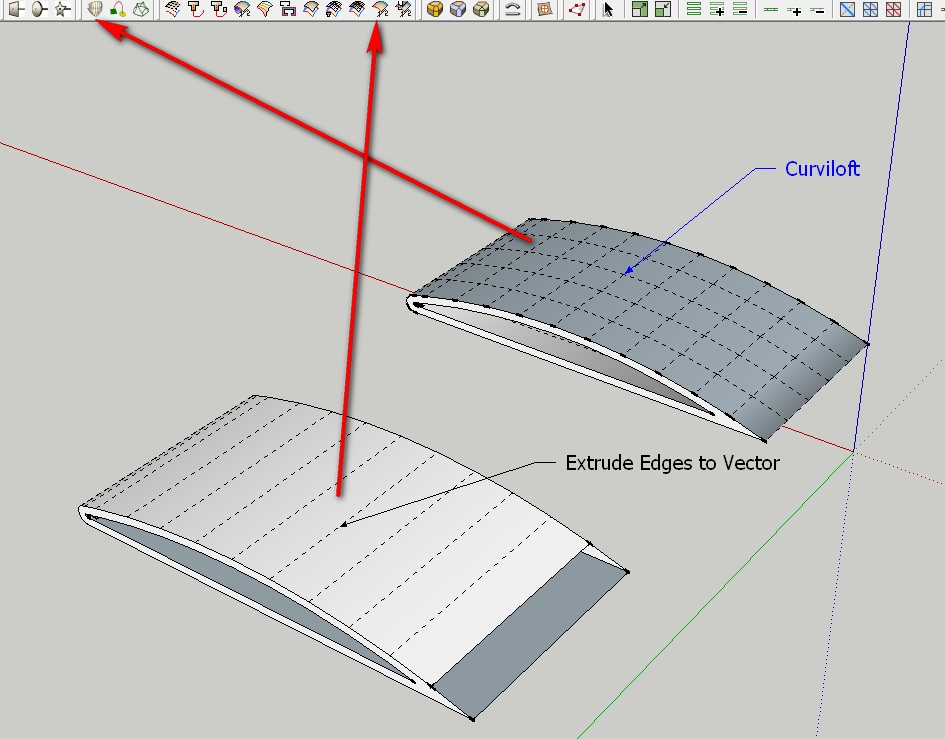
if I understand you correctly then Curviloft (Fredo) or Extrude Edges to Vector (TIG) could be the right one.
Charly
-
I dint make that clear enough, Fredoloft is a improvement over the loft tool I use, but to make the lines to lost along I need a plugin to draw lines like this (A end point, B line the lines go to):

-
Seems the familly of Split tool by TIG can make that ?
You must have the 2 curves and surface -
Hmm they those tools half worked, they did draw the lines, but they didnt go straight to B they went to another endpoint or corner.
-
I assume then that you want the lines drawn from the points on line "A" to be perpendiclar to line "B"?
-
Precisely
-
I think you are asking for a tool like in Autocad: Extend. Select edge to extend to, then select a bunch of lines with crossing window. I think there is a tool called extend, or something like it.
If someone doesn't find it and link it first, I will try to find it.EDIT: Here is a link. Caution the author says it may contain bugs. This can be found listed in the Plugins Index.
http://forums.sketchucation.com/viewtopic.php?t=19912#p165298EDITEDIT: Didier Bur's Projection Tools may also have this capability.
EDITEDITEDIT: Didier Bur again: Align 2d. But I did not verify if this is actually the appropriate tool. http://forums.sketchucation.com/viewtopic.php?t=1702#p7497
-
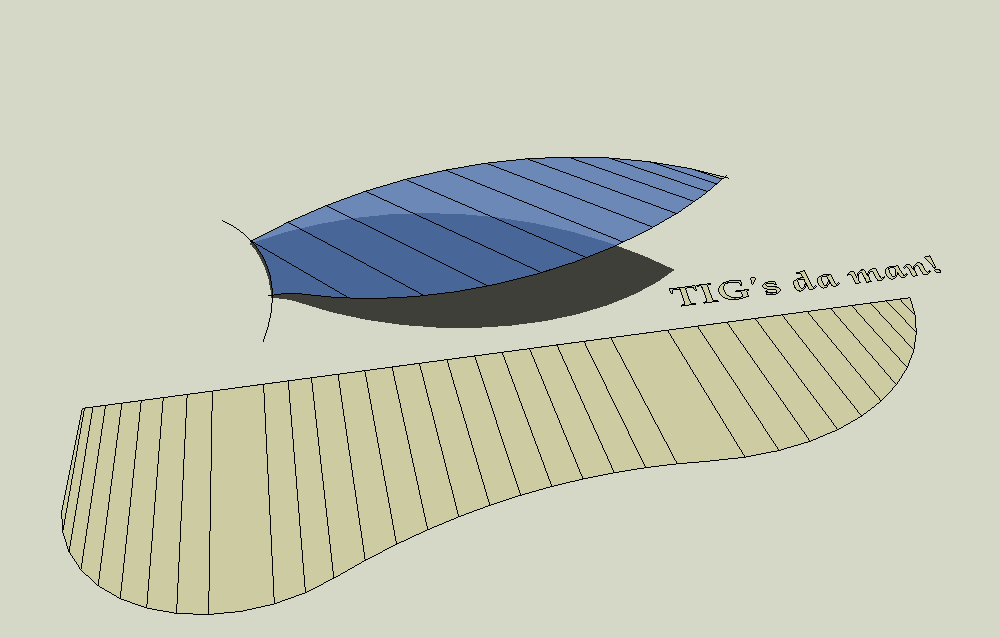
I think this is would be a 2d use of Extrude Edges by Vector to Object in Extrusion tools by TIG. A couple lines came out smoothed because I think this is the default treatment, but they're there.







Hello! It looks like you're interested in this conversation, but you don't have an account yet.
Getting fed up of having to scroll through the same posts each visit? When you register for an account, you'll always come back to exactly where you were before, and choose to be notified of new replies (either via email, or push notification). You'll also be able to save bookmarks and upvote posts to show your appreciation to other community members.
With your input, this post could be even better 💗
Register Login


Advertisement