Creating a straight box base contour around a 3d curved su
-
When creating a topo surface from cad file lines the surface is a thin chip like object.
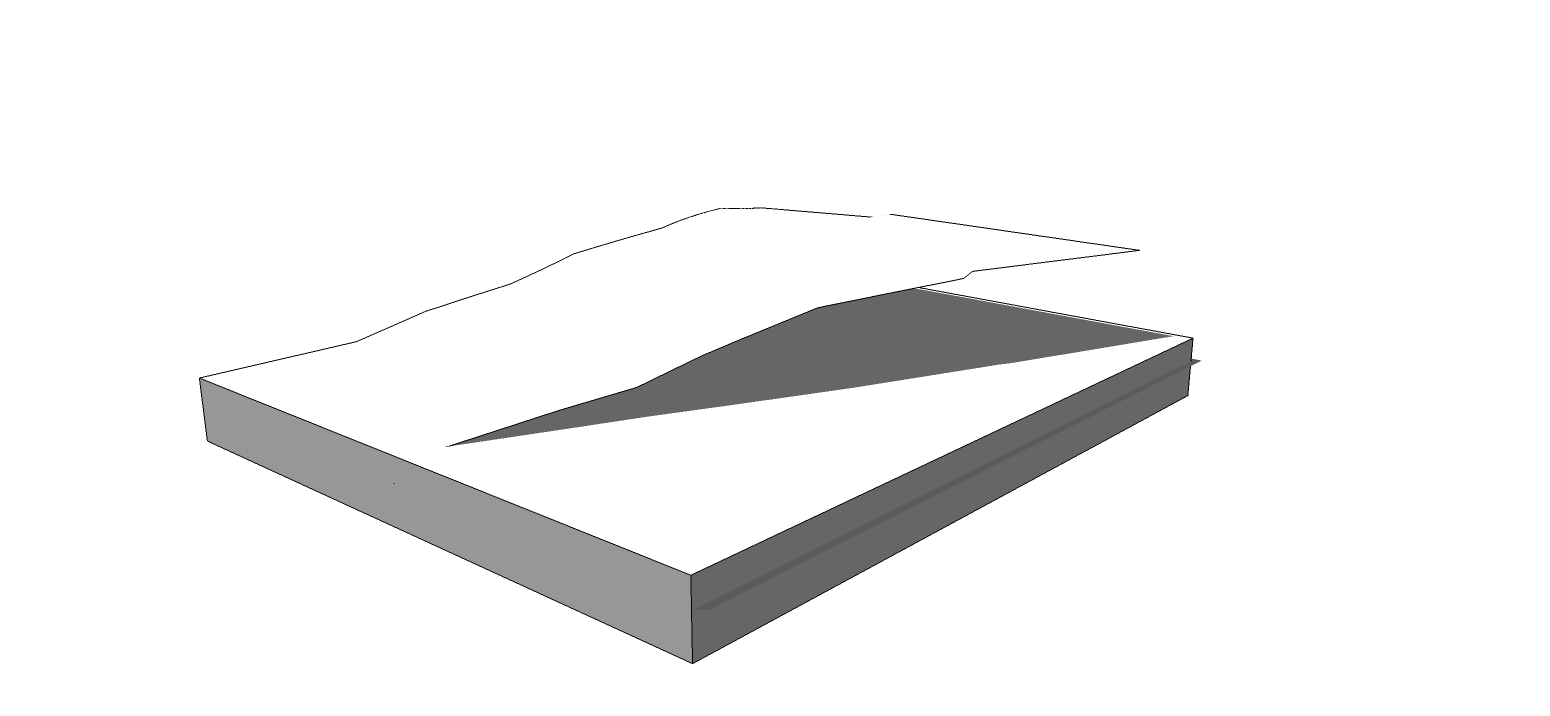
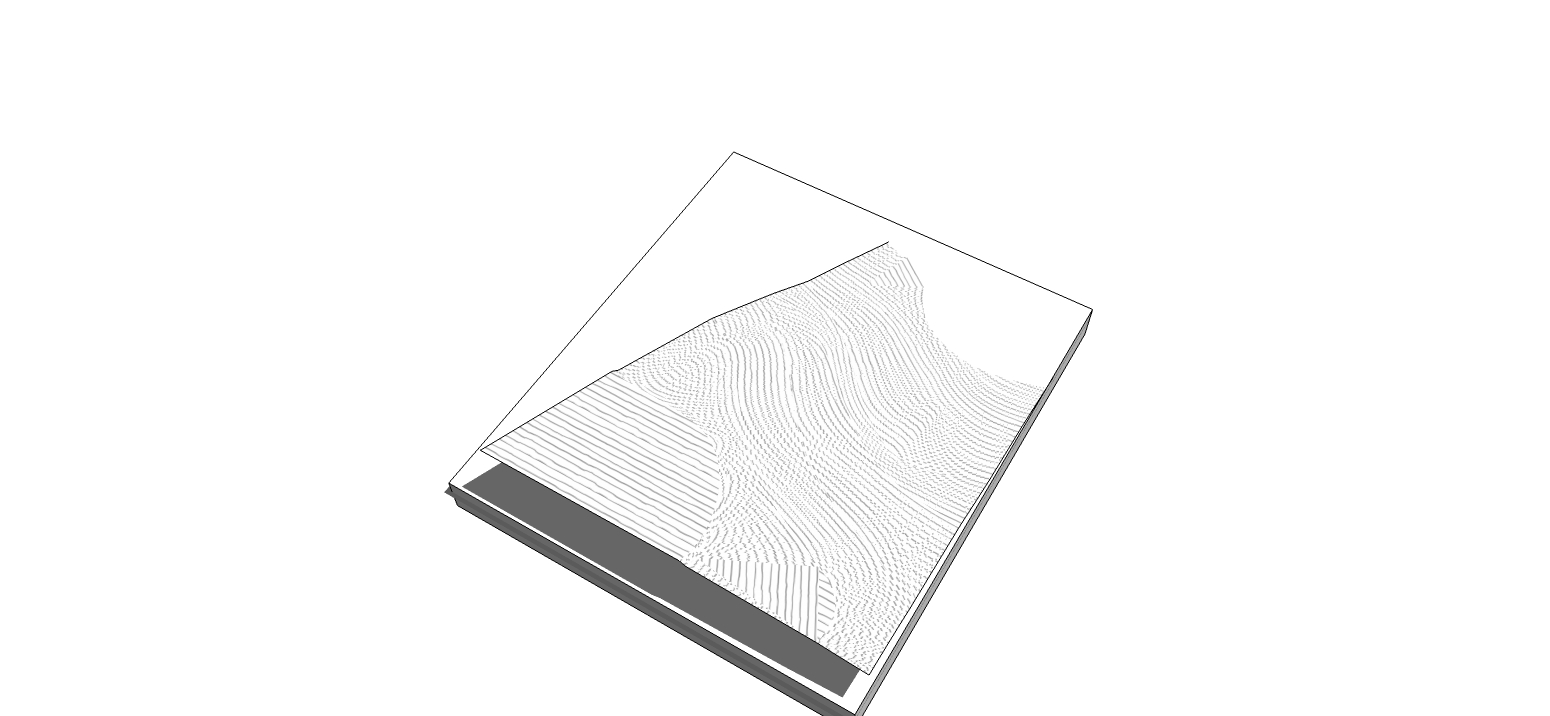
I want to give it a real cardboard model feel by closing the area under the surface into a closed box.whats the best way to do this? the surface has many edges and I cant make anything intersect with it in a single swipe.
attached is an image of the surface and a box under it. I want the box walls to fit the surface edge so it doesn't seem floating like it does.
is there a quick and simple way to do this that I am missing?
Thanks!
-
Projection Tools by Didier Bur, maybe this can help:http://forums.sketchucation.com/viewtopic.php?t=20140#p167471
-
@gilles said:
Projection Tools by Didier Bur, maybe this can help:http://forums.sketchucation.com/viewtopic.php?t=20140#p167471
Yup!
how did I miss this great plugin!
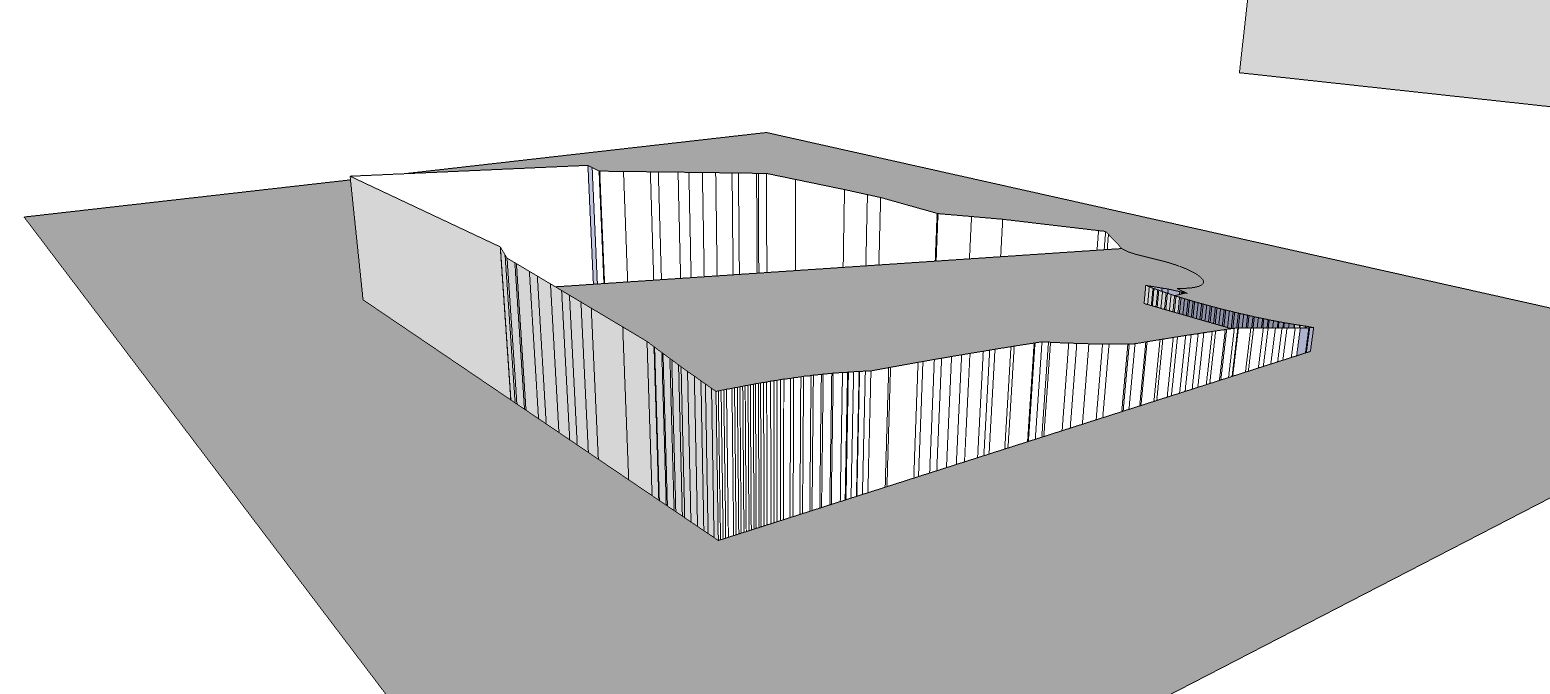
I had to delete the surface and only use the outline since the plugin made a projection of every small face in it but pretty good.
-
If you select only the outer edges and choose the last icon of the toolbar it project edges along a vector.
-
-
@jean lemire said:
Hi folks.
See this SU file for ideas.
Great work!
That is actually what I was looking for - don't know why I did think of it myself since I'm not a beginner - but I didn't so - Thanks!I did find a great plugin on the way anyway



Hello! It looks like you're interested in this conversation, but you don't have an account yet.
Getting fed up of having to scroll through the same posts each visit? When you register for an account, you'll always come back to exactly where you were before, and choose to be notified of new replies (either via email, or push notification). You'll also be able to save bookmarks and upvote posts to show your appreciation to other community members.
With your input, this post could be even better 💗
Register Login


Advertisement