How to make a cone with a line as the apex
-
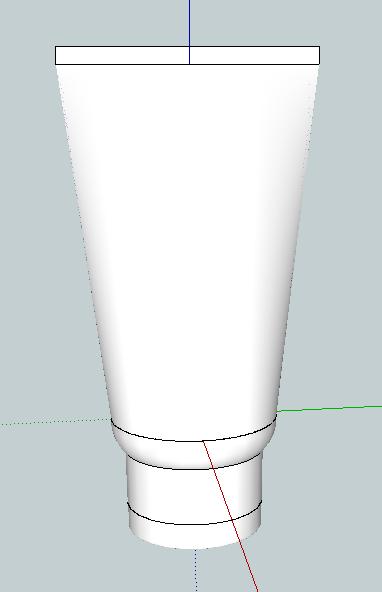
I am designing cosmetic containers and having trouble making tubes such as for toothpaste and other creams (see attachment). The body of such tubes has a circular base and a line as the apex (I'm not sure what the geometric term for this shape is. Some kind of cone?).
The way I have been making this shape is as follows:
- Draw a circle
- Push to a cylinder
- Scale the top circle into the thinnest ellipse possible in order to make a "line"
- Scale the the thin ellipse in the other direction in order to stretch the tube to the right width
This is okay, but ideally I would like to have a single line at the top rather than a very thin ellipse.
Is there a way to do that?
-
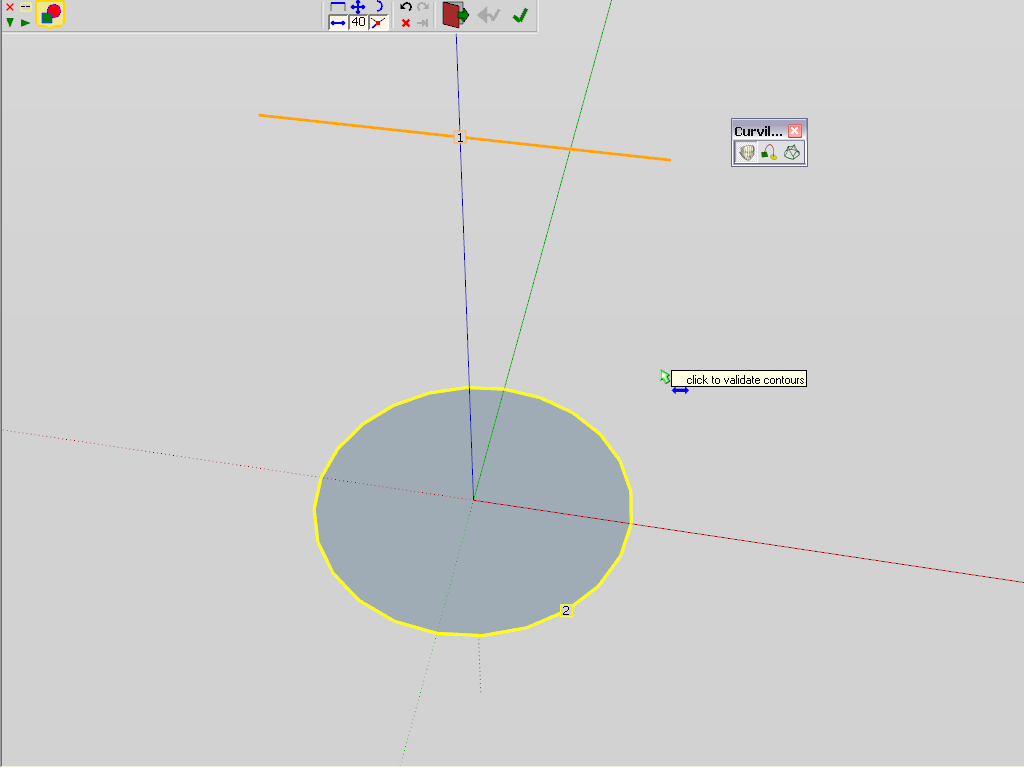
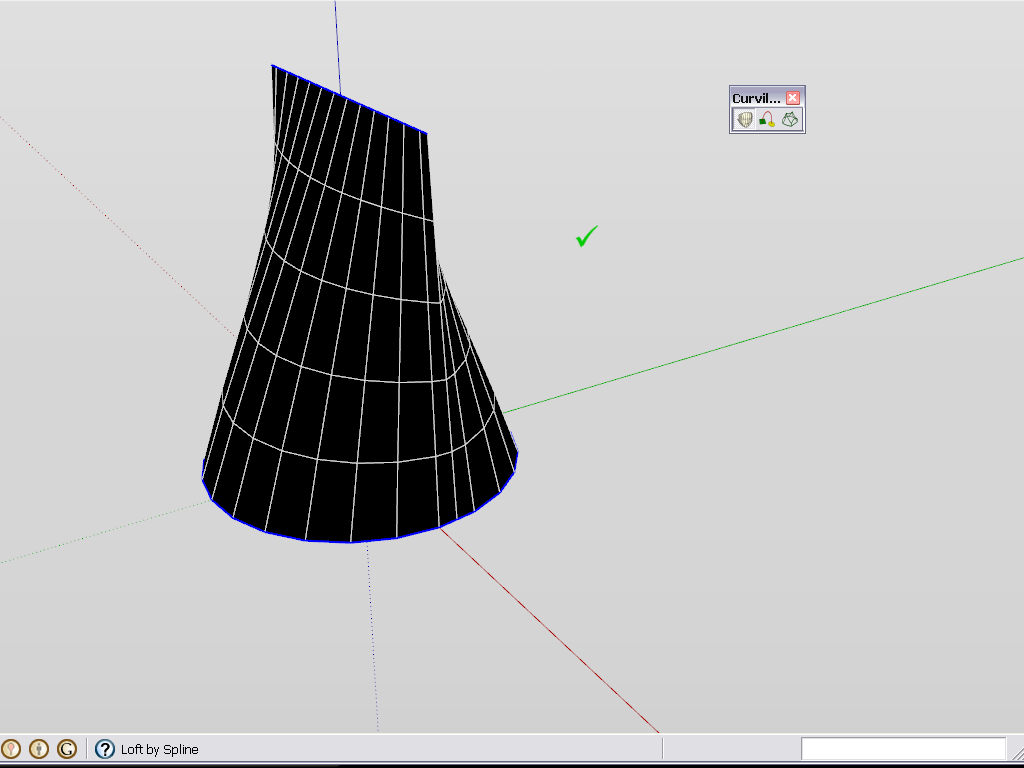
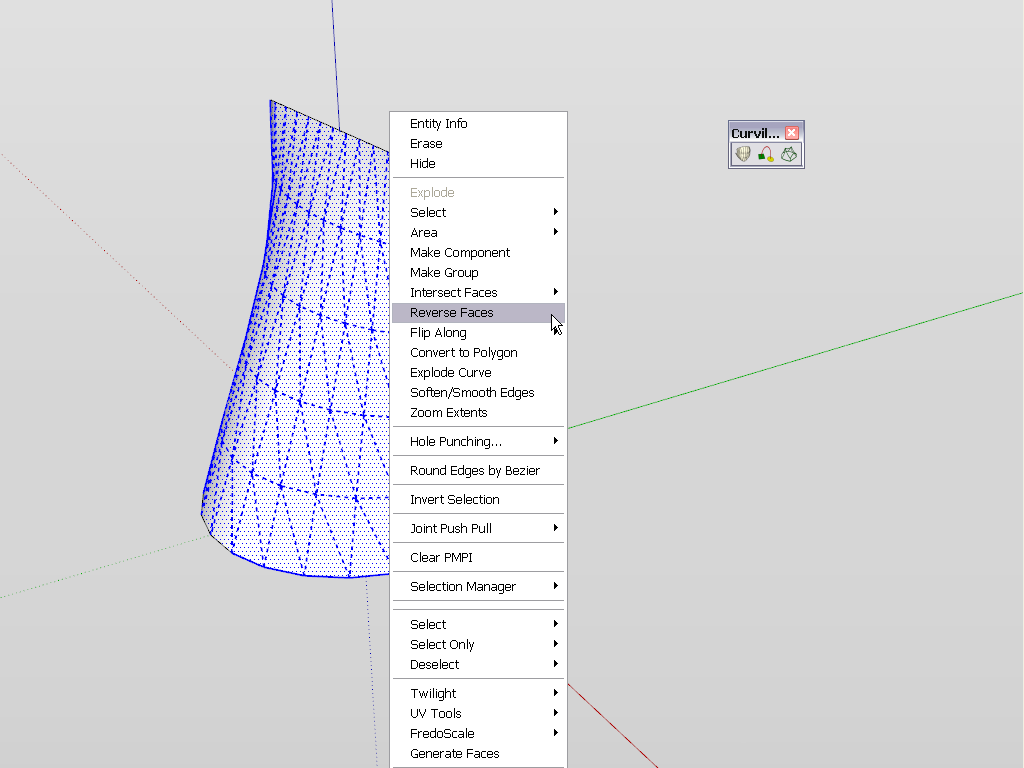
Maybe with the Curviloft plugin... (TIG has some other lofting tools, too)
-
-
I tried Jean and Gaieus's solutions and both are better than what I was doing. Thanks.
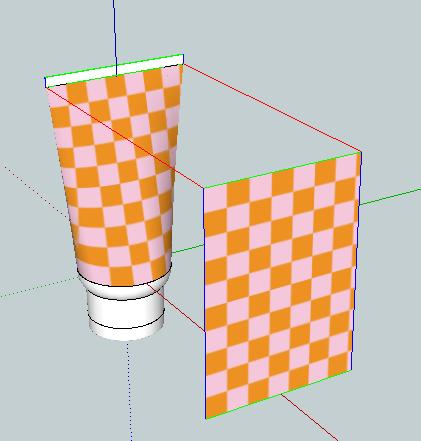
After constructing the tube, I put a label on it. I have been doing this by projecting an image from a rectangle (see attachment).
- Edit>Import>select image and import as texture
- Position image on rectangle
- Select Paint Bucket and click on image in the materials pallet
- With Paint Bucket, right-click on image>Texture>Projected
- Alt+click on image and then click on the tube
Is this the best way to put a label on the tube?
-
Well, at least this is the easiest way (and the only one with native SU tools). You will notice that this planar projection creates a rather "ugly" distortion of the image on the sides of the round part of that tube. Now this is mostly only visible if your image goes all around - but in case of a "normal" tube (and what I generally see), the label itself is mostly only in the middle somewhat and then it should not be as apparent as now. There is a UVTools plugin that can do cylindircal and spherical projection:
http://forums.sketchucation.com/viewtopic.php?t=10404
and another one which can even "unfold" geometry and you can easily apply an image to the unfolded, flat mesh and then re-apply it on the tube:
http://forums.sketchucation.com/viewtopic.php?t=39442 -
eventhough this post is quiet some time ago, i think it is a very good exercise for me.
below is my attempt to model a "tube"


Hello! It looks like you're interested in this conversation, but you don't have an account yet.
Getting fed up of having to scroll through the same posts each visit? When you register for an account, you'll always come back to exactly where you were before, and choose to be notified of new replies (either via email, or push notification). You'll also be able to save bookmarks and upvote posts to show your appreciation to other community members.
With your input, this post could be even better 💗
Register Login


Advertisement