More noob questions
-
-
No, but it is theoreticaly possible using the 'import shortcuts' button. Its pretty easy to make your own shortcut keys, though.
-
In reality no, but in theory you could rewrite all the tools in ruby so they dont snap. It would be a vast amount of work, though, and the overall benefits would be minimal.
-
-
Personally, I think the ability select the snaps/inferences you want to use at any time would be an EXTRAORDINARY benefit! Just having the axis inferences toggle on/off would save me TONS! and TONS! of modeling time (by not having to zoom in close to make sure I got the endpoint instead of a reference point to it but along the nearest axis).
-
Speaking of shortcuts--i am importing SU7 onto a new machine. When I import my shortcuts. . .why do they not overwrite the Default shortcuts ? Major irritation! any thoughts on this?
-
It is a known bug that somehow they just don't ever get around to fixing

-
well . . .heck. . .
-
Since it s a noob question thread -->
Maybe sounds hilarious for some of you but lately after saving a model the style is changing and i have to revert the style after each saving ..what s the deal,what can be done to keep the default style?Thank you!
-
Interstingly enough, this thread is about keyboard shortcuts, not stlyes.
However, that is an interesting bug and I have an idea what might be wrong. do you have a model with an example of this? I would like to see it in action. So if you could upload a model with the style, and then tell me what it is you change in the style each time, I'll check it out. It sounds similar to another bug I found in styles that I don't think ever got fixed either. It is minor, but when it starts acting up, it can be infuriating. So post an example, I'll see what I can see (and anyone else too I'm sure!)
Chris
-
Sorry for being somehow off topic..
Here is a model acting like that..now it s saved with that style.After selecting the default style and saving it gets back to that style.
Thanks!
-
I opened the file and it was on the default style but the style needed to be updated. I did not update it, but rather put it on to one of the default styles and then saved the model and closed it. When I opened it, it was on the style I had put it on. So I did not see anything weird. Perhaps more detailed steps?
Chris
-
This is default style-
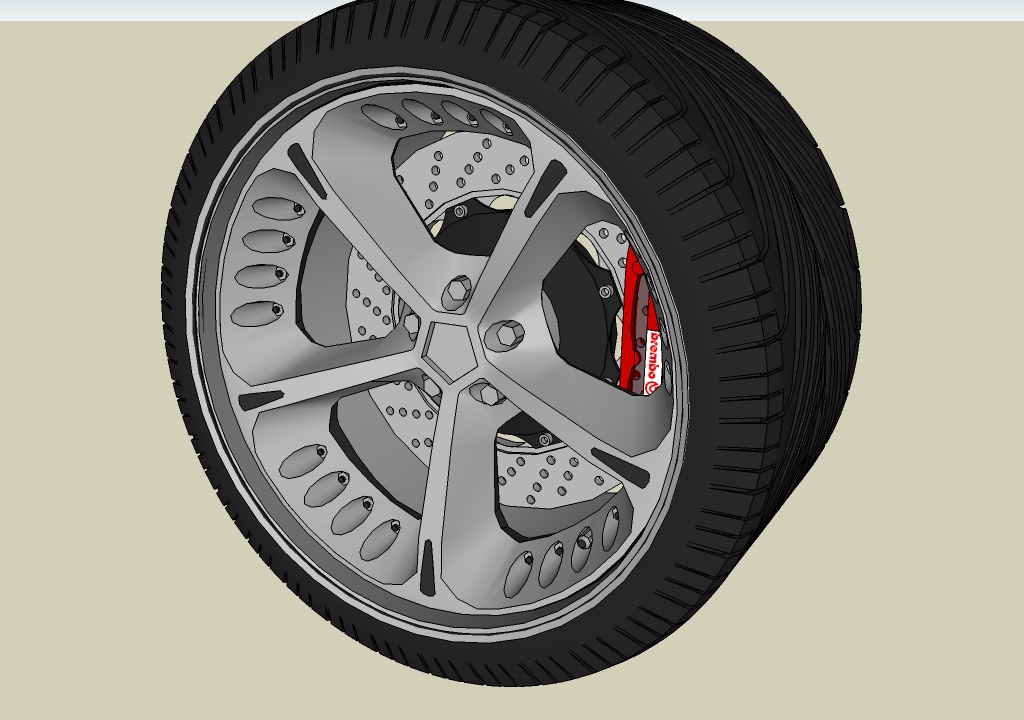
After saving(the saved model keeps the default style,but the model has changed the style) i get this
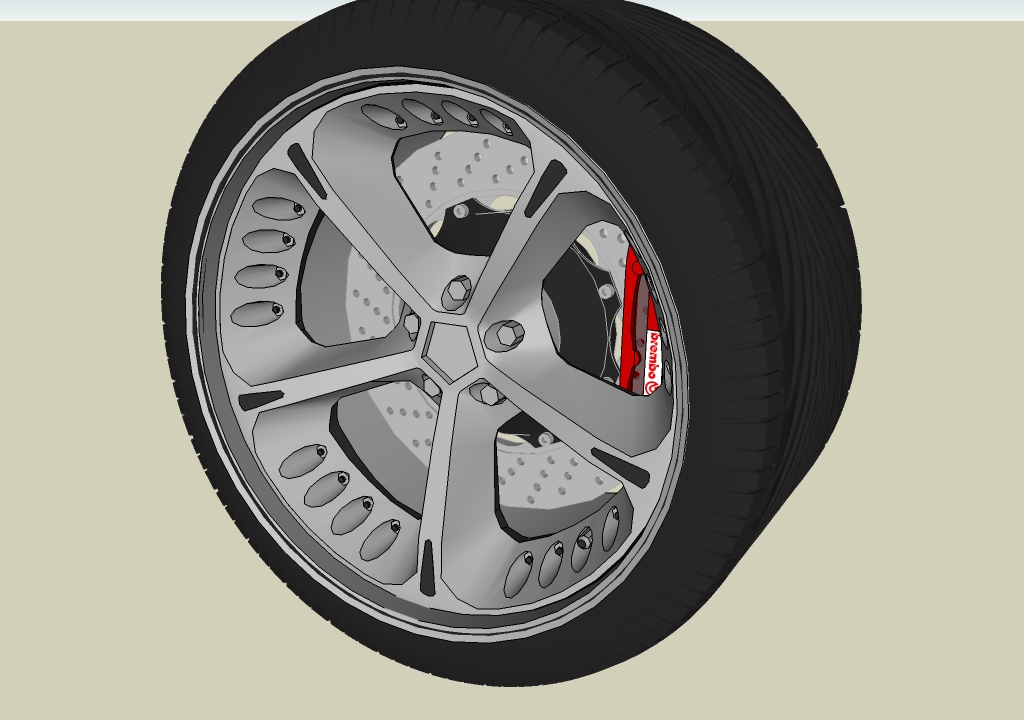
And i have to manually reselect the default style in order to work properly at the model.



Hello! It looks like you're interested in this conversation, but you don't have an account yet.
Getting fed up of having to scroll through the same posts each visit? When you register for an account, you'll always come back to exactly where you were before, and choose to be notified of new replies (either via email, or push notification). You'll also be able to save bookmarks and upvote posts to show your appreciation to other community members.
With your input, this post could be even better 💗
Register Login


Advertisement