Easy method to Make Cartoon drawing
-
what is the easiest method to export a Vector cartoon style hidden line drawing?
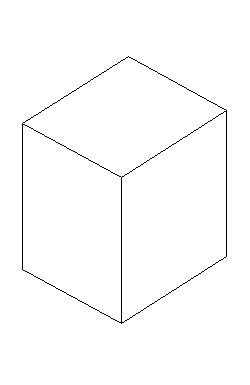
or alternatively (not preferred) a render of just the line work with all white faces.
Please go step by step as I am a new user.
best,
dave
-
Super easy
 on your Menu bar, go to View > Face Style > select Monochrome.
Then go to File > Export > 2D Graphic...
Before exporting, I would save the view as a Scene so you can come back to the exact view if you ever make changes and need to export again...View > Animation > Add Scene
-
@d12dozr said:
Super easy
on your Menu bar, go to View > Face Style > select Monochrome.Then go to File > Export > 2D Graphic...
Before exporting, I would save the view as a Scene so you can come back to the exact view if you ever make changes and need to export again...View > Animation > Add Scene
d12dozr,
Your method doesn't work if you have set your default face colour to other than white.
View>Face style>Hidden line is the way to go...Anssi
-
Yeah, hidden line is the way to go. You'll also have to go into your style editor menu and turn off the sky/ground and change the background color to white though.
-Brodie


Hello! It looks like you're interested in this conversation, but you don't have an account yet.
Getting fed up of having to scroll through the same posts each visit? When you register for an account, you'll always come back to exactly where you were before, and choose to be notified of new replies (either via email, or push notification). You'll also be able to save bookmarks and upvote posts to show your appreciation to other community members.
With your input, this post could be even better 💗
Register Login


Advertisement