Repeated Holes
-
OK, so I have this cabinet side drawn that I need to place two rows of holes 6mm dia and 10mm deep in a 19mm thick side. I have the rows laid out and can make one hole just fine. Doing a hundred or so will be a PITA. There must be a way to do this quickly and efficiently . Any ideas ?
Otis -
Hi Otis,
Make a component of the hole with a feature to cut hole in the surface and use a linear array to evenly sort it along that row.
http://sketchup.google.com/support/bin/answer.py?hl=en&answer=114526
and
http://sketchup.google.com/support/bin/answer.py?hl=en&answer=94867 -
Make cylinders and substract them with BoolTools.
EDIT: Csaba's idea seems better.
-
-
I learned a couple of tricks in that single SU file. Pure genius. Thanks, Jean.

Yet another way:
-
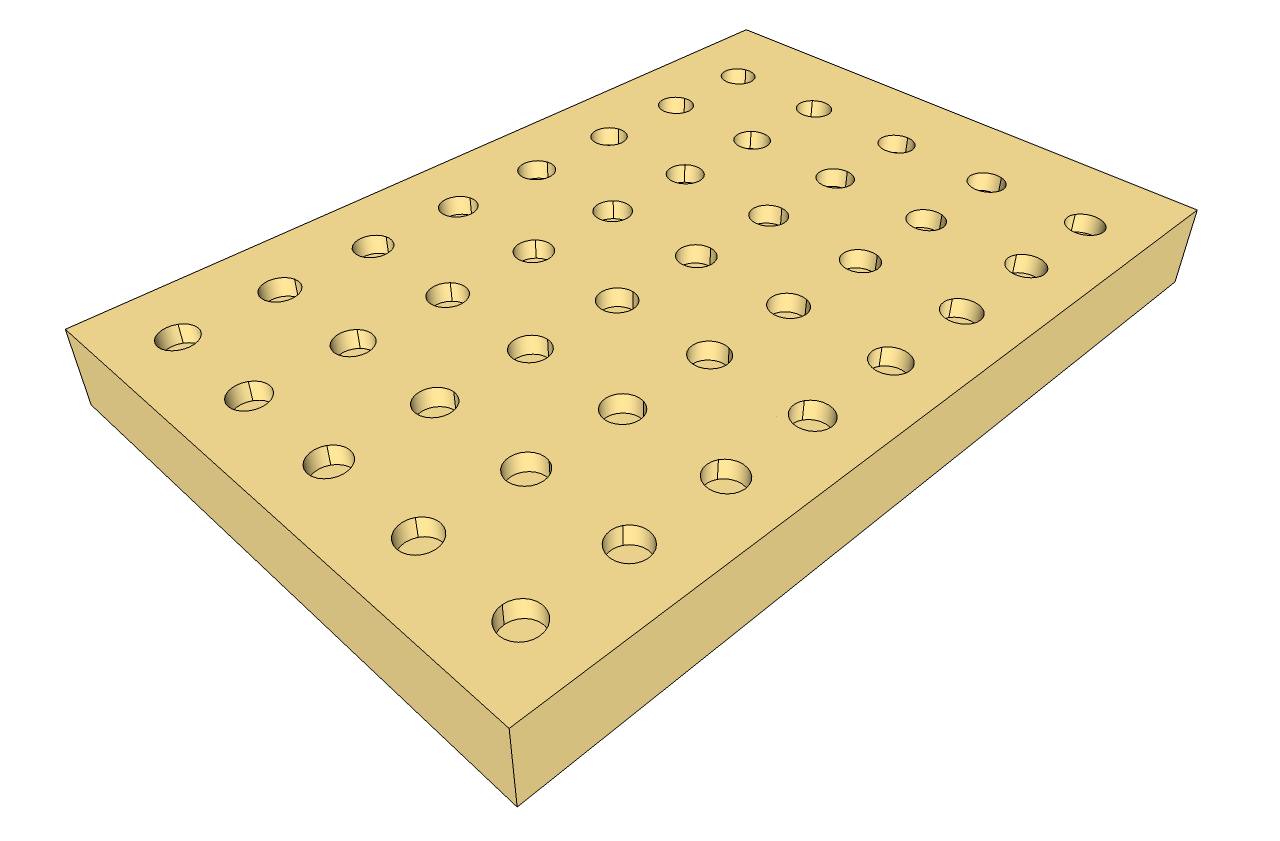
Draw your plank and make a colored circle.
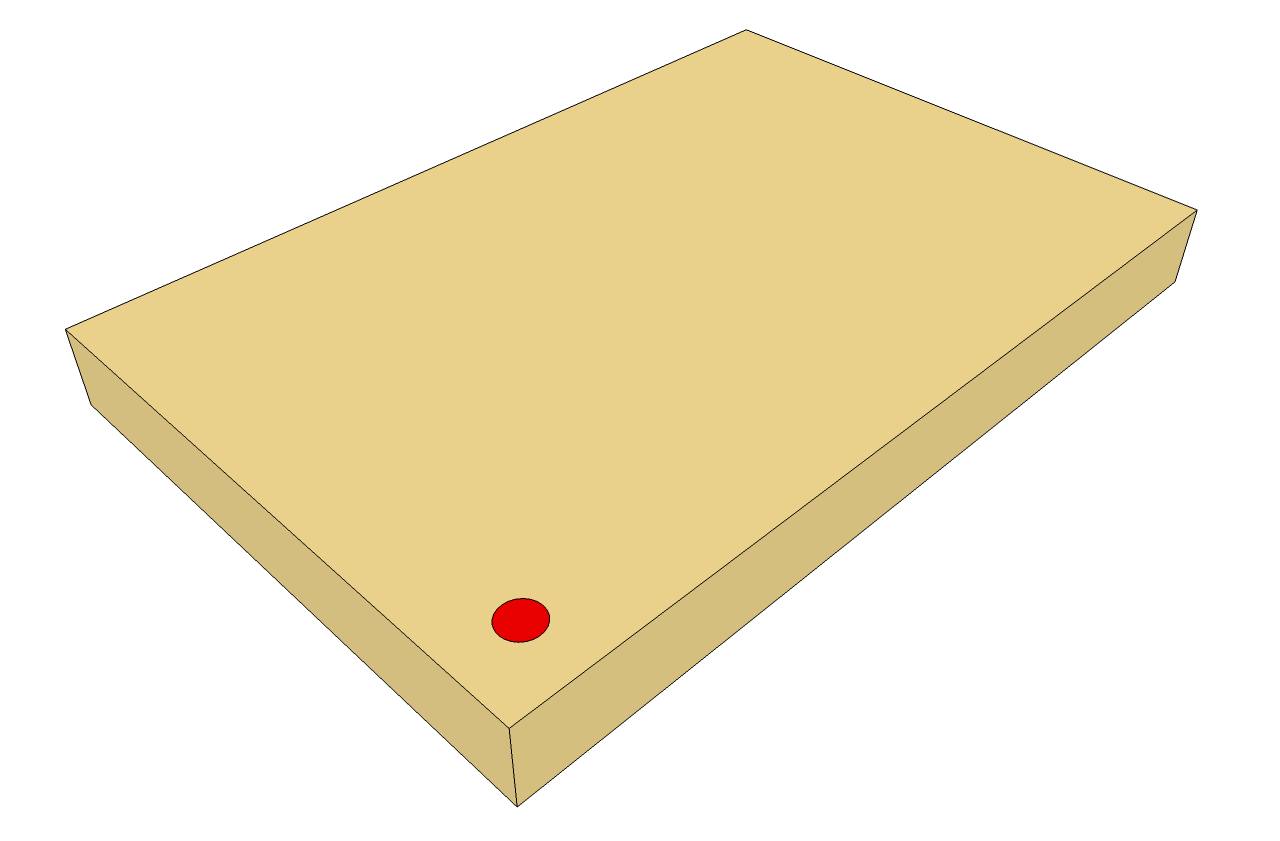
-
Array it in one direction.
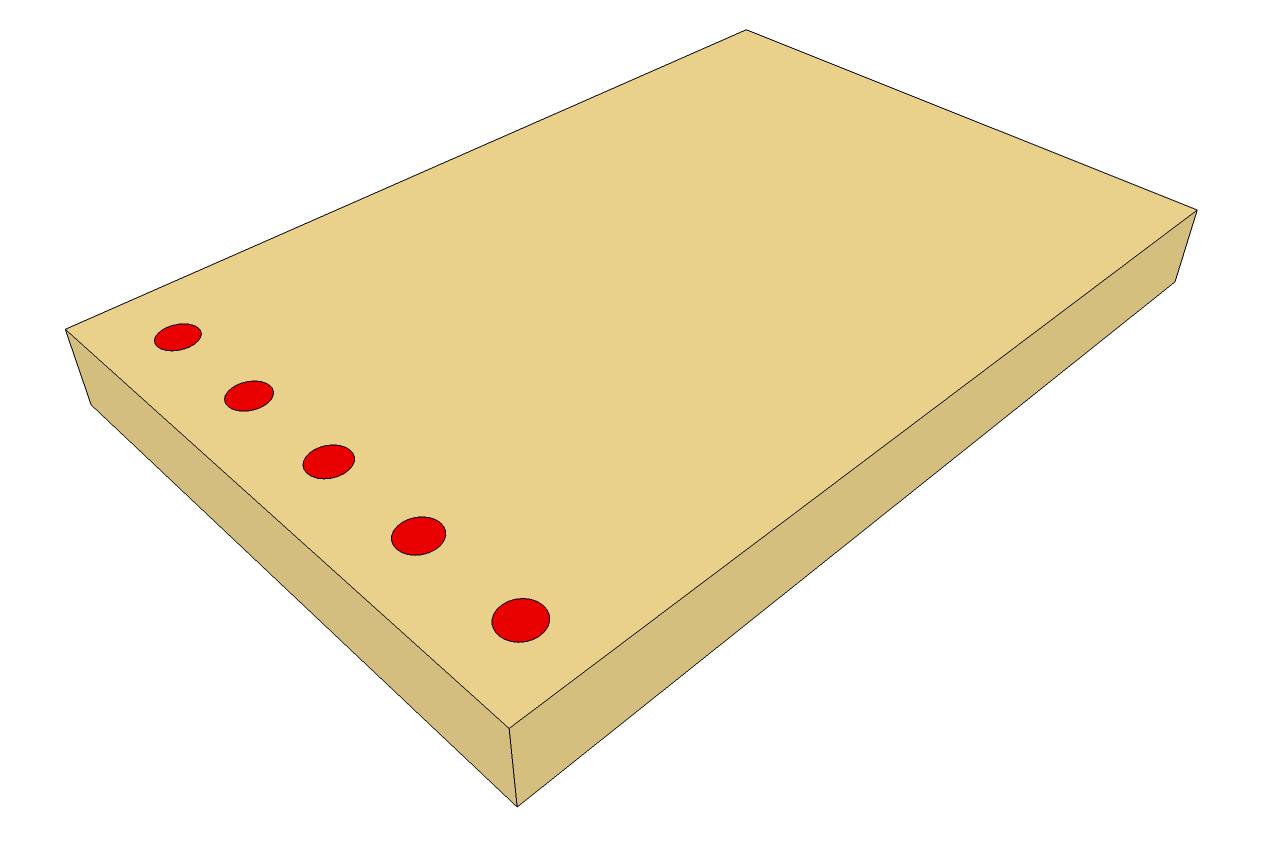
-
Right click on any circle, go to select > all with same material to select all circles and array them in the other direction.
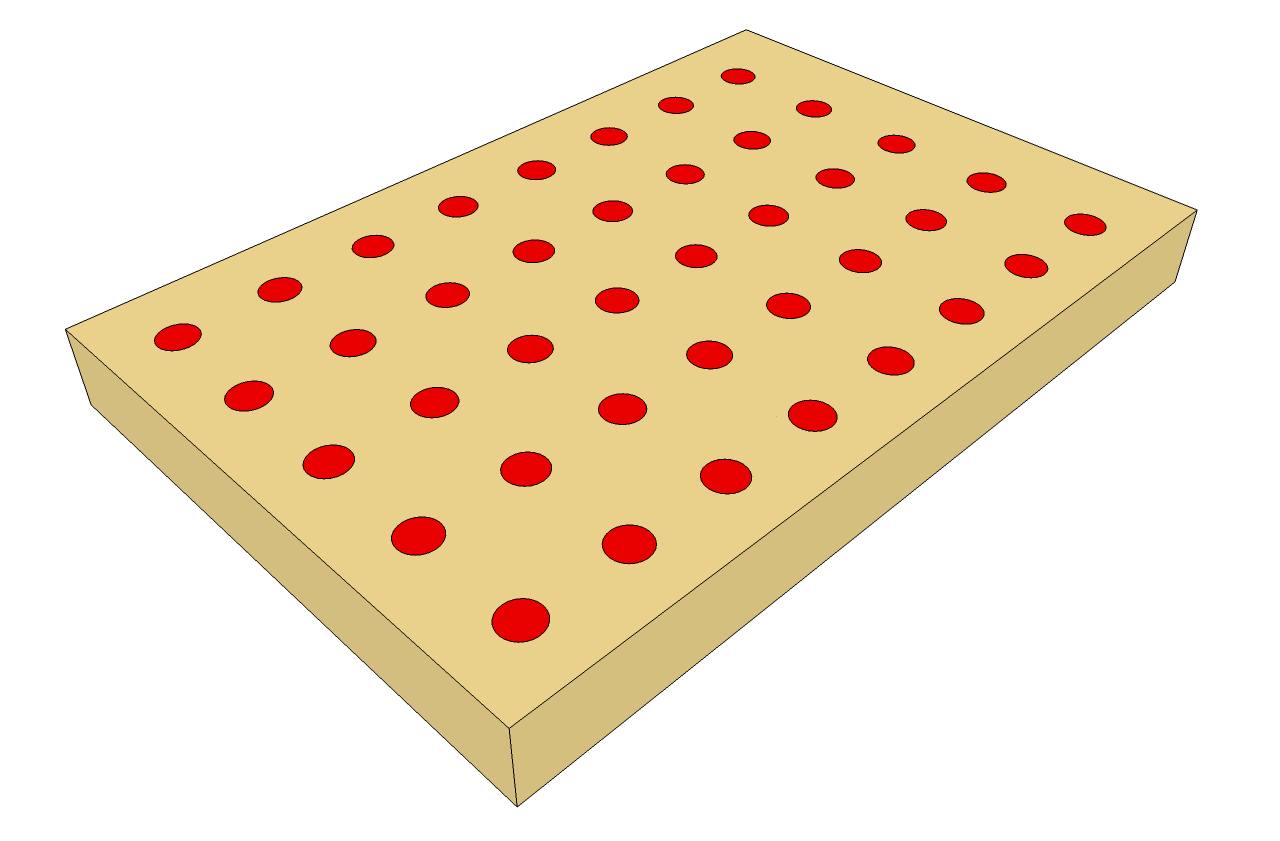
-
Again pick any circle to select all with same material and use the first button in the Joint Push Pull toolbar to push pull them all at once by any length you type in.
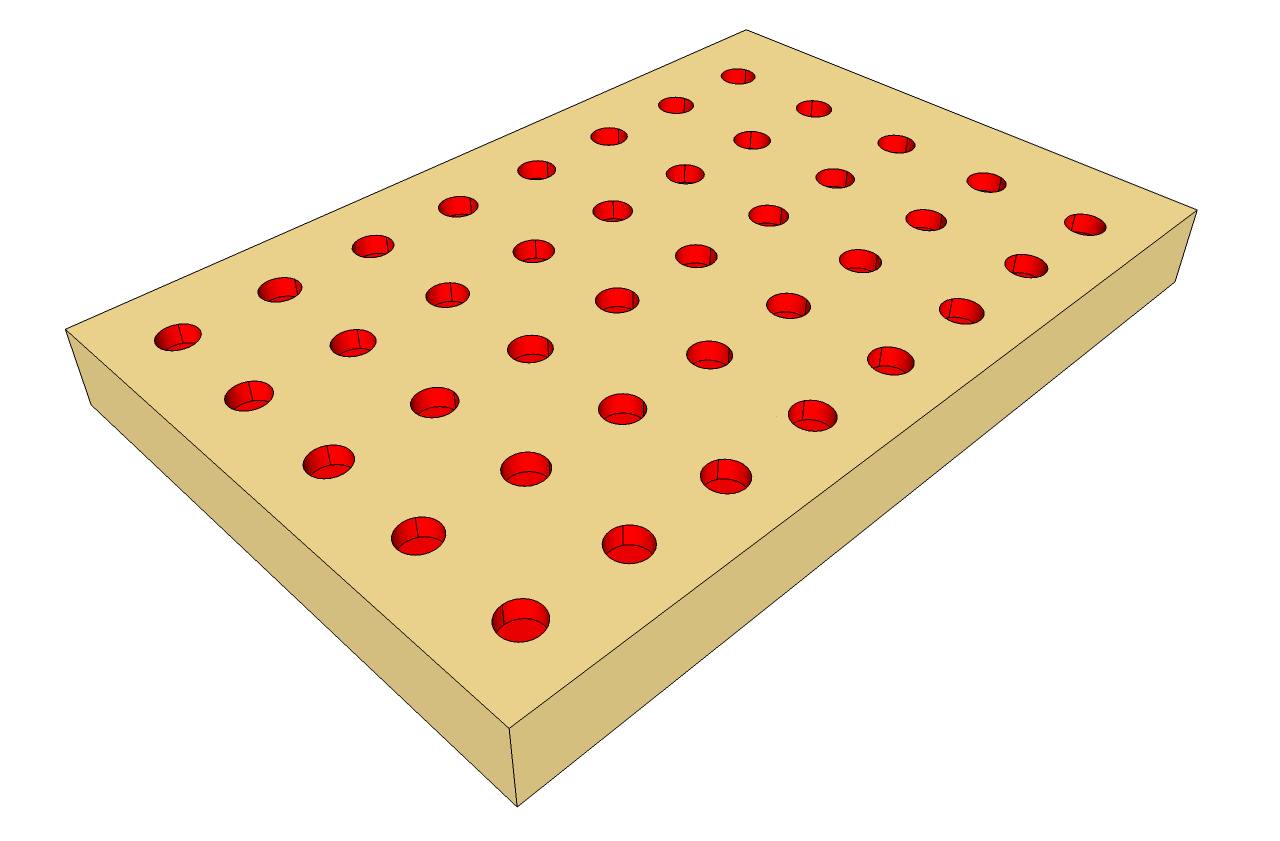
Optional step:
5. If you need your holes to have the same material as the plank, just right click on any of them to select all with same material and apply the material of the plank.
-
-
From Jean Lemire
@unknownuser said:
Empty all circles in one shot by:
1 - Select all.
2 - SHIFT double click on the surface outside the holes to deselect it with all of its perimeter
including the rectangular boundary and the circumfrence of all circles. This keeps only the inside of the circles selected.3 - Delete the selection
don't works for me

I must make this
1 - Select all.
2 - SHIFT + CTRL double click on the surface outside the holes to deselect it with all of its perimeter
including the rectangular boundary and the circumfrence of all circles. This keeps only the inside of the circles selected.3 - Delete the selection
-
Hi Pilou, hi folks.
I don't know why it doesn't work since the SHIFT key act as a toggle for the Select Tool. When pressed, you will see a small +/- sign beside the cursor meaning that anything clicked will be selected if it is not already selected or deselected if it is already selected.
Remember that you must press AND hold down the SHIFT key during this process.
Just ideas.
-
It'a a curious thing


Works in my case with only Shift but if you click twice separatly and not with a double click
so 2 different selections one after one -
Hi Pilou, hi folks.
Maybe the speed of your double click has been altered.
Just ideas.
-
Great ideas all. Looks like I got some homework to do.
-
you could also do the 2d thing, then P/P then ctrl P/P, then delete faces on top and edges on bottom (not necessary). of course it helps to have selection toys plugin for this method.


Hello! It looks like you're interested in this conversation, but you don't have an account yet.
Getting fed up of having to scroll through the same posts each visit? When you register for an account, you'll always come back to exactly where you were before, and choose to be notified of new replies (either via email, or push notification). You'll also be able to save bookmarks and upvote posts to show your appreciation to other community members.
With your input, this post could be even better 💗
Register Login


Advertisement