Candle render Challenge (all render engines)
-
As suggested by Earthmover.
Model your own candle and light it up using any technique neccesary, lets see what y'all can come up with.
I guess realism is key, so minute details like flame, shadow, wax, sub surface scattering, molten wax, etc are important.Have fun.
-
Here is an old render I did using Podium version 1.0 (better results can be optained with version 1.6)

-
Another oldie. I believe Podium 1.4
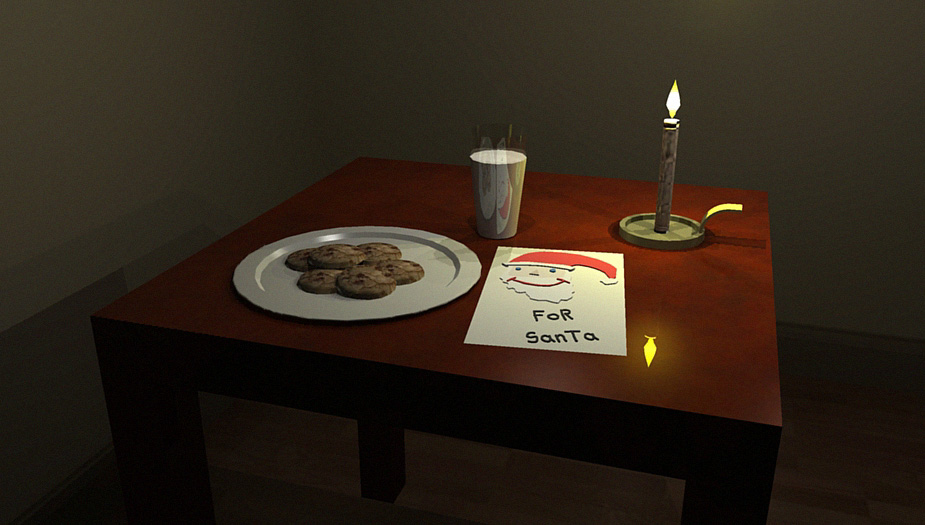
-
OH how far podium has come since then.
Solo I love how you added diffenition to that paving texture before Podium introduced bumpmap. Brilliant
Still.... for how long ago you did that the flame looks pretty good.
-
Here are a couple I did in a Modo tutorial a while back. I have not been able to finish the tutorial yet so no background

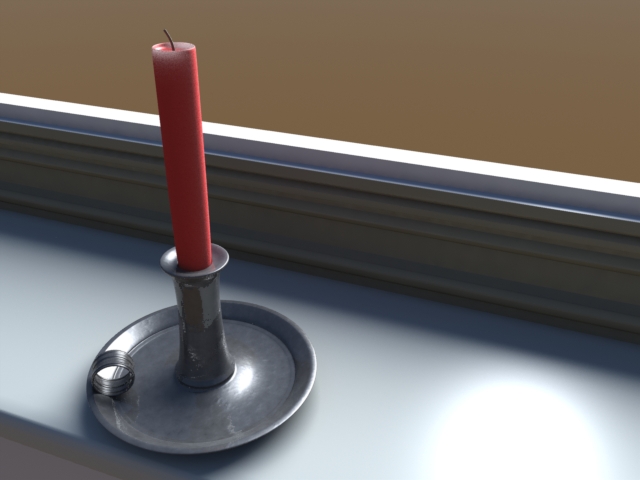
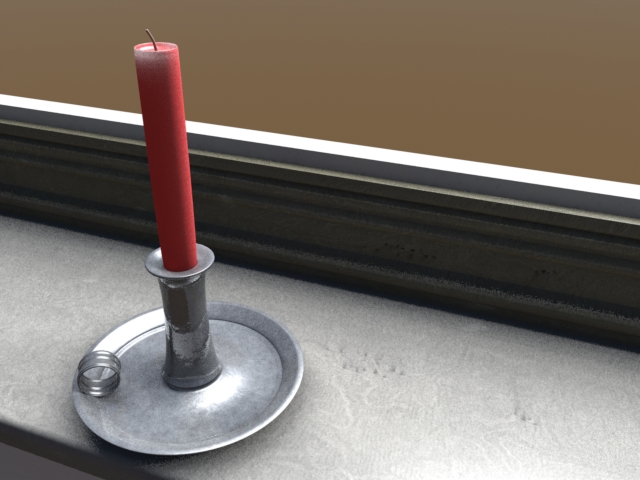
-

-
@unknownuser said:
Here are a couple I did in a Modo tutorial a while back. I have not been able to finish the tutorial yet so no background
I did that tutorial too! It was Dan Ablan from 3DGarage.com, right? Signature Courseware for Modo 301. A must see for anyone trying to get into Modo. I have to go through that again one day. Lord knows if you don't use it, you definitely lose it!
-
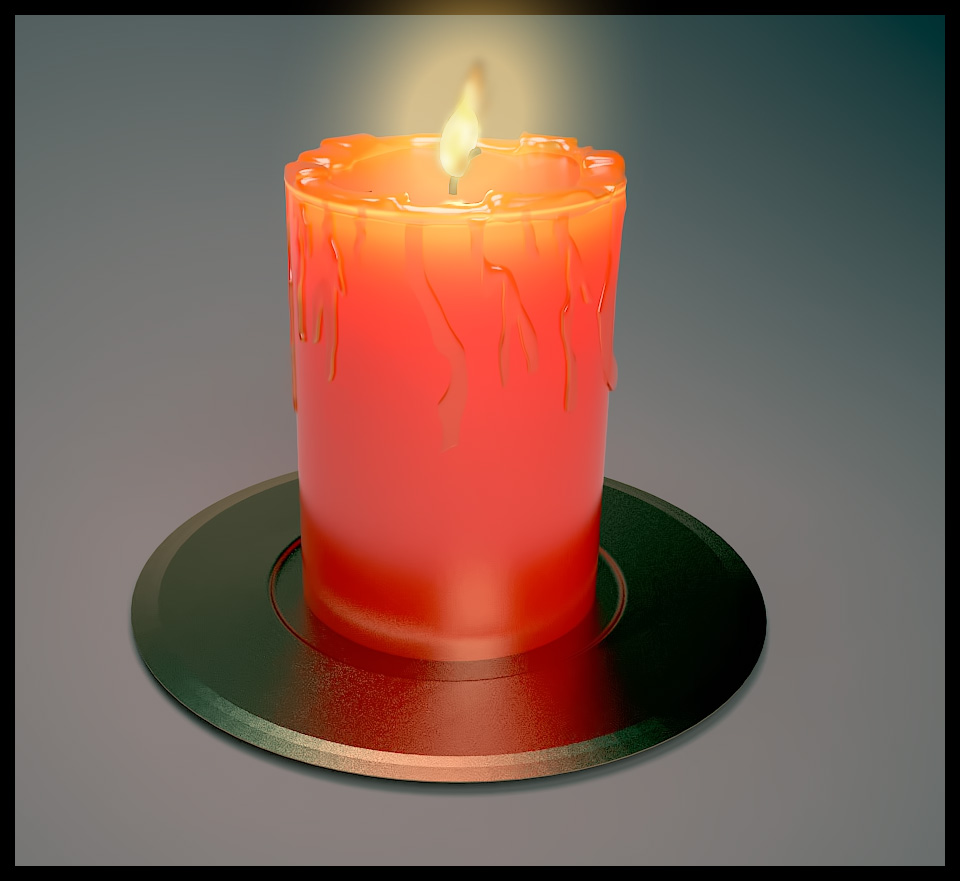
Here's my first try. Modeled the wax using TOS, JPP and SDS. Drips could definitely be a lot better. I rendered using Vray for MAX. Wax is a Vray FastSSS material. The flame I modeled and used a Vray Light Material with a Gradient Ramp in the Opacity slot and flame texture for diffuse. In photoshop I overlayed the flame texture with minimum opacity, then used and outer glow from the effects menu, with a gaussian blur added on top of that.
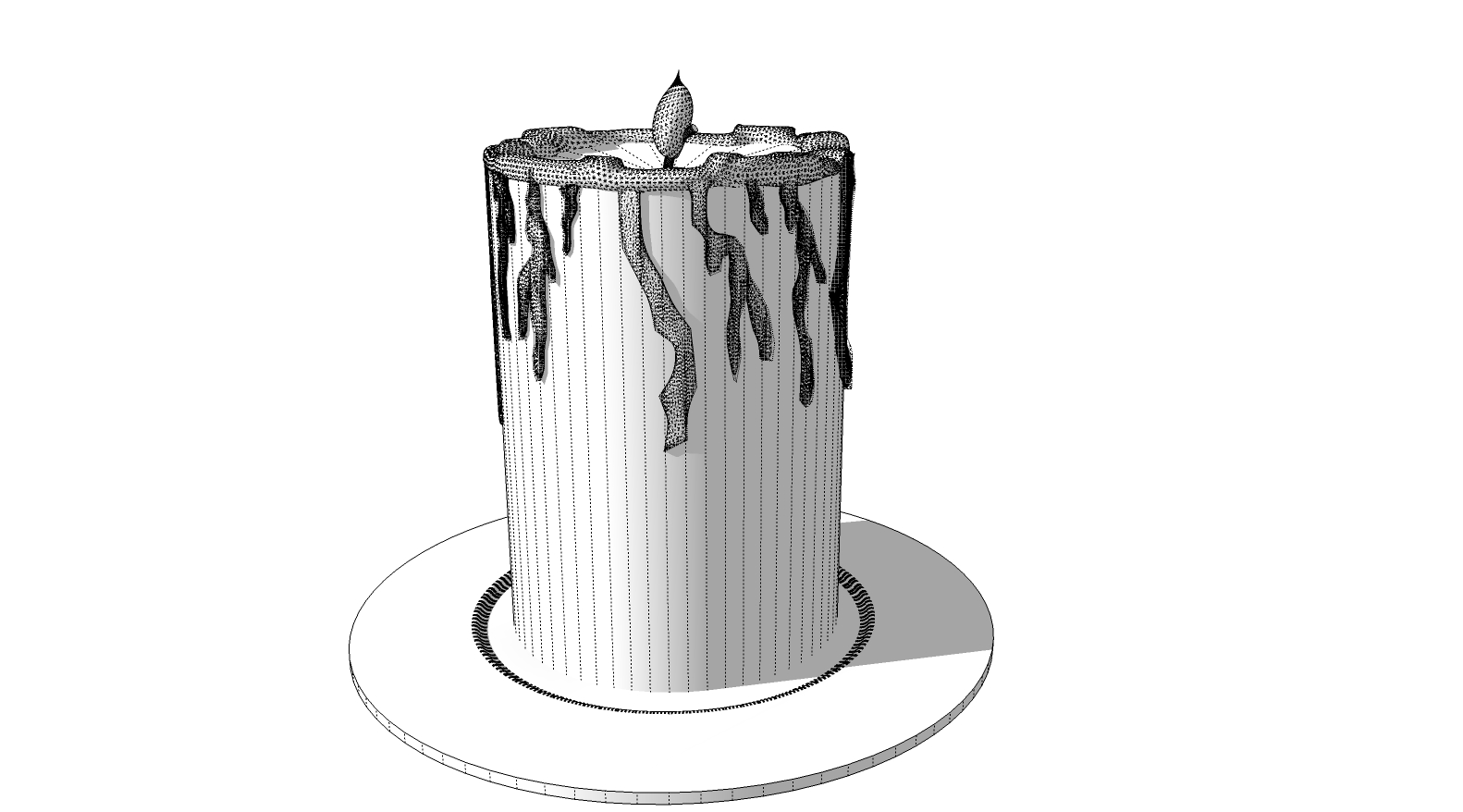
-
Yep, yep... and yep.

-
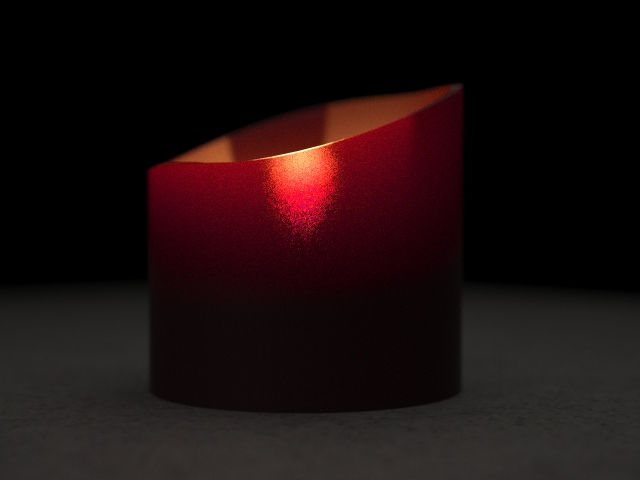
Here's my crack at it in Maxwell. Didn't want to get into figuring out the flame so I made a simple candle model and then plopped a scaled down incandecent in the middle. Candle wax was just made through Maxwell's Wizard (SSS -> Candle Wax). Easy peasy.
-Brodie
-
Maybe this is obvious, but does it need to be modeled in SU?
-
I'd say no, as long as it's a rendering engine that accepts SU files. I think the main thing is to see how the various rendering engines do. But rendering a candle with Revit or some such thing would probably be less than helpful.
-Brodie
-
i have done this before but not yet satisfied.. i think i will do again a candle light render.

-
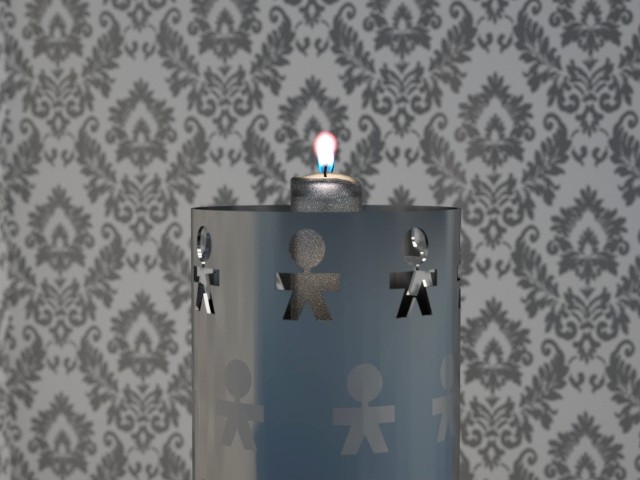
This one was also rendered in Maxwell. The flame is from the online materials library.
-
Andre, very nice. I tried out that same flame material w/ about equal results. It seems like the sample image that was there with the mxm looked better somehow. I couldn't quite figure out what the difference was...
love that wallpaper!
-Brodie
-
Another Vue render, with line image of SU model.

-
Wow, that is great.
-
@andre51 said:
This one was also rendered in Maxwell. The flame is from the online materials library.
[attachment=0:2ful2lja]<!-- ia0 -->candle1.jpg<!-- ia0 -->[/attachment:2ful2lja]
how do you do the flame? do you make a surface and apply the material to it and it just comes out like that, or do you model an actual flame and apply the material to that?
-
You can just apply the texture to a rectangle. The material does the rest. It's basically a clip mapped emitter if I recall.
-Brodie
-
Hi Troyhome
Unfortunately this material works only 2d, ie I had to have 2 faces to cast the light in 2 directions.
Would like to try and map to a flame model some time.
cheers
Andre







Hello! It looks like you're interested in this conversation, but you don't have an account yet.
Getting fed up of having to scroll through the same posts each visit? When you register for an account, you'll always come back to exactly where you were before, and choose to be notified of new replies (either via email, or push notification). You'll also be able to save bookmarks and upvote posts to show your appreciation to other community members.
With your input, this post could be even better 💗
Register Login


Advertisement